Free AI Image Generator Online

Use this free AI image generator online for text to image AI and reference photos. Generate with GPT Image, Nano Banana, and Seedream, no sign-up needed.

0/1500

Create Custom Visuals with an AI Image Generator

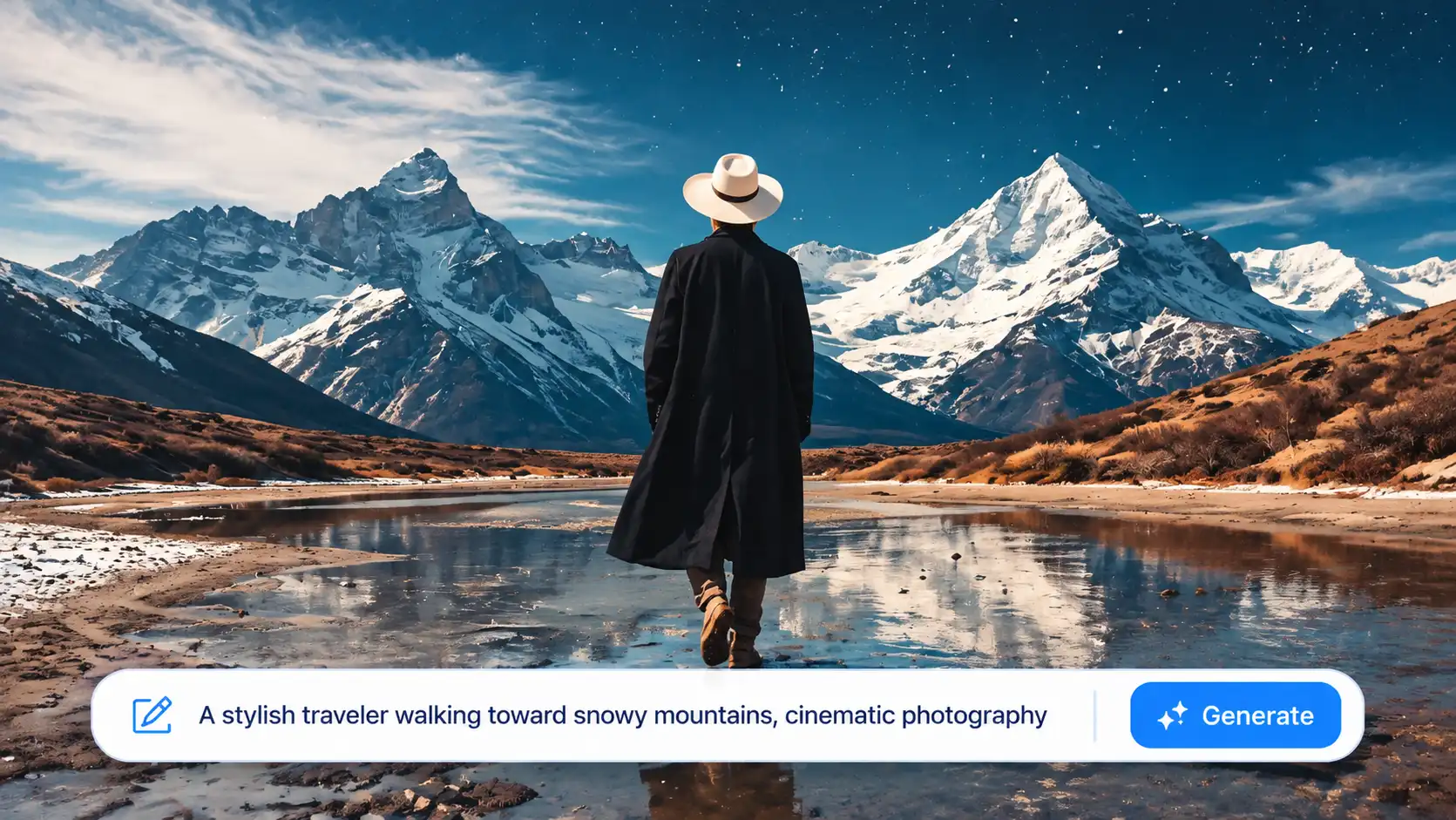
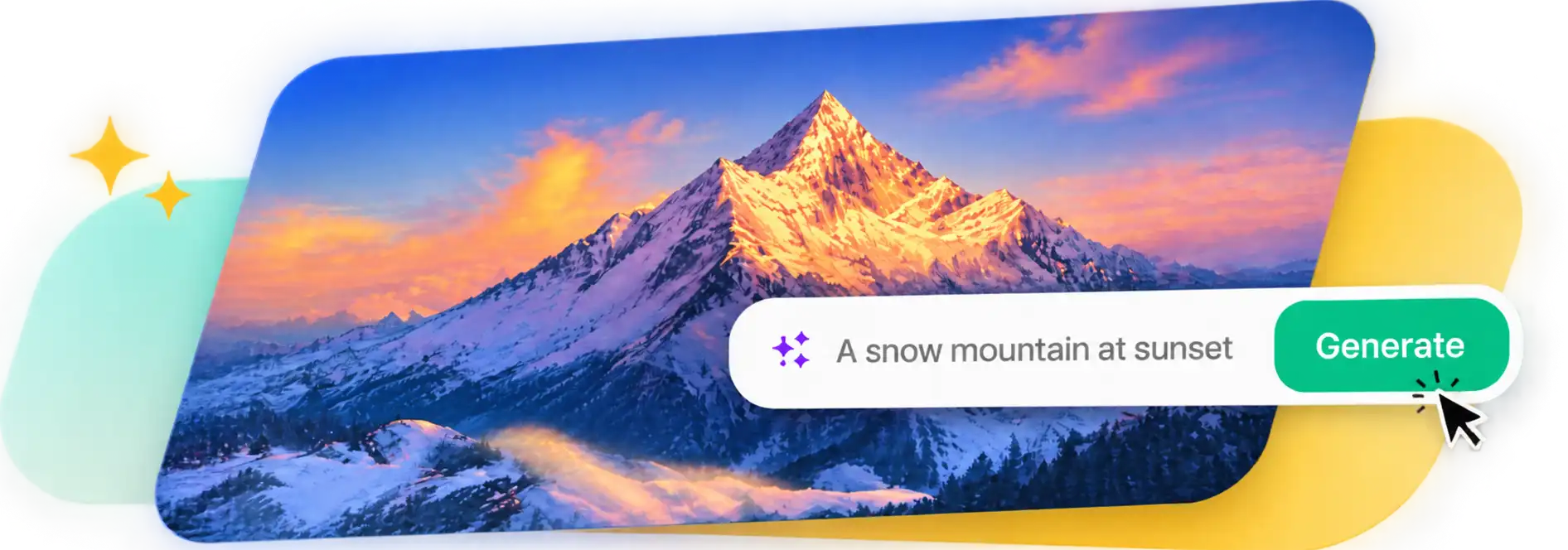
Stock images can be hard to use when you need a specific subject, setting, or combination of details. Use an AI image generator to describe what you want and create visuals that better match your idea instead of settling for a close alternative.

AI image generator turning a text prompt into a mountain landscape at sunset.

Explore More Creative Styles with an AI Picture Generator

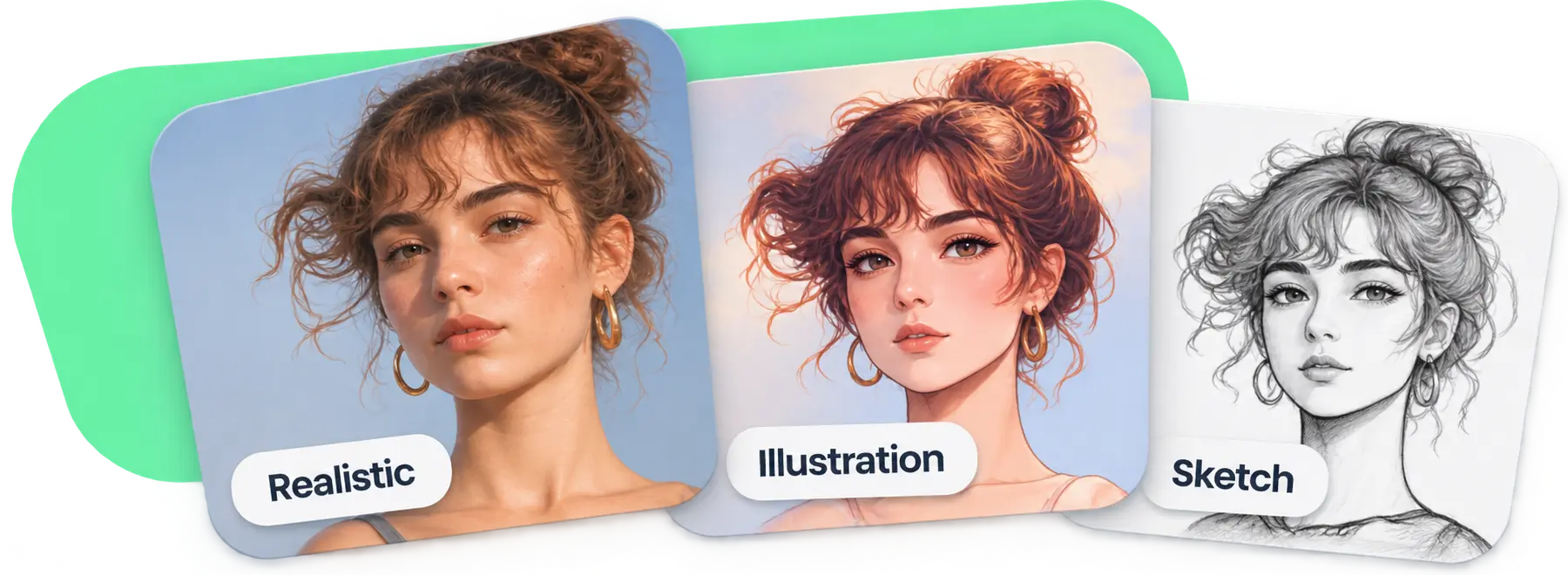
The same idea can take on a very different mood depending on how it is styled. AI picture generator helps you explore realistic, illustrated, cinematic, and other visual directions so you can find a look that fits the message you want to convey.

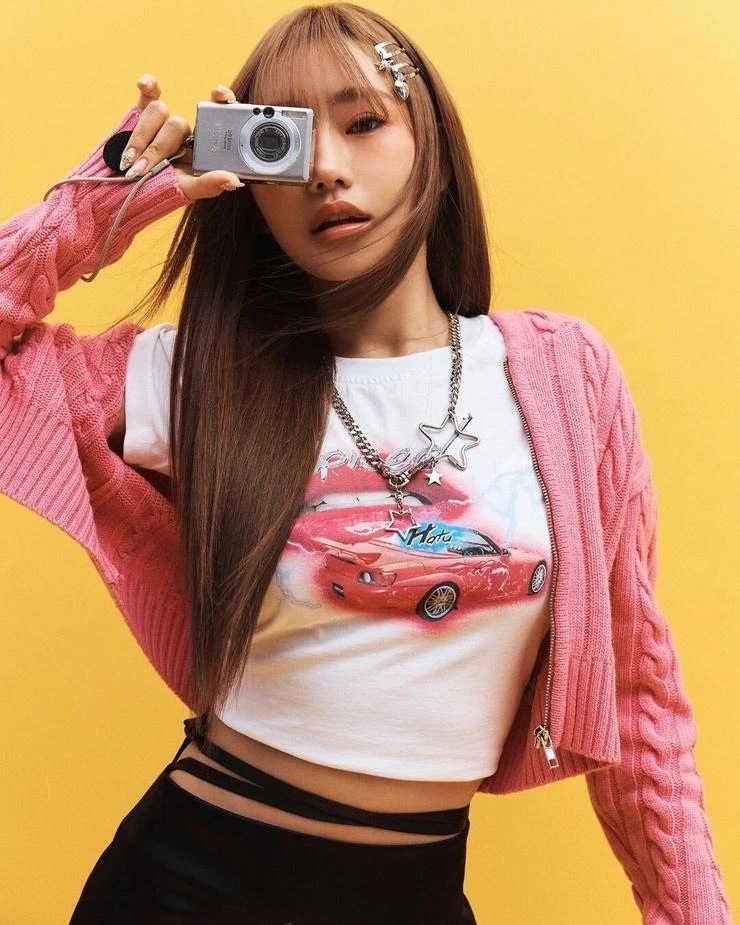
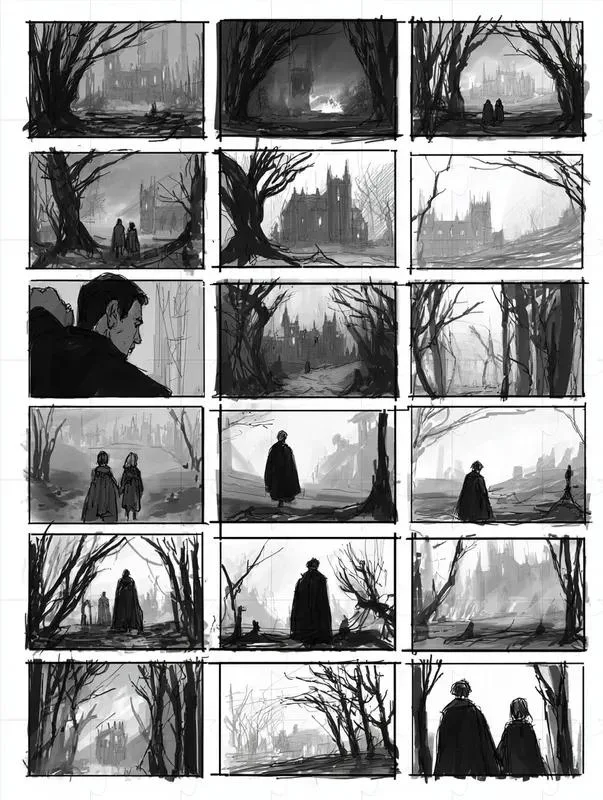
AI-generated portraits in realistic photography, digital illustration, and sketch styles.

Customize Images with Text to Image AI

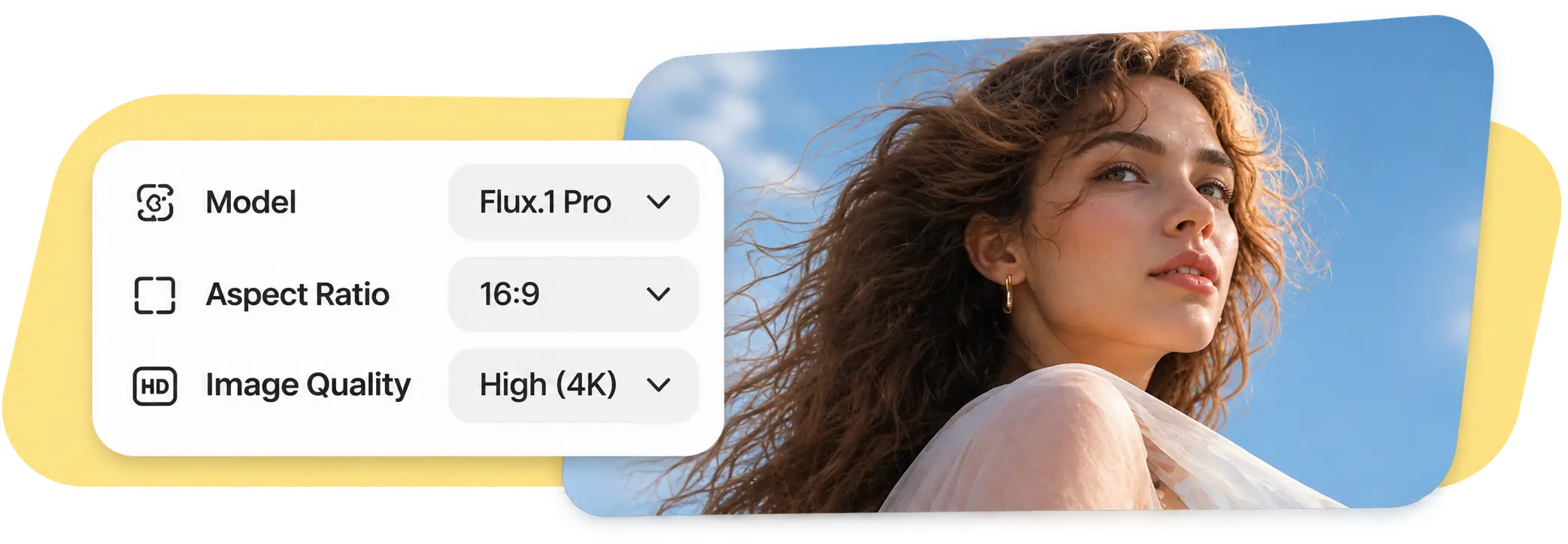
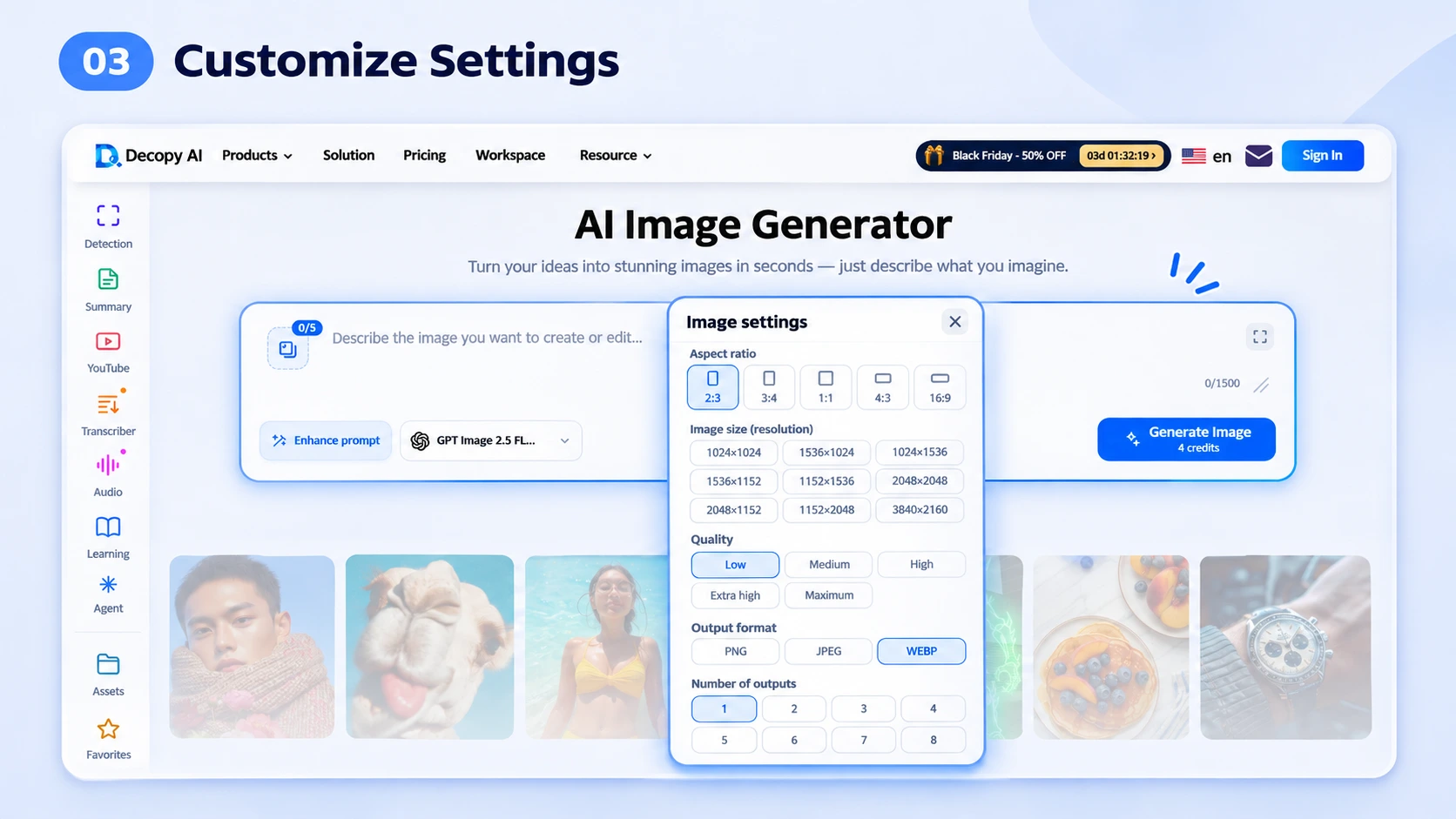
An image may look impressive at first, but the wrong aspect ratio or limited resolution can make it less useful in practice. With text to image AI, you can choose the model, image proportions, and output quality that better suit how you plan to use the final image.

AI image generation settings for model selection, aspect ratio, and image resolution.

Create Image Variations with an AI Image Generator

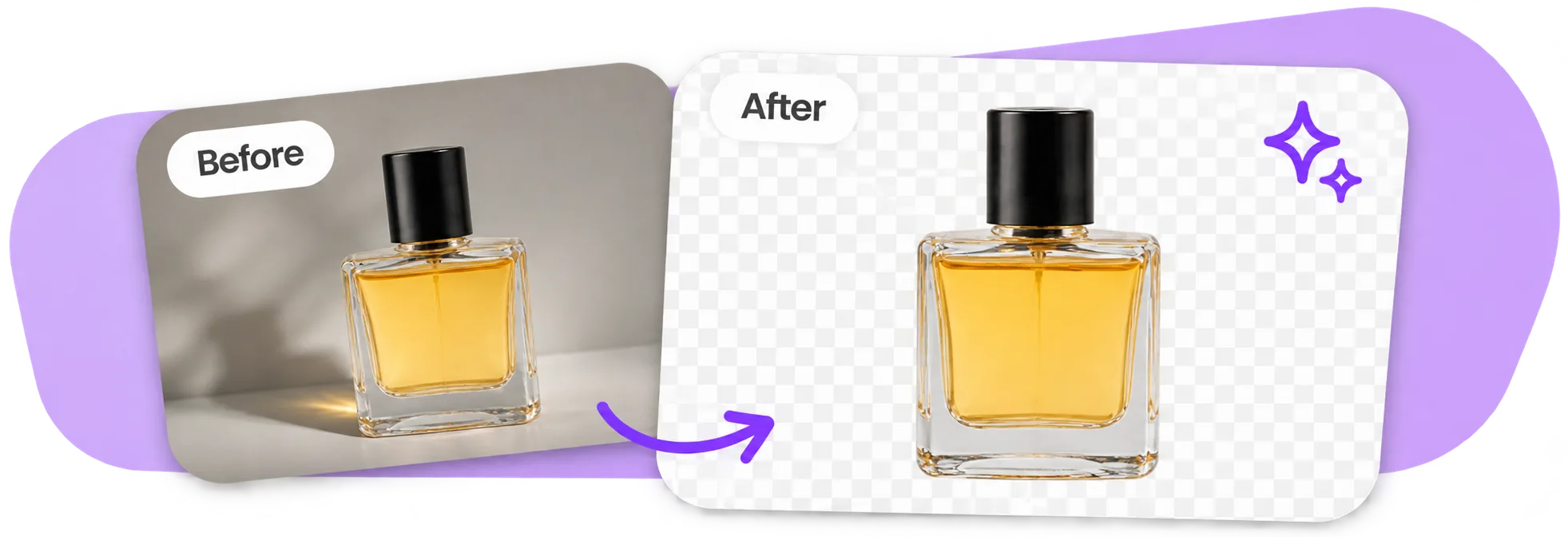
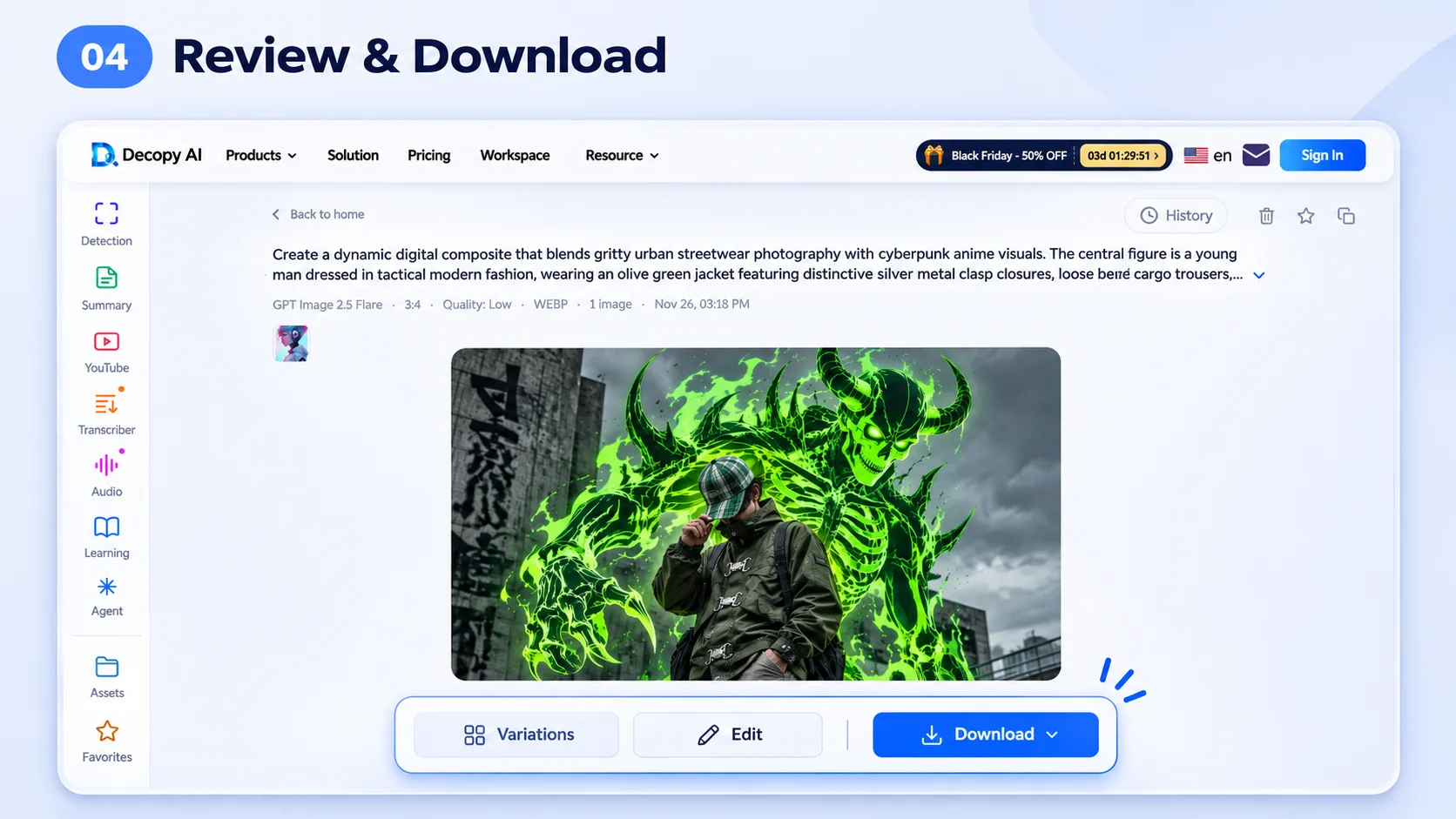
A generated image does not have to be the end of the process. Use an existing result as a starting point, describe the changes you want, and create new variations while keeping the visual direction you already like.

Before and after comparison of an AI-edited perfume product image.

Key Features of Decopy AI Image Generator

Decopy AI Image Generator lets you create images from prompts or references and manage everything in one workspace.

AI text to image generator turning written prompts into original visual images.

Create Images with Readable Text

Turn text prompts into original images. Use text-capable models such as Nano Banana Pro to add headlines, product names, and labels to posters, packaging concepts, and marketing visuals.

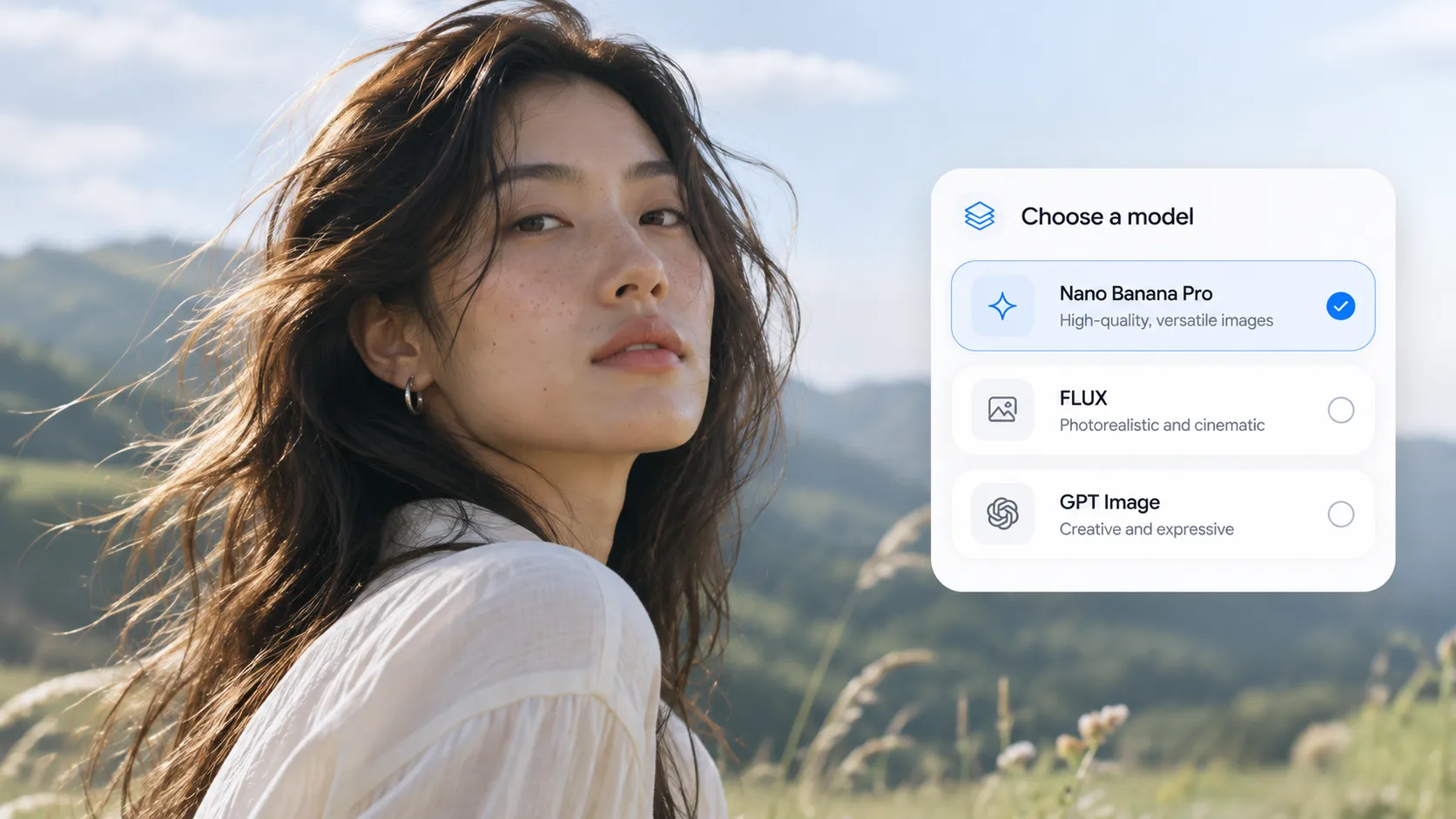
Choose between GPT Image 2.5, Nano Banana 2, and Seedream 4.5 AI image models.

Explore Multiple AI Image Models

Compare GPT Image, Nano Banana, and Seedream models to find the right approach for different creative tasks and visual results.

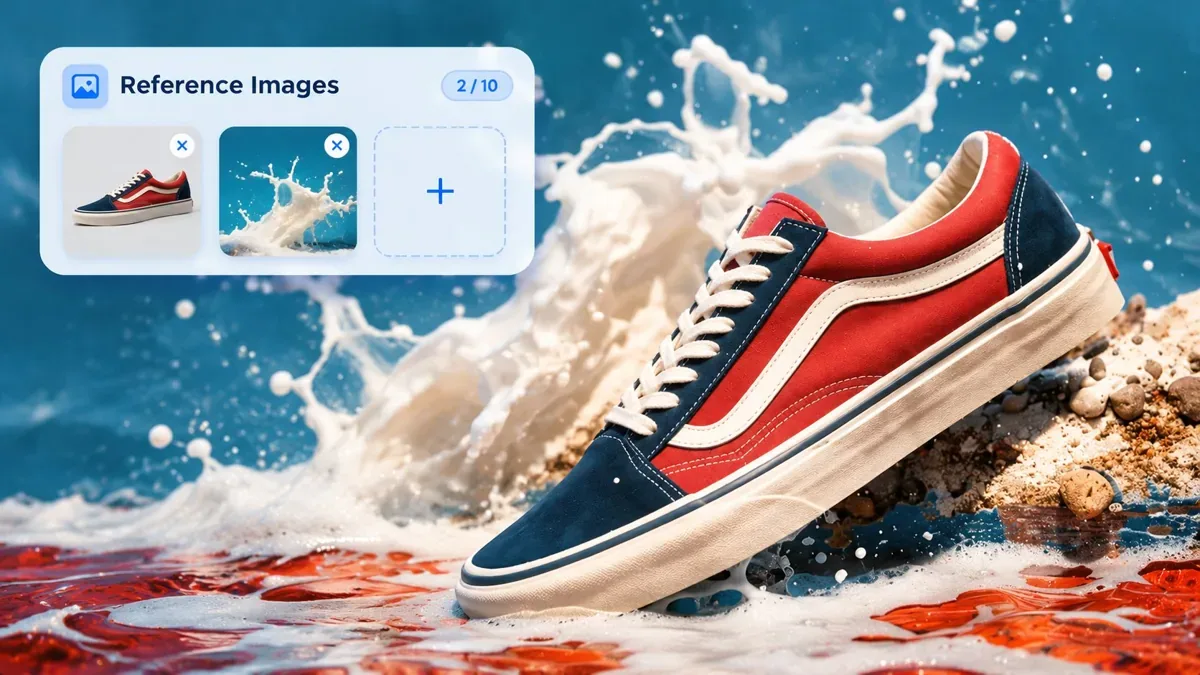
Upload reference images to guide AI image generation with multiple visual examples.

Guide Results with Reference Images

Upload reference images to guide subjects, styles, or composition. Explore different lighting, visual styles, and settings to create and compare variations of the same idea.

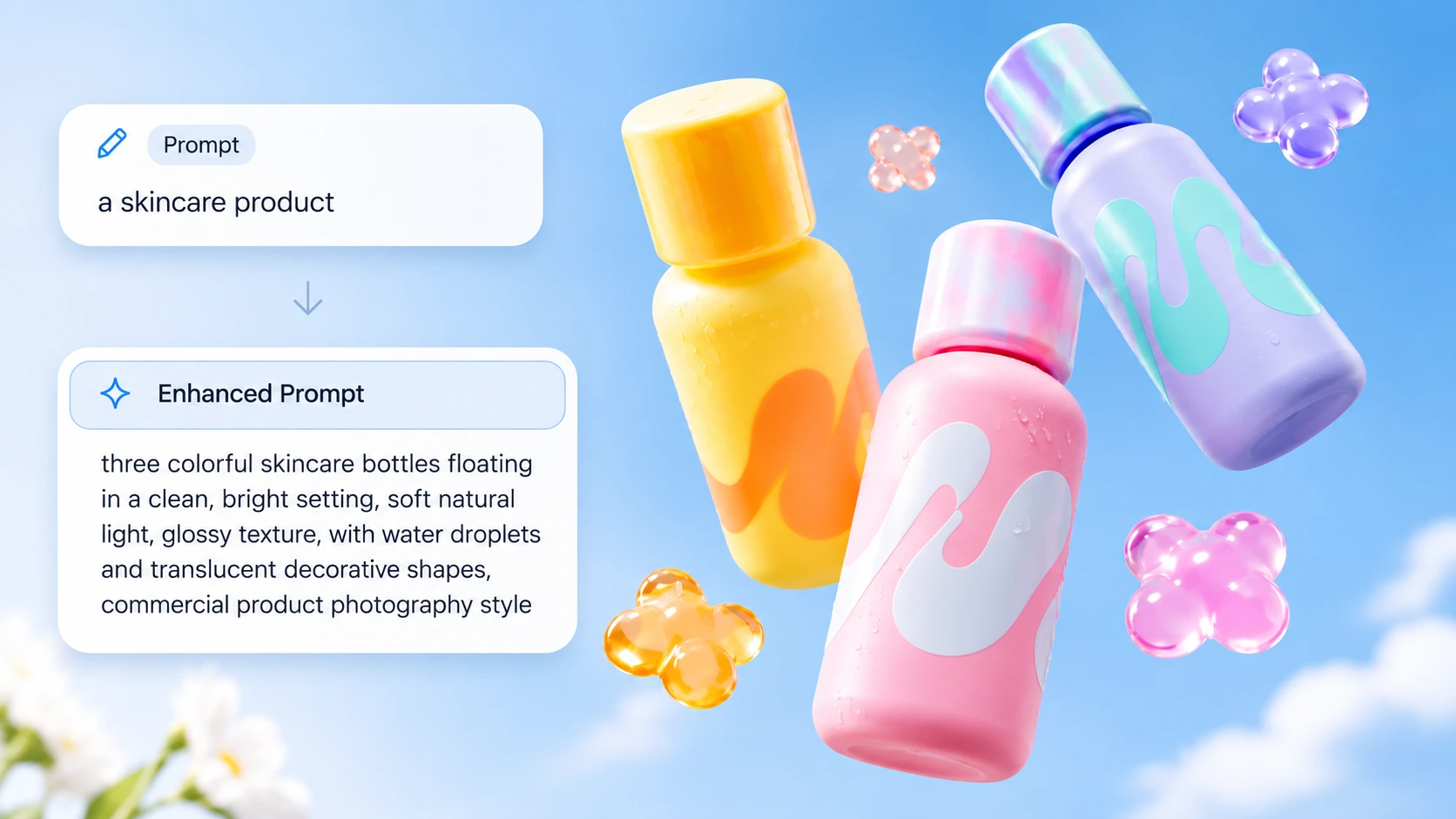
AI prompt enhancement tool improving image descriptions with clearer instructions and visual details.

Enhance Prompts with AI

Expand simple ideas into clearer, more detailed prompts with additional visual details and more precise instructions before generating.

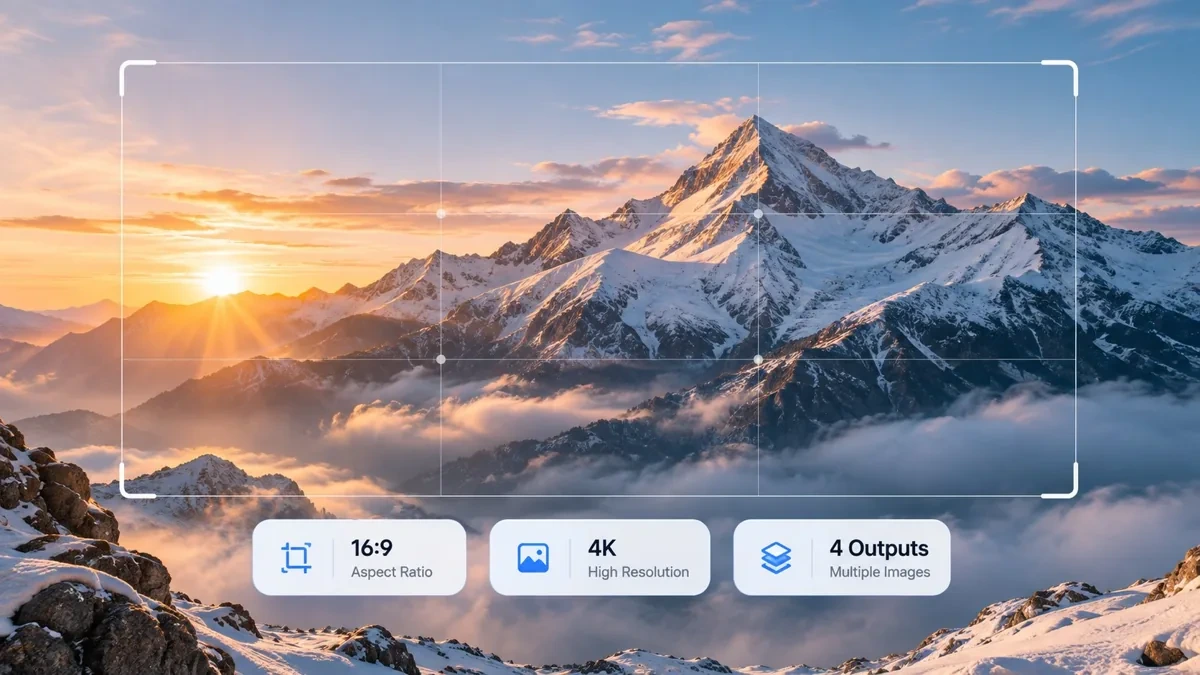
AI image generator settings for aspect ratio, output resolution, and image quantity.

Create High-Resolution AI Images

Choose your aspect ratio, resolution, output format, and quantity to match your creative needs. Generate detailed images up to 4K and export them in PNG, JPG, or WebP, depending on the selected model and settings.

AI image library for organizing, selecting, and reusing generated images.

Manage Your Image History and Creations

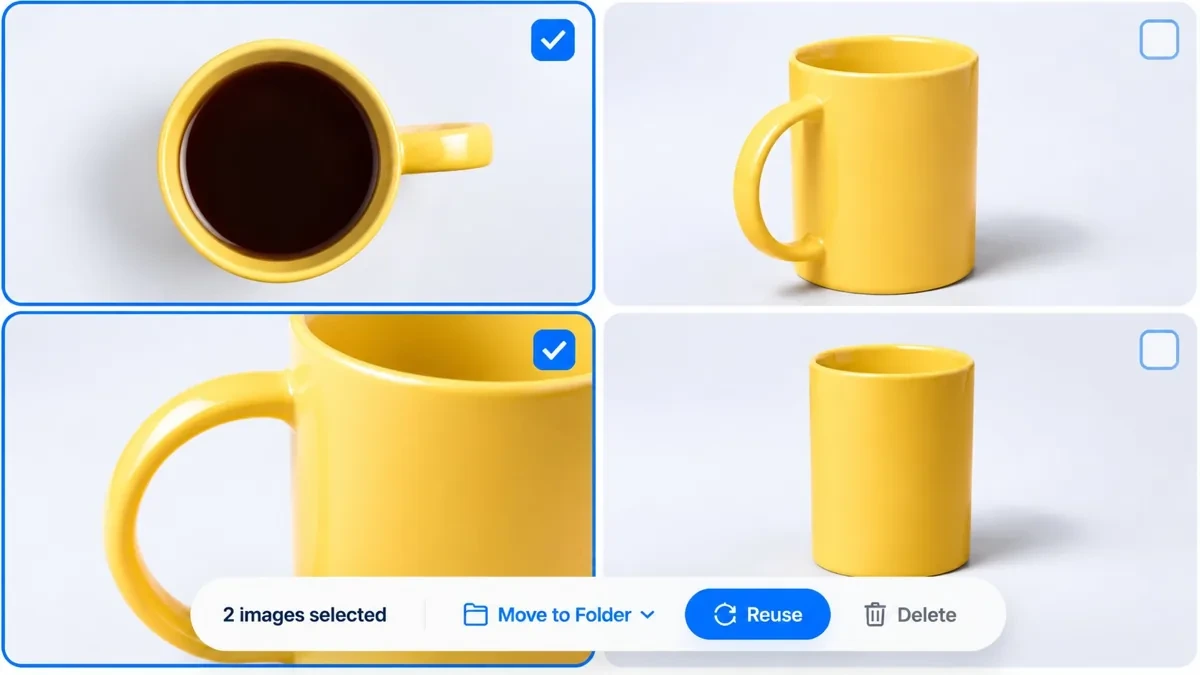
Browse previous images in My Images, revisit original prompts, save favorites, and download results to organize and reuse your creations.

Explore AI Image Generator Models

Discover GPT Image, Nano Banana, and Seedream. Compare different approaches to AI image generation and editing in one workspace.

GPT Image Models

GPT Image Models

Create with precision.

Follow detailed prompts, refine compositions, and make precise edits while preserving key visual details.

EXPLORE MODELS

GPT Image 2GPT Image 2.5 FlareGPT Image 2.5 SunburstGPT Image 2.6 FlareGPT Image 2.6 Sunburst
Nano Banana

Nano Banana Models

Create with consistency.

Use visual references to guide generation, maintain subject consistency, and refine results through conversational editing.

EXPLORE MODELS

Nano BananaNano Banana ProNano Banana 2Nano Banana 2 Lite
seedream

Seedream Models

Create with creative freedom.

Combine multiple references, build detailed compositions, and maintain a consistent visual style.

EXPLORE MODELS

Seedream 4Seedream 4.5Seedream 5 Lite

How to Create Images in Four Simple Steps

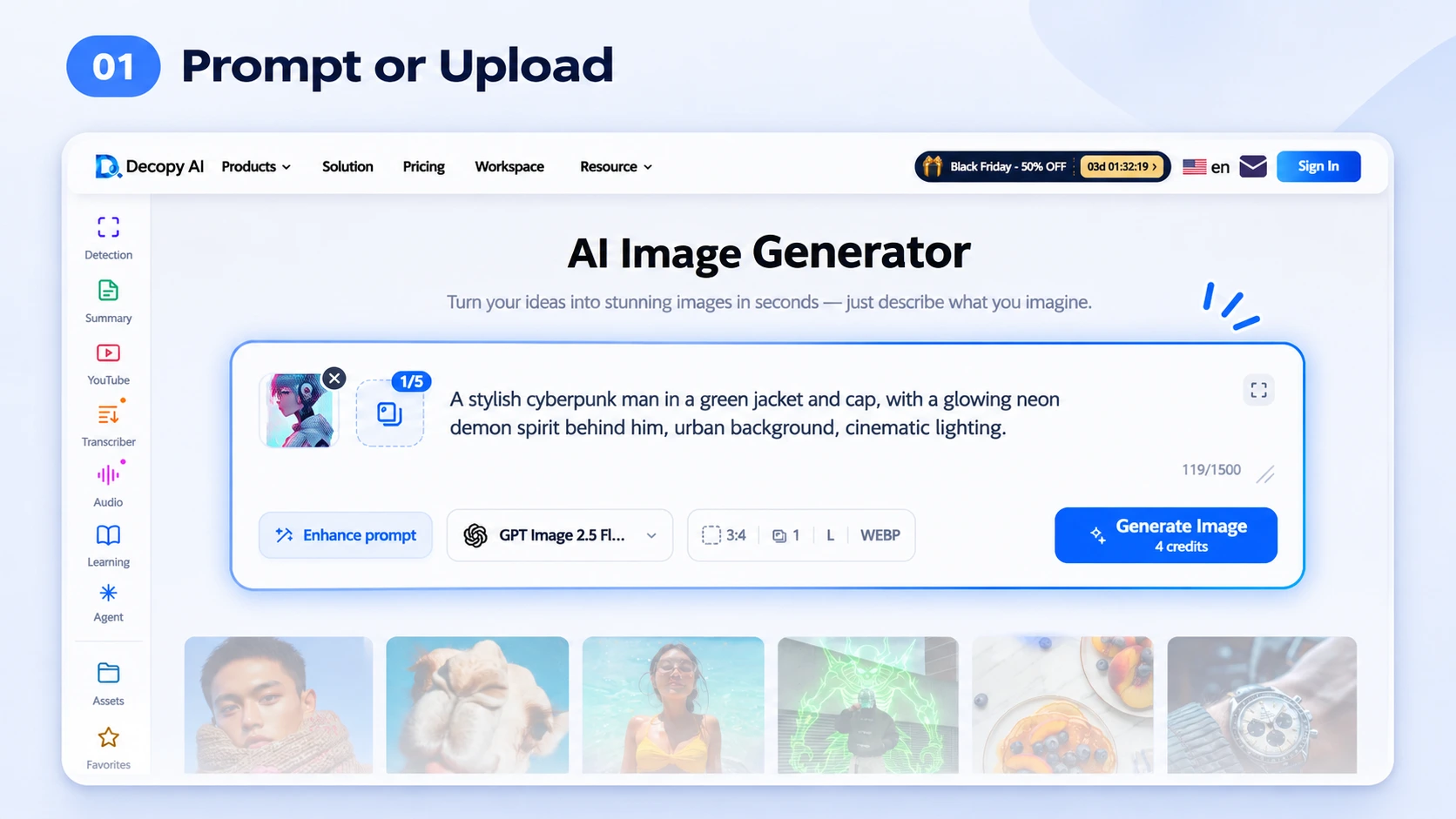
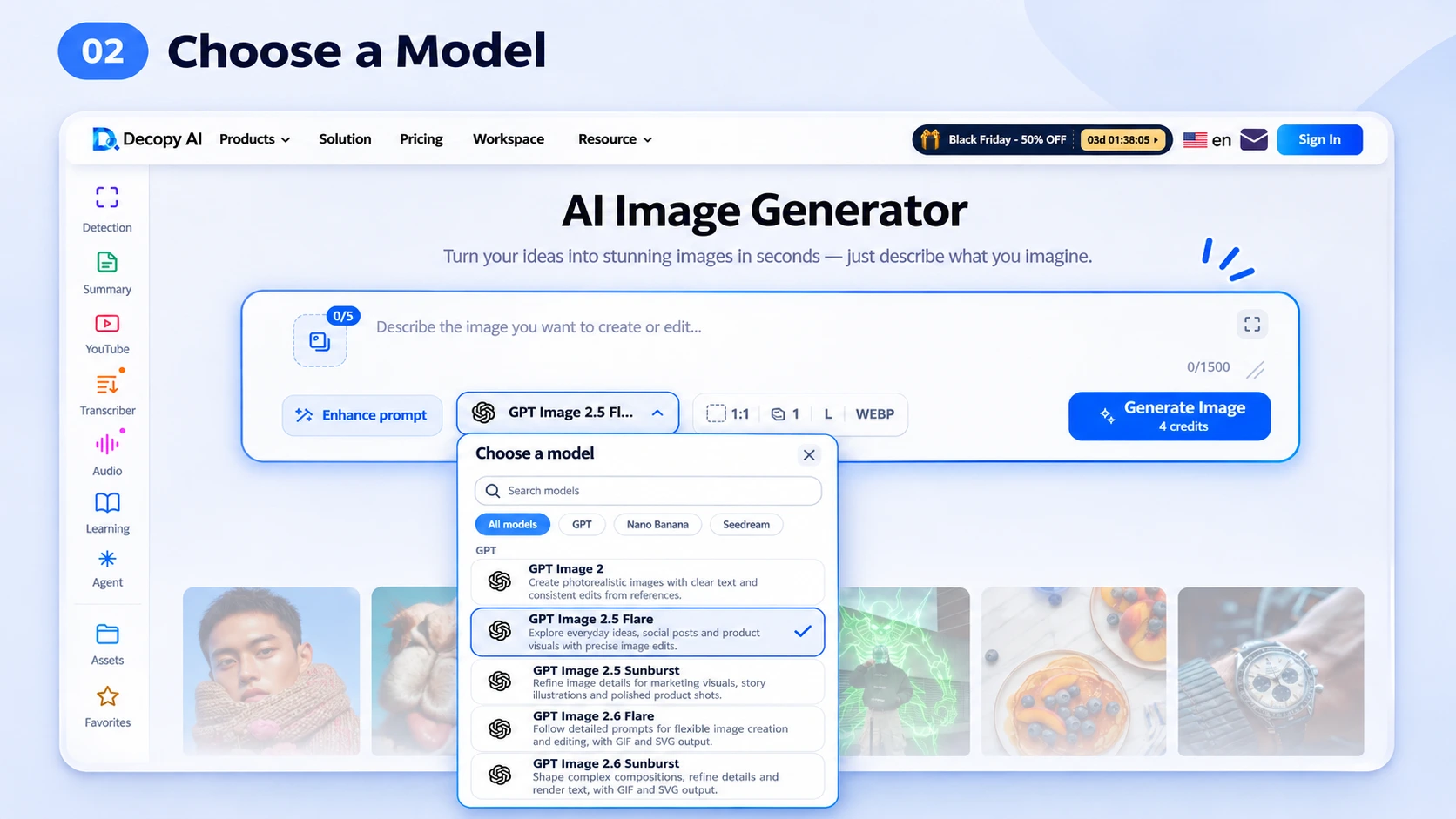
Turn your ideas into images in four simple steps. From writing prompts to downloading your results, Decopy makes AI image generation easy to follow.

Decopy AI image generator prompt input with reference image upload and Enhance Prompt option.

Why Choose a Free AI Image Generator Online?

Start Creating Images for Free

Try AI image generation with available free credits. Explore prompts and bring your creative ideas to life.

Make Image Creation Simple

No design experience is needed. Enter a prompt, choose your settings, and generate images through an intuitive interface.

Use an AI Image Generator Without Login

Skip registration and start creating right away. Generate images without signing up for an account.

Access an AI Photo Generator Across Devices

Create images on desktops, tablets, or smartphones. The responsive interface adapts to different screen sizes.

Create Images with a Multilingual Interface

Switch between supported website languages to navigate image generation tools and settings more easily.

Create Images Faster with Text to Image AI

Turn written descriptions into visual drafts without searching for stock images or designing everything manually.

Frequently Asked Questions

Is Decopy AI Image Generator Free to Use Without Signing Up?

Yes. You can start generating images with available free credits without creating an account. Simply enter a prompt, choose an available AI model, and start creating. Some models or generation options may require additional credits.

Which AI Image Models Can I Use?

You can explore GPT Image, Nano Banana, and Seedream model families, including different versions for image generation and editing. Available models are displayed in the model selector.

How Do I Choose the Right AI Image Model?

Different models offer different strengths. GPT Image is suited to detailed instructions and controlled editing, Nano Banana supports reference-based creation, while Seedream is useful for multi-image composition and complex visual layouts.

Can I Generate Images Using Reference Photos?

Yes. Upload reference images alongside your prompt to guide the subject, composition, style, or other visual details. The results may vary depending on the selected model.

How Can I Write Better Prompts for AI Image Generation?

Include the main subject, setting, composition, lighting, and visual style in your prompt. Specific descriptions help the AI understand your intended result more clearly.

Can I Edit or Create Variations of AI-Generated Images?

Yes. Use an existing image as a reference, describe the changes you want, and generate new variations. Available editing options depend on the selected model.

Can I Choose Different Image Sizes, Formats, and Aspect Ratios?

Yes. You can select available aspect ratios, output resolutions, and image formats before generating. Supported options may vary depending on the selected AI image model.

How Long Does It Take to Generate an AI Image?

Generation time depends on the selected model, resolution, and generation settings. More complex tasks or higher-resolution outputs may take longer to process.

Can AI Image Generators Create Images with Text?

Yes. Some AI image models can generate images containing text, such as posters, labels, and promotional graphics. Text accuracy varies by model, so review spelling and layout before using the final image.

Can I Use AI Generated Images for Commercial Purposes?

Usage rights may depend on the selected AI model and its applicable terms. Before using generated images in advertising, product listings, or other commercial projects, review the relevant licensing conditions and ensure you have rights to any uploaded reference materials.

How Many Images Can I Generate at Once?

You can choose the number of images to generate in the output settings before starting. Available output quantities may depend on the selected AI model and generation options.
↑