How to Turn Video Into Searchable and Publishable Content
Video is one of the best formats for explaining ideas, demonstrating products, recording interviews, and sharing expertise. It is also one of the hardest formats to search and reuse.
A useful quote may be hidden 38 minutes into an interview. An important decision may appear briefly in a meeting recording. A webinar might contain enough material for several articles, but extracting those ideas means replaying the same sections, taking notes, and checking details manually.
The solution is not simply to summarize the video. A summary can help you understand the main idea, but it often removes the quotes, examples, explanations, and supporting details needed to create new content.
A better workflow is to turn the video into a complete transcript, verify the important information, improve the writing, and then reshape the transcript for a specific publishing channel.
This guide explains how to transform a video into searchable, reviewable, and publishable content without losing the meaning of the original recording.
Why Video Content Is Difficult to Reuse
A video may be easy to watch, but the information inside it is difficult to access quickly.
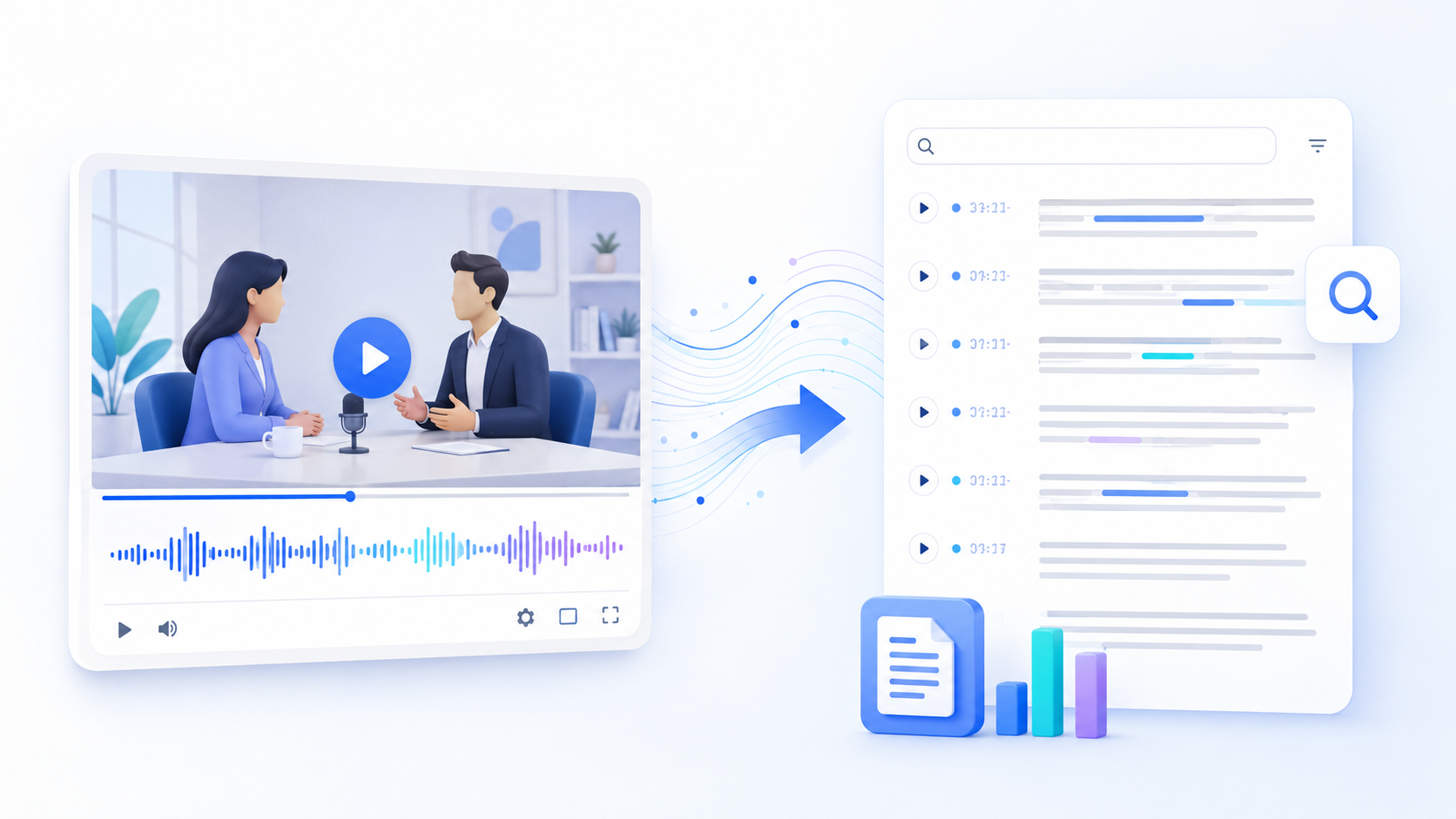
Unlike a document, a video cannot be scanned in a few seconds. You cannot easily search a recording for a product name, copy a useful sentence, compare two explanations, or jump directly to every mention of a topic.
This creates several problems for creators, marketers, researchers, educators, and business teams:
- Important details are difficult to find again.
- Quotes must be copied manually.
- Long recordings take time to review.
- Several speakers can make note-taking confusing.
- Useful ideas remain locked inside old videos.
- Turning a recording into an article often starts with a blank page.
- Summaries may leave out examples or supporting context.
- Publishing an unedited transcript can produce repetitive and unnatural content.
A transcript solves the first part of this problem by making spoken content searchable. However, a raw transcript is not automatically ready to publish.
Spoken language contains interruptions, unfinished sentences, repeated words, filler phrases, and references that only make sense when watching the video. The transcript therefore needs to move through several stages before it becomes reliable written content.
The complete process looks like this:
- Convert the video into a transcript.
- Review names, numbers, quotes, and timestamps.
- Remove unnecessary spoken-language patterns.
- Check originality and AI-related issues.
- Restructure the material for its intended audience.
- Complete a final accuracy and publishing review.
How to Turn Video Into Text in 5 Steps
Step 1: Convert the Video Into a Searchable Transcript
Start by creating a complete text version of the recording.
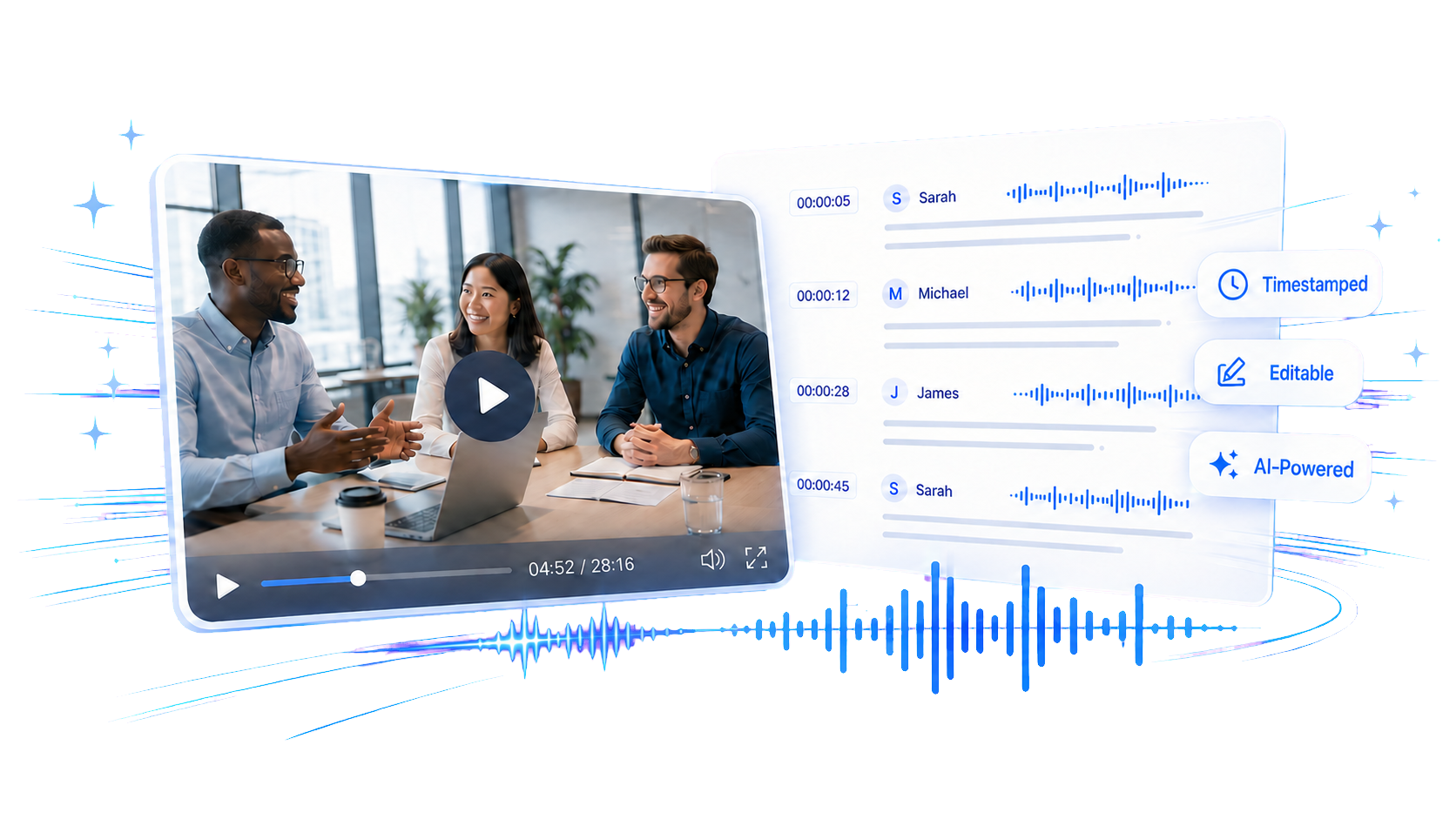
A dedicated video to transcript tool can turn spoken video content into searchable, timestamped text. You can upload a supported video or audio file, add a YouTube URL, and use speaker identification when the recording contains multiple participants. The resulting transcript can then be reviewed, summarized, translated, copied, or exported.
Whenever possible, begin with the clearest version of the source video. Transcription quality can be affected by:
- Background music
- Echo
- Low microphone volume
- Several people speaking at once
- Strong wind or environmental noise
- Uncommon names and technical terms
- Speakers who are far from the microphone
If you have several versions of a recording, choose the one with the cleanest audio rather than the highest video resolution. The transcription process depends primarily on the spoken audio.
For interviews, meetings, podcasts, panels, and webinars, enable speaker identification. Separate speaker labels make the transcript easier to review and help prevent quotes from being attributed to the wrong person.
Timestamps are equally valuable. They keep each transcript segment connected to the recording, allowing you to return to the source when a sentence is unclear or when a quotation needs to be verified.
When working with an online video, make sure you own the content or have permission to transcribe and republish it. Turning a video into text does not automatically give you the right to reuse someone else’s material.
Transcript or Summary: Which Should You Create First?
Create the transcript first.
A summary is useful when you only need a quick overview. It is less useful when you need to:
- Find an exact quote
- Confirm who said something
- Preserve a detailed explanation
- Create subtitles
- Compare different sections
- Produce a long-form article
- Extract several pieces of content from one recording
The transcript acts as the source record. A summary, article, social post, or set of notes can then be created from that source.
Step 2: Review Names, Numbers, and Important Quotes
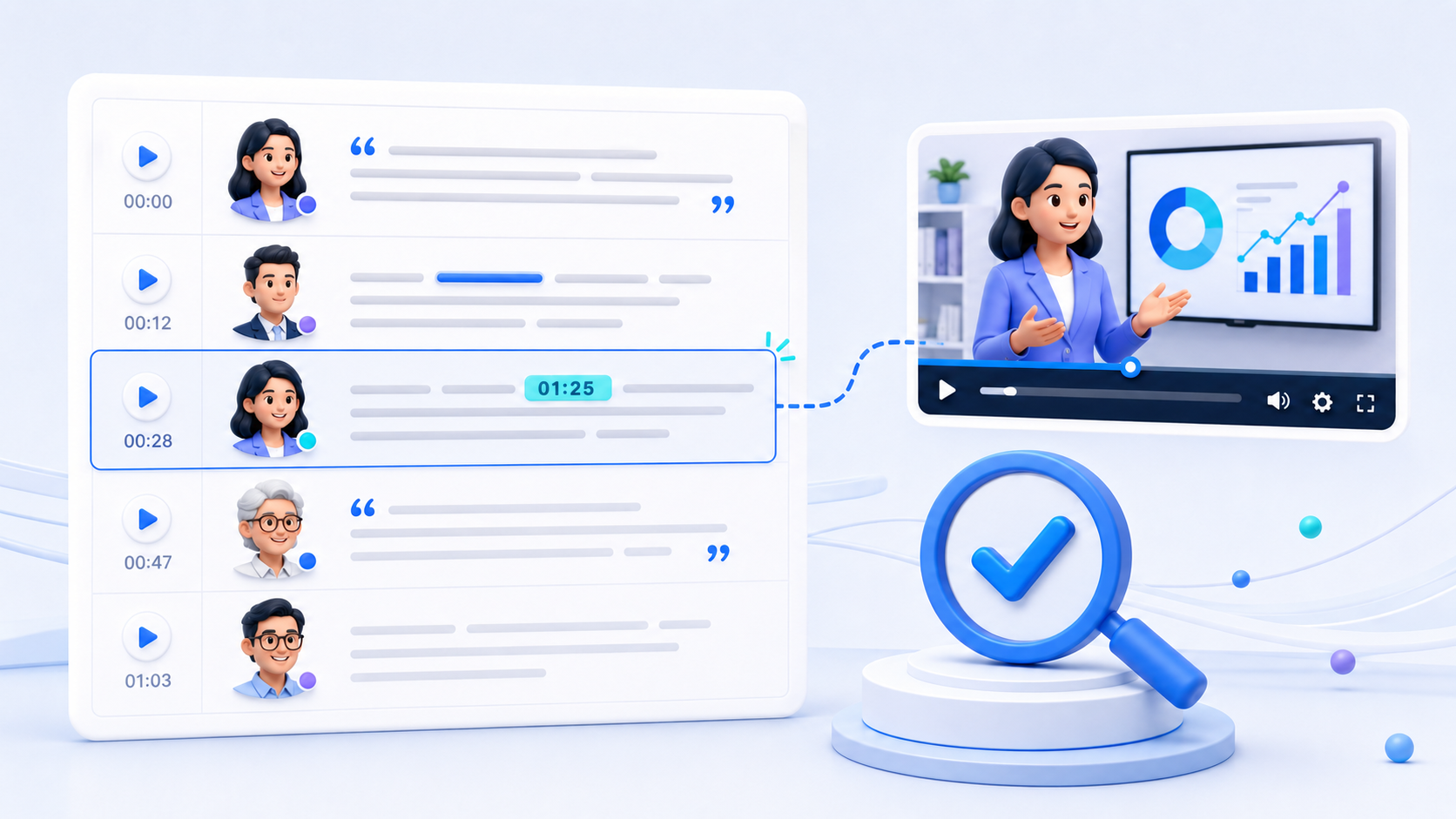
AI transcription can save a large amount of time, but it should not be treated as an unquestionable record.
Before rewriting anything, review the information that would cause the most serious problems if published incorrectly.
Names and Brand Terms
Check the spelling of:
- People’s names
- Company names
- Product names
- Locations
- Book and publication titles
- Industry-specific terminology
A transcription system may replace an unfamiliar name with a similar-sounding common word. Keep a list of expected names and terms beside the transcript so they can be corrected consistently.
Numbers, Dates, and Prices
Numbers deserve a separate review because a small transcription error can completely change a statement.
Confirm:
- Dates and deadlines
- Prices
- Percentages
- Measurements
- Statistics
- Version numbers
- Model names
- Phone numbers
If a number will influence a customer, business decision, or research conclusion, return to the corresponding timestamp and verify it against the recording.
Direct Quotes
Never publish an important quotation based only on an automatically generated transcript.
Listen to the original segment and confirm:
- The exact wording
- The identity of the speaker
- The surrounding context
- Whether the sentence was serious, uncertain, or sarcastic
- Whether editing the quote would change its meaning
Minor corrections may make a quote easier to read, but they should not change the speaker’s intention.
Speaker Labels
Speaker identification gives you a useful starting point, but similar voices and overlapping speech can lead to incorrect labels.
Check every section containing:
- A major decision
- An important opinion
- A customer statement
- A controversial claim
- A quote intended for publication
Rename generic labels such as “Speaker 1” and “Speaker 2” once the participants have been identified.
Sensitive Information
Meeting recordings, interviews, and customer research sessions may contain details that should not appear in public content.
Look for:
- Email addresses
- Phone numbers
- Customer information
- Financial details
- Unreleased product plans
- Personal stories
- Internal links
- Login or account information
Remove or anonymize sensitive details before sharing the transcript with a wider team or adding it to a publishing system.
Step 3: Clean Up and Humanize the Transcript

A transcript records speech, but an article needs to read like writing.
People naturally repeat themselves, change direction in the middle of a sentence, and use filler words while thinking. These patterns are normal in conversation but distracting on a page.
Start by removing expressions that add no meaning, such as repeated uses of:
- “Um”
- “You know”
- “Basically”
- “Like”
- “I mean”
- “Sort of”
- “Actually”
Do not remove every conversational detail. The goal is to improve readability while preserving the speaker’s meaning and personality.
Next, repair incomplete sentences. A speaker may begin one thought, interrupt it with an example, and finish with a different idea. In writing, that material may need to be divided into two or three complete sentences.
Repeated ideas can also be consolidated. If the speaker explains the same point several times, keep the clearest version and add any useful examples from the other sections.
Organize the Transcript Around Topics
Do not simply publish the conversation in chronological order.
A strong article is organized around what the reader needs to understand. Review the transcript and group related material into categories such as:
- The main problem
- Why the problem occurs
- Recommended methods
- Practical examples
- Common mistakes
- Results or lessons
- Next steps
These categories can become the article’s H2 and H3 headings.
A mind map or transcript summary can help reveal the structure of a long recording. However, the final organization should still be reviewed by a person who understands the audience and publishing goal.
Preserve the Original Meaning
Cleaning up a transcript should not turn it into a completely different argument.
Be careful when:
- Combining comments from different parts of the video
- Removing qualifications such as “might” or “in some cases”
- Converting an opinion into a factual statement
- Shortening an explanation
- Rewriting a speaker’s tone
- Adding examples that were not in the recording
If you add outside information, separate it clearly from the transcript-derived material and verify it independently.
Use a Content Humanizer Carefully
If the rewritten transcript still feels stiff or repetitive, you can make AI-assisted writing sound more natural before completing the final editorial review.
Use it to improve flow, sentence variety, and readability. Do not use it as a substitute for factual review.
Compare the revised version with the transcript and make sure that names, numbers, quotes, and conclusions have not changed.
Step 4: Check the Content for AI and Plagiarism Issues
Even when an article begins with your own video, it may still need originality and quality checks.
A speaker may quote another article, repeat a common definition, read from a presentation, or closely follow material published elsewhere. If those passages are copied into a blog without attribution, they may create plagiarism or copyright concerns.
Before publishing, you can check the final article for duplicate content and manually review any meaningful matches with existing sources.
A match does not always mean that content was improperly copied. Product names, technical phrases, quotations, and standard definitions can naturally appear on multiple pages. Focus on longer or distinctive passages that closely resemble another source.
When the video includes material from another creator:
- Add an appropriate citation.
- Link to the original source when possible.
- Use quotation marks for direct quotes.
- Paraphrase only after understanding the source.
- Do not present someone else’s original idea as your own.
The final article should sound consistent, specific, and connected to the source material. Real examples, accurately preserved quotes, and concrete details usually make transcript-based content more useful than generic rewriting.
Step 5: Repurpose the Transcript for the Right Format
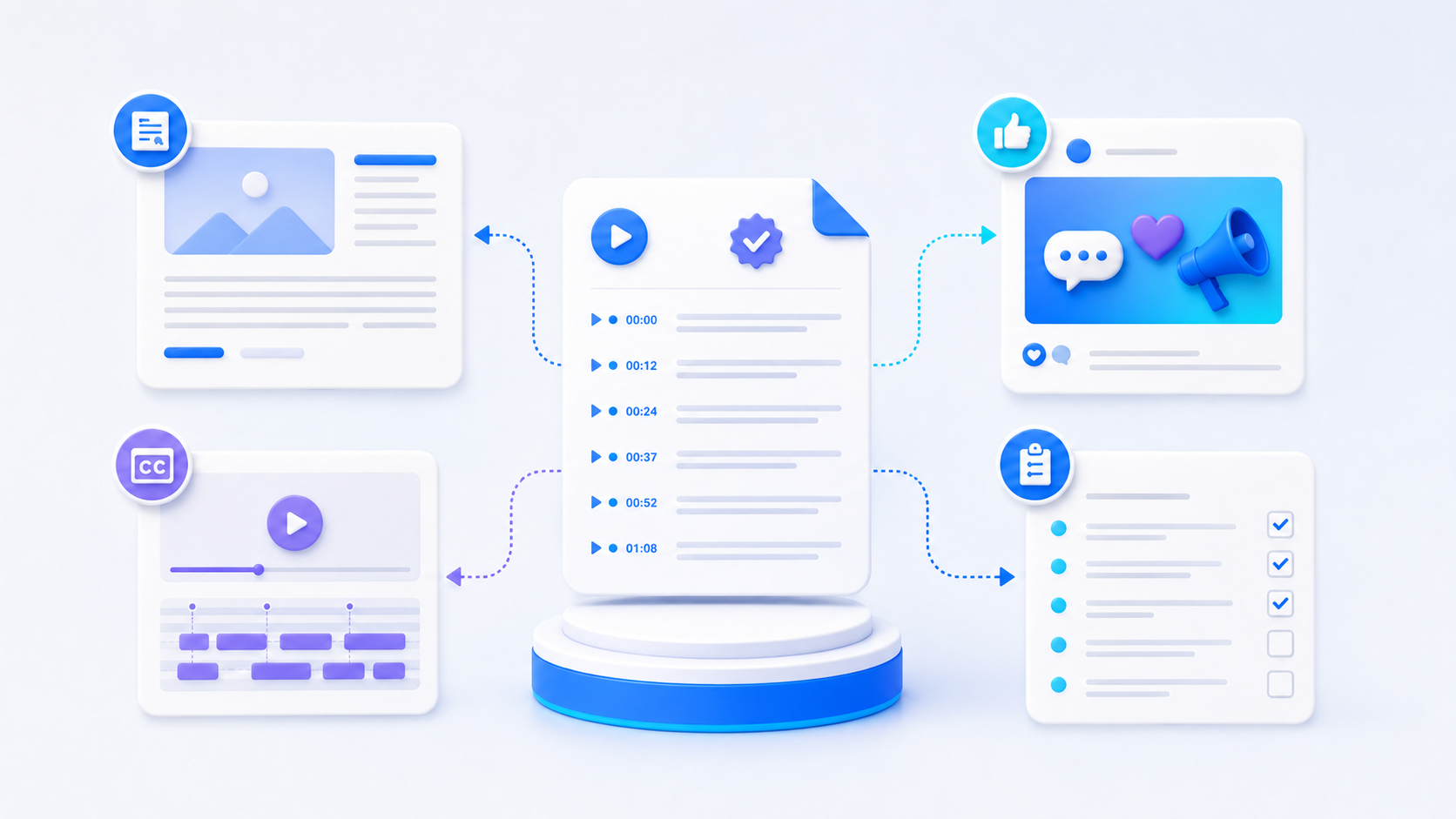
Once the transcript has been reviewed and cleaned, it can support several types of content. The correct format depends on what the audience needs.
Blog Article
Build the article around one clear question or problem.
Do not try to include every sentence from the video. Select the explanations, examples, and quotes that support the article’s central promise.
A practical structure is:
- Introduce the reader’s problem.
- Explain why it matters.
- Present the main solution or argument.
- Organize supporting ideas into sections.
- Add examples from the video.
- Address common mistakes or objections.
- End with a clear next step.
Video Description
Use the transcript to write a concise overview of the video. Include the main subject, the intended audience, and the most important outcome.
For longer videos, add chapter descriptions based on the transcript timestamps. This helps viewers understand the structure before watching the entire recording.
Social Media Posts
One video can provide several independent social posts.
Look for:
- Surprising observations
- Short practical tips
- Strong opinions
- Before-and-after examples
- Common mistakes
- Useful statistics
- Memorable quotes
Each post should communicate one complete idea. Avoid cutting a sentence so aggressively that it loses the context that made it useful.
Newsletter
A newsletter can present the strongest insight from the recording and link readers to the full video.
Instead of summarizing everything, select one problem, one lesson, and one practical action. This gives subscribers a reason to read the email while preserving a reason to watch the original video.
Meeting Notes and Action Items
For internal recordings, separate informational discussion from decisions.
Organize the output into:
- Main topics
- Decisions made
- Assigned actions
- Responsible people
- Deadlines
- Unresolved questions
Verify every action item against the original timestamp before sharing the notes.
Podcast or Webinar Show Notes
Use the transcript to create a short introduction, topic list, guest summary, resources section, and key takeaways.
If a product, study, book, or website is mentioned, confirm the name and URL before adding it to the show notes.
Subtitles and Captions
A transcript is an excellent starting point for subtitles, but it may need additional formatting.
Check:
- Timing
- Line length
- Reading speed
- Sentence breaks
- Speaker changes
- Sound descriptions
- Text displayed on screen
A readable transcript paragraph does not automatically become a readable subtitle. Captions need to follow the pace of the video.
FAQs and Support Content
Customer interviews, product demonstrations, and webinars often contain real questions that can become FAQ entries.
Extract the question, rewrite it clearly, and provide a direct answer. If the speaker spends several minutes answering it, condense the explanation without removing important conditions or limitations.
Final Quality Checklist
Before publishing transcript-based content, complete one final review.
Accuracy
- Are names and brand terms spelled correctly?
- Have all dates, prices, percentages, and statistics been verified?
- Do direct quotes match the video?
- Are speaker labels correct?
- Do important claims retain their original context?
Readability
- Does the introduction explain why the article matters?
- Are the headings useful and descriptive?
- Have filler words and unnecessary repetition been removed?
- Do paragraphs focus on one main idea?
- Does the article sound consistent from beginning to end?
Originality
- Have copied or quoted passages been attributed?
- Has the article been checked for meaningful plagiarism matches?
- Are outside ideas clearly separated from the speaker’s original ideas?
- Does the article add useful organization or explanation rather than simply reproducing the transcript?
Privacy and Rights
- Has sensitive information been removed?
- Do you have permission to use the recording?
- Do you have the right to republish its contents?
- Have external images, clips, quotations, and research sources been reviewed?
Turn One Recording Into Content People Can Use
A valuable video should not become invisible once it leaves the homepage, meeting room, or social feed.
By converting the recording into a searchable transcript, you create a reliable source that can be reviewed, organized, and reused. The transcript makes it easier to find quotes, verify details, identify themes, create summaries, and adapt the material for different audiences.
The most important step is to treat transcription as the beginning of the process, not the finished product.
Verify the source. Clean up the spoken language. Check originality. Protect sensitive information. Then shape the material around what the reader actually needs.
With that workflow, a single interview, webinar, lesson, meeting, or product video can become an accurate article, a set of social posts, useful documentation, accessible captions, and several other pieces of publishable content.