Top 7 Best Free Audio to Text AI Tools in 2026 (+Summary)
Let’s be honest: in 2026, pinpoint transcription accuracy is the absolute baseline you should demand from any software. Capturing every single word flawlessly is crucial, whether you're recording a university lecture or a stakeholder meeting.
However, while high accuracy is expected, a new nightmare has emerged for professionals: Transcript Fatigue.
What do you actually do with a 15-page, unformatted wall of text after a two-hour podcast? Most AI transcription tools consider their job done once the highly accurate text is generated. They leave you with the tedious grunt work of formatting, assigning speakers, and manually extracting summaries.
If you are still toggling between a media player and a Google Doc, your workflow is broken. We spent the last month testing dozens of platforms to find the best free audio transcription tool available today. Here are the top 7 tools—ranked by their core transcription accuracy, input versatility, and how much time their AI saves you after you hit the transcribe button.
1. Decopy AI (Best Overall: The Ultimate AI Audio & Knowledge Hub)
While most tools just give you a raw text dump, Decopy AI provides a complete knowledge-processing workspace. It combines world-class transcription accuracy with an intuitive interface, acting as a seamless bridge between raw audio and actionable insights. If you regularly handle multi-speaker meetings or long-form video research, this is undeniably the smartest speech to text software available right now.
Why Decopy AI Takes the Top Spot
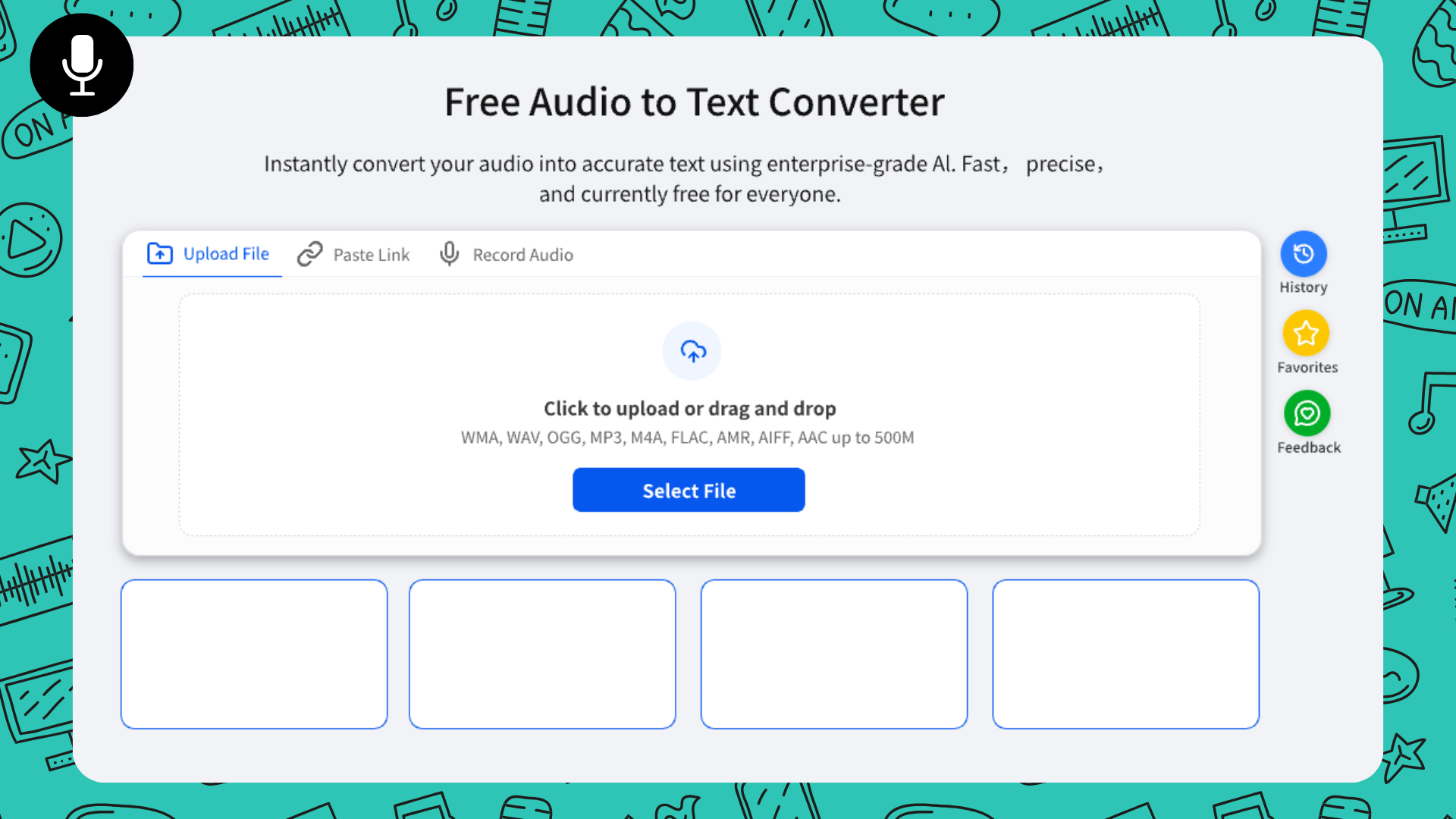
Decopy eliminates workflow friction entirely. Its top-tab navigation offers three flawless ways to capture highly accurate text, followed by a brilliant post-transcription UI:
Versatile Inputs (Files, Live, & URLs): You can drag and drop massive local files (up to 500MB, supporting MP3, WAV, M4A, etc.) or use the Record Audio tab to capture live voice in your browser with real-time waveform visualization. The real game-changer is the Paste Link tab: input a YouTube or Google Drive URL, and Decopy directly fetches and transcribes the media. It is the ultimate YouTube to text AI.
Painless Speaker Management: Decopy auto-tags speakers (Speaker A, B, C) with color codes. If you need to correct a name, simply hover over the tag, type the real name, and click "Replace All". It instantly updates the entire transcript, making formatting a breeze.
The Right-Panel AI Brain: Your timestamped transcript sits on the left. On the right, the AI processing panel instantly generates a structured summary, builds a visual mind map, and opens an AI Chat. You don't even need to read the text; just ask the chat, "What were the three marketing strategies discussed?"
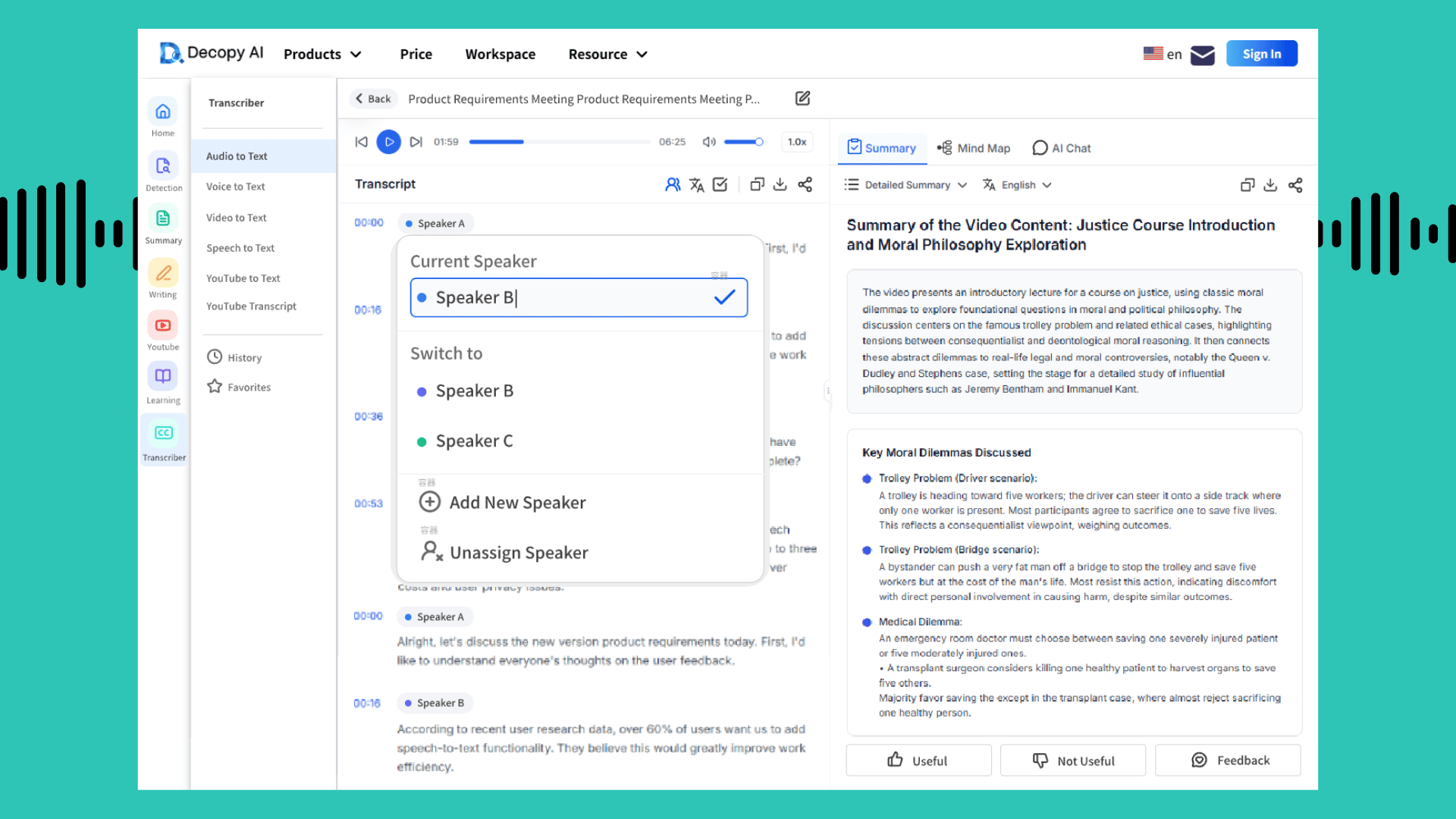
The Verdict: With its flawless accuracy, no-download URL parsing, and built-in visual mind maps, Decopy AI offers the most complete free audio to text workflow on the market.
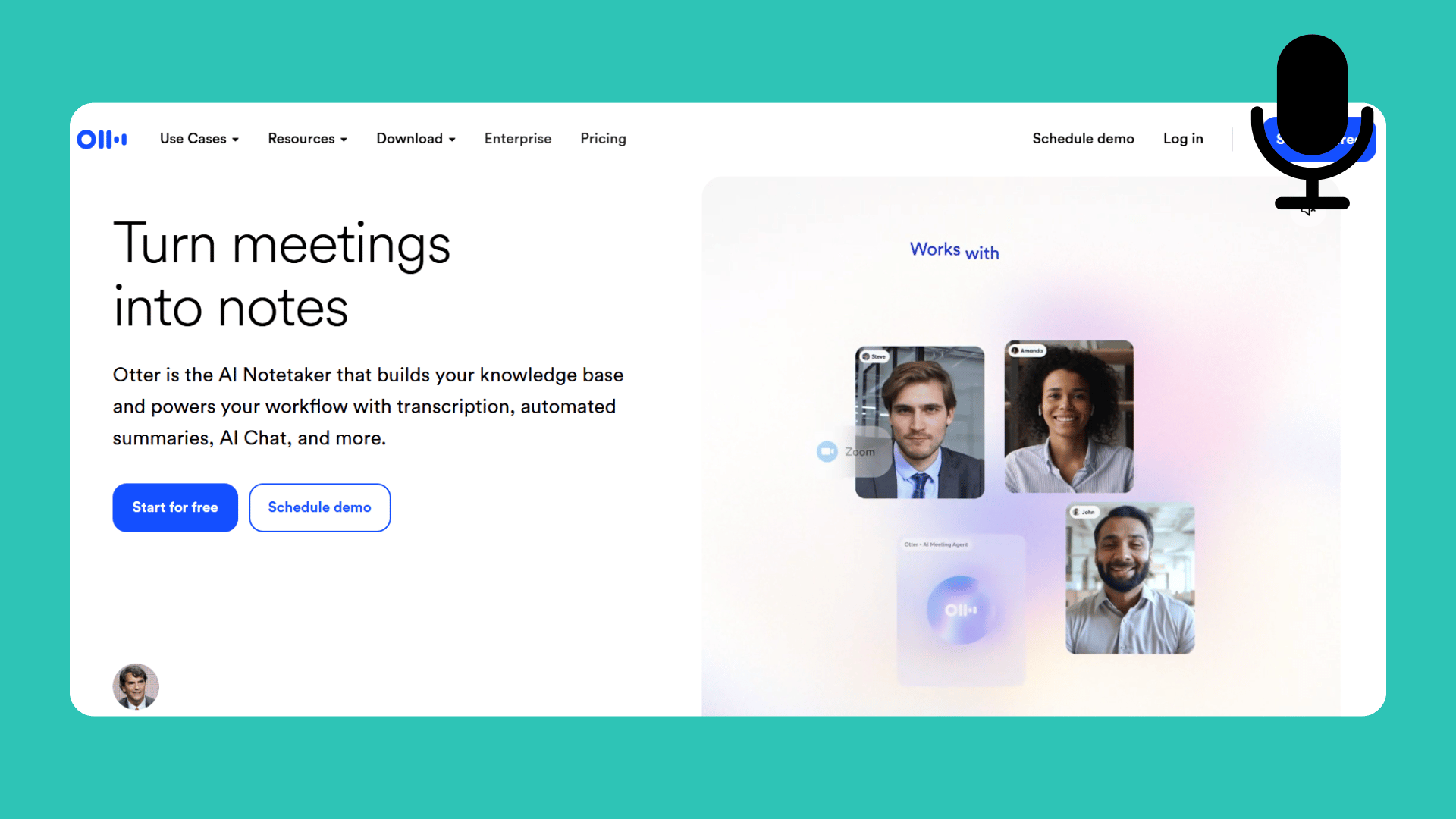
2. Otter.ai (Best for Live Zoom/Meet Integrations)
For years, Otter has been synonymous with meeting transcription. It is deeply integrated into the corporate ecosystem, allowing its bot to automatically join your Google Meet or Zoom calls, transcribe them in real-time, and let team members highlight key phrases collaboratively.
The Reality Check: While Otter excels at live, collaborative meetings, its free tier has become incredibly restrictive, severely capping the minutes per conversation. Furthermore, if you are uploading pre-recorded files, its post-transcription interface feels dated.
Unlike Decopy AI, Otter lacks the deep, visual audio summarizer features (like generating mind maps on the fly) and it completely lacks the ability to parse external web URLs directly.
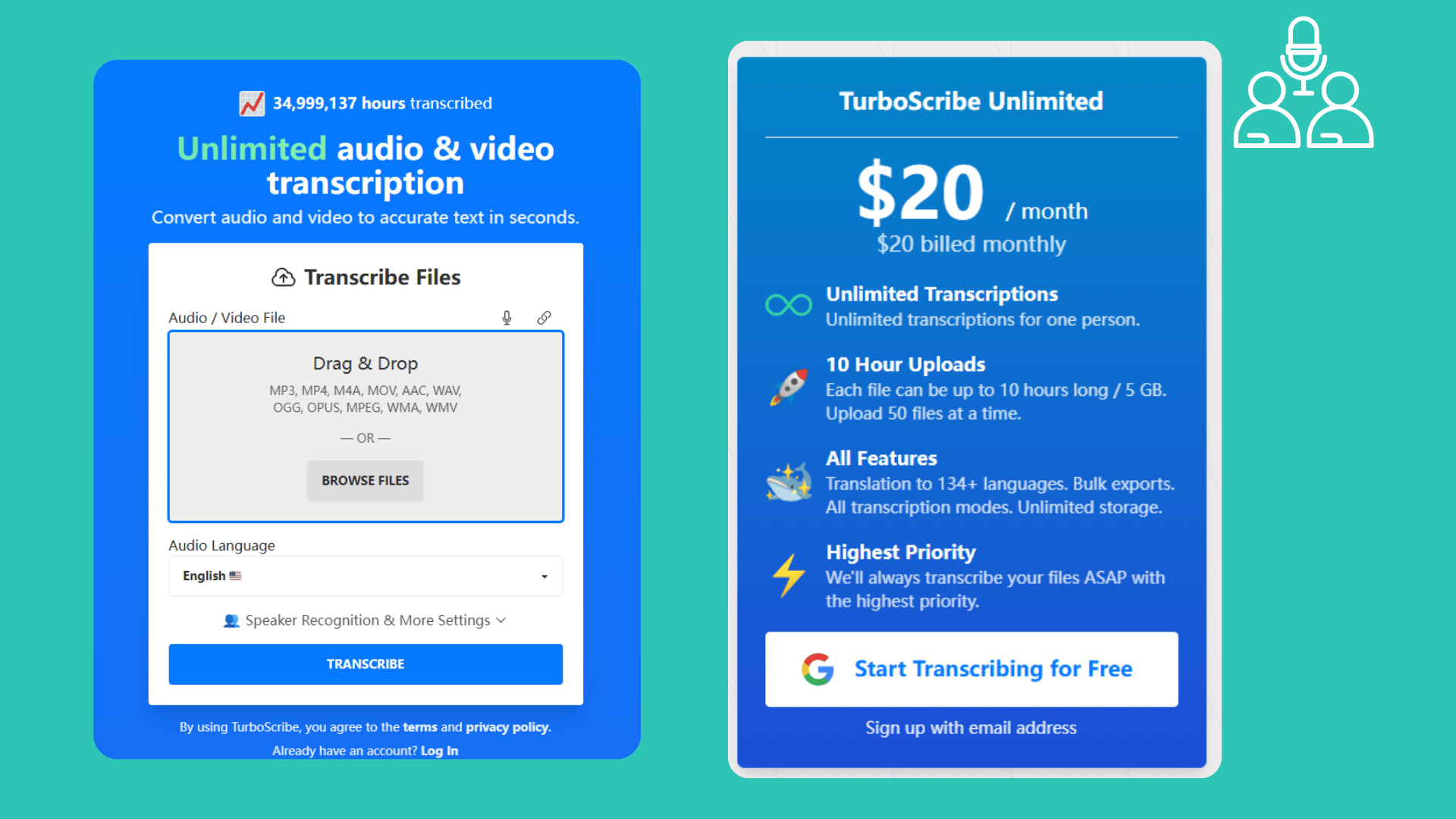
3. TurboScribe (Best for Massive Bulk Uploads)
Powered by OpenAI's Whisper model, TurboScribe is a tool built for one thing: brute-force transcription. It offers incredibly high accuracy across 90+ languages and allows users to transcribe massive amounts of audio for a very low price (with a generous free trial). It’s perfect for researchers who need to process dozens of hours of interviews.
The Reality Check: TurboScribe is literally just a text engine. It gives you a highly accurate wall of text, and that's it. There is no split-screen AI panel, no built-in chat, and no way to transcribe audio to text free by simply pasting a web link. If you want insights from your transcript, you are forced to copy the text and paste it into ChatGPT, adding unnecessary steps to your workflow.
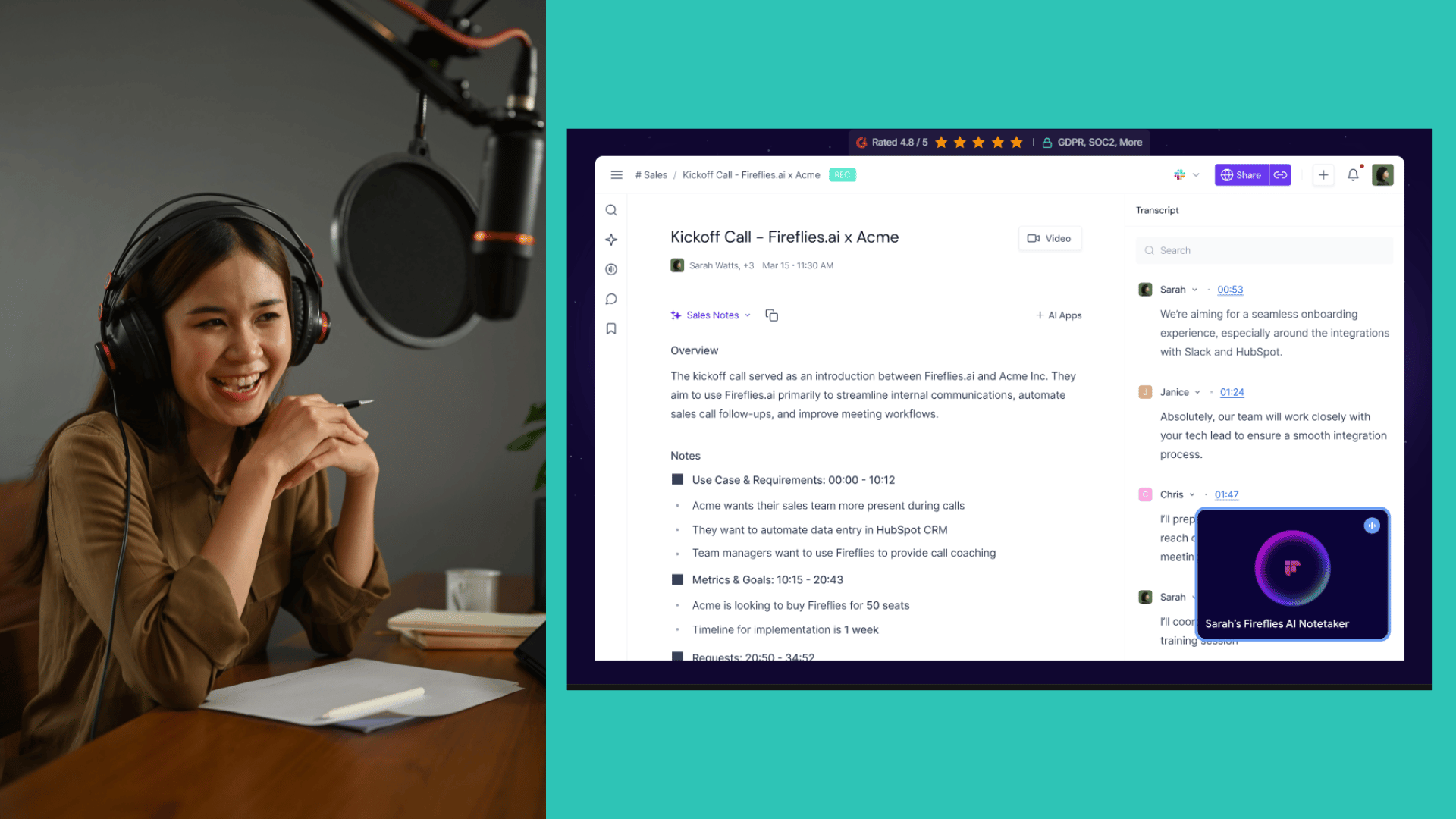
4. Fireflies.ai (Best for Sales Teams and CRM)
Fireflies is a heavily bot-driven AI transcription tool designed primarily for enterprise sales teams. "Fred," the Fireflies bot, joins your sales calls, transcribes the conversation, and is highly optimized to push data directly into CRMs like Salesforce or HubSpot, tracking speaker sentiments and sales objections.
The Reality Check: It’s total overkill for everyday users. If you are a student, content creator, or manager who just wants to transcribe a local MP3 file or a lecture, Fireflies feels too heavy, intrusive, and structurally rigid. It’s a sales intelligence tool first, and a transcription tool second.
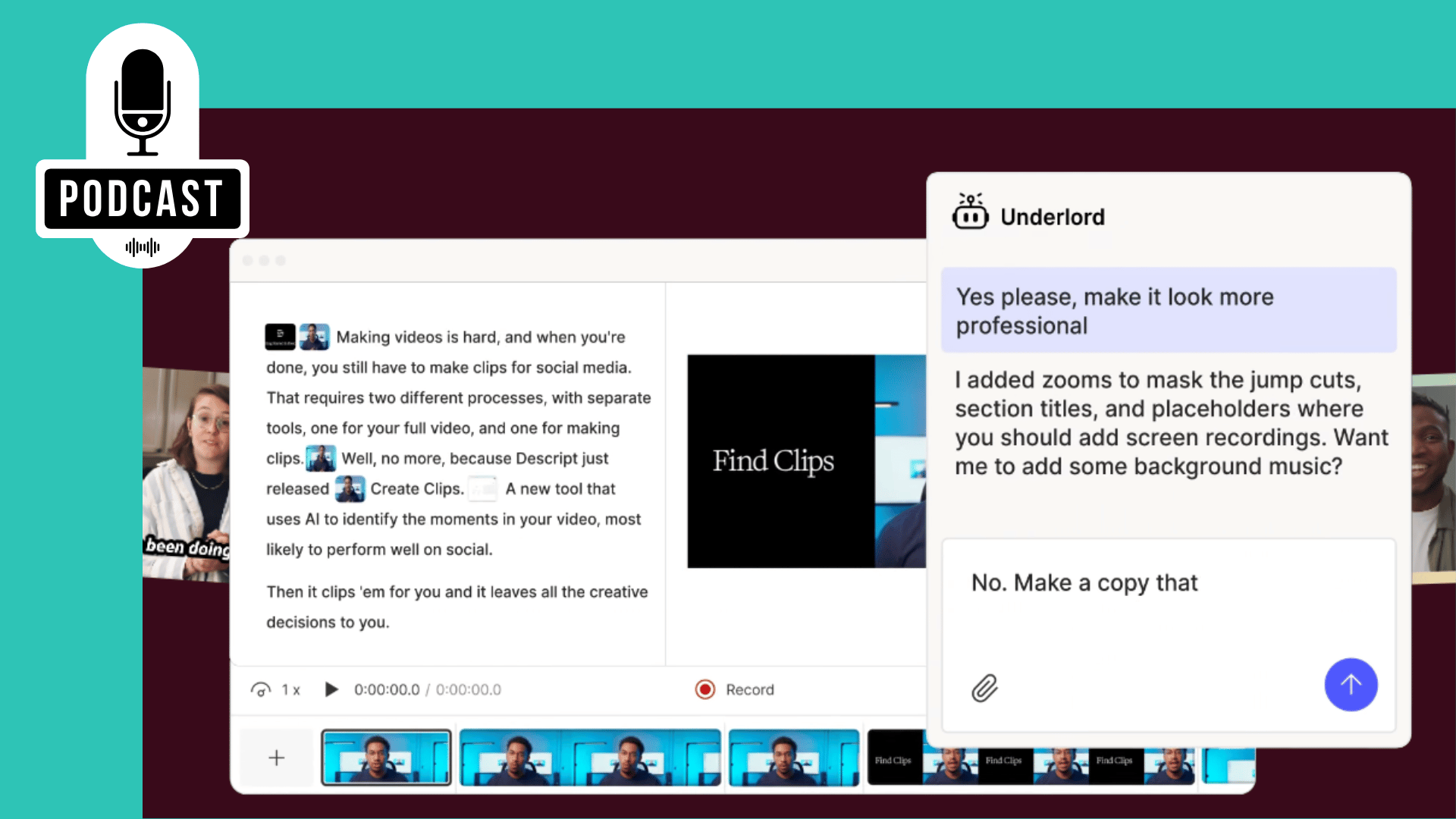
5. Descript (Best for Podcasters and Video Editors)
Descript completely changed the multimedia landscape by allowing creators to edit video by editing text. If you delete a sentence in the transcript, the corresponding video clip is instantly cut. It also features "Studio Sound" which magically removes background noise and filler words (um, uh) with a single click.
The Reality Check: Descript is a massive, heavy desktop application designed for audio/video production. It’s incredibly slow to load if you simply want a quick text summary of a 10-minute voice memo. It’s an editing suite, not a lightweight knowledge management tool.
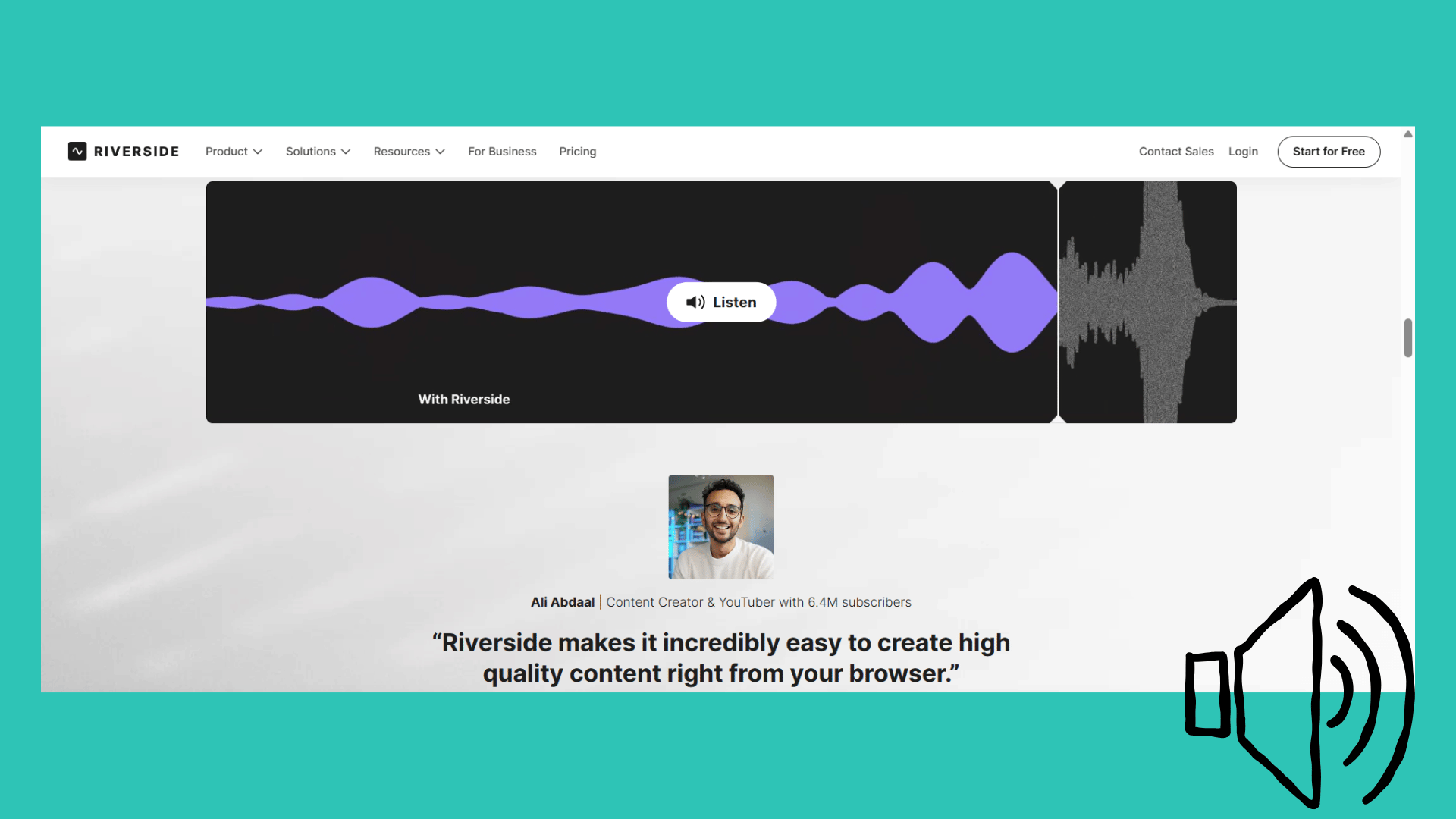
6. Riverside.fm (Solid Built-in Tool for Creators)
Riverside is fundamentally a high-fidelity remote recording studio used by professional podcasters to capture uncompressed audio and 4K video. Recently, they made their highly accurate internal transcription tool available for free basic use. It offers a very clean interface and supports over 100 languages.
The Reality Check: This is a side-feature meant to keep creators within the Riverside ecosystem. While accurate, you can’t easily ingest external web links, and it completely lacks interactive AI chat features to interrogate your audio.
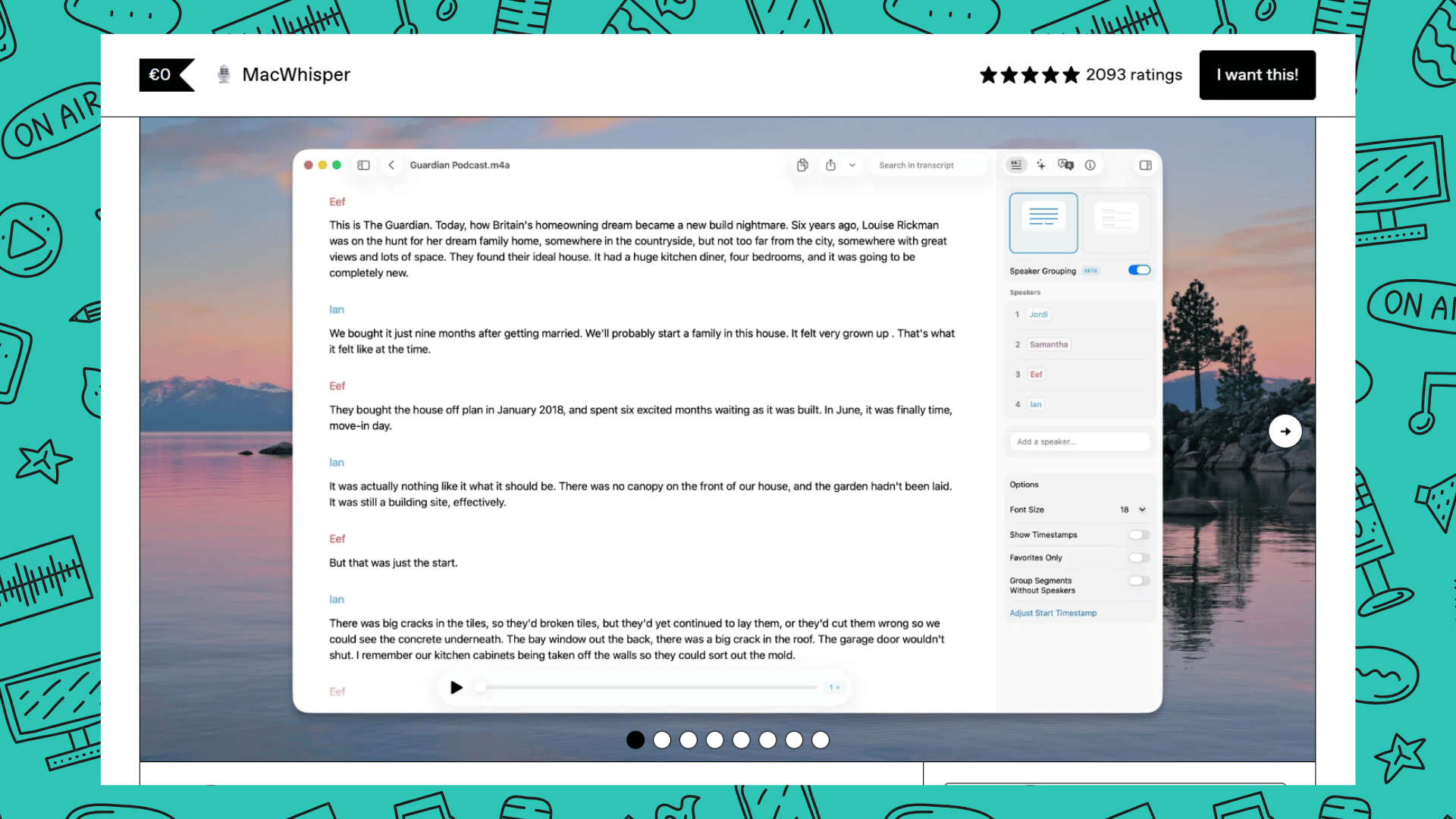
7. MacWhisper (Best for Offline Privacy)
If absolute privacy is your primary concern, MacWhisper is a fantastic speech to text software tailored for Apple users. It runs the powerful AI transcription models entirely on your local Mac hardware. This means your top-secret corporate meetings or sensitive interviews never leave your machine, no cloud uploads required.
The Reality Check: Running LLMs locally comes at a cost. It drains your MacBook battery rapidly and takes up massive hard drive space for the language models.
Unlike cloud-based hubs like Decopy, it cannot fetch audio from YouTube URLs, and because it’s offline, you lose the ability to generate advanced AI summaries or mind maps.
Top 7 Free Audio to Text AI Tools (2026) Comparison Table
| Rank | Tool Name | Core Positioning | Core Advantages (Simplified) | Main Drawbacks | Target Users |
|---|---|---|---|---|---|
| 1 | Decopy AI | Best Overall / All-in-One Audio & Knowledge Hub | High transcription accuracy; multi-input support (files, live, URL); auto speaker tagging; built-in AI summary, mind map & AI chat | No obvious weaknesses, all-round performance | Students, researchers, marketers, meeting & content workers |
| 2 | Otter.ai | Best for Live Zoom & Meet Integration | Deep meeting software integration; real-time meeting transcription; collaborative key remarking | Strict free plan limits; outdated post-transcription UI; no URL parsing or visual AI summary | Corporate teams & online meeting collaborators |
| 3 | TurboScribe | Best for Bulk Mass Transcription | Powered by Whisper; 90+ languages; high accuracy; generous free quota for bulk tasks | Single-function text-only tool; no AI panel, chat or URL transcription; extra manual work needed | Researchers & users with massive interview audio |
| 4 | Fireflies.ai | Best for Sales Teams & CRM | Auto call recording & transcription; CRM system connection; speaker sentiment & sales objection analysis | Over-functional for regular users; bloated and rigid; sales-oriented rather than pure transcription | Enterprise sales & HR recruitment teams |
| 5 | Descript | Best for Podcasters & Video Editors | Text-based video editing; one-click noise & filler word removal; media timeline linkage | Heavy desktop software; slow loading; not lightweight for quick text summary | Podcasters, video editors & multimedia creators |
| 6 | Riverside.fm | Solid Built-in Tool for Creators | High-fidelity recording; accurate transcription; 100+ languages; clean UI with free basic access | Transcription as a secondary feature; no external URL import or interactive AI chat | Professional creators within Riverside ecosystem |
| 7 | MacWhisper | Best for Offline Privacy (Mac) | 100% local offline operation; top data security; exclusive optimization for Apple devices | High battery & storage consumption; no URL fetching or advanced AI intelligent analysis | Mac users & staff with confidential & privacy needs |
How to Choose the Right Tool for Your Workflow
With so many AI transcription tools on the market, the "best" software depends entirely on what you intend to do with the text once it's generated. Here is a quick breakdown to help you match your specific needs:
For Students, Researchers, and Marketers: You are likely dealing with long lectures, podcasts, or online videos. You don't just need words; you need to extract knowledge quickly. A tool equipped with an audio summarizer and URL parsing capabilities (like Decopy AI's YouTube to text AI feature) will save you from manually downloading videos and building study notes from scratch.
For Enterprise Sales and HR: If your primary goal is to log customer objections into a CRM or track hiring metrics across hundreds of Zoom calls, bot-driven tools like Fireflies or Otter are your go-to options.
For Content Creators: If you are editing a podcast or a video essay, you need a heavy-duty editor like Descript that links the text directly to your media timeline.
For Strict Offline Privacy: If you are transcribing NDAs or highly classified medical interviews, skip the cloud entirely and run a local model like MacWhisper.
Frequently Asked Questions (FAQs)
1. Can I transcribe a YouTube video directly without downloading it?
Most traditional speech to text software requires you to upload an MP3 or MP4 file, meaning you have to use sketchy third-party sites to download the video first. However, modern platforms like Decopy AI feature built-in URL parsing. You simply paste the link, and it automatically extracts and transcribes the audio, acting as a direct YouTube to text AI.
2. How do these tools handle multiple speakers?
Almost all tools in 2026 feature "Speaker Diarization," meaning they can separate voices into Speaker A, Speaker B, etc. The real difference lies in the editing experience. When you transcribe audio to text free, look for tools that offer bulk-editing or a "Replace All" function so you don't have to manually rename "Speaker A" to "John" a hundred times throughout a 20-page document.
3. Are these tools actually completely free?
It depends on the business model. Open-source models (like Whisper) are 100% free if you have the technical skills to run them. Most commercial SaaS products operate on a "freemium" model. They offer genuine free audio to text conversion with monthly minute caps to let you test their accuracy and UI before committing to a paid plan.
Conclusion
In 2026, basic audio to text conversion should be a free, foundational feature.
If you are a video editor, use Descript. If you require absolute offline privacy, MacWhisper is your best bet. But if you want a tool that delivers pinpoint accuracy, accepts any format (Local files, Live Voice, or URLs), and instantly transforms your audio into actionable mind maps, Decopy AI is undeniably the best free audio transcription tool available today.