Free Speech to Text Online
Convert speech to text online for free. Use voice typing, upload audio, transcribe recordings, generate captions, and edit transcripts in multiple languages.
History
Favorite
10 free daily transcriptions (≤30 min audios).
Click to upload or drag and drop
Click to upload
WMA, WAV, OGG, MP3, M4A, FLAC, AMR, AIFF up to 500MB
Identify Speakers
Detect multiple speakers and separate the transcript accordingly.
Say Goodbye to Manual Typing
Typing long notes from meetings, lectures, interviews, or voice memos can take more time than the recording itself. With speech to text online, you can turn spoken words into editable text and spend less time replaying, pausing, and typing by hand.
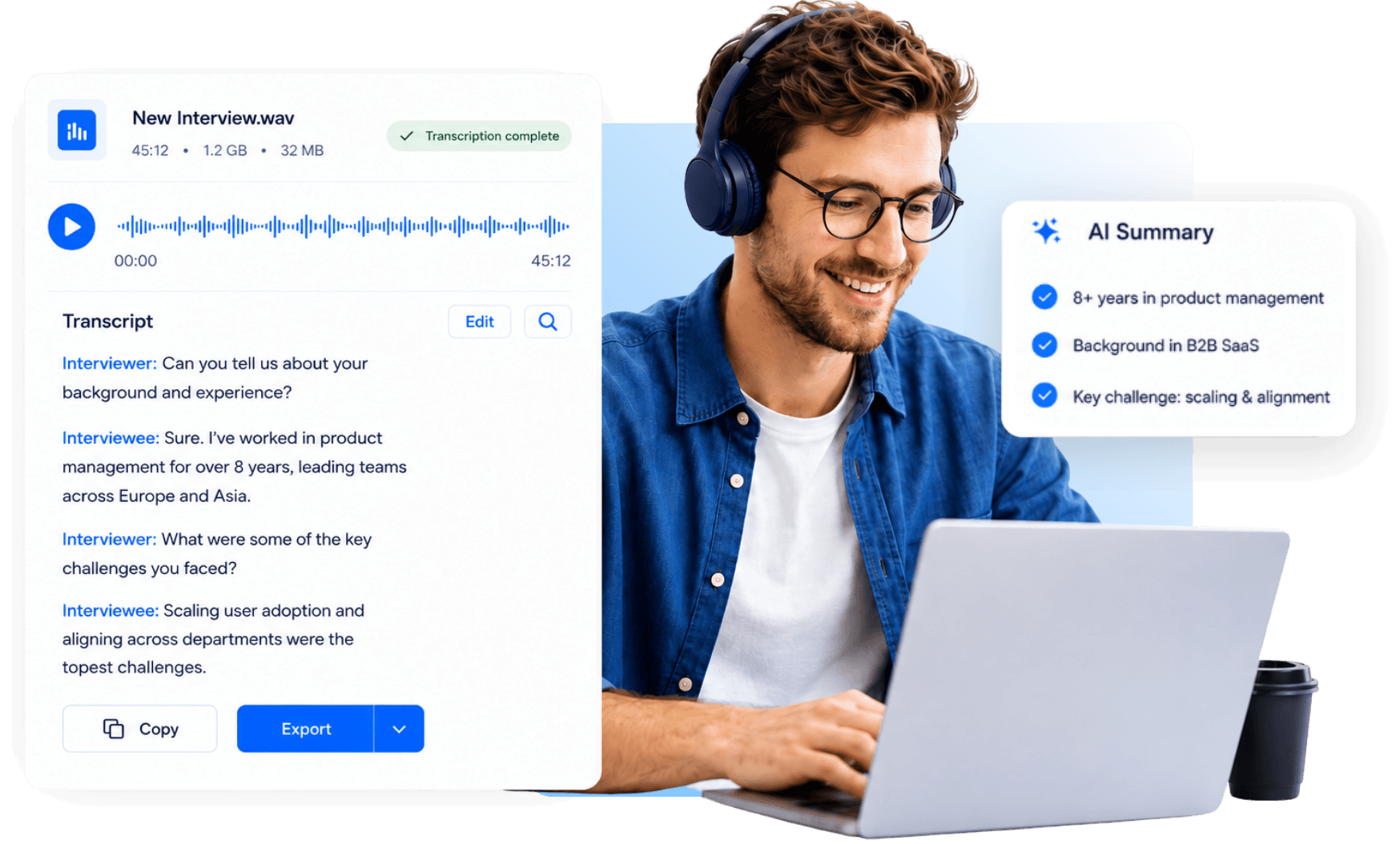
Capture Details You Might Miss
Spoken content often includes small details, exact wording, names, numbers, speaker changes, and context that are easy to miss when you only rely on memory or quick notes. speech to text converter gives you a fuller written version, so you can review what was actually said more carefully.
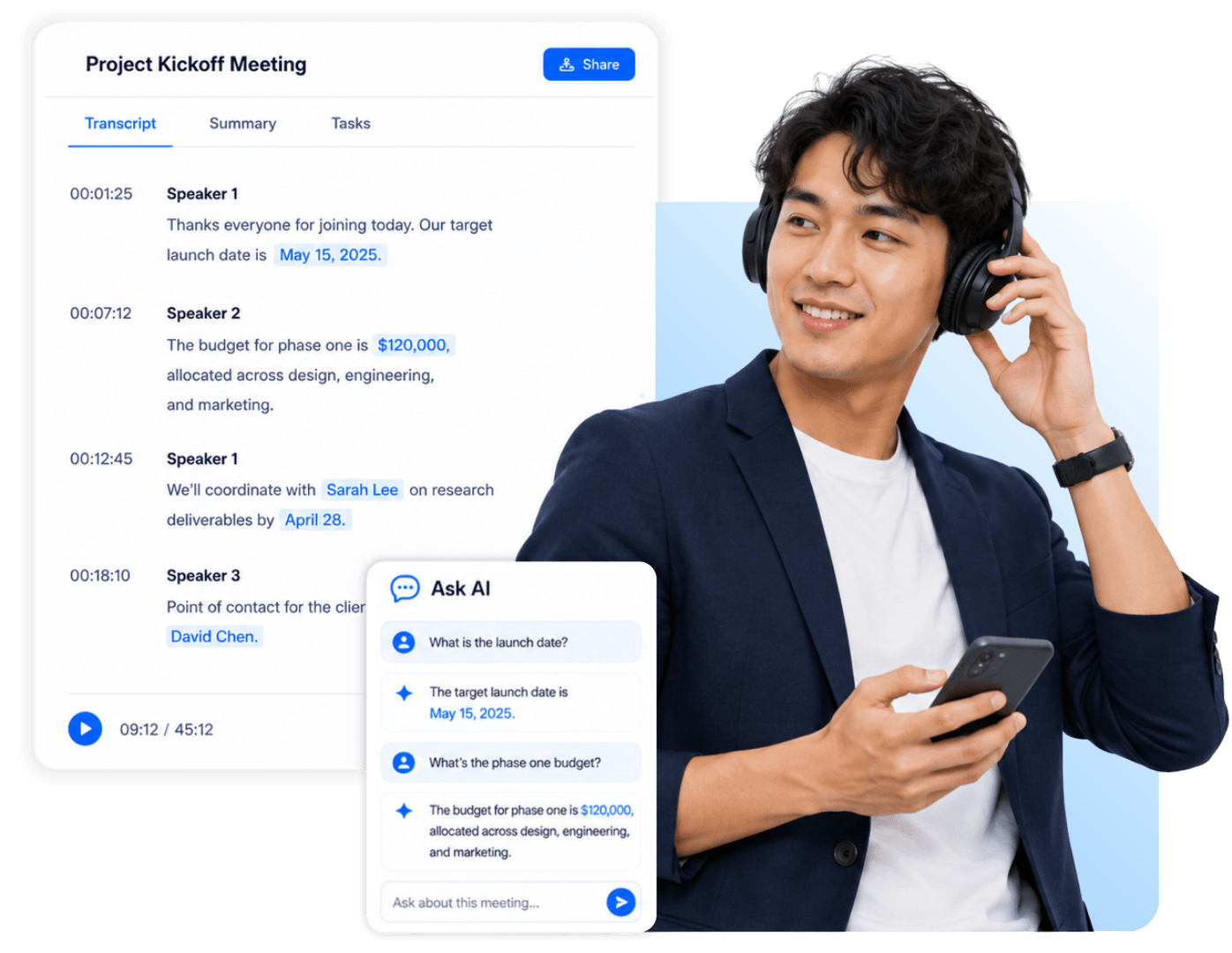
Keep Everyone on the Same Page
Spoken conversations are easy to remember differently. In real work, many discussions are not only reviewed at the end. They need to be synced, confirmed, and recorded along the way. Once speech becomes text, everyone can review the same record, check what was said, clarify unclear points, and reduce repetitive follow-up work.
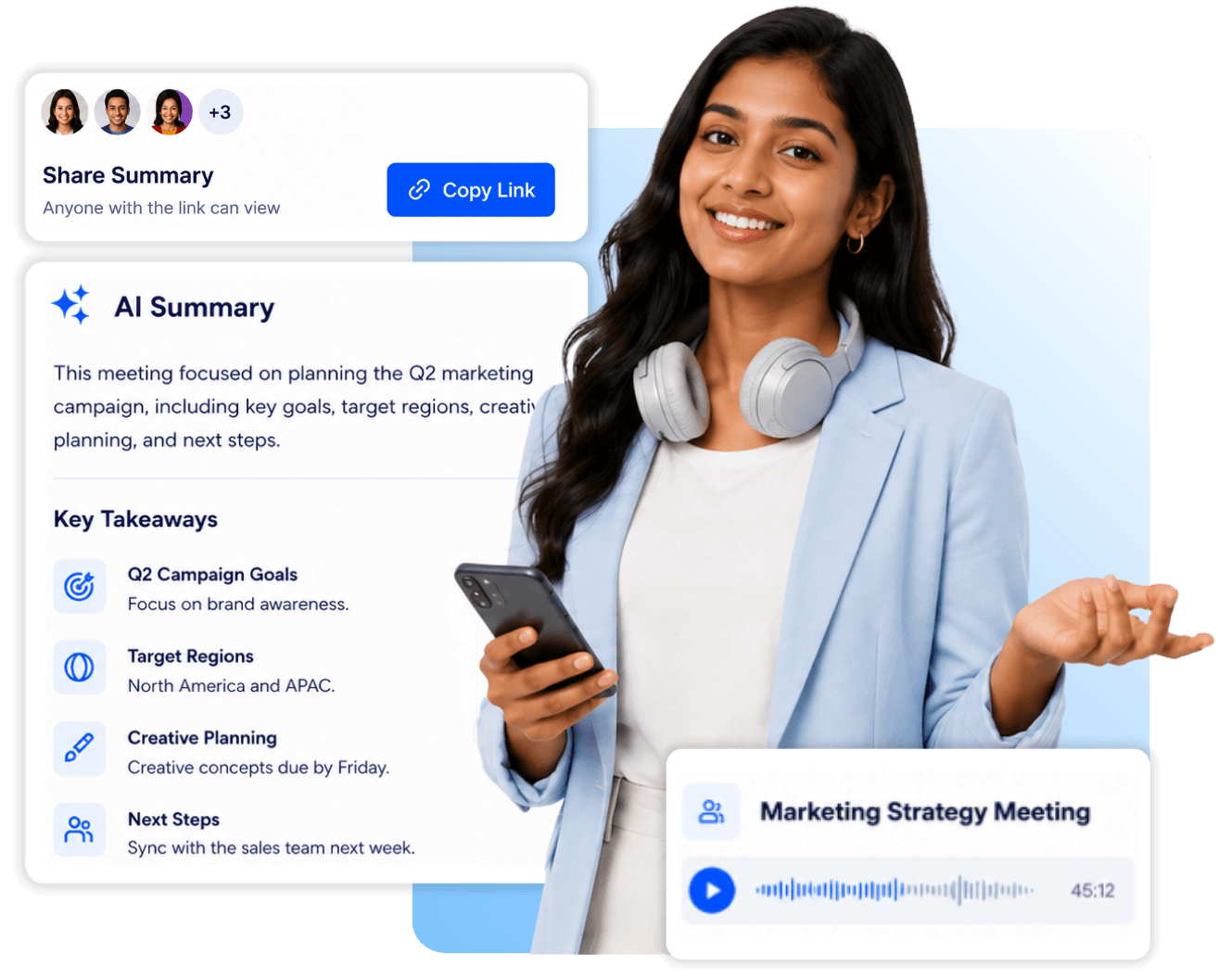
Turn Speech into Something Useful
After transcription, the content becomes a resource you can keep working with. You can summarize it, organize ideas with a mind map, ask AI questions, translate, or export the result, so you can spend more time organizing ideas, understanding the content, and deciding what to do next.
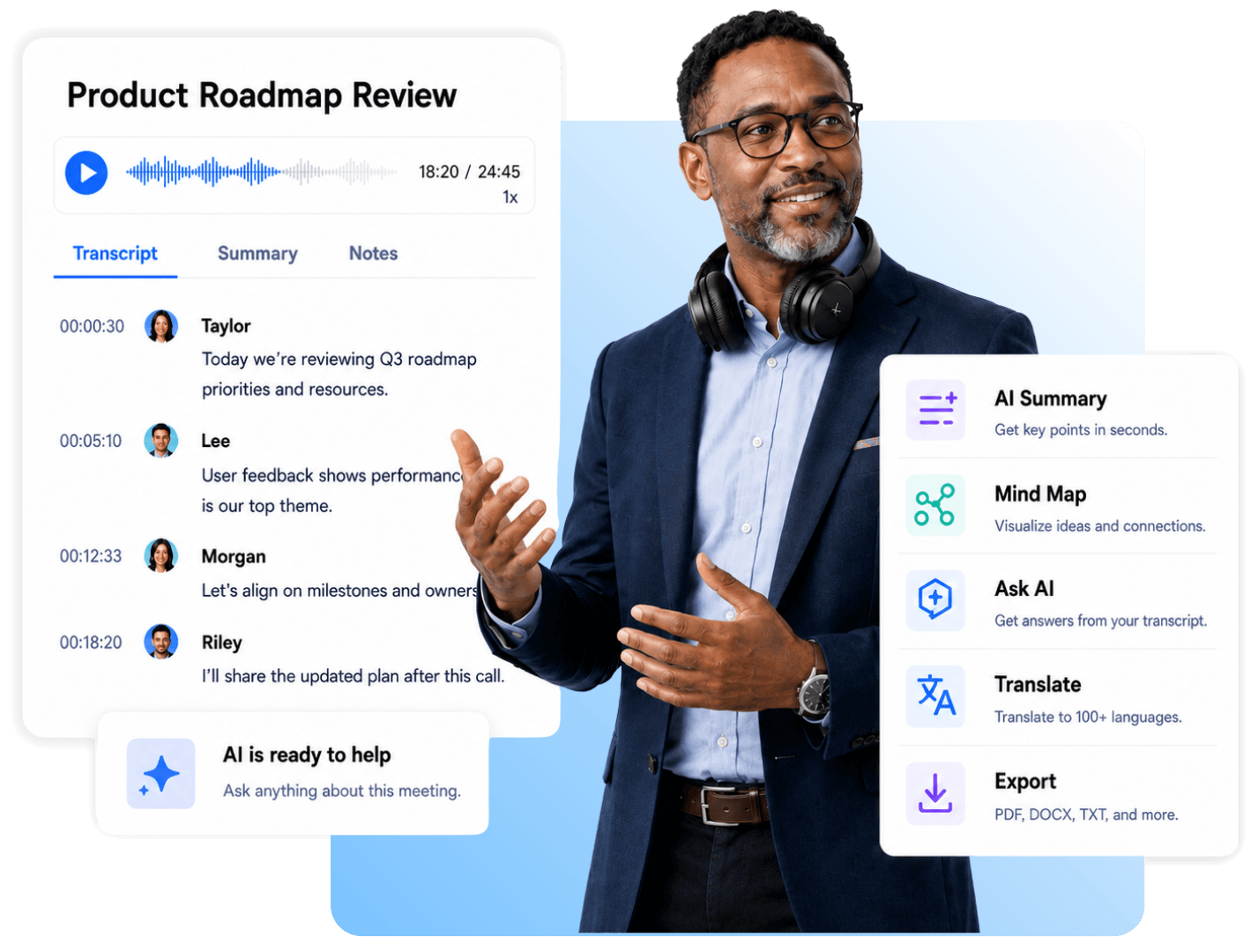
Helpful Speech to Text Features
Decopy gives you flexible ways to convert speech, review transcripts, identify speakers, summarize key points, ask AI questions, translate content, and export text for different workflows.
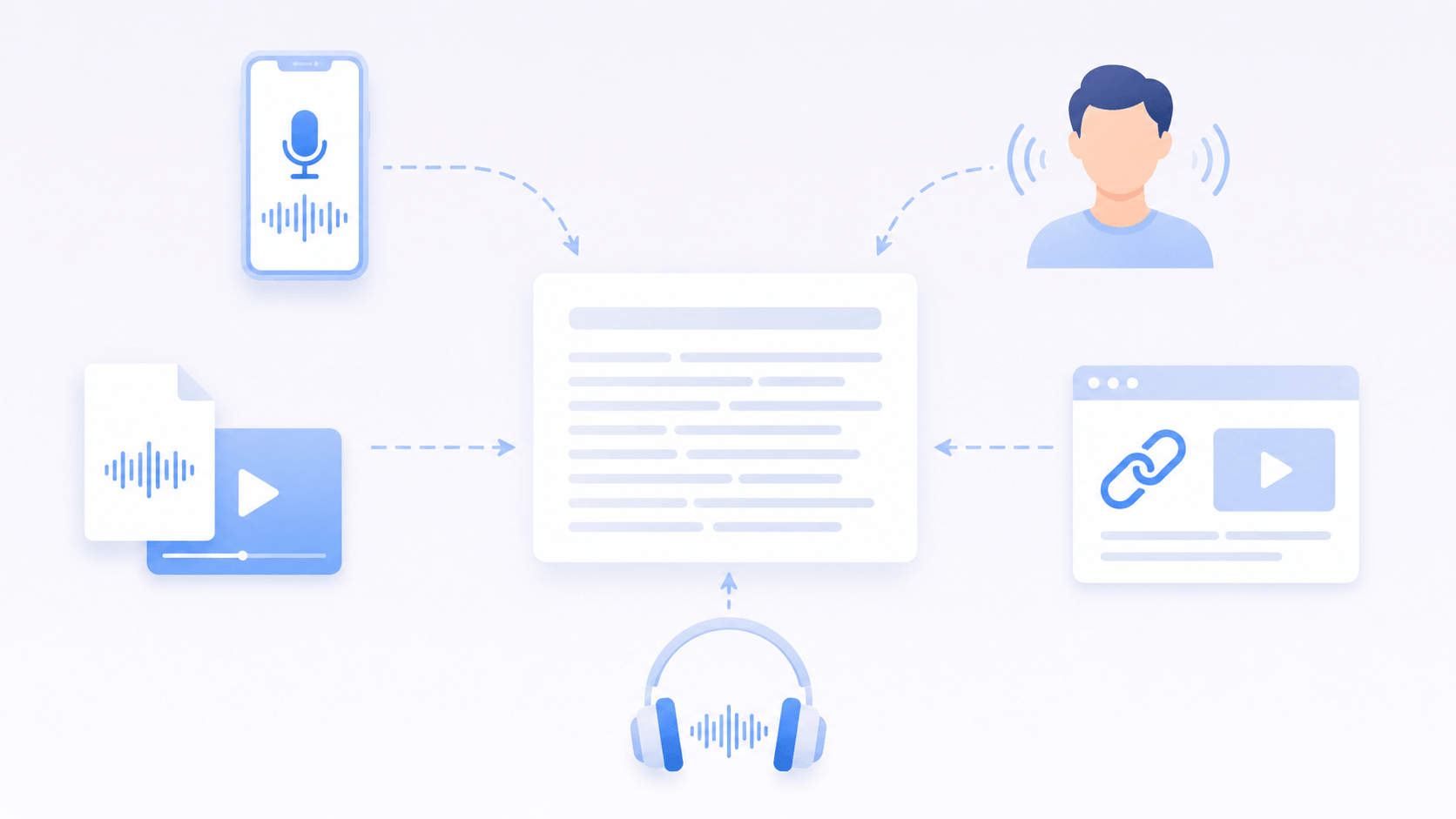
Multiple Input Sources
Speech can come from many places. You can record a voice memo for voice to text, capture live speech, upload audio or video, paste a video link, or turn podcast audio into text.
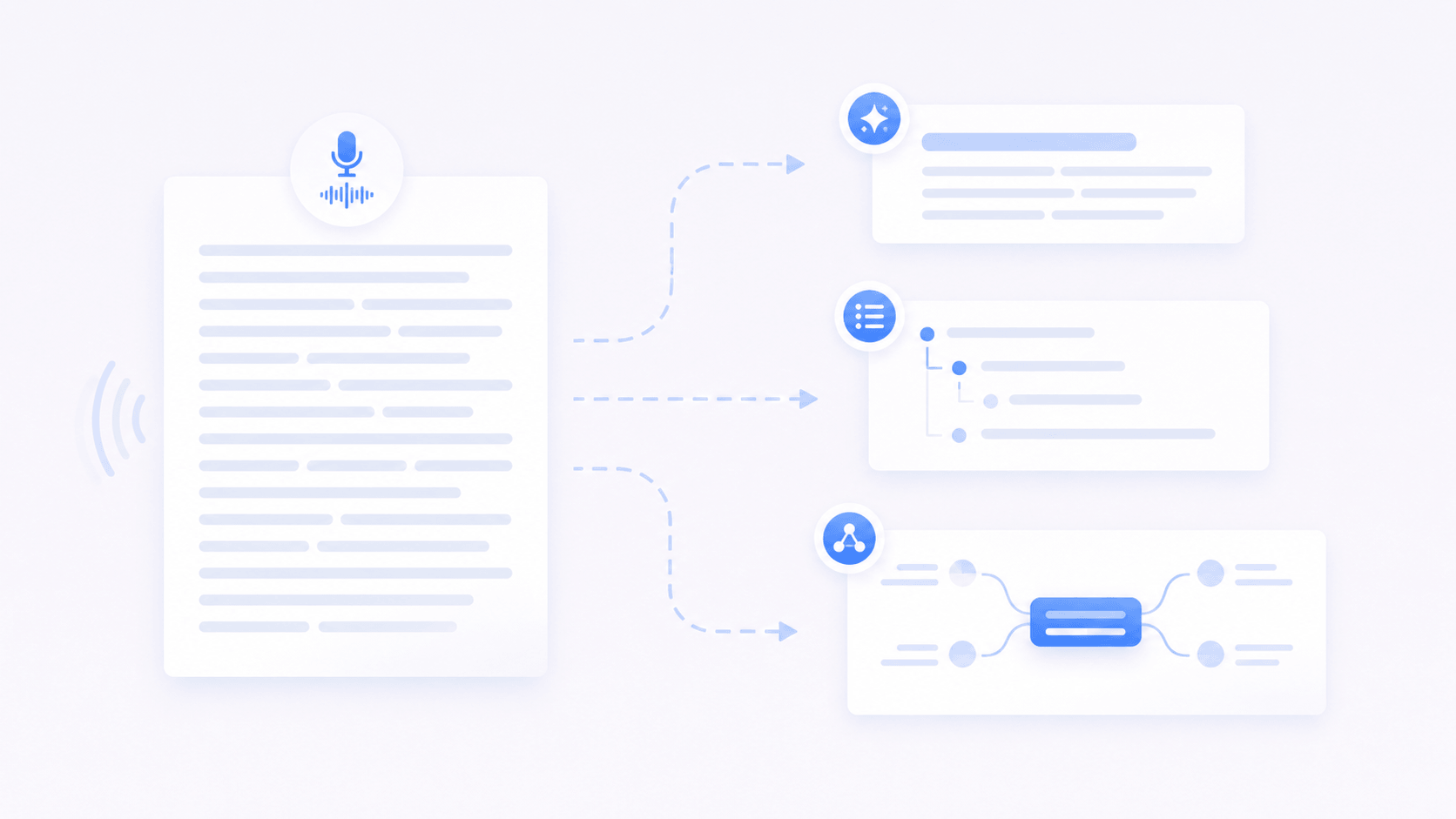
Summaries and Mind Maps
Long speech content can be hard to review as one full transcript. Decopy can turn it into summaries, outlines, and mind maps, helping you understand key points and idea connections faster.

Ask AI About the Transcript
After speech converted into text, the transcript can work like a focused knowledge source. Use AI Chat to ask questions, find answers, check what was discussed, or locate details.
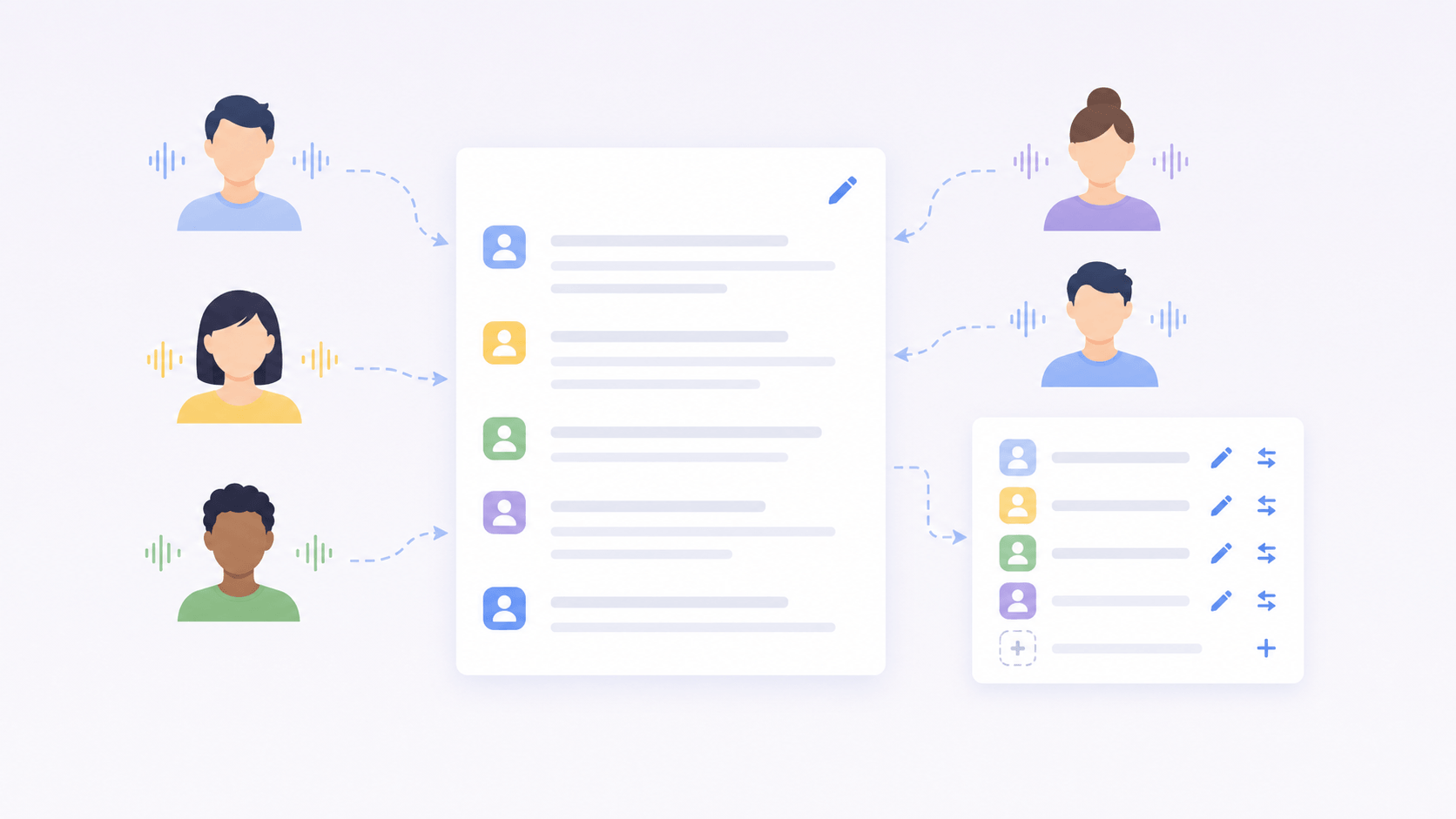
Speaker Recognition
For multi-speaker content, knowing who said what matters. AI speech recognition can identify speakers in the transcript, and you can rename, add, or replace speaker labels when needed.
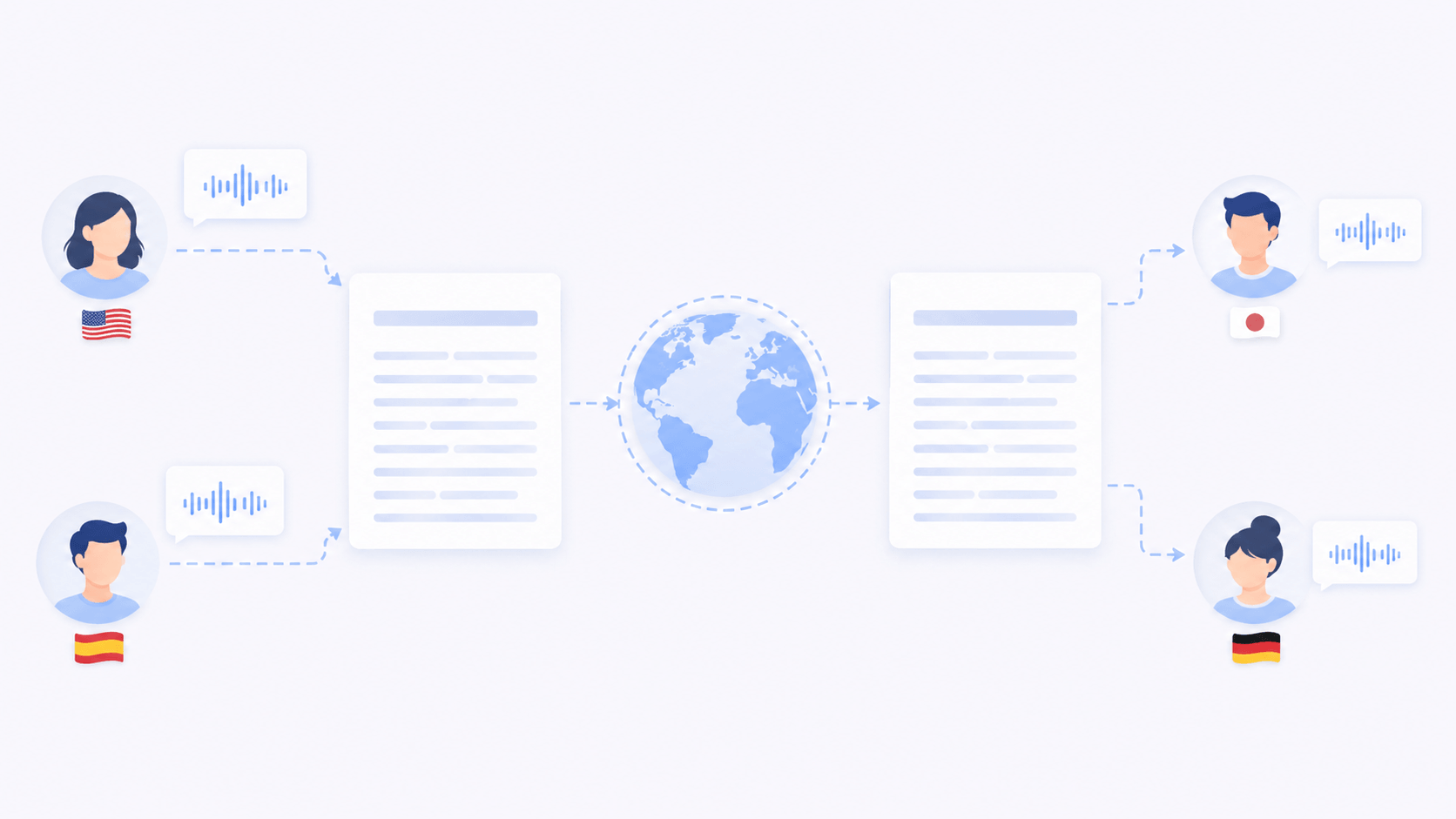
Transcript Translation
Translate the speech to text result into another language, so you can understand the original speech, share the content with others, or prepare text for cross-language communication.
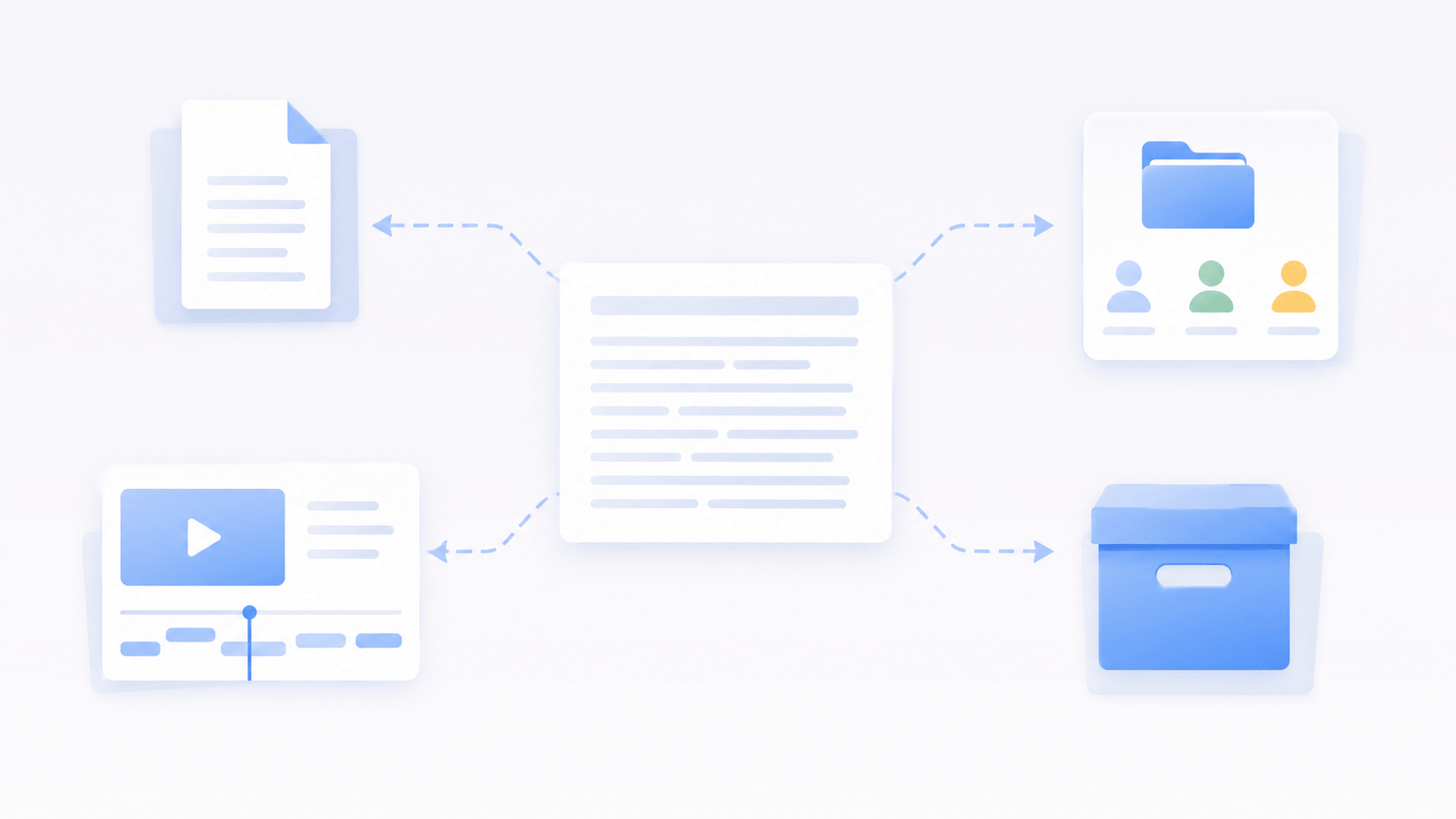
Multi-Format Export
When the transcript is ready, export it in the format that fits your next step. Move the result into your document, subtitle workflow, team file, or archive without copying everything manually.
Wherever People Speak, Speech to Text Can Help
Turn spoken content into text that can be reviewed, reused, shared, or kept as a record.

Team Follow-Ups
Team discussions often include decisions, questions, responsibilities, and next steps. A transcript gives everyone the same record to review, instead of relying on memory after the conversation.

Research and Interviews
Interviews and expert conversations are often raw material for reports, analysis, and decisions. Speech to text makes answers, quotes, examples, and background details easier to review and organize.

Sales and Client Calls
Client calls may include needs, objections, preferences, budgets, timelines, and promised follow-ups. Turning speech into text helps sales and service teams check these details before the next contact.

Service Details
In real estate, legal consultation, insurance, events, and high-end services, small details can affect the final result. A written transcript helps keep spoken instructions, preferences, and key points available for later review.

Creator Content
Podcasts, videos, online talks, and voice ideas can become reusable text after transcription. Creators can use the transcript for captions, summaries, scripts, posts, or searchable content.
How to Turn Speech into Text Online
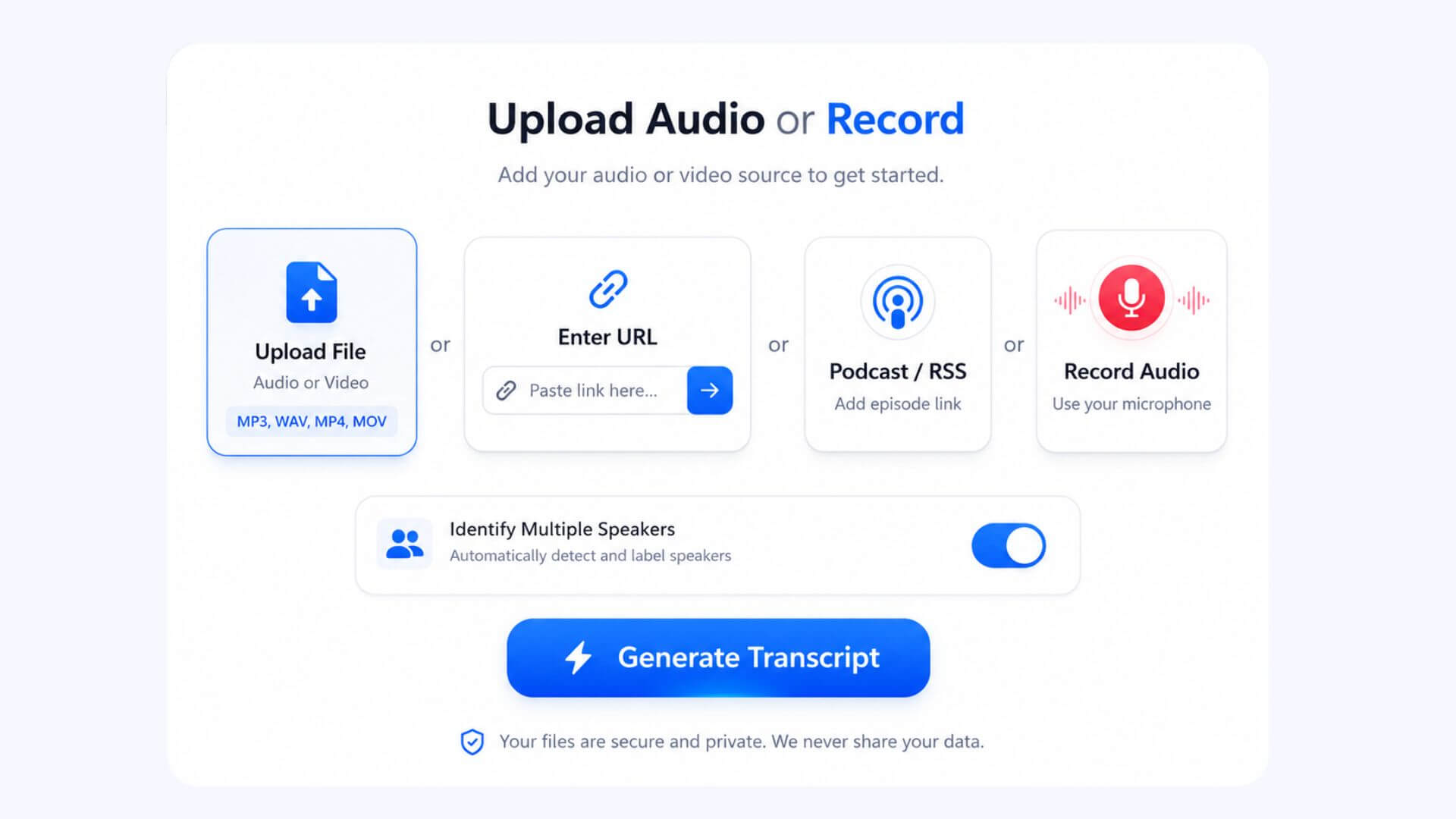
Step 1
Add Your Speech Source and Speaker Option
Upload an audio or video file, paste a link, record audio in your
browser, or add podcast content. If the content includes multiple
speakers, turn on Identify Speakers before generating the
transcript.
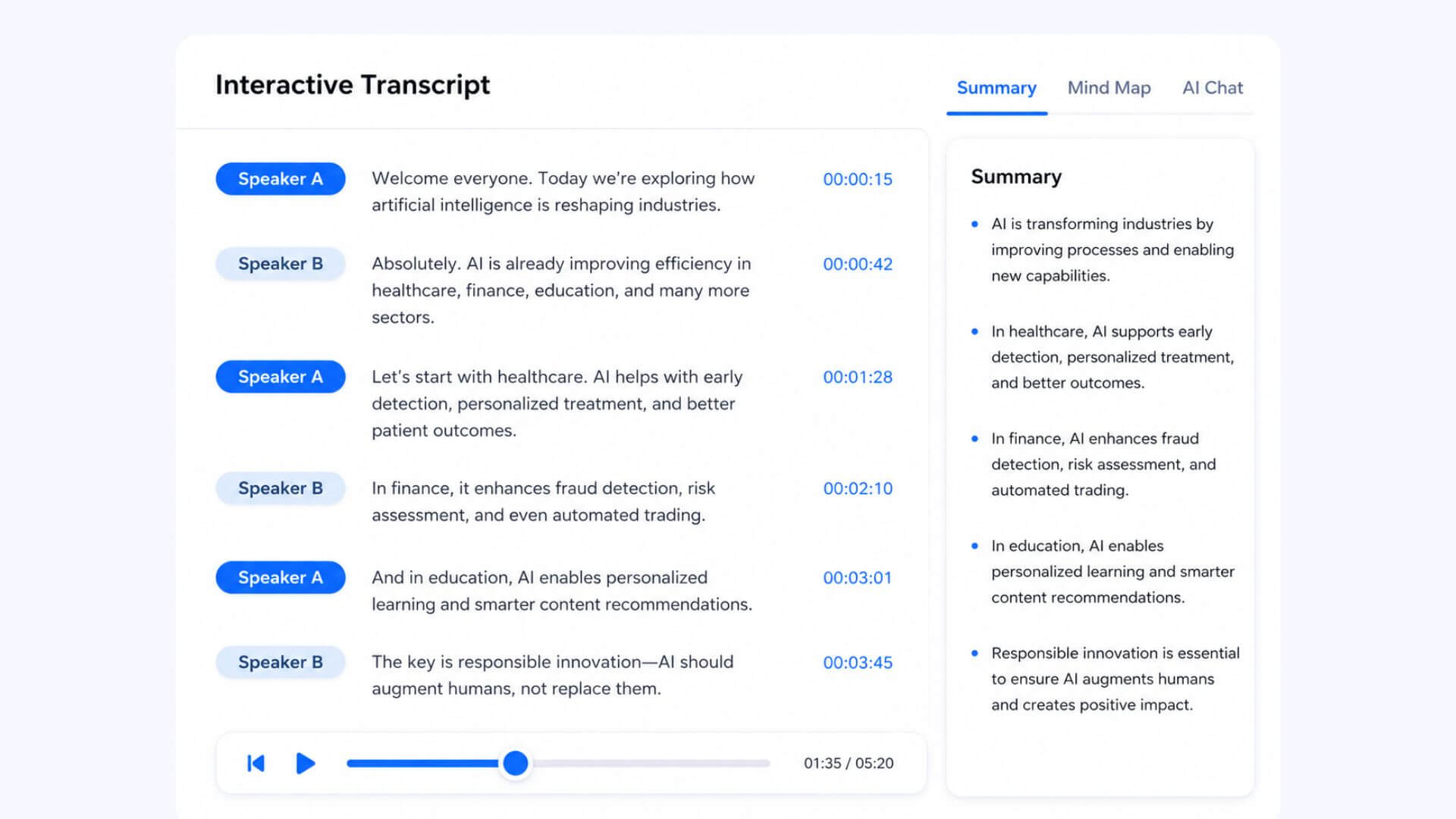
Step 2
Review the Transcript and Speakers
Decopy shows the transcript in an interactive workspace with audio
playback. You can check unclear words, review speaker labels,
rename speakers, add a new speaker, or replace speaker names
across the transcript.
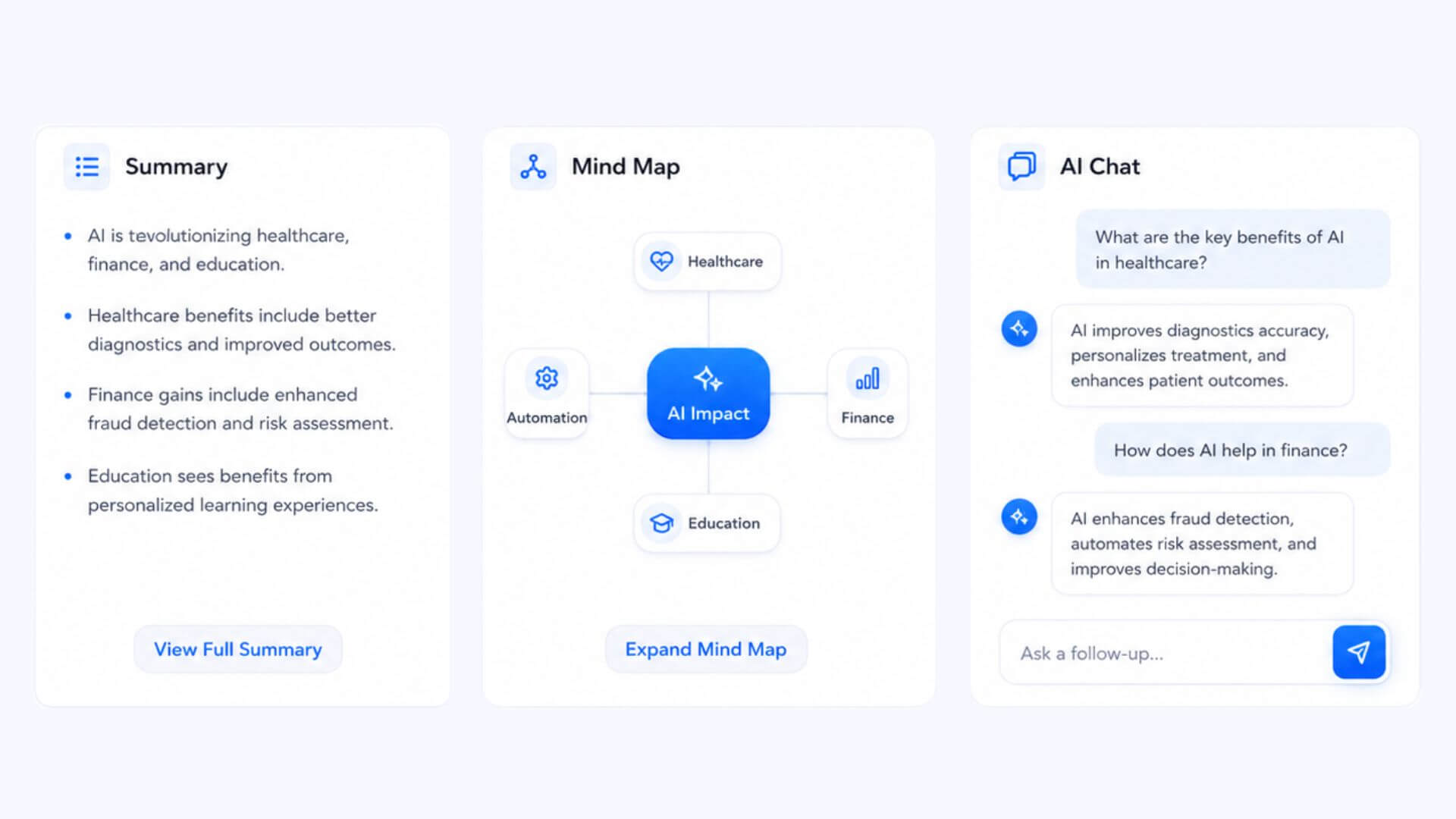
Step 3
Understand the Content with AI
Use Summary to catch the main points, Mind Map to organize ideas
visually, and AI Chat to ask questions based on the transcript.
This helps you work through long speech content faster.
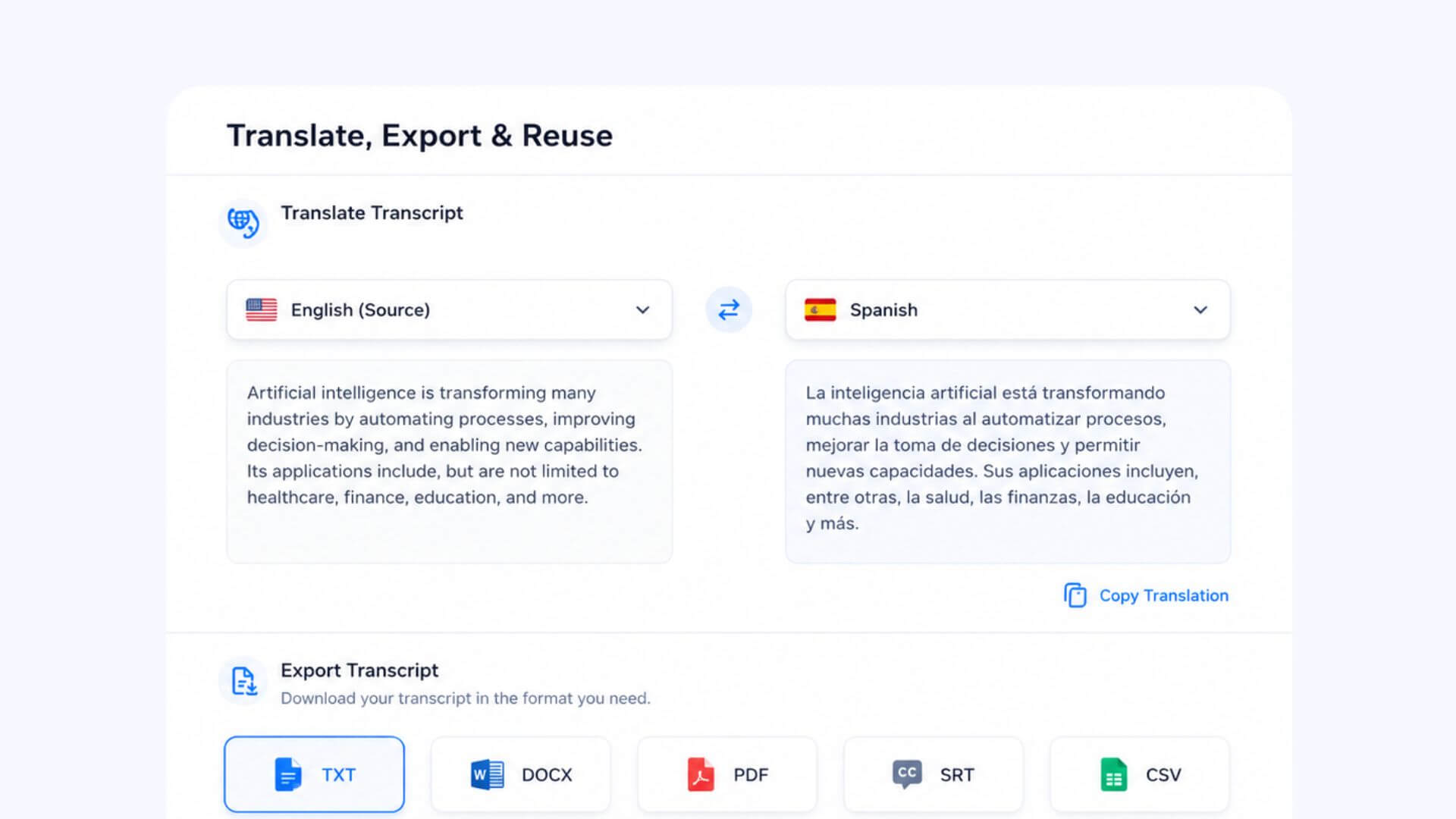
Step 4
Translate, Export, or Reuse
Translate the transcript, export it in the format you need, or
move the final text into your next workflow without copying
everything by hand.
Related Guides for Speech to Text
Have a recording, a file, a video, or just your own voice? Choose the page that matches your starting point.
Voice to Text
Learn how Voice to Text helps you turn spoken words into written content
Voice to Text Tips →
Audio to Text
Learn how audio to text works when your spoken content is already saved as an audio file.
Audio File Guide →
MP3 to Text
MP3 is a common audio format. Learn how MP3 to Text helps convert MP3 recordings into readable transcripts.
MP3 Transcript Guide →You May Also Need Text to Speech
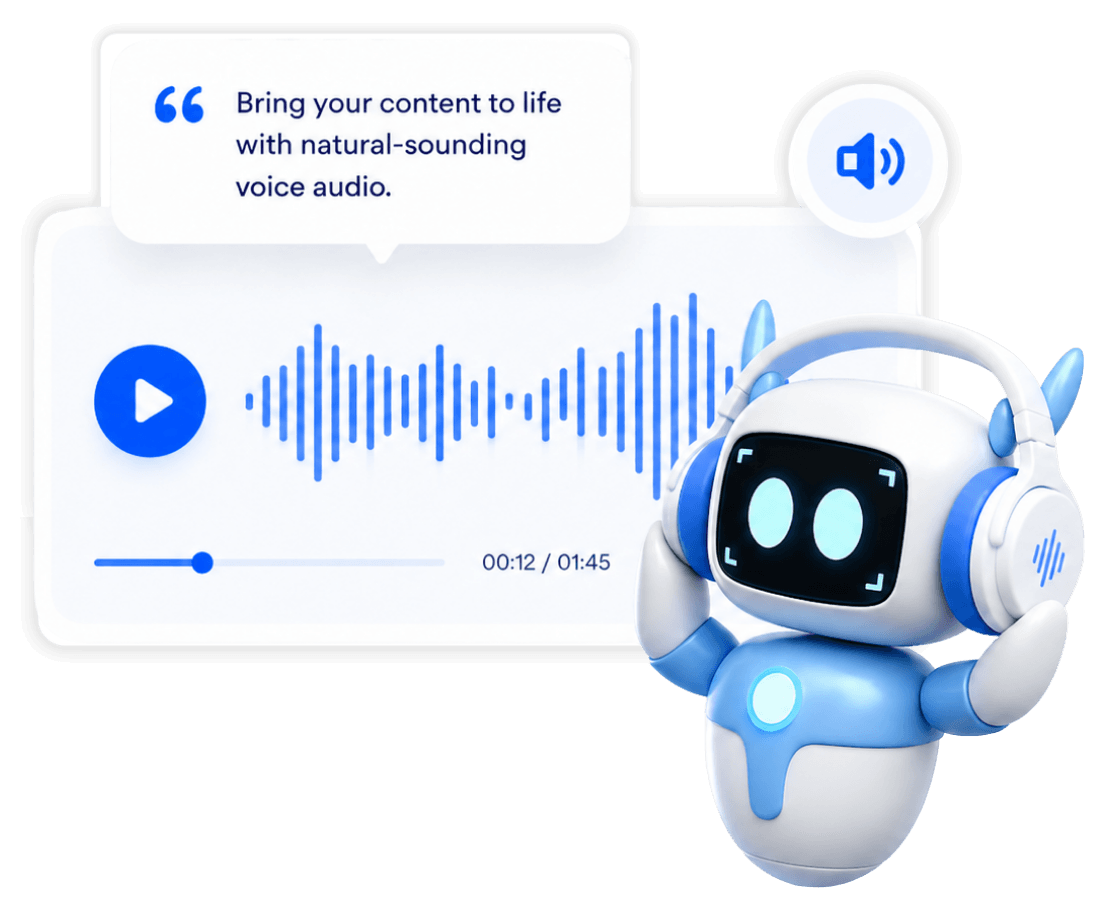
Speech to Text turns spoken words into written text. Text to
Speech works the other way. It turns written content into
natural-sounding audio when you need a voice version.
Use it
when you already have text and want people to listen instead of
read. It is useful for voiceovers, reading support, learning
audio, or simple content sharing.
What Affects Speech to Text Accuracy?
Speech to text works best when the speech is clear, the language is set correctly, and the audio is easy to understand. Background noise, speaker overlap, fast speech, and special terms can all affect the final transcript.
ACCURACY CHECKLIST
01
Natural Speech Is Not Always Clean
Real speech often includes pauses, repeated words, filler words, unfinished sentences, and casual phrasing. These can make speech recognition harder, especially in long or informal conversations.
02
Clear Speech Creates Better Text
Speak at a steady pace and keep the voice close to the microphone. Clear pronunciation helps speech recognition catch key details more accurately.
03
Background Noise Can Make Words Harder to Catch
Music, echo, traffic, keyboard sounds, and room noise can make spoken words harder to recognize. A quieter source usually creates a cleaner transcript and reduces later review work.
04
Speaker Overlap Needs Extra Review
Decopy can help identify different speakers, but conversations are easier to read when people take turns speaking. If several voices overlap, review speaker labels and unclear lines before using the transcript.
05
Check Names, Numbers, and Special Terms
Names, product terms, numbers, dates, and industry phrases often carry important meaning. Review these details before sharing, translating, exporting, or publishing the text.
Why Decopy Makes Speech to Text Easier
Fast for Long Content
Convert long recordings, lectures, podcasts, or video speech into text quickly, so you can start reviewing the result sooner.
Clear for New Users
The page has clear upload options, visible prompts, and a simple path from input to transcript.
Multilingual Support
Decopy supports 8 website languages, and speech recognition can work with more spoken languages. Speaker recognition also helps organize multilingual or multi-speaker content.
Flexible Input Sources
Start from an audio file, video file, browser recording, podcast, or link, then convert the spoken content into text in one workflow.
Privacy Protection
Your files and transcripts stay private and are not used for model training. You can delete your history and saved items anytime. Once deleted, the records are permanently removed and cannot be restored.
Works on Desktop and Mobile
Use speech to text from your browser on desktop or mobile, so you can work with spoken content across different devices.
User Reviews of Speech To Text
Robert Kim
Sales Consultant
James Walker
University Student
Sophie Chen
Content Creator
Frequently Asked Questions (FAQs)
Upload the file, paste a link, or record audio in your browser. Before generating the transcript, choose the right language and turn on Identify Speakers if the content includes more than one speaker.
Start with the source quality. Low volume, background noise, echo, music, fast speech, and people talking over each other can make the transcript harder to read. Use audio playback to check unclear parts first.
Yes. After transcription, you can review speaker labels, rename speakers, add a new speaker, or replace speaker names across the transcript.
Use Summary to get the main points, Mind Map to see the structure, or AI Chat to ask questions about the transcript.
AI Chat can help you ask about the converted text directly. You can ask about a decision, topic, quote, deadline, or specific point, then return to the transcript for review.
Yes. The transcript can be a starting point for captions or subtitles. Before publishing, review punctuation, timing, speaker changes, names, and important terms.
Yes. After transcription, you can translate the text into another language. This helps when the original speech is not in your language or when the content needs to be understood across languages.
Check speaker labels, punctuation, special terms, translated parts, and any important sections. For formal use, compare key parts with the original audio.
Yes. Decopy works in the browser and supports both desktop and mobile use. You can upload content, record audio, review transcripts, and continue working from different devices.
Your uploaded files and transcripts are not made public, shared with other users, or used for model training. You can also delete your history and saved items anytime. Once deleted, they cannot be restored.
Speech to text is the user-facing task of turning spoken words into written text. Automatic speech recognition, also called ASR, is the technology that helps detect speech and convert it into text.
Audio to text focuses more on audio files. Speech to text focuses on spoken language itself, so it can cover recordings, browser audio, video speech, podcasts, links, voice memos, and other speech-based sources.
↑