Paste a YouTube link to generate a complete transcript with clickable timestamps and speaker labels. Translate the transcript, copy selected sections, or export the result.
No captions neededLong video supportTimestamped transcriptCopy, download, summarize
History
Favorite
Social Media URL
Options
Identify Speakers
Mode
Create Custom Prompt
Language
Confirm Credits Deduction
↑
↑
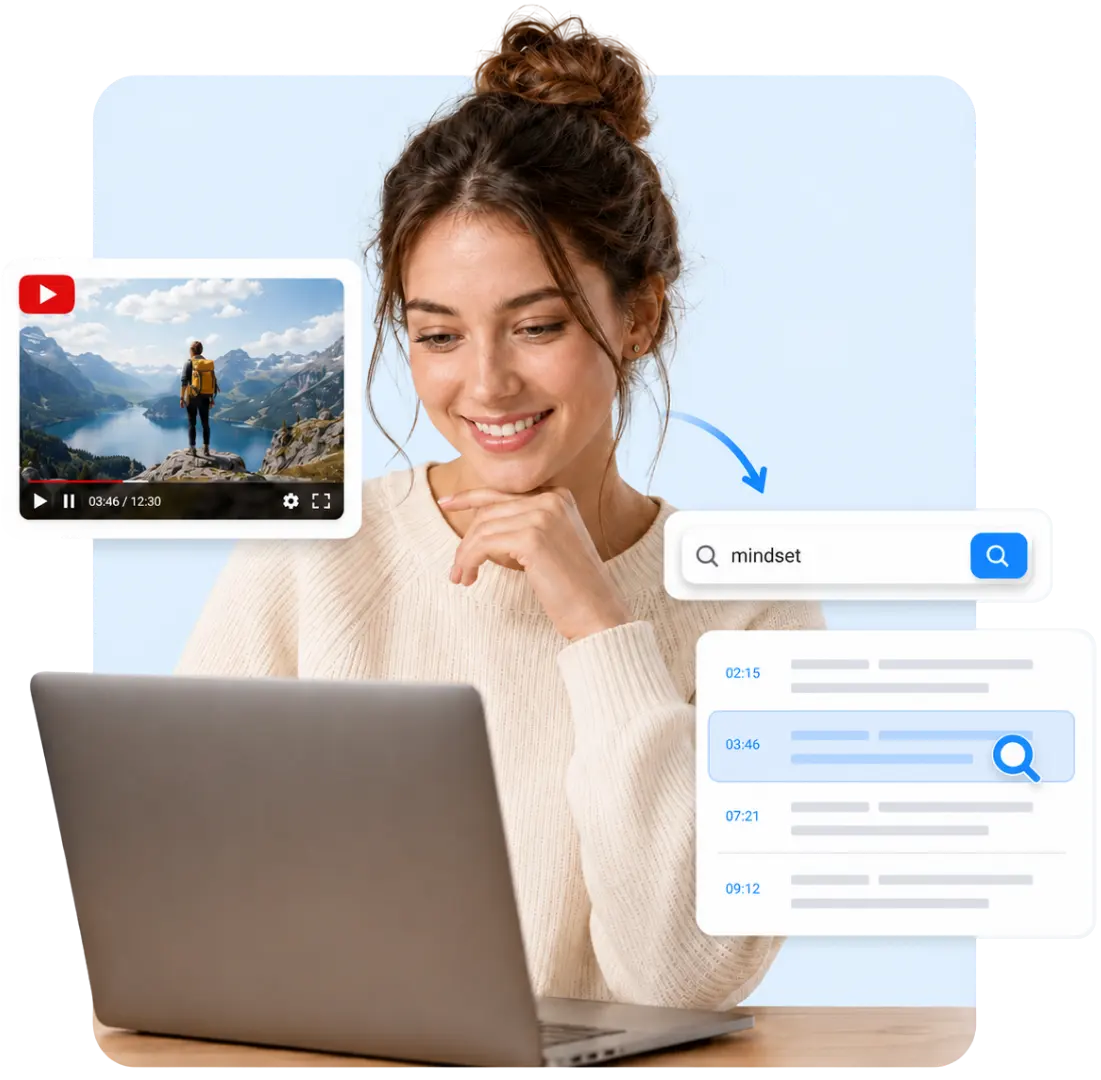
Turn YouTube Videos into Searchable Text
Videos are easy to watch but difficult to scan. This YouTube Transcript Generator turns spoken content
into
structured text, helping you find names, explanations, quotes, and key terms without replaying the entire
video. Use the YouTube transcript for study, research, reference, or documentation.
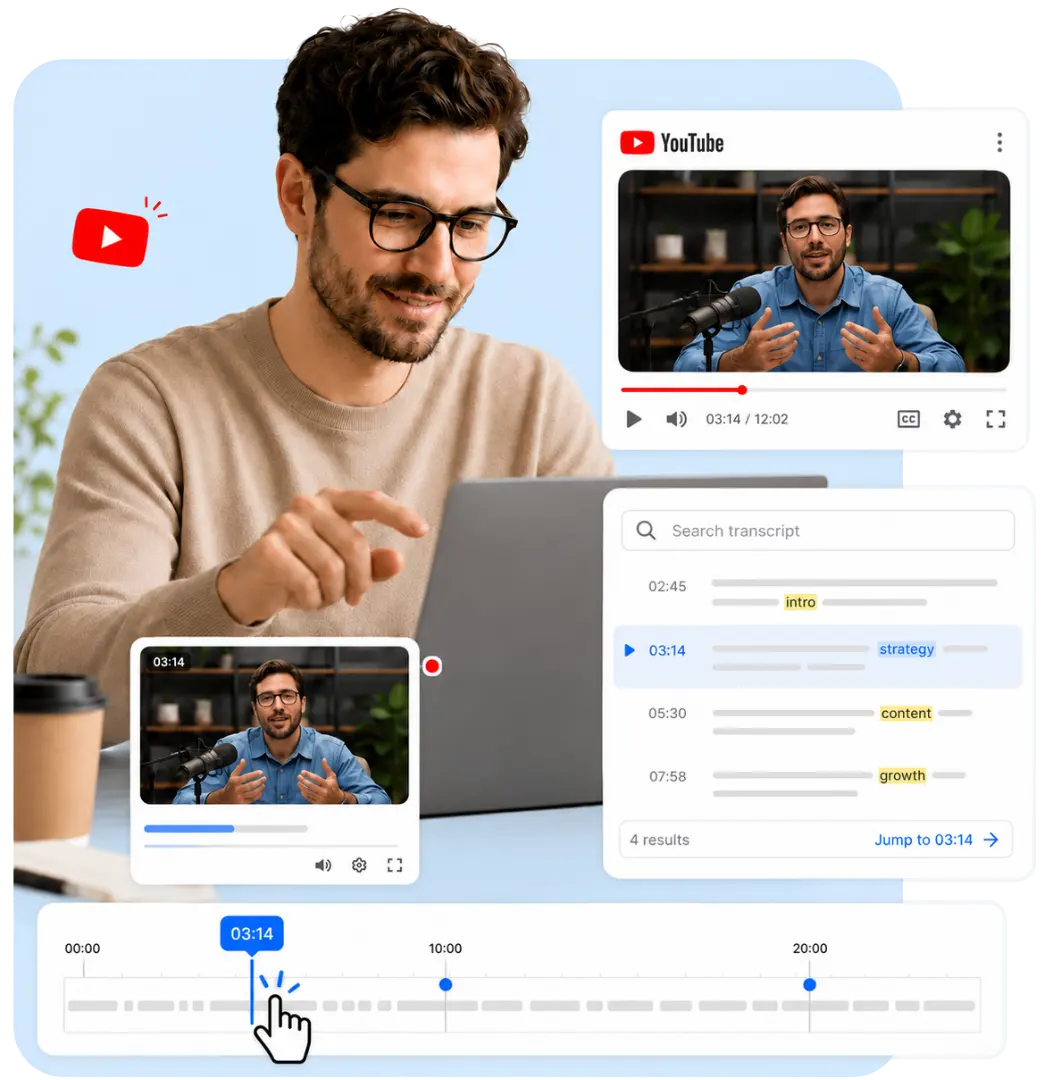
Find Exact Moments with Clickable Timestamps
Each section of the YouTube video transcript is connected to the video timeline. Search for a keyword,
open
the related timestamp, and check the original wording or visual context. This is especially useful for
long
lectures, interviews, podcasts, and tutorials.
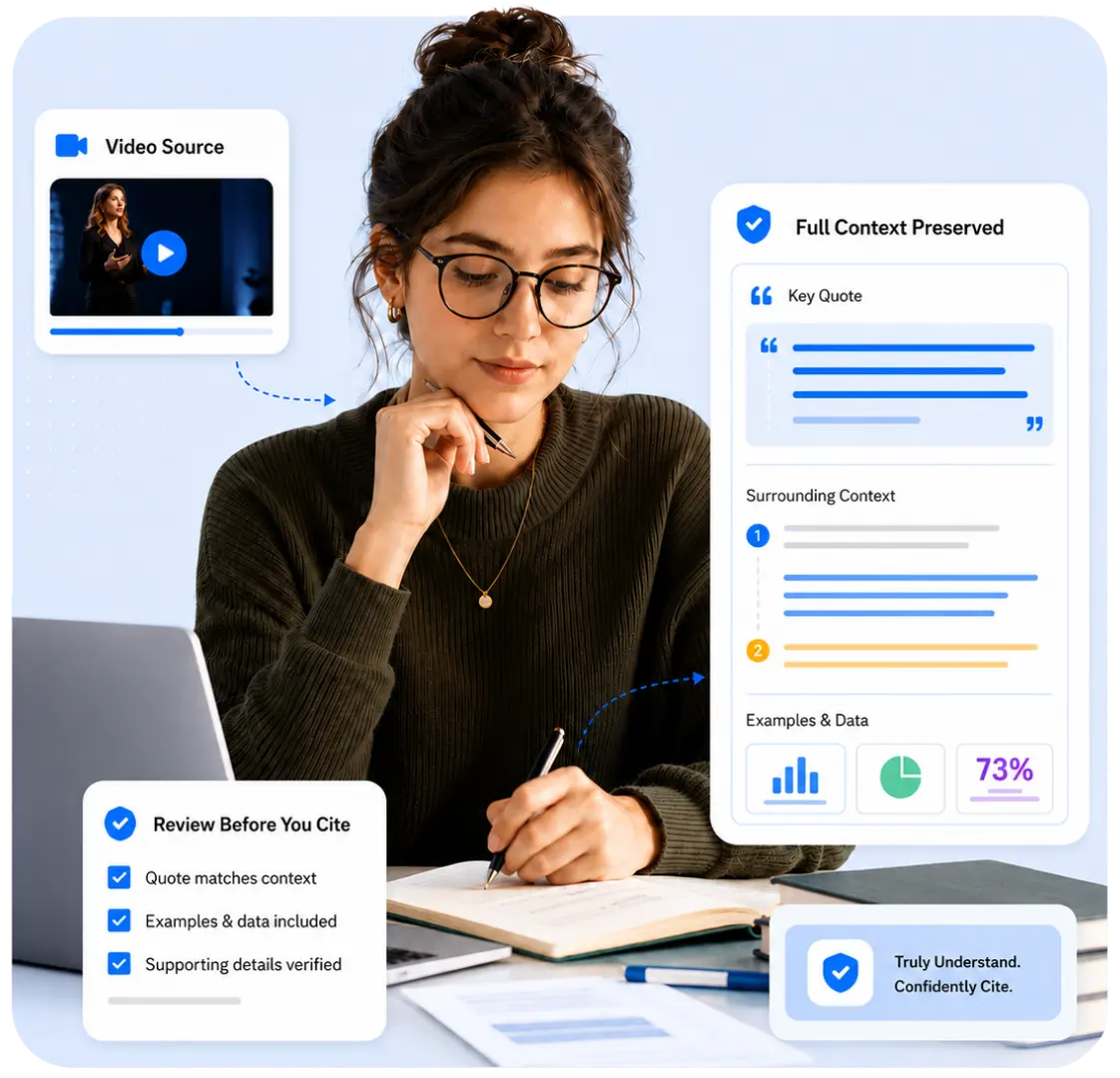
Keep the Full Context of Every Video
A full transcript preserves examples, qualifications, numbers, and surrounding context that short notes
may
miss. When accuracy matters, you can review the transcript from YouTube video content and return to the
original source before using a quote or conclusion.
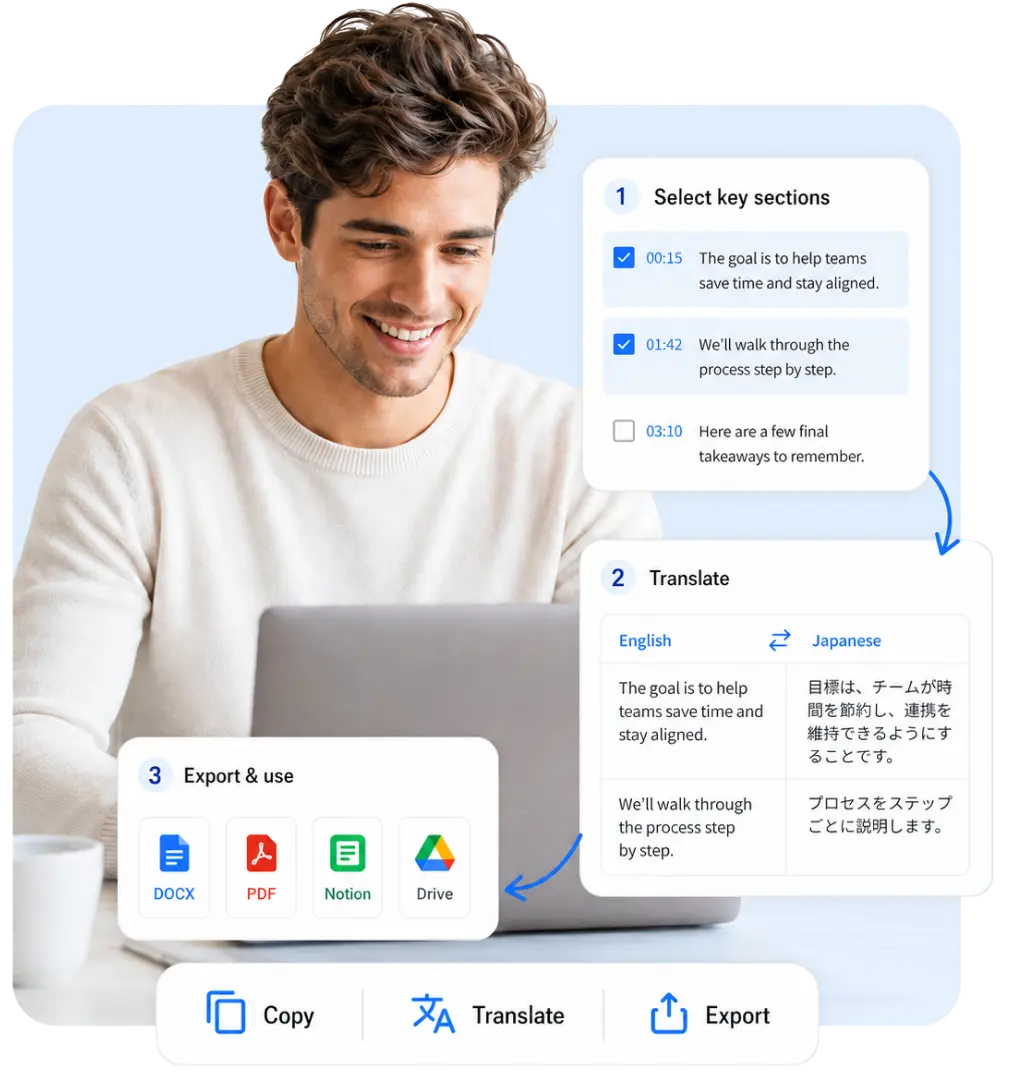
Turn Transcripts into Useful Working Material
After generating the transcript, search the text, select the sections you need, translate the complete
transcript or individual passages, and copy or export the result. A YouTube video to transcript workflow
can
support notes, research, documentation, content planning, and language learning.
Core Features for YouTube Transcription
Generate, review, translate, and reuse a complete video
transcript in one workspace.
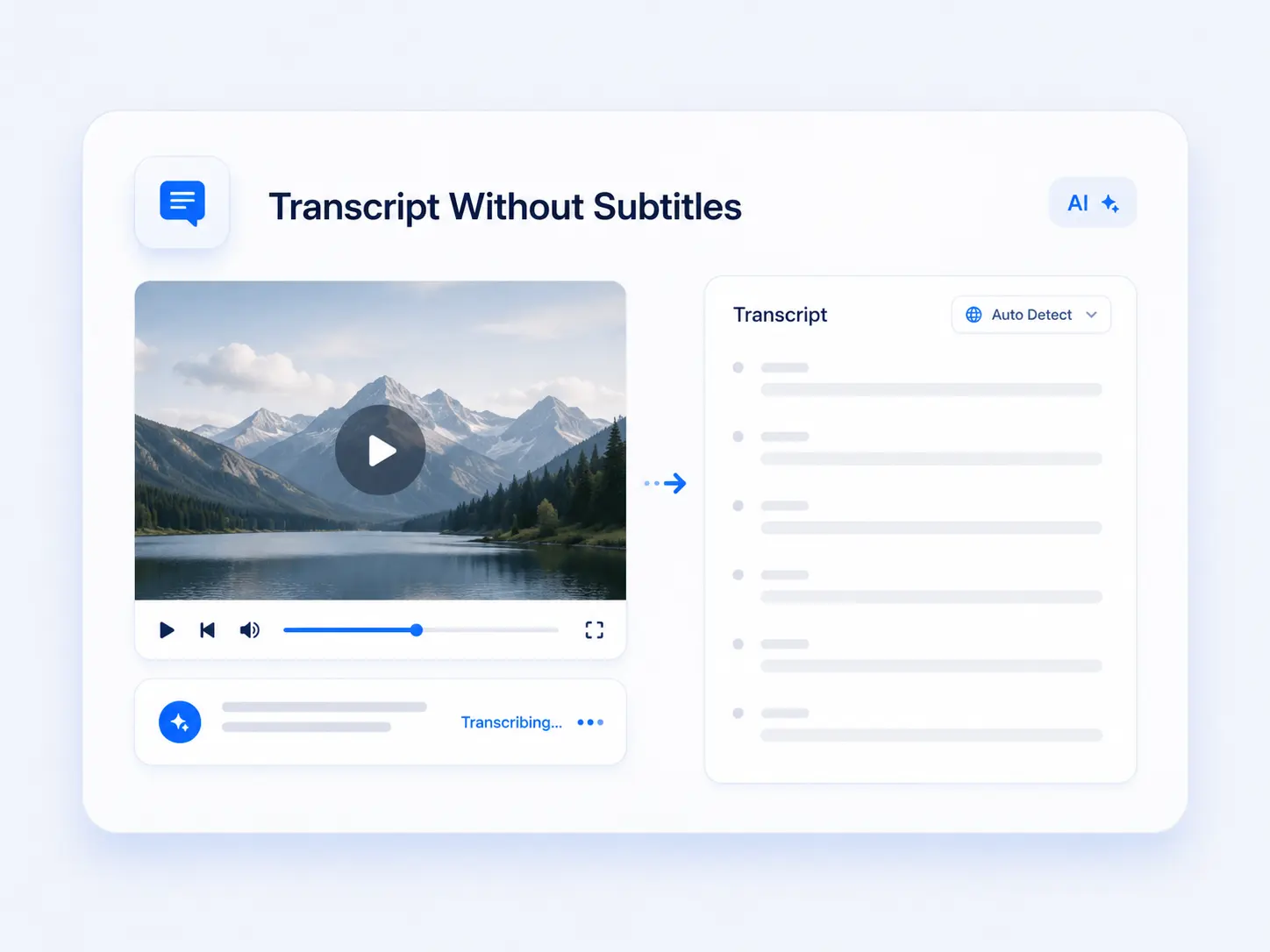
Transcribe Videos Without Ready-Made Captions
Generate a YouTube transcript without subtitles from supported public videos. AI detects the language and
converts speech to text.
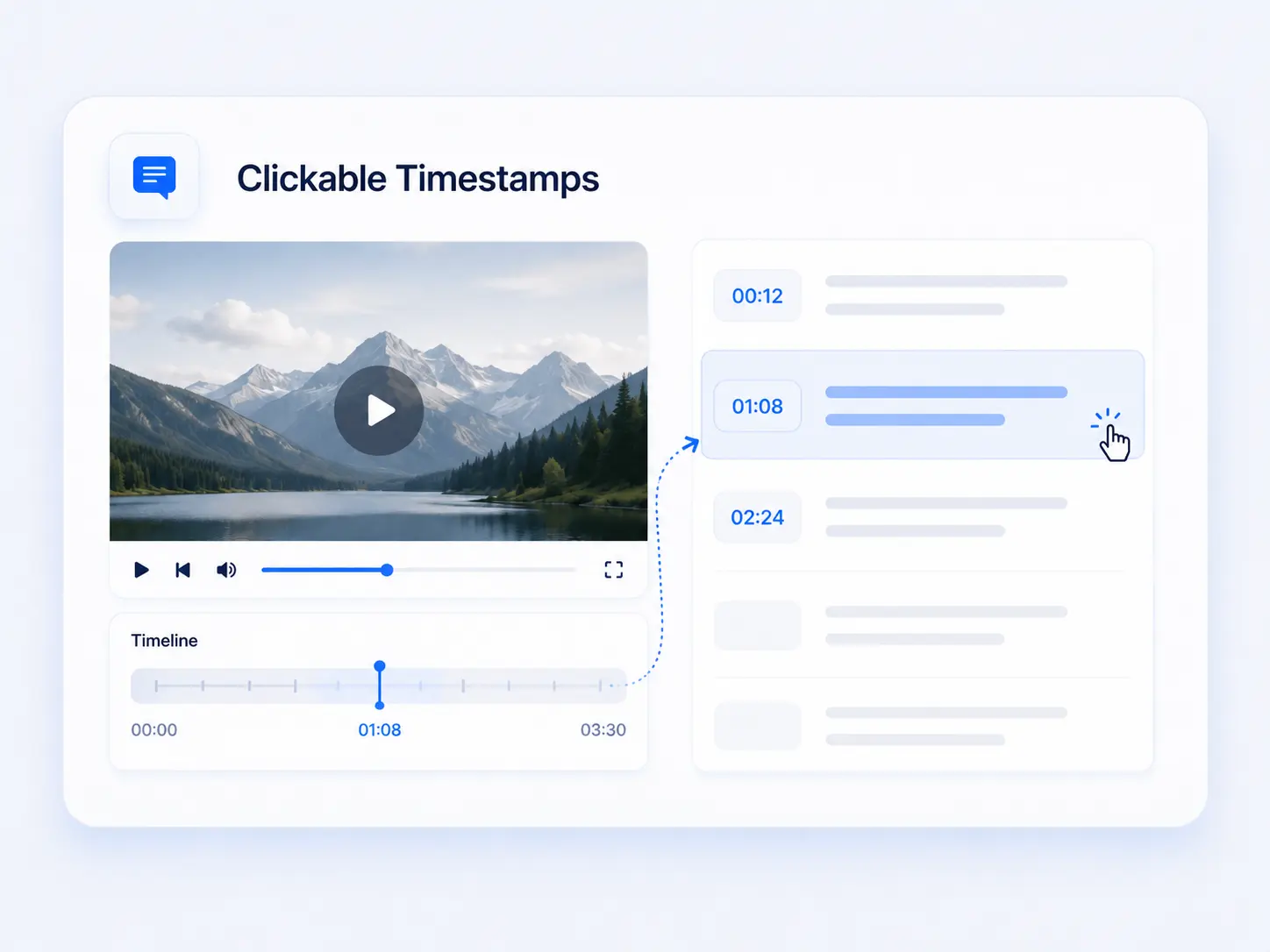
Clickable Timestamps
Each transcript segment is matched to the video timeline. Click a timestamp to open the corresponding
moment and check the original context.
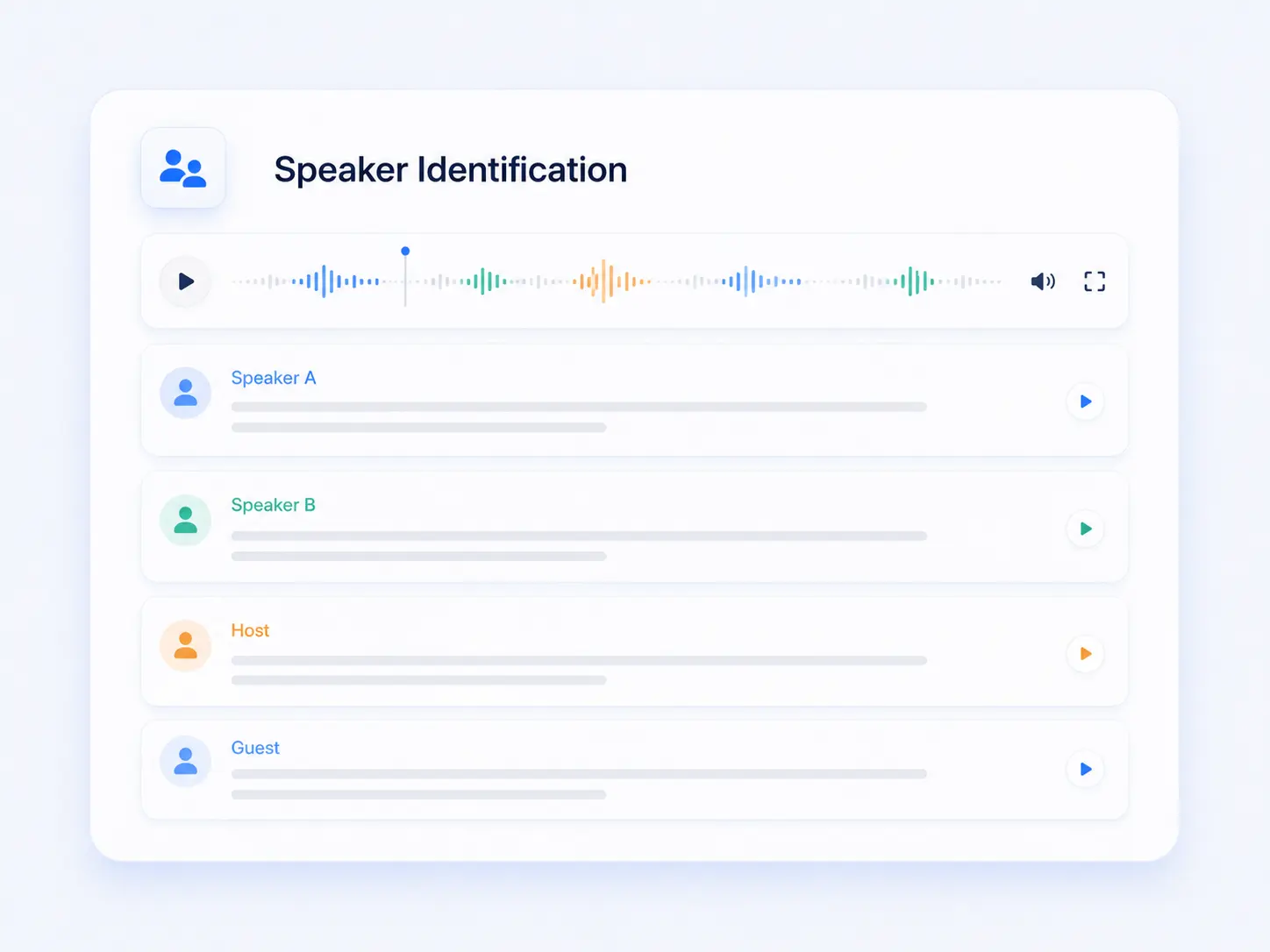
Speaker Identification
Separate voices in interviews, podcasts, panels, and discussions. Speaker labels make multi-person
transcripts easier to read and follow.
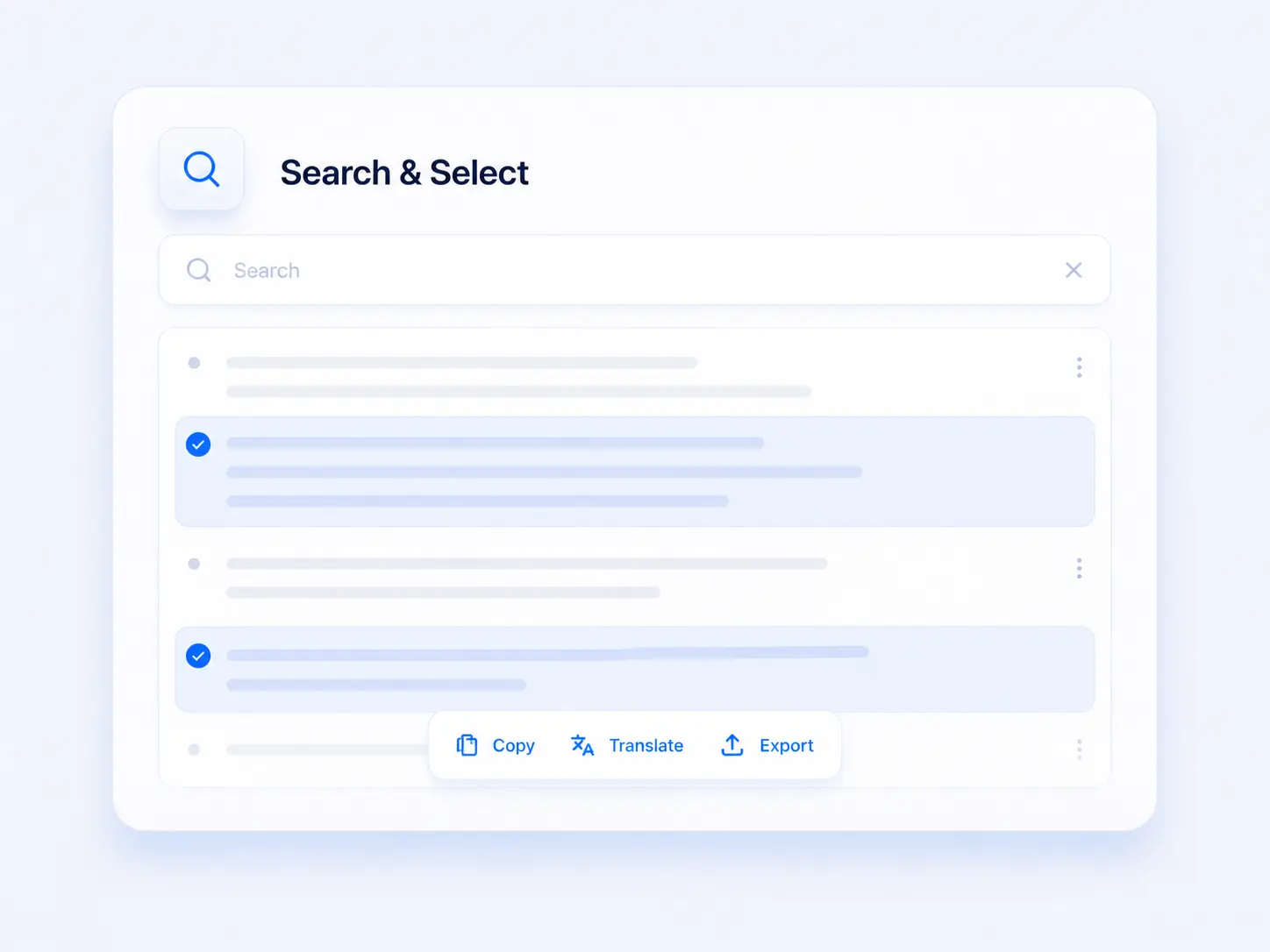
Search and Select Transcript Text
Search names, terms, and topics inside the full transcript. Select one segment or several sections for
copying, translation, or export.
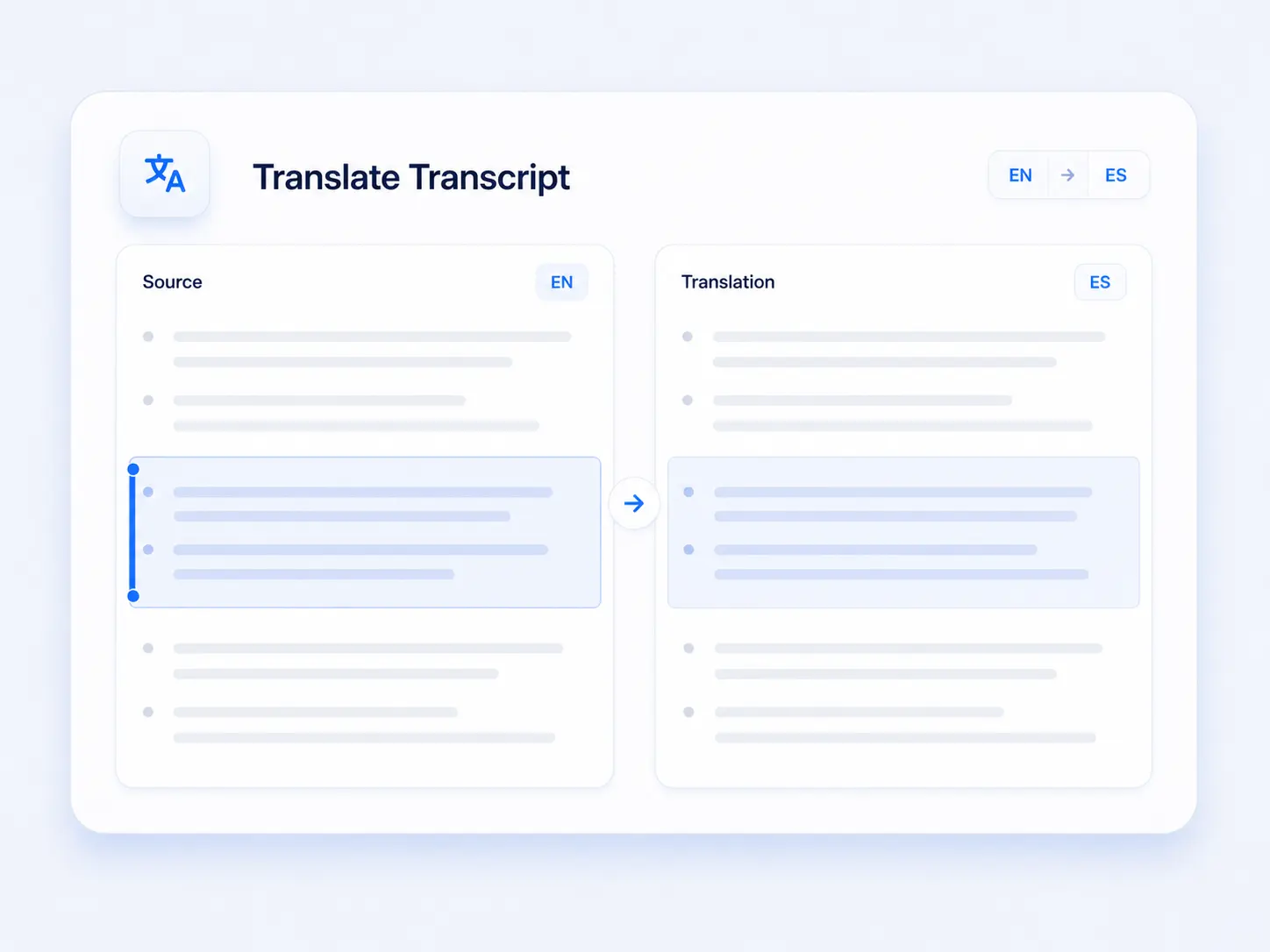
Translate Full or Selected Transcripts
Translate the entire transcript or only the sections you need while keeping the source text available for
comparison.
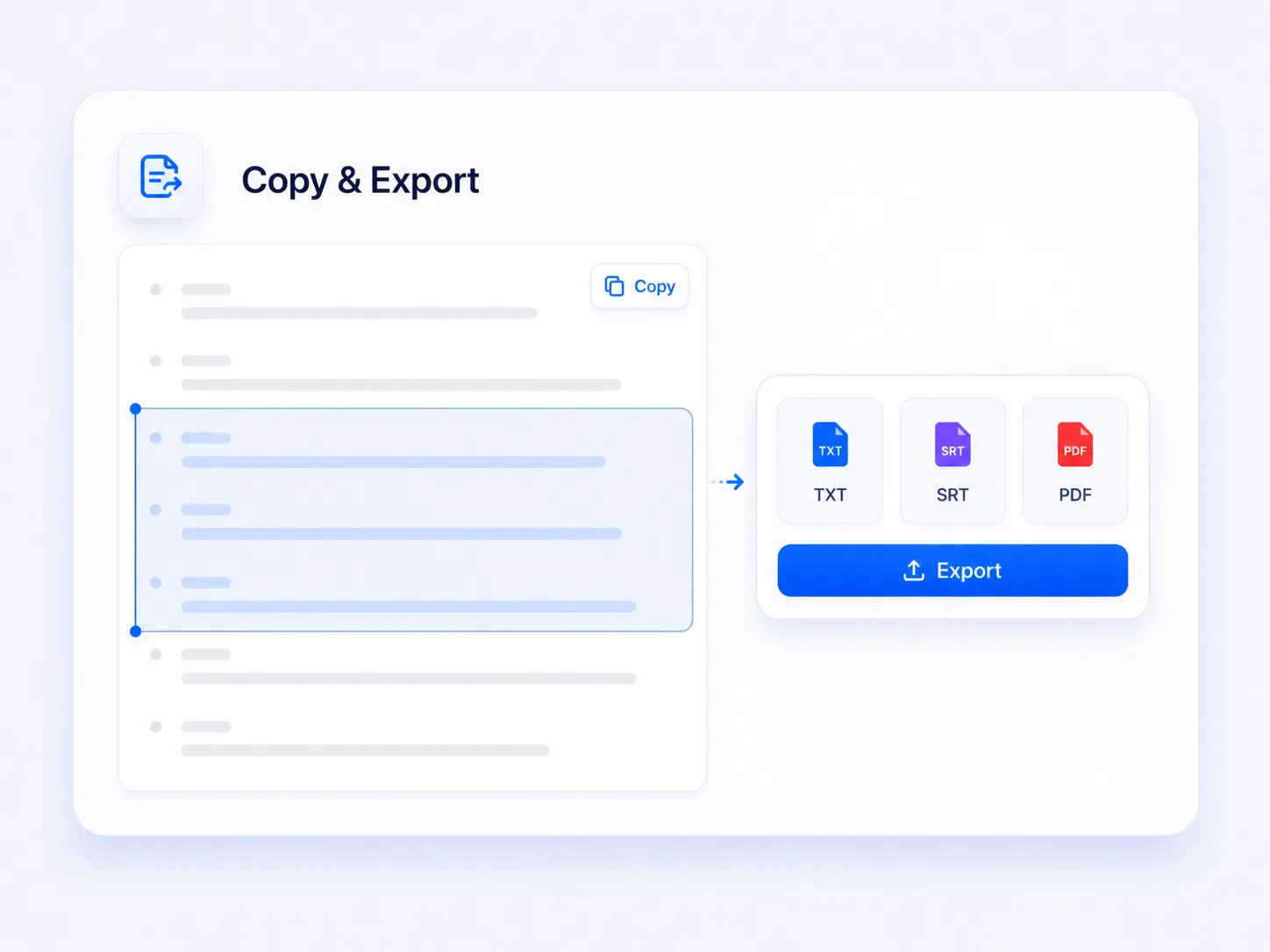
Copy and Export the Result
After reviewing the complete transcript or selected sections, copy the text or continue with the
available
export options.
Practical Ways to Use a YouTube Transcript
Use searchable video text to review details, verify information, and turn
spoken content into practical reference material.
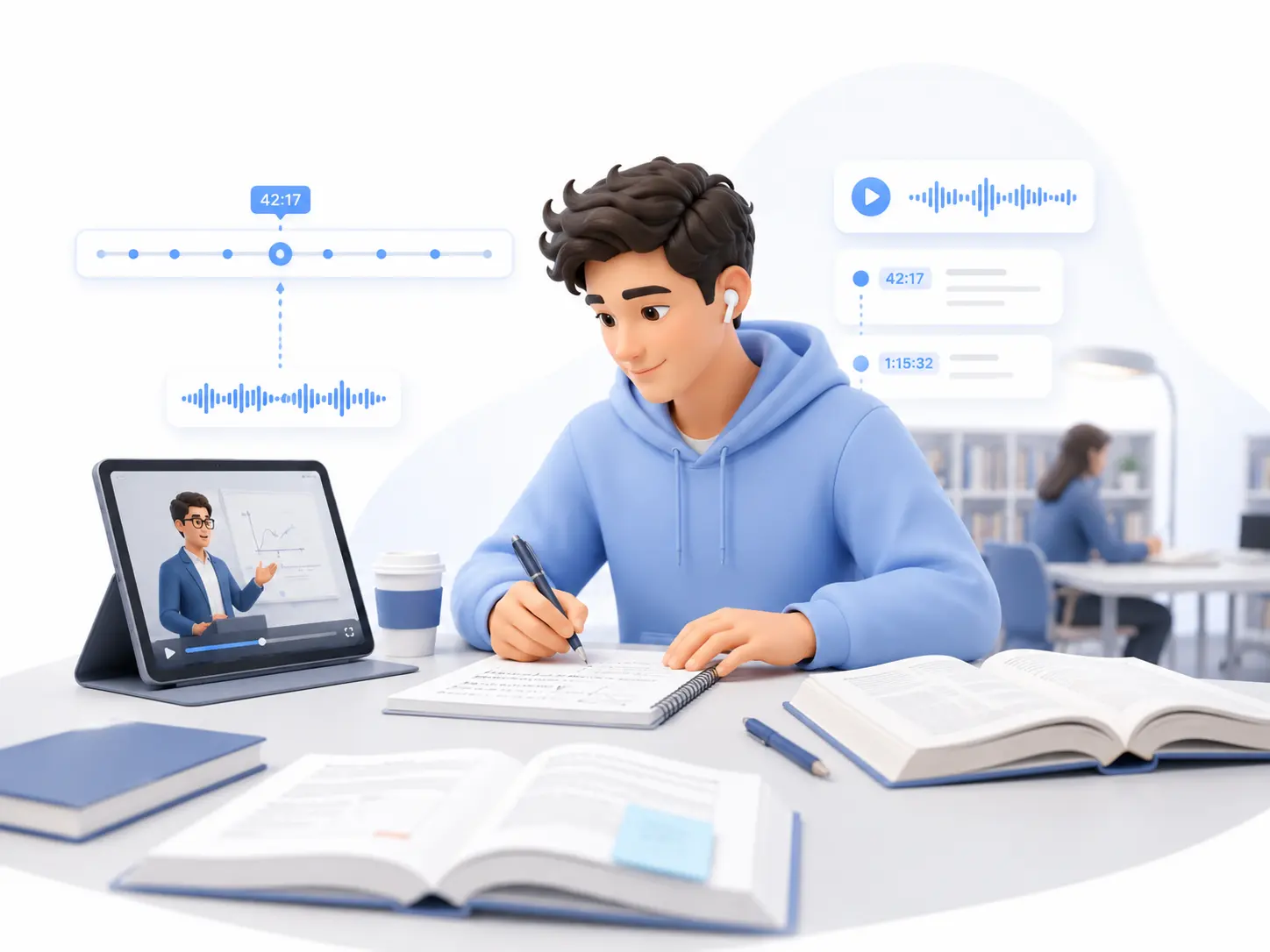
Review a Long Lecture
Use a YouTube Transcript Generator to search definitions, examples, and explanations across a long
lecture.
Click the relevant timestamp when you need to return to the original teaching context.
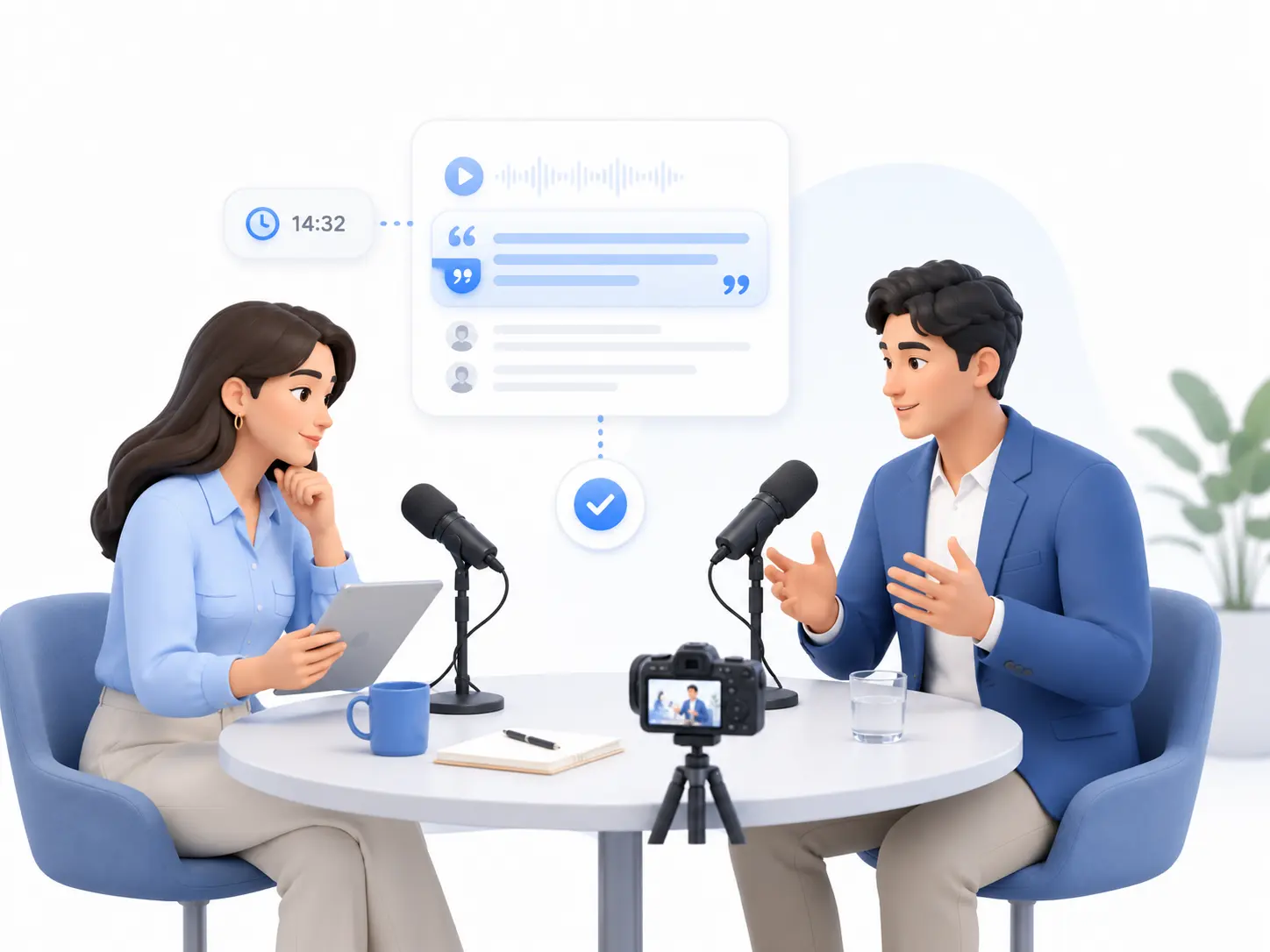
Verify an Interview Quote
A complete YouTube video transcript helps you find an exact statement and read the surrounding
discussion.
Check the matching timestamp before citing or sharing an important quote.
Follow a Video Tutorial
Convert YouTube video to text and keep the instructions open while completing each step. Search for a
command, setting, ingredient, or process without repeatedly replaying the tutorial.
Compare Information Across Videos
YouTube transcription makes several reviews, interviews, or expert discussions easier to compare. Locate
relevant passages, save their timestamps, and examine how different speakers explain the same topic.
Turn Video Speech into Written Material
A transcript from YouTube video content can support show notes, research documents, articles, and
internal
references. Select the useful sections and add your own structure before publishing the material.
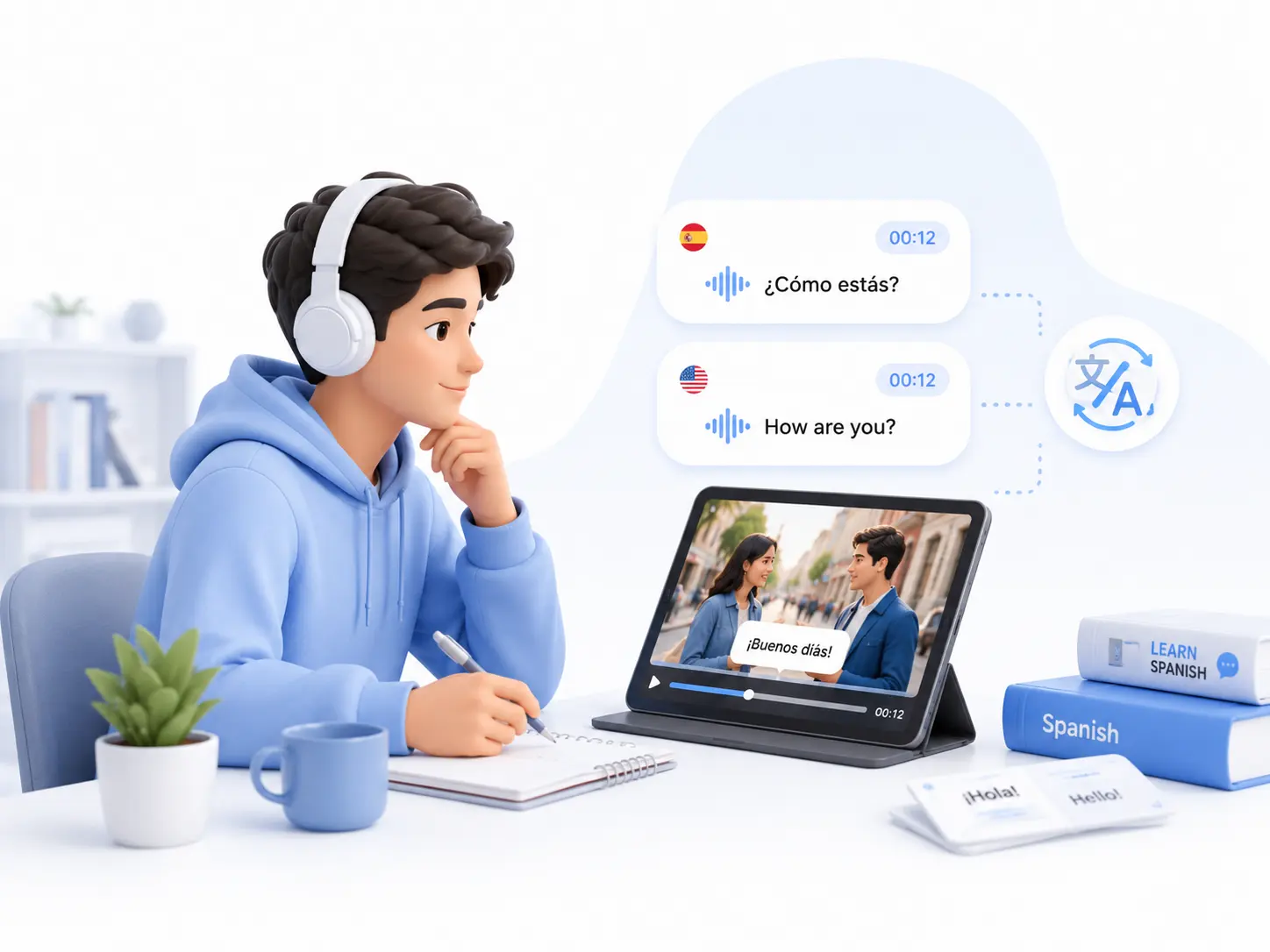
Understand Videos in Another Language
Generate an AI YouTube transcript, then translate the complete text or selected sections. Keep the
original
transcript available and use timestamps to check pronunciation, tone, and visual context.
How to Generate a YouTube Transcript
Turn a supported YouTube link into searchable text in three simple steps.
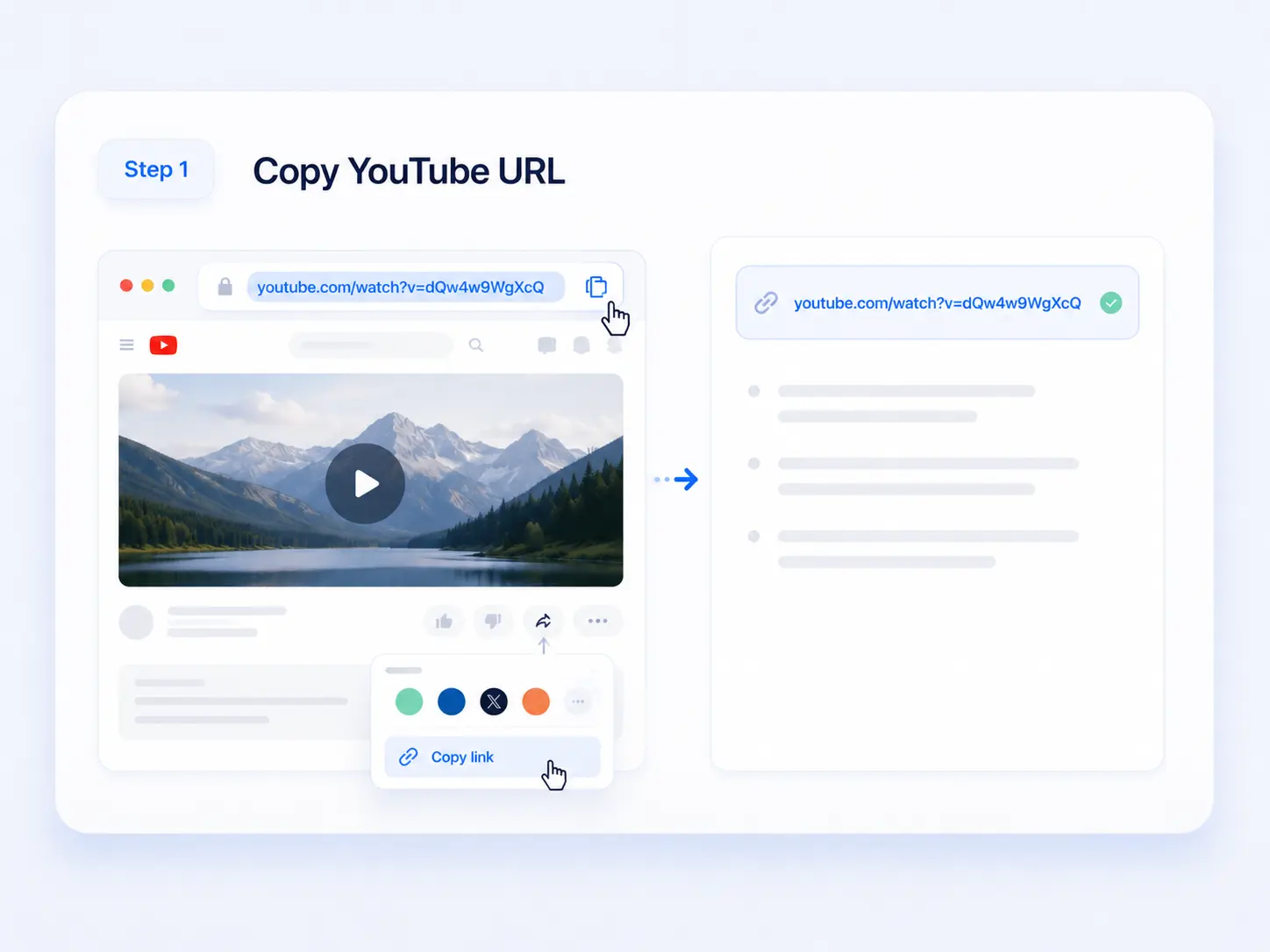
Step 1
Copy the YouTube URL
Open the public YouTube video and copy its URL from the address bar or Share menu.
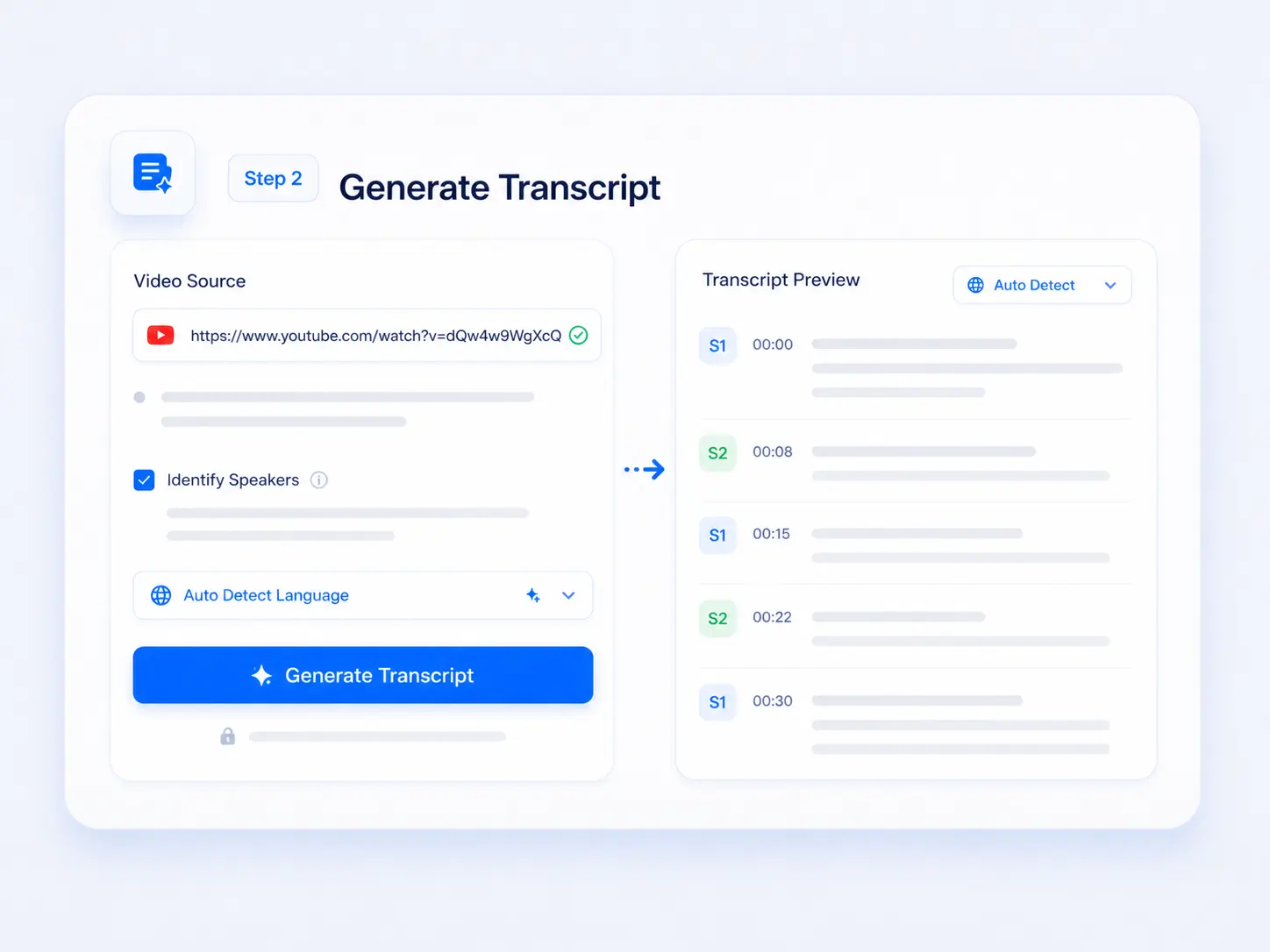
Step 2
Generate the Transcript
Paste the link, enable speaker identification if needed, and click Generate Transcript. AI will
automatically detect the spoken language.
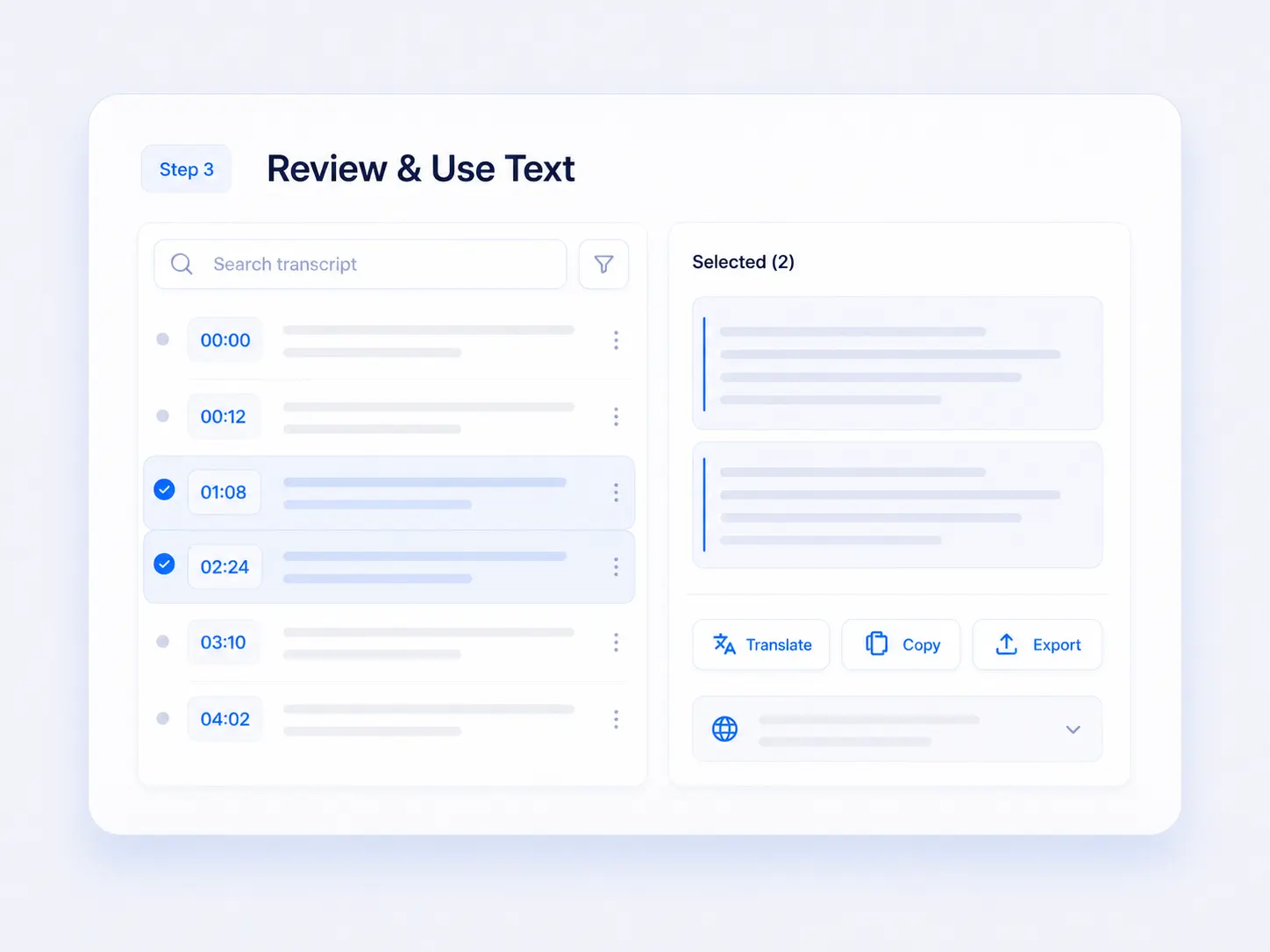
Step 3
Review and Use the Text
Read the YouTube transcript with timestamps, search or select useful sections, then translate, copy, or
export the result.
People who regularly learn from, research, publish, or manage video content use transcripts to make spoken
information easier to access.
Students
Researchers
Video Creators
Marketers
Teachers
Product Teams
Students and Independent Learners
Students use a YouTube Transcript Generator to turn educational videos into written references that
can be reviewed alongside course materials and personal notes.
Researchers and Journalists
Researchers and journalists use complete transcripts to preserve source wording, organize evidence,
and support accurate reporting or analysis.
Video Creators and Podcasters
Creators turn recorded discussions and published videos into reusable source material for future
content and production planning.
Marketers and SEO Teams
Marketing teams use video transcripts to study audience language, customer questions, product
demonstrations, and competitor messaging.
Teachers and Course Teams
Teachers use transcript text to prepare supporting materials and make longer educational videos
easier to include in structured learning resources.
Product and Knowledge Teams
Product and knowledge teams turn demonstrations, onboarding videos, and training sessions into
material for internal documentation and support resources.
Why Use an Online YouTube Transcript Generator?
Faster Than Manual Transcription
Automatically transcribe YouTube video content instead of repeatedly pausing, replaying, and typing.
Processing time depends on the video length, audio quality, and available captions.
Browser-Based Access
Use the YouTube Transcript Generator online without downloading the source video or installing desktop
transcription software. Paste a supported public link to begin.
Works Across Common Devices
Access the YouTube transcript online from desktop, tablet, or mobile browsers. A larger screen is
generally more convenient for reviewing long transcripts and timestamps.
Automatic Language Detection
AI detects the spoken language during transcription, so users do not need to select a source language
before processing.
Suitable for Different Video Lengths
Use the YouTube video transcriber for short tutorials, interviews, lectures, webinars, and longer
podcast-style content.
Free to Start
The YouTube Transcript Generator includes a free trial. If a video or processing method requires
additional credits, the requirement is shown before transcription begins.
How People Use YouTube Transcripts
I only needed one quote from a long interview. Searching the transcript and opening the timestamp was much
easier than replaying the whole video.
Graduate Student
For tutorial videos, I usually copy the useful transcript section and turn it into a checklist. It saves
me
from pausing at every step.
Operations Specialist
For panel discussions and interviews, the speaker labels make it much easier to follow who said what. I
can
review the transcript beside the original video without switching between pages.
Research Coordinator
Frequently Asked Questions
A YouTube Transcript Generator converts the spoken content of a supported YouTube video into readable text.
The result may include timestamps and speaker labels, making the video easier to search, review, translate,
copy, and reuse.
Paste a supported public YouTube URL into the YouTube Transcript Generator and start processing. When the
transcript is ready, review it beside the original video.
Yes. A YouTube video to text workflow converts spoken video content into readable text directly from a
supported public link. You do not need to download the original video or manually type the dialogue while it
plays.
Supported videos can be transcribed from their spoken audio when usable captions are unavailable. These
videos may take longer to process and may follow different duration or credit rules from videos that already
provide captions.
Yes. Each transcript section can be connected to its corresponding point in the video. Clickable timestamps
help users verify quotations, revisit tutorial steps, create references, and navigate long videos without
repeatedly dragging through the timeline.
Speaker identification can separate voices in interviews, podcasts, panels, and discussions. The result is
usually easier to follow when speakers talk clearly and do not overlap. Similar voices, background noise, or
simultaneous speech may require closer review.
Yes. Search the transcript for a name, phrase, or topic, then select one segment or several sections
together. Selected text can be used for translation, copying, export, or other supported follow-up actions.
Yes. Translate the complete transcript or only selected passages while keeping the original text available
for comparison. This is useful for foreign-language courses, interviews, tutorials, and international
research.
The complete YouTube transcript or selected sections can be copied and used with the available export
options.
Supported public YouTube links can be processed when the service is able to access their content. Private,
deleted, region-restricted, age-restricted, or otherwise inaccessible videos may not process normally.
The supported duration may depend on whether the video already contains usable captions or requires a new
transcription from audio. The current limit and any related credit requirements should be displayed before
processing begins.
The YouTube Transcript Generator is free to start online. Some videos or processing methods may require
credits depending on duration and whether new audio transcription is needed. The page should clearly show
the
relevant usage rule before the task begins.
Accuracy depends on the spoken language, source audio, background noise, pronunciation, accent, overlapping
speakers, and specialized terminology. Names, numbers, quotations, and technical wording should be checked
against the original video before formal use.
YouTube may not display a transcript when captions are missing, unavailable, unsupported, or still being
processed. When the video audio is accessible, AI transcription can create a new transcript instead of
relying
on an existing caption track.