AI Humanizer for Natural Text
Transform text into more natural writing while preserving your original voice.
Why Can Original Writing Be Misidentified as AI Text?
It's not you; it's the algorithm. AI detectors don't look for "plagiarism"—they look for "AI patterns." Even classic literature is often mislabeled due to its structured nature. If that happens, a text humanizer can restore sentence variety, natural rhythm, and a more personal voice.
How Much AI-Generated Text Is Considered Safe?
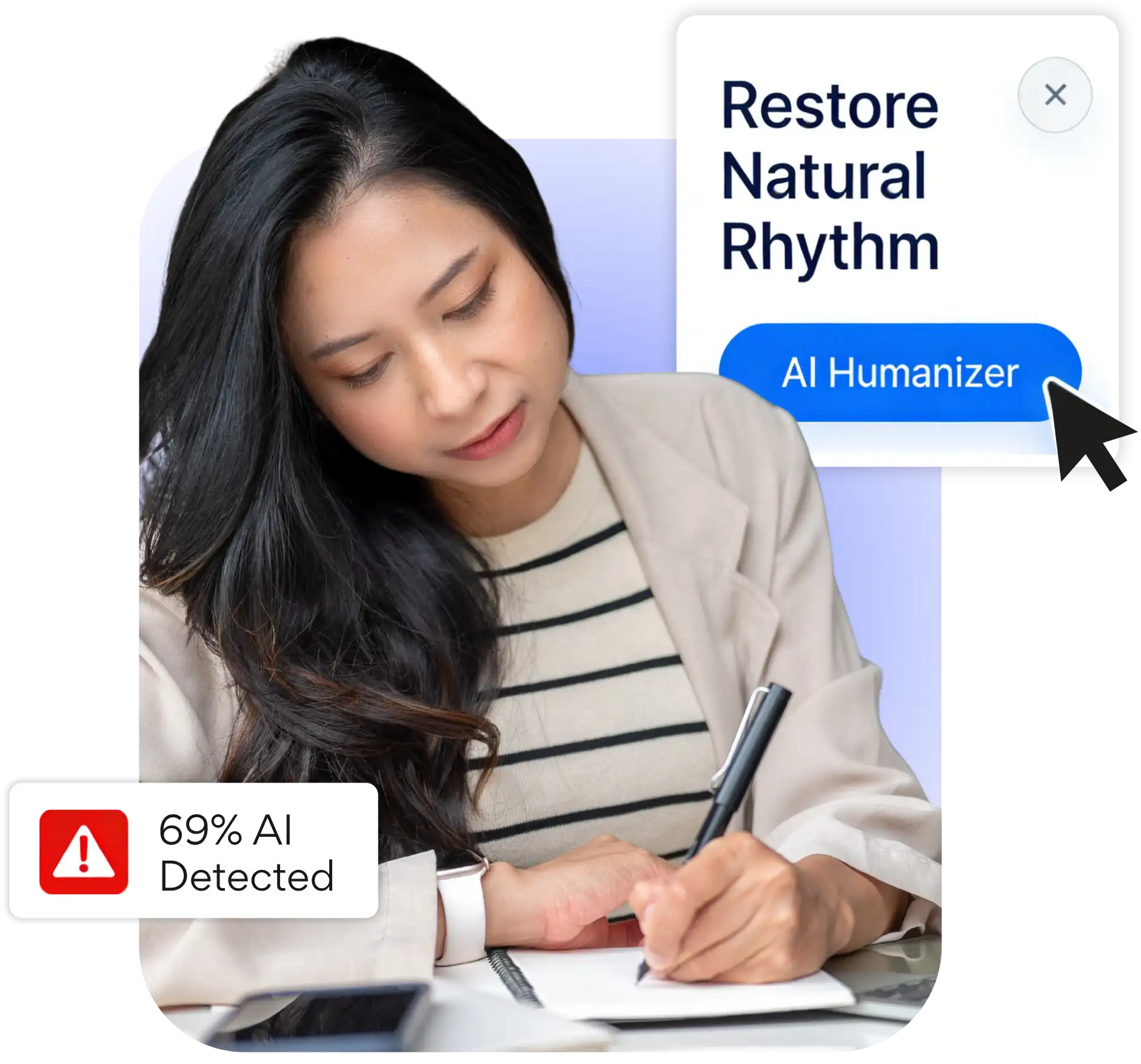
Our analysis of 10,000+ high-performing pieces found that 90% stayed below 20% AI density, only 10% fell between 20% and 50%, and the strongest examples showed 0%. Exceeding 20% can trigger AI detector flags and reader distrust. This process helps shape the draft into clearer, more natural, human-led writing.

How to Humanize AI Text and Make It Sound Natural?
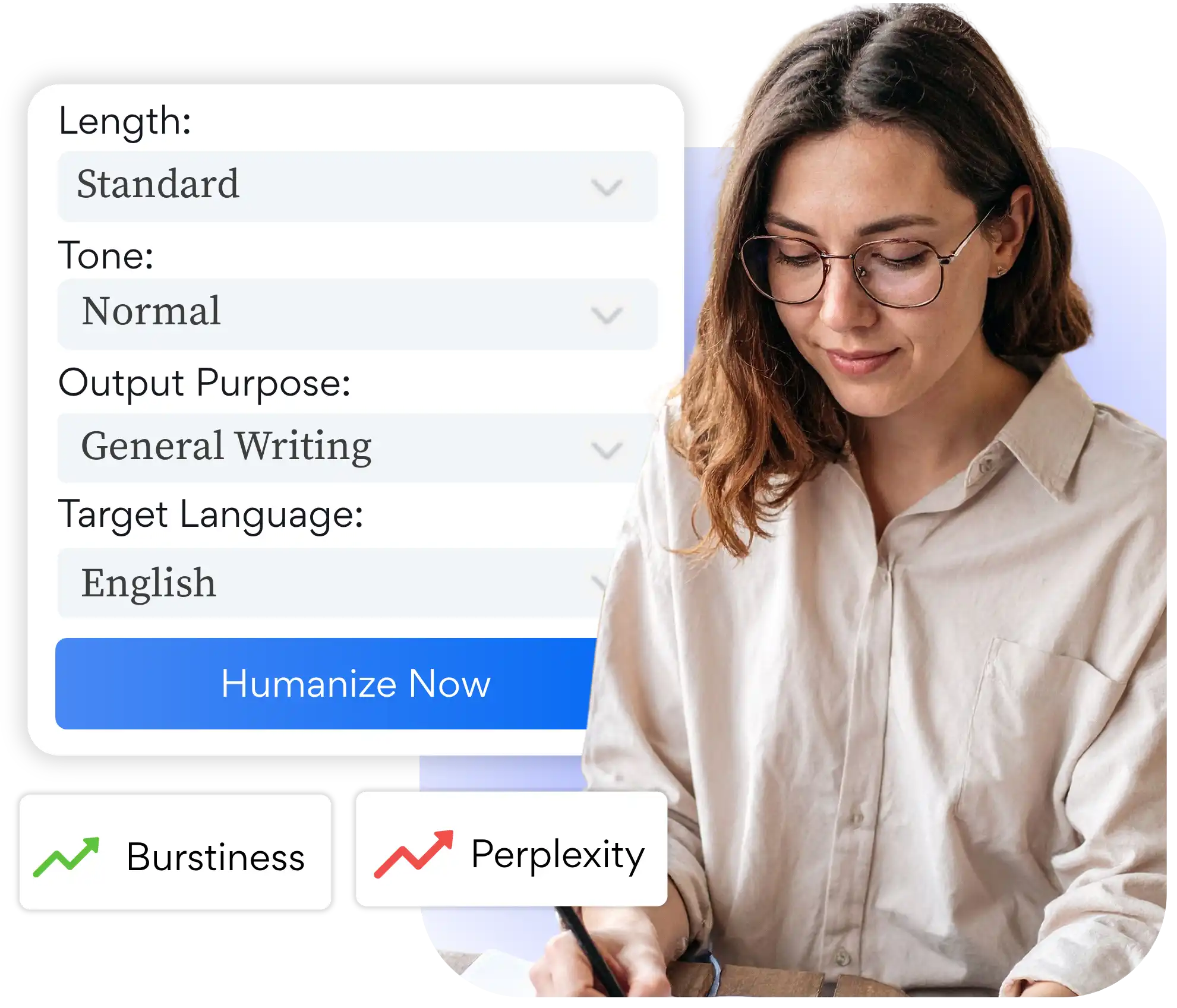
AI-generated text often feels formulaic and repetitive. The AI text humanizer improves sentence rhythm and transitions by addressing predictable patterns such as Burstiness and Perplexity. The writing sounds more natural without changing the central point.
AI Humanizer to Support, Not Replace, Your Writing
Humanizing a draft should strengthen your writing, not replace it. An AI to human text converter can improve tone and flow while keeping your ideas intact. Always review facts and citations before publishing.

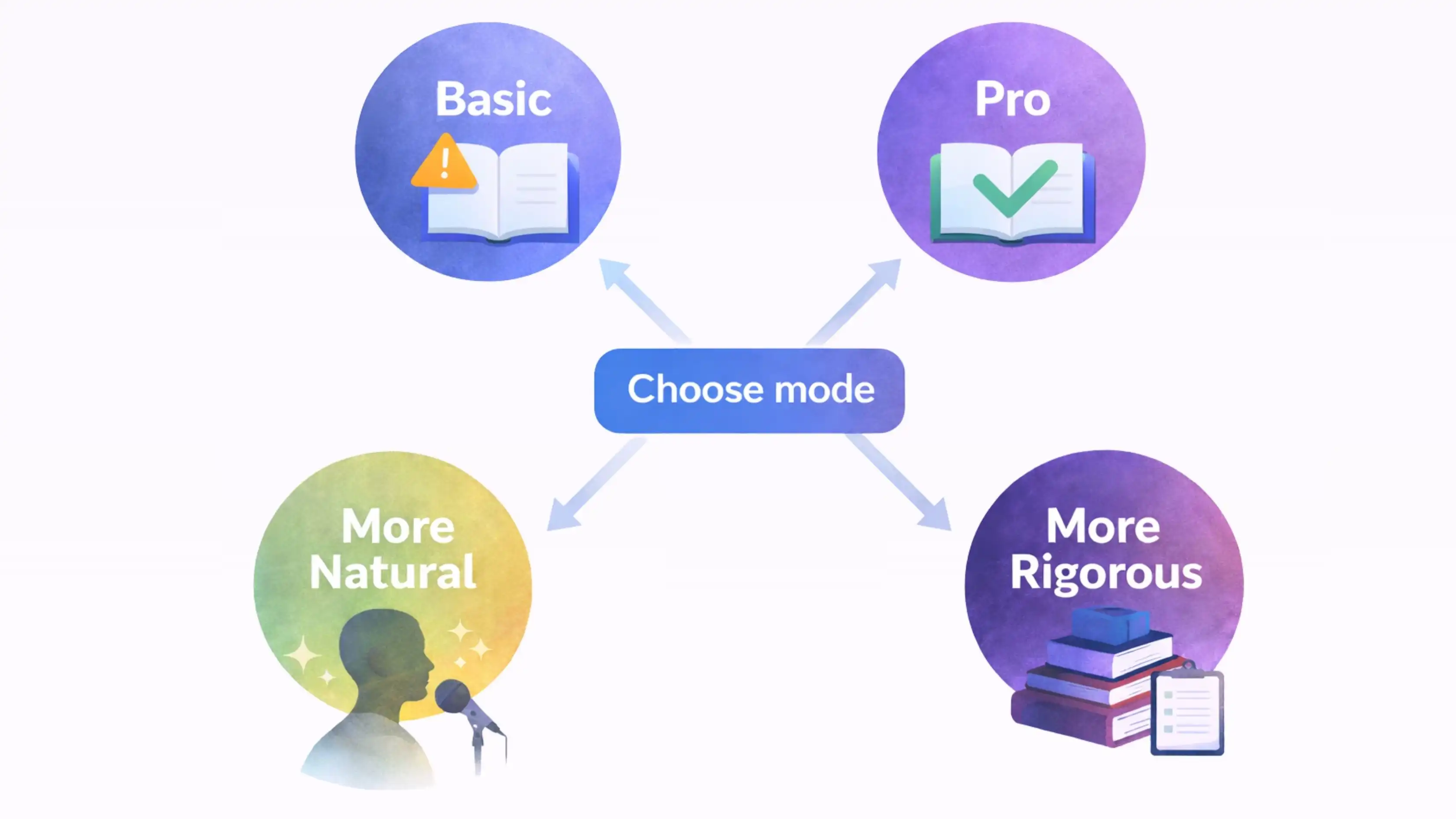
Choose the Right AI Humanizer Mode
Select a mode to humanize text based on the type of writing, the audience, and the level of refinement you need.
View Plans & Pricing
Basic Mode
- Quality: Clear, readable humanized text for everyday writing.
- Result: More natural wording for basic AI detection checks.
Pro Mode
- Quality: More polished language with greater vocabulary and sentence variety.
- Result: Advanced rewriting for stricter AI detectors.
More Natural
- Best For: Blogs, social media, and creative copy.
- Style: Conversational and flowy, just like a human wrote it.
- Bypass: Humanize AI writing with higher detector pass rates.
More Rigorous
- Best For: Essays, research papers, and formal reports.
- Style: Professional, precise, and logically structured.
- Bypass: Higher detector pass rates with academic integrity.
Advanced Features of Decopy AI Text Humanizer
Predictable patterns can be reworked into more natural writing while your original meaning stays intact.
Strategic AI Pattern Reduction
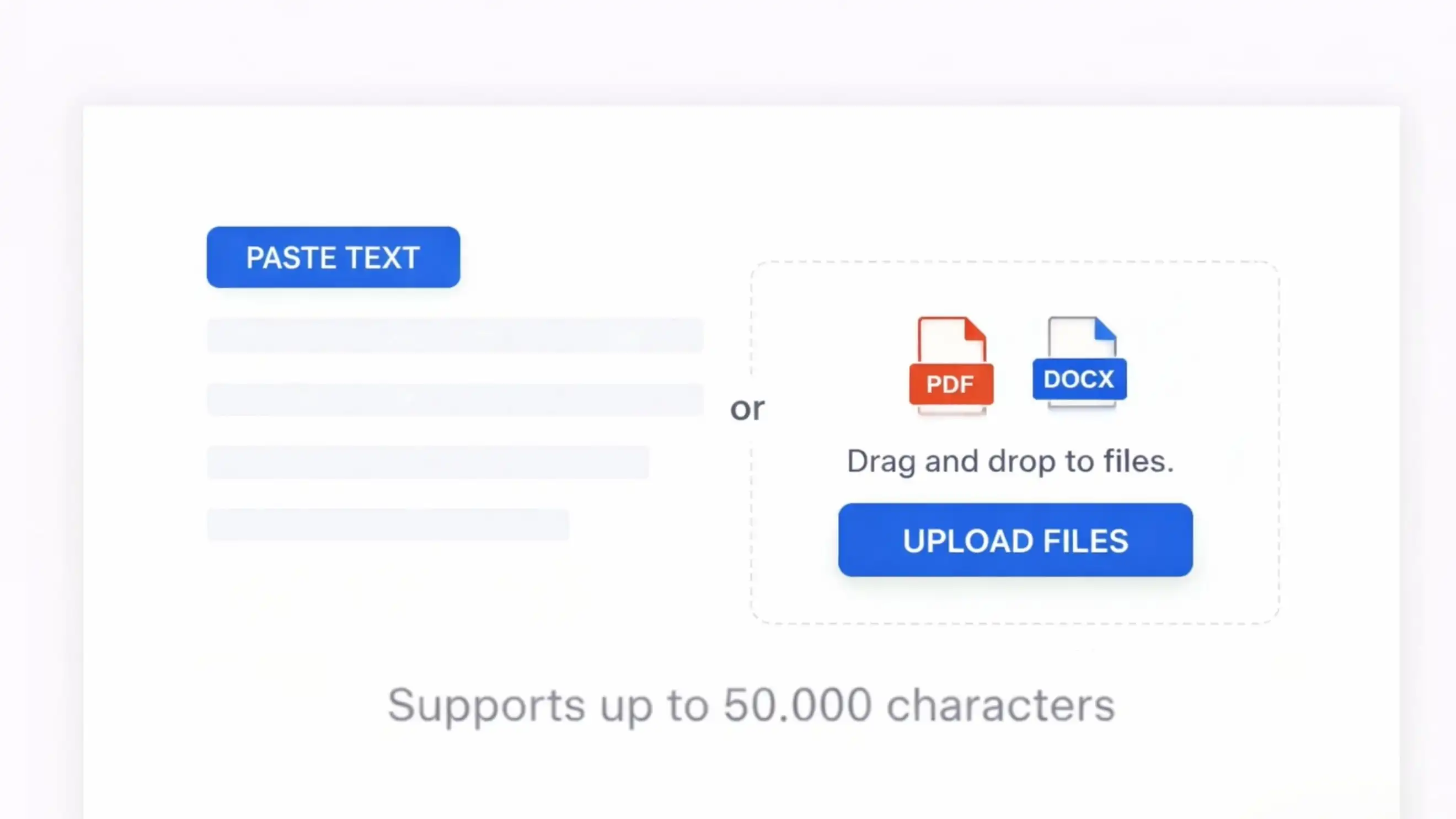
Flexible Input and File Upload
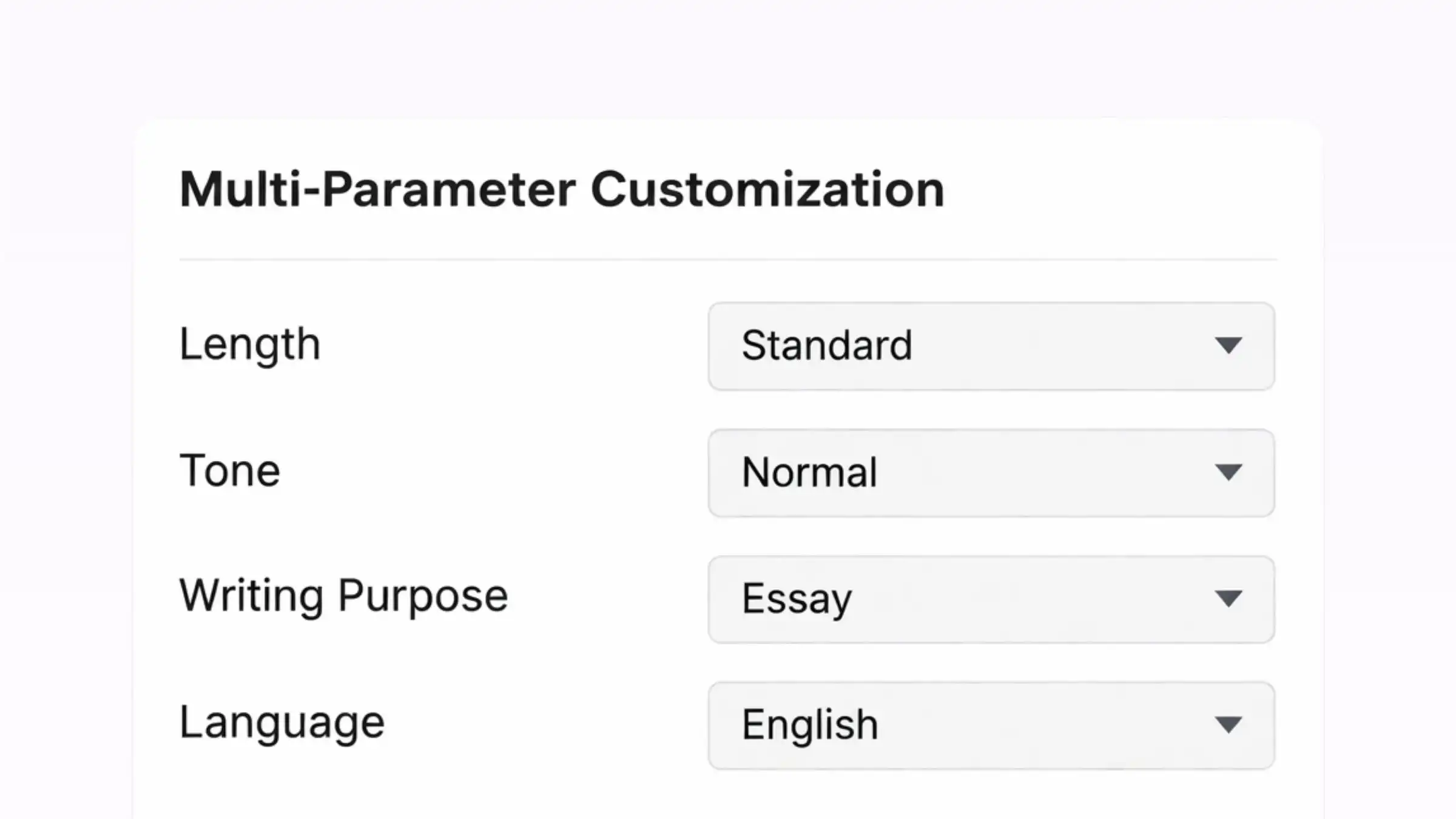
Multi-Parameter Customization
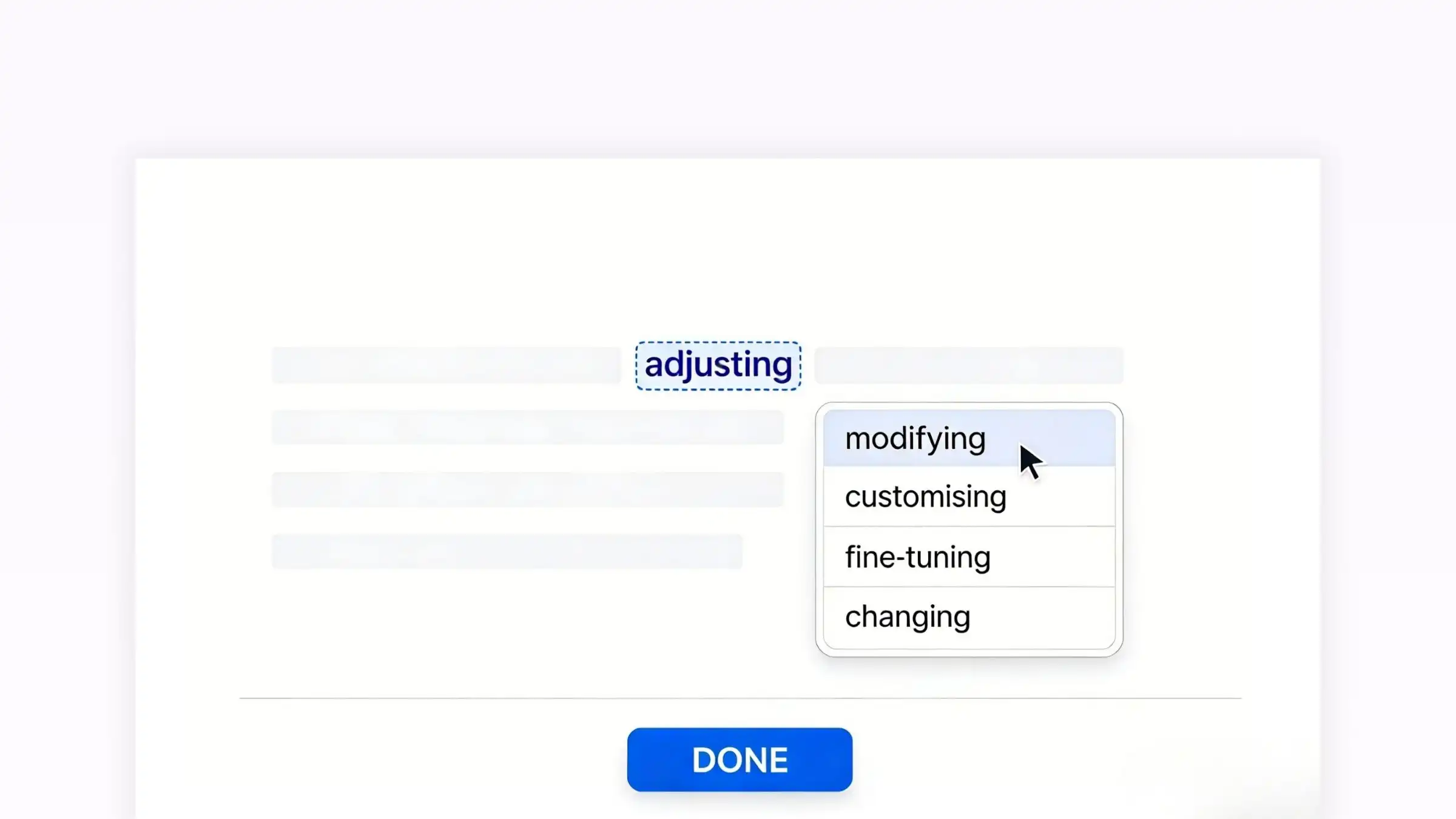
Interactive Sentence-Level Editing
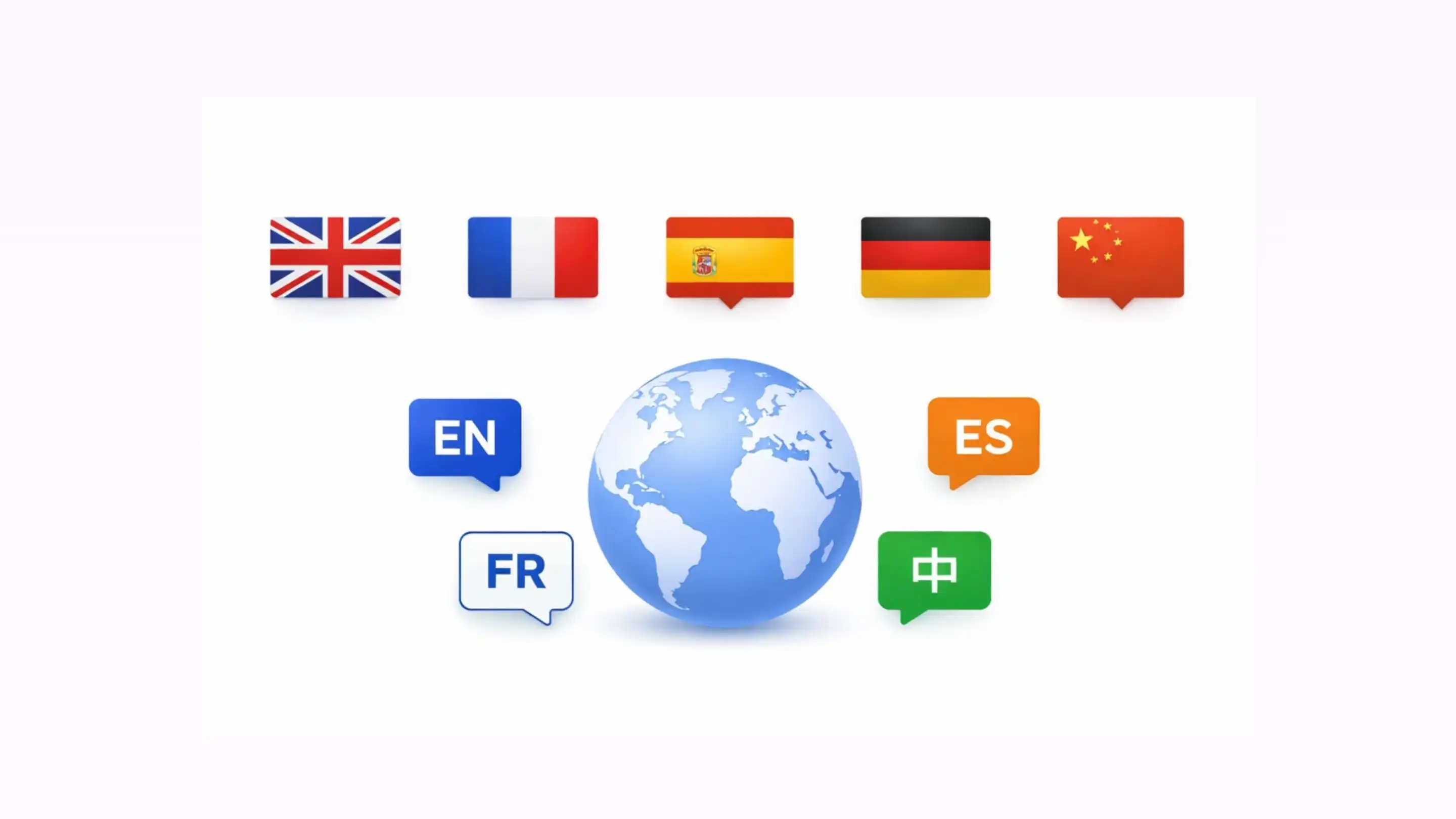
Multilingual AI Humanizer
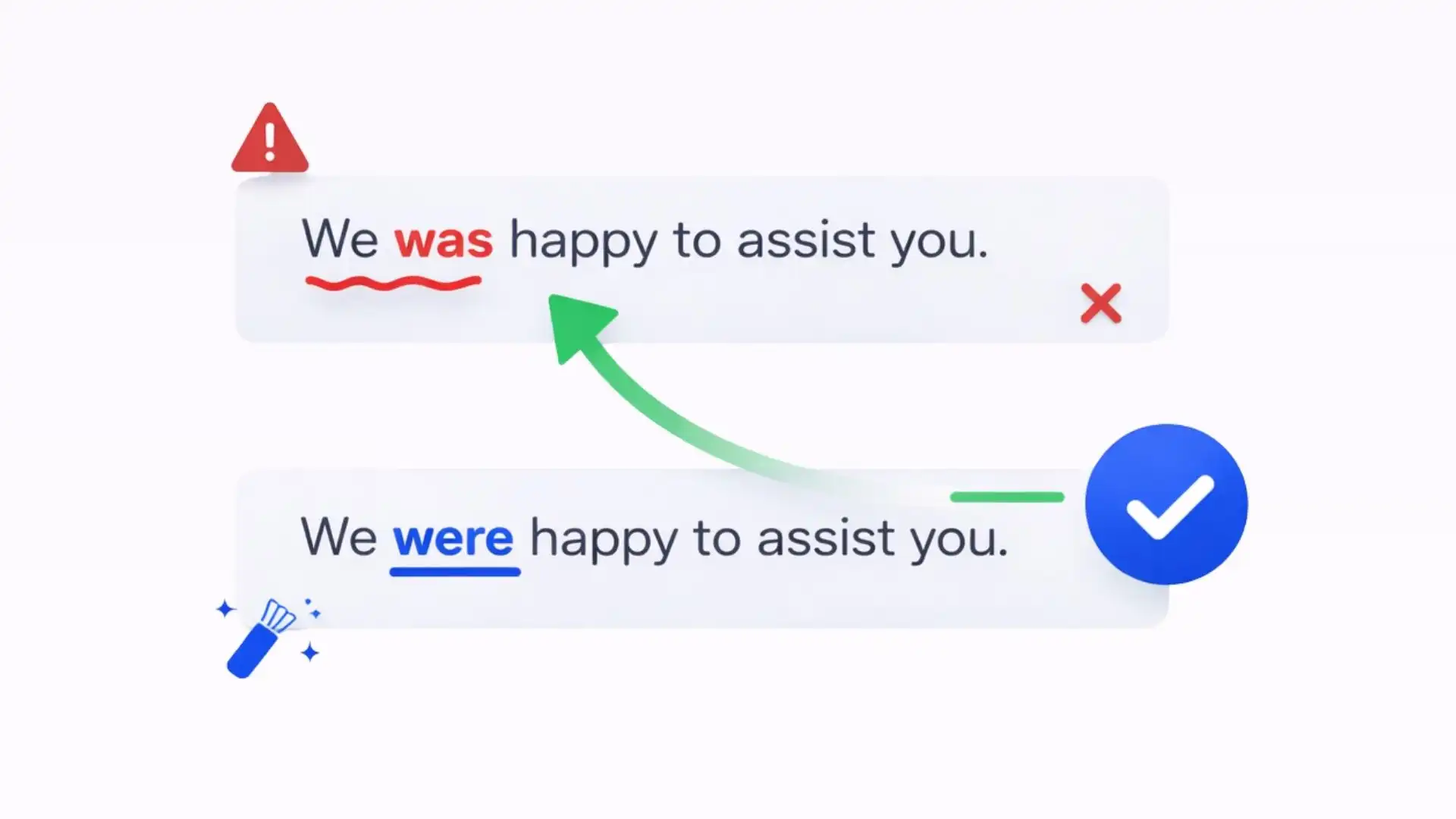
Grammar and Flow Enhancement
How to Humanize AI Text in 3 Simple Steps
Humanize AI text online for free in three simple steps, with a workflow that stays easy from input to export.
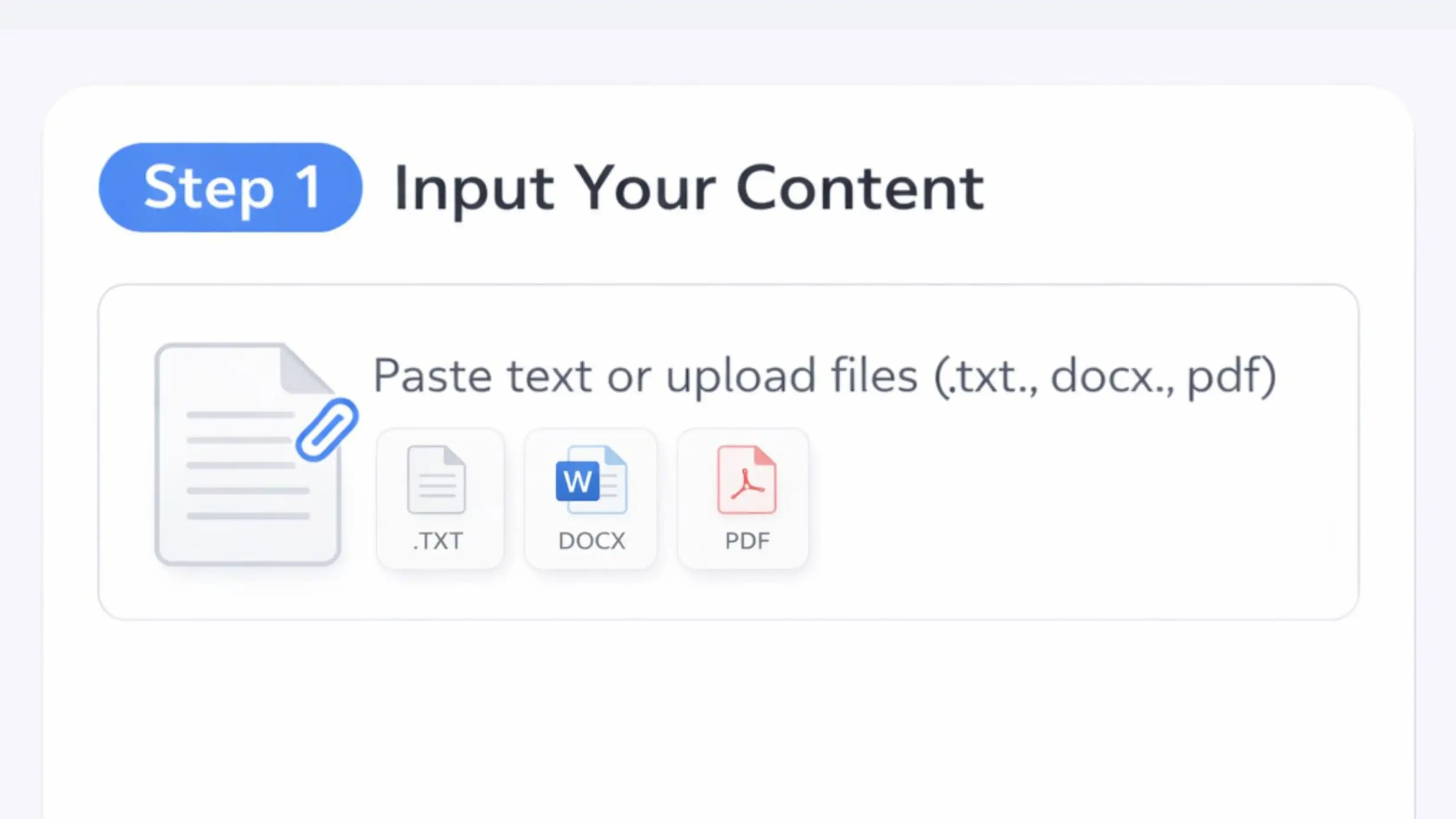
Step 1: Input Your Content
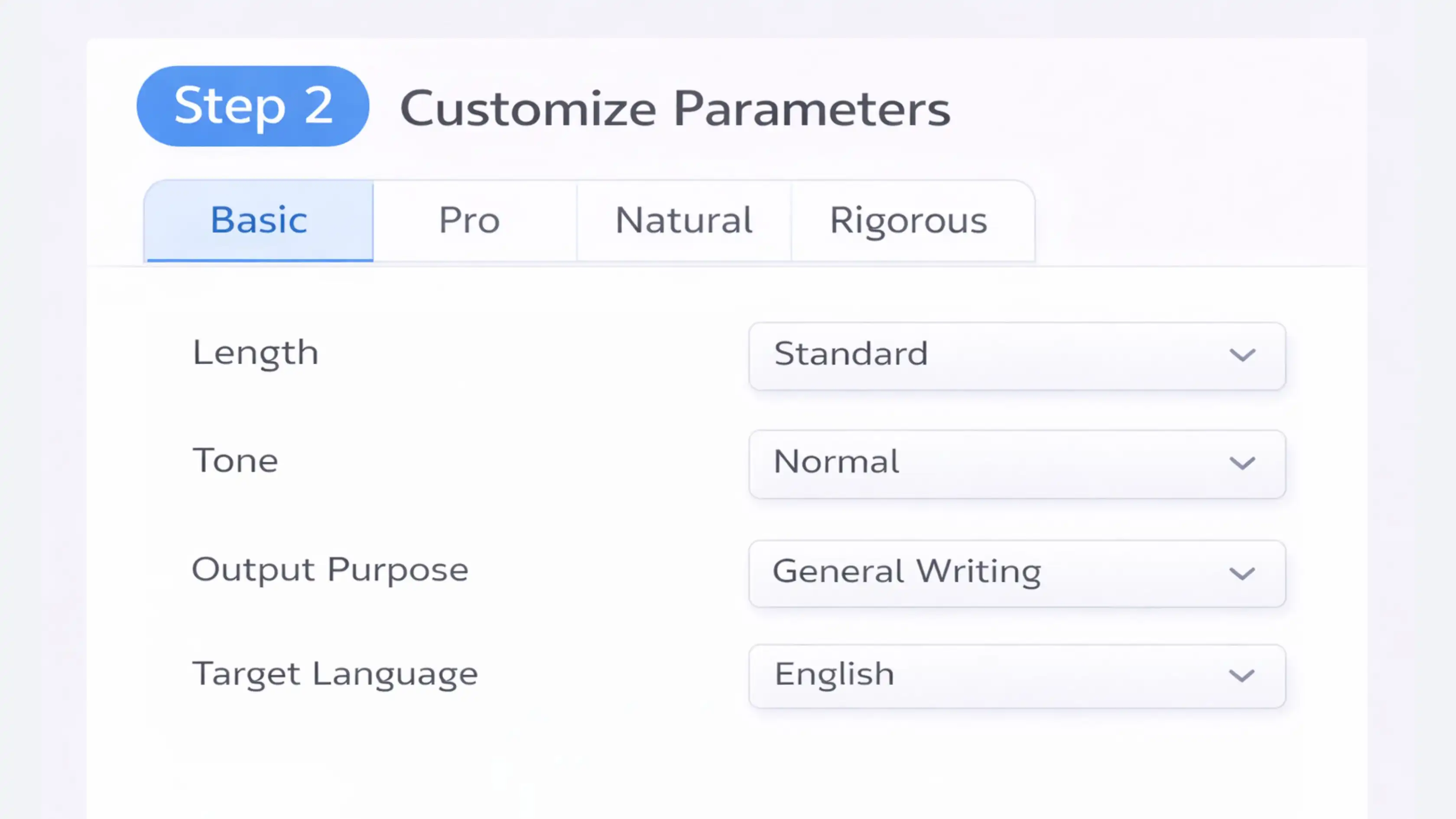
Step 2: Customize Parameters
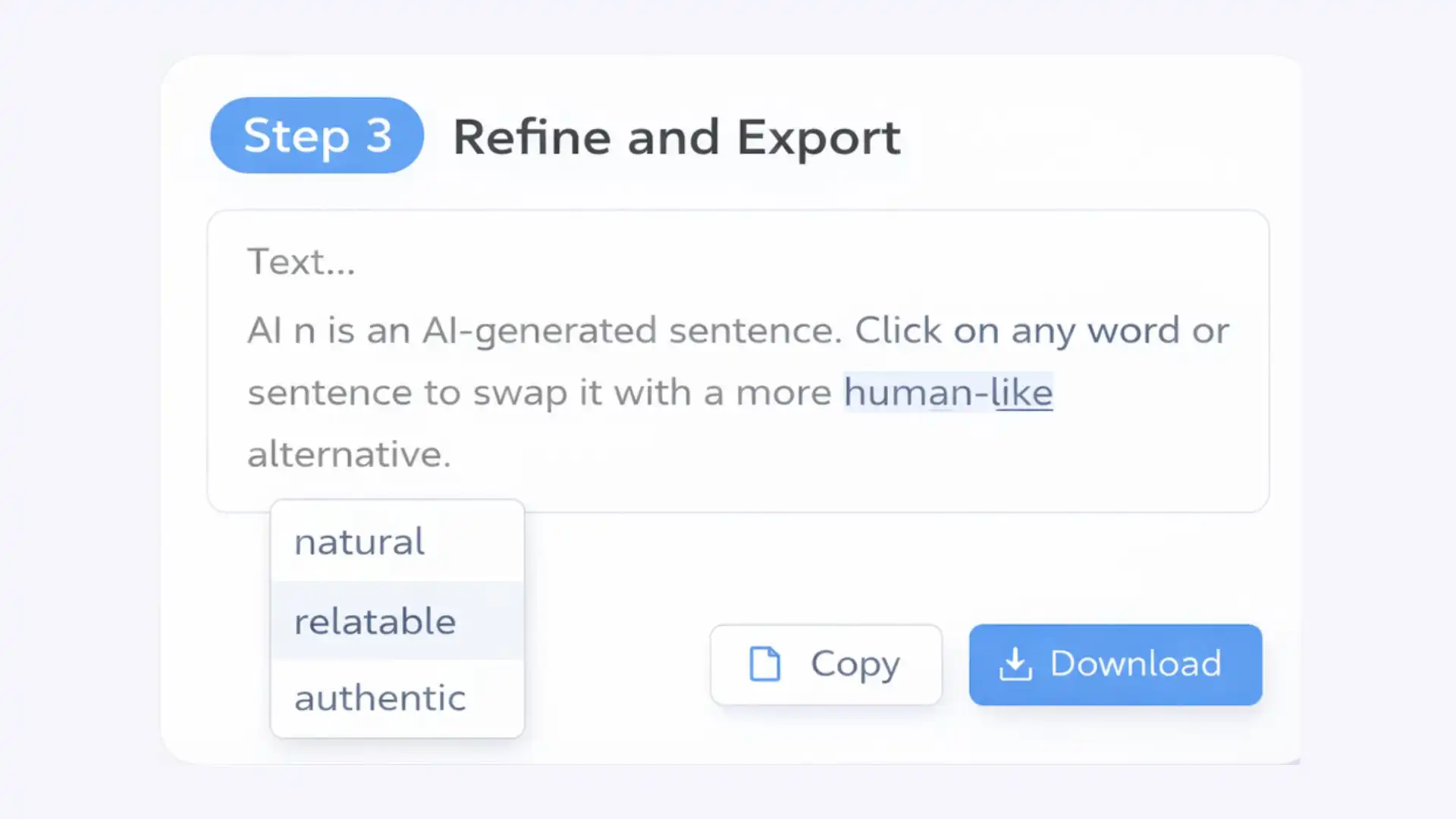
Step 3: Refine and Export
How to Tell if Text Is AI-Written
AI detectors flag common machine-written patterns. Review those sections manually and improve unclear or repetitive writing.
Lack of "Burstiness"
Burstiness describes variation in sentence length and structure. AI writing can sound too steady when every sentence follows the same rhythm. Mixing short statements with longer explanations creates more human-like writing without making it feel forced.
Low "Perplexity"
Perplexity relates to predictability. AI often selects safe, high-probability wording, which can make a draft feel overly smooth. A text humanizer can add natural variation while keeping each sentence understandable.
Statistical Fingerprints
Language models can repeat familiar phrases and sentence combinations. These patterns do not prove authorship, but they may influence an AI detector score. Humanize AI text where repeated wording weakens clarity or originality.
Over-Reliance on Transitions
AI frequently uses the same transitional phrases to connect every paragraph. Replacing unnecessary transitions with direct connections helps humanize text and makes the argument easier to follow.
Low Lexical Diversity
AI-generated content may reuse the same words or sentence openings. When you rewrite AI content, vary repeated wording only where it improves precision and keeps accurate terminology intact.
Repetition of Patterns
Machine-generated drafts may repeat entire sentence structures or return to the same point several times. Removing redundant wording gives each paragraph a clearer purpose.
Mechanical and Superficial Phrasing
Some AI writing sounds impressive without adding useful information. To humanize AI content, replace vague claims with clear details drawn from your own knowledge and experience.
Why Humanized AI Content Matters
Humanizing AI content is not only about changing a detector score. The result should also be more useful to readers.

Real Emotional Resonance
AI lacks lived experience, so its writing can feel distant or generic. When you humanize AI writing, you can add the tone, emphasis, and personal context that help readers connect with the message.

Cultural Precision
Machines may miss local idioms or contextual nuances. Multilingual humanization can improve fluency, but you should still review regional expressions and culturally specific references before publishing.

Support Modern SEO
Useful SEO content answers the reader's question clearly instead of repeating keywords without purpose. Removing generic filler and improving organization helps retain the search terms that genuinely describe the topic.

Increase Conversion Rates
Generic AI emails and landing-page copy can feel distant. Rewriting AI-generated content with more relevant language helps readers understand the offer and decide what to do next.

Review AI Hallucinations
AI may invent facts, sources, or details. Humanizing improves presentation, but it does not replace factual verification. Check names, figures, quotations, and citations before using the final text.

Retain Your Unique Style
Your core message can stay intact while readability and flow improve. Review the result and restore any phrasing that carries an important part of your personal or brand voice.
Who Benefits from Using an AI Humanizer?
Professionals
An AI text humanizer helps professionals refine emails, reports, proposals, and project briefs. It keeps the writing clear and appropriate for the intended audience.
Students
For students, it improves the flow and readability of their drafts. They should still verify sources, preserve their own analysis, and disclose AI use when required.
Non-Native Writers
Non-native writers can humanize text to improve fluency and sentence structure while preserving their original ideas and voice.
Job Seekers
Job seekers can use an AI-to-human text converter to refine resumes, cover letters, and professional profiles while keeping their experience accurate.
What Users Say About Our Text Humanizer




Frequently Asked Questions
What Is an AI Humanizer?
AI humanizer refines AI-generated writing so it sounds natural and consistent with the writer's voice. It adjusts sentence structure, tone, and flow instead of relying only on synonym replacement.
How Does an AI Text Humanizer Work?
It analyzes repetition, predictability, tone, and flow. To humanize AI text, it varies sentence length, improves transitions, and restructures predictable passages.
Will the AI Humanizer Change the Original Meaning?
The AI humanizer preserves your original context and intent while refining tone and readability.
Can This AI Humanizer Reduce Detectable AI Patterns?
Rewriting can reduce repetitive and predictable patterns that AI detectors may flag. However, no rewriting tool can guarantee the same result across every detector. Check the completed draft with an AI detector and make any final edits yourself.
Is Humanized AI Content SEO-Friendly?
Humanized content can support SEO when it remains accurate, useful, and written for readers. Strong rankings still depend on search intent, authority, and technical quality.
Is the Output Plagiarism-Free?
The rewriting process transforms your input, but no method can guarantee that every passage is plagiarism-free.
Is My Content Kept Confidential?
We do not use your submitted text to train external models. Review the current privacy policy for details about processing, storage, and account-related data before uploading confidential or regulated information.
Who Can Use a Free AI Humanizer Tool?
It can support everyday, academic, and professional writing. It helps users humanize AI writing while keeping the tone appropriate for each audience.
Does the AI Humanizer Support Multiple Languages?
Yes. The multilingual AI humanizer supports English, Spanish, French, German, and other available languages. It adapts wording and flow to the selected language, though regional expressions should still receive a final native review.
Is This AI Humanizer Free for 1,000 Words or More?
Decopy supports up to 50,000 characters per input. Paste text directly or upload a supported document. You can humanize AI text online using the free credits shown in your account.