Free TikTok Transcript Generator
Turn public TikTok videos into searchable transcripts with a TikTok transcript generator for creator research and content analysis.
History
Favorite
Social Media URL
↑
↑
Turn public TikTok videos into searchable transcripts with a TikTok transcript generator for creator research and content analysis.
TikTok content changes quickly, and successful videos often depend on how creators present an idea. A TikTok transcript helps you review the spoken message behind a video, making it easier to understand the structure and communication choices that shape the content.
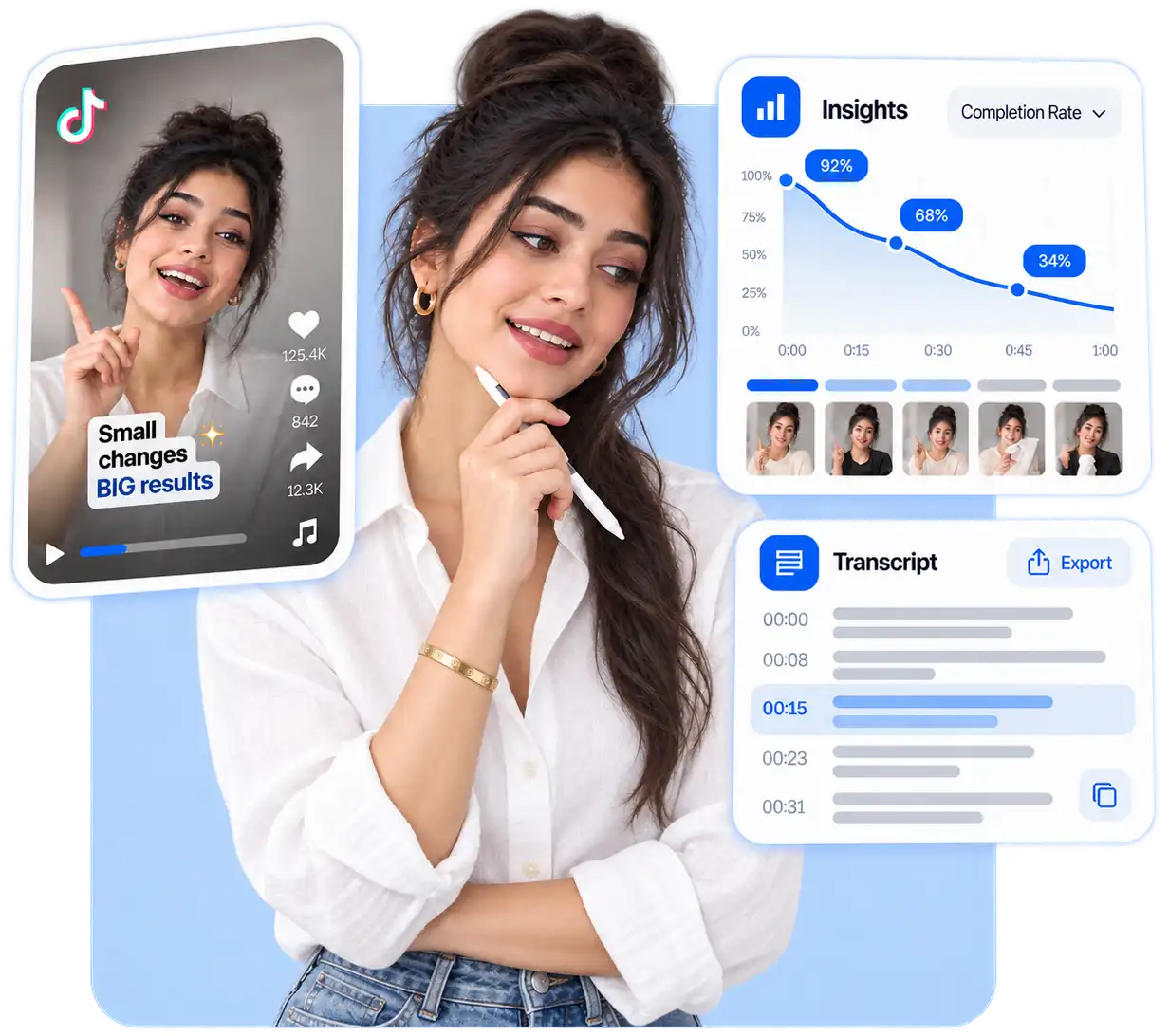
The way creators introduce a topic, explain a product, or build a message can influence how viewers understand a video. A TikTok video transcript lets you review the wording and flow of a video without relying only on watching the original clip repeatedly.
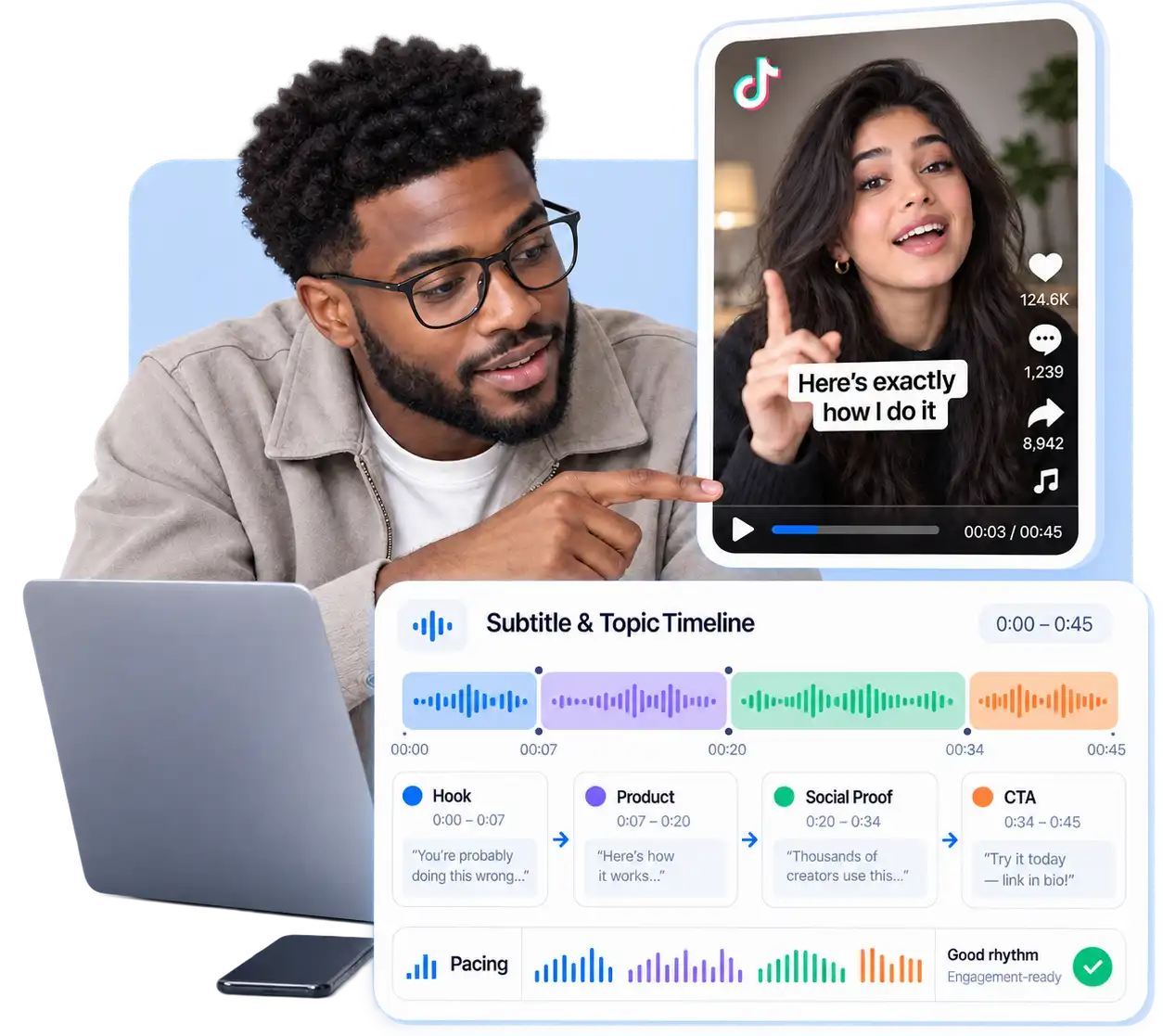
Product videos and UGC content often reveal how real audiences describe problems, experiences, and solutions. A transcript gives brands and marketers a clearer way to study creator language and understand how products are presented in authentic TikTok videos.
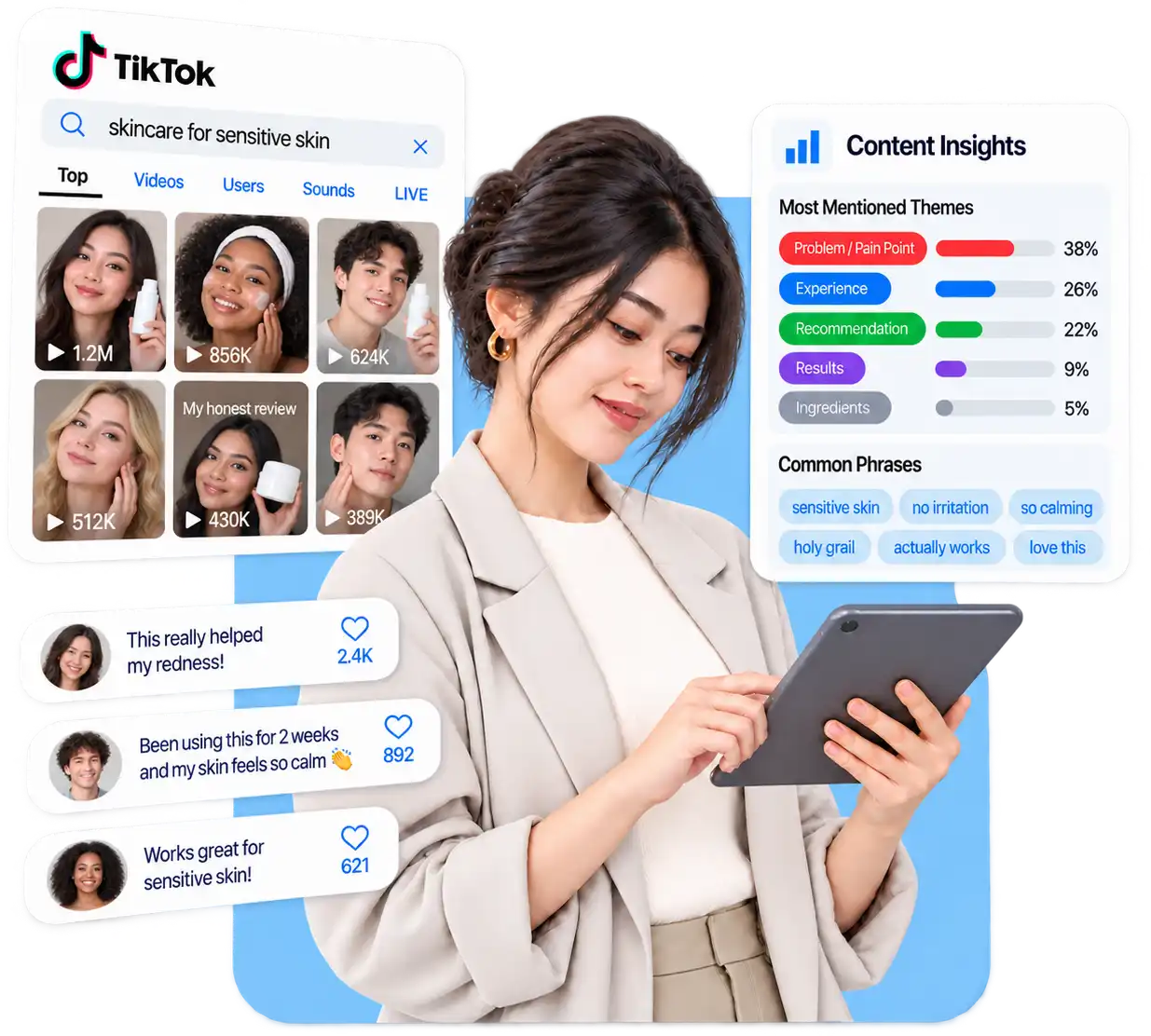
Useful TikTok examples can become difficult to find after being saved among thousands of videos. Keeping transcripts creates a searchable content library where creators and teams can revisit ideas, references, and messaging when planning future content.
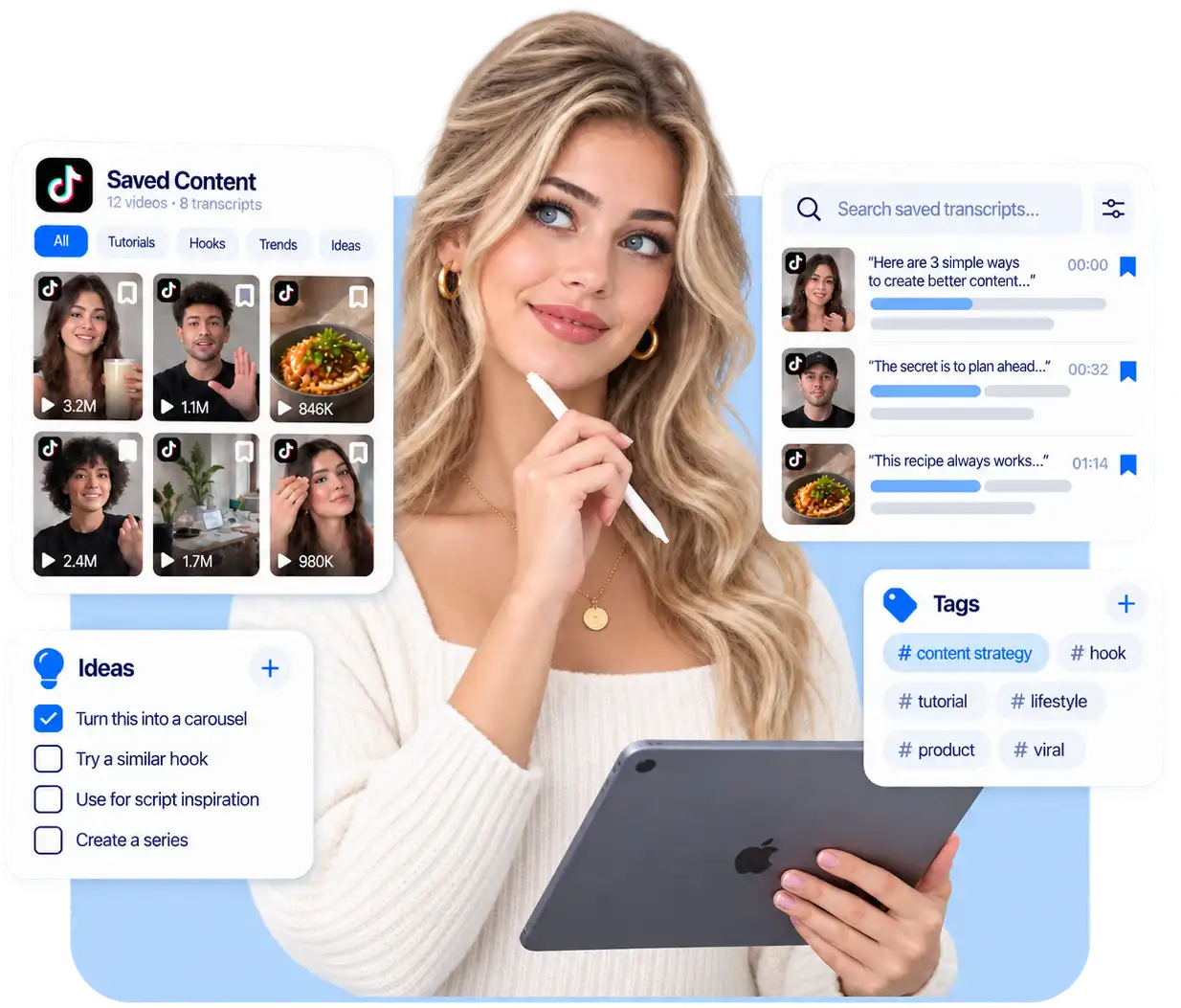
Generate searchable TikTok transcripts with tools for review, analysis, and content research.
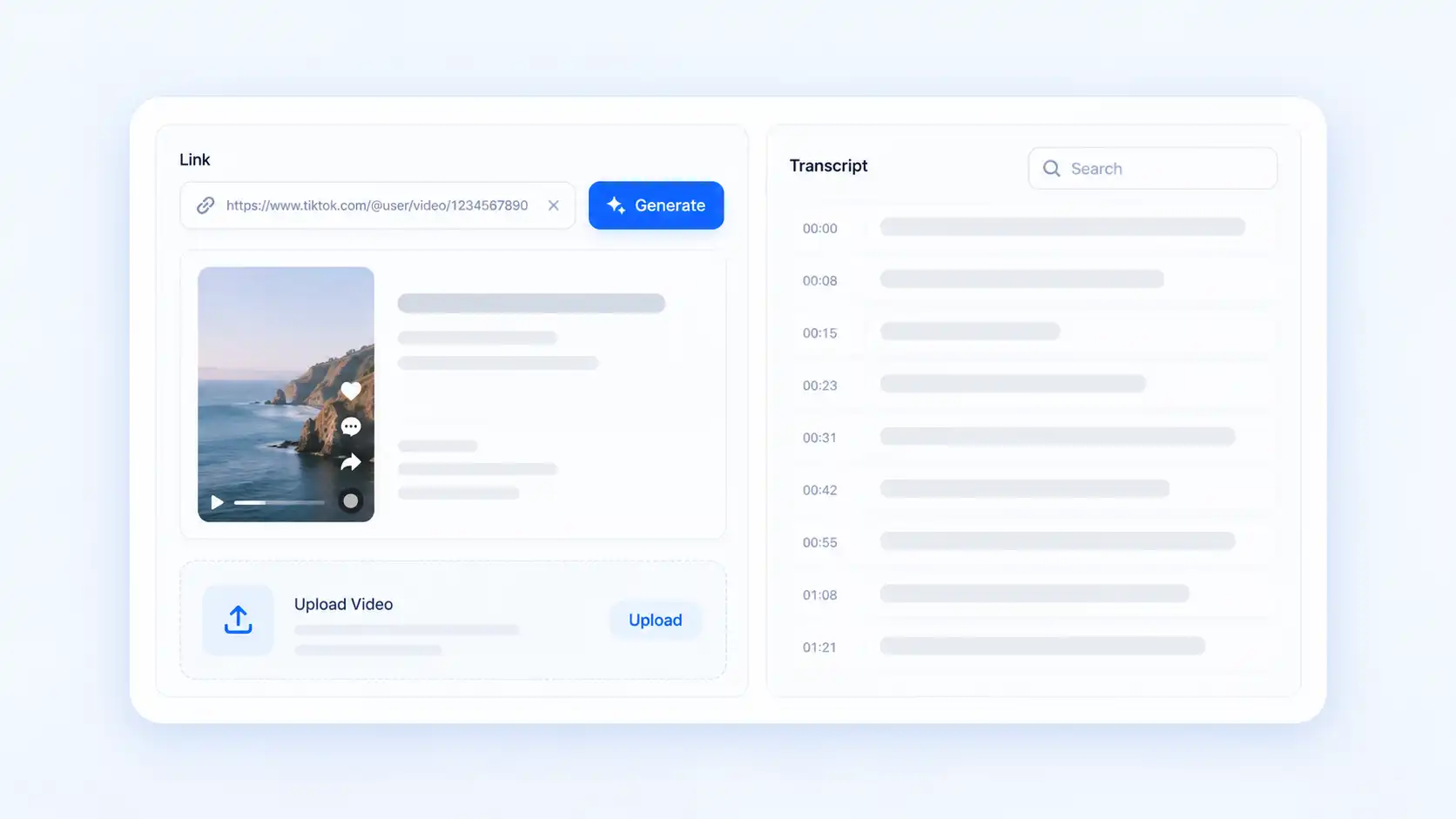
Copy a supported public TikTok link and paste it into Decopy to create a searchable transcript. If the video is already stored locally, you can also transcribe a saved video file through the video upload workflow.
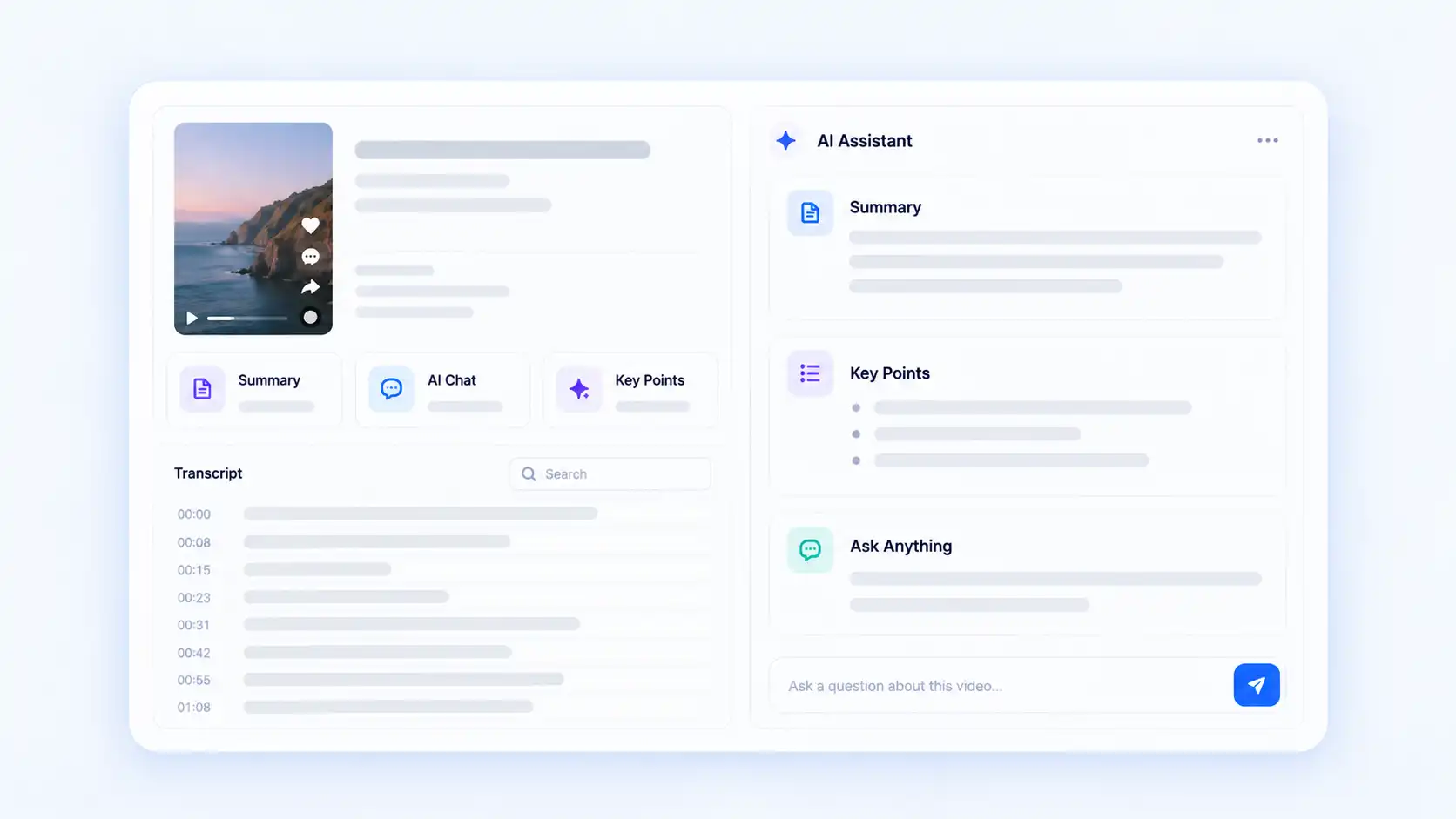
A written transcript makes creator messages easier to review and compare. Find the spoken information behind a TikTok video without manually replaying the clip whenever you need to check a specific point.
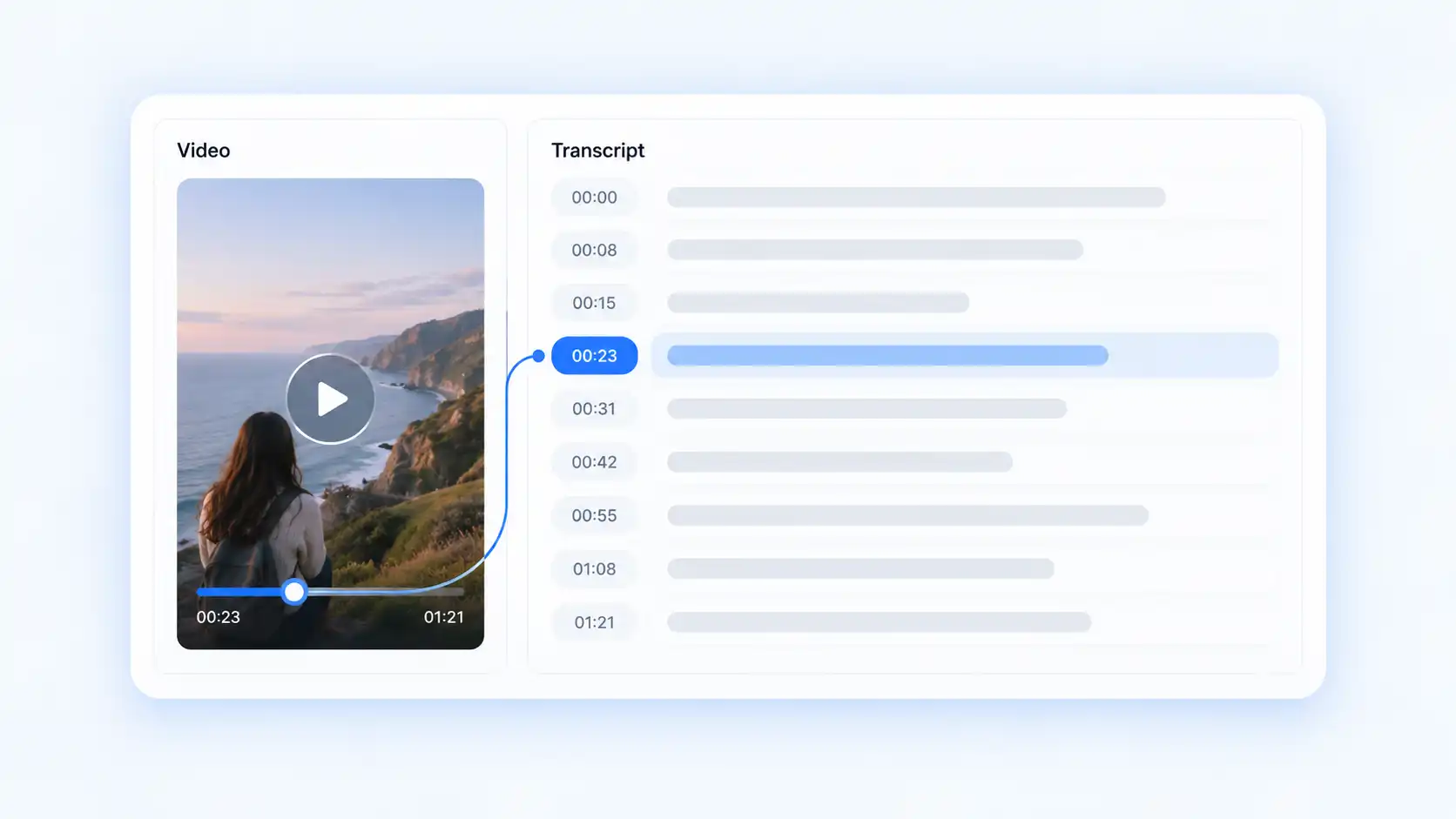
Timestamps connect transcript sections with the original TikTok video. Return to the exact moment when you need to verify wording, context, or how a creator delivers a message.
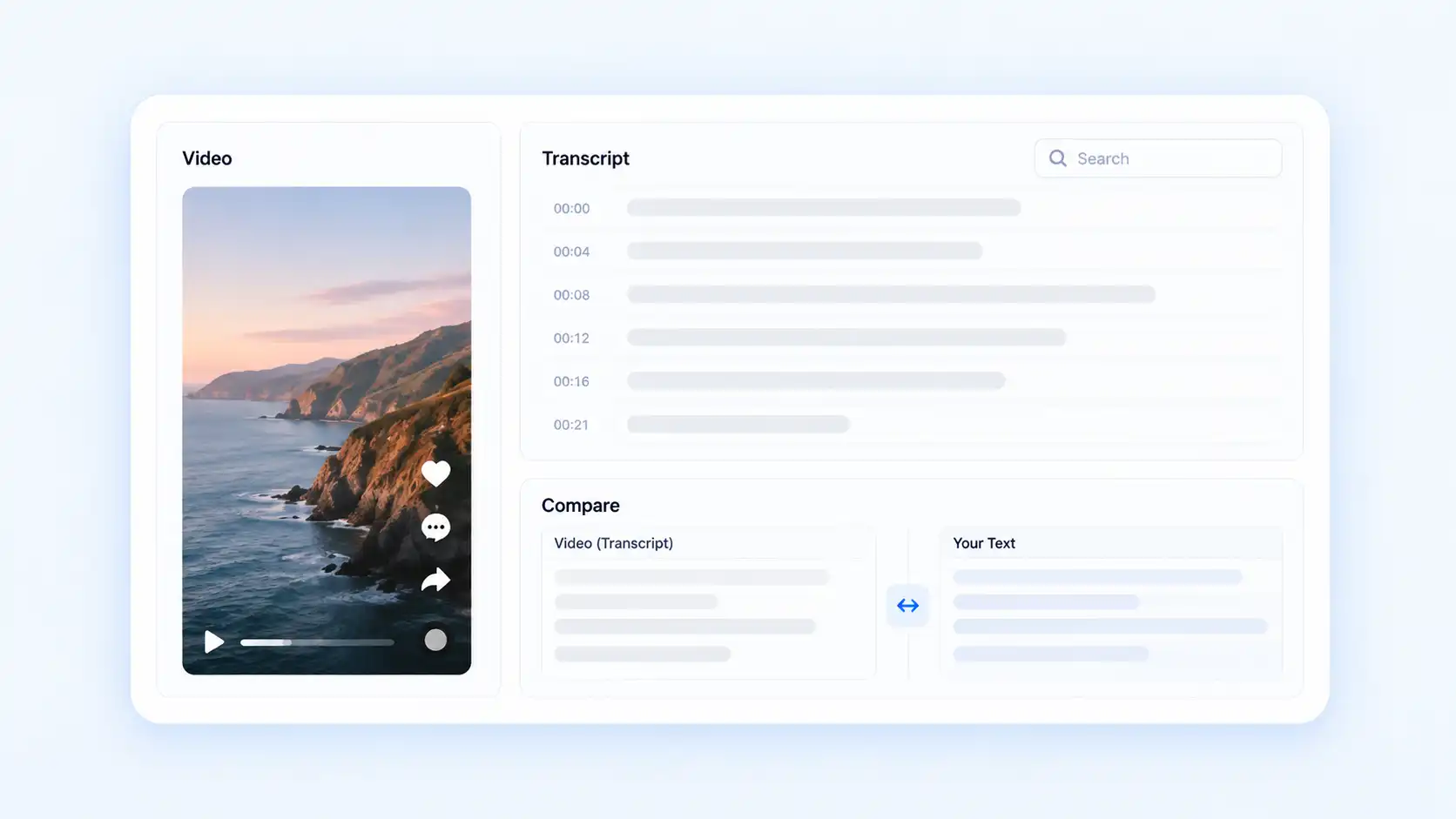
Use AI tools to understand longer transcripts, find important information, and ask questions about the content instead of reviewing every part manually.
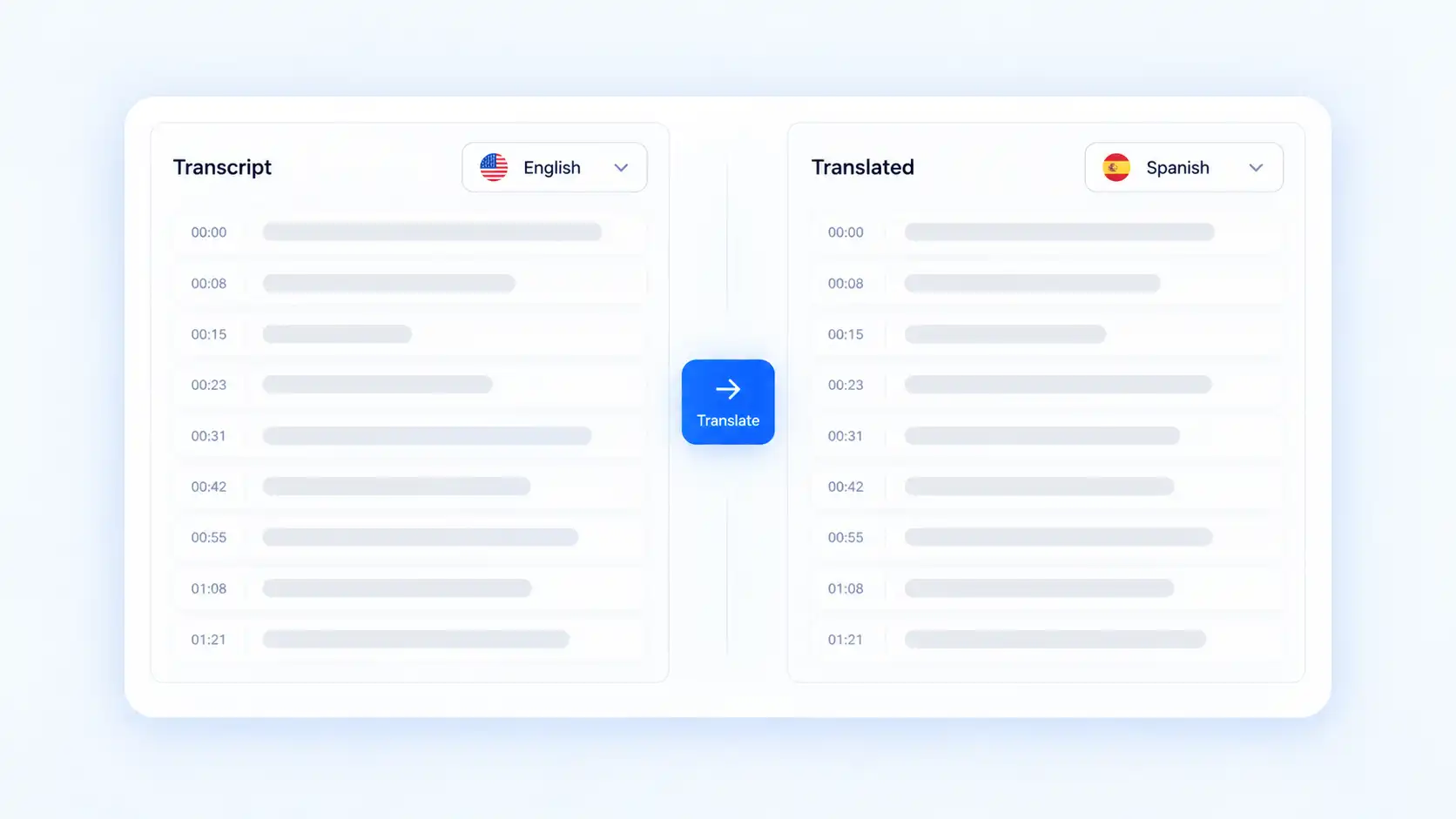
Translate a completed TikTok transcript when you need to review content from creators speaking another supported language or compare messages across different audiences.
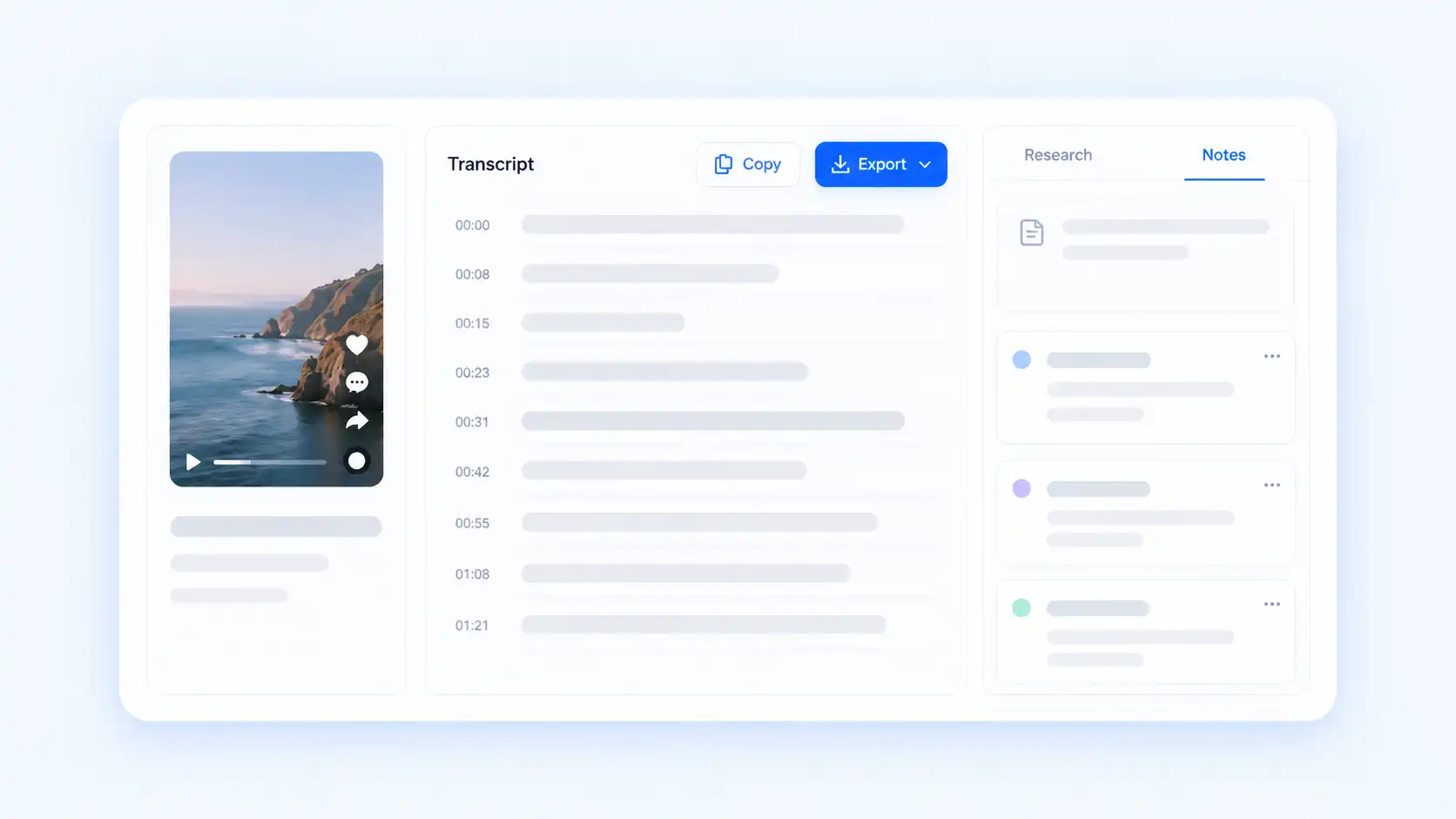
Copy or export transcript text to keep useful TikTok references outside the platform. Build organized notes for creator research, product analysis, or future content reference.
Explore how creators, marketers, and teams use TikTok transcripts for research and content analysis.
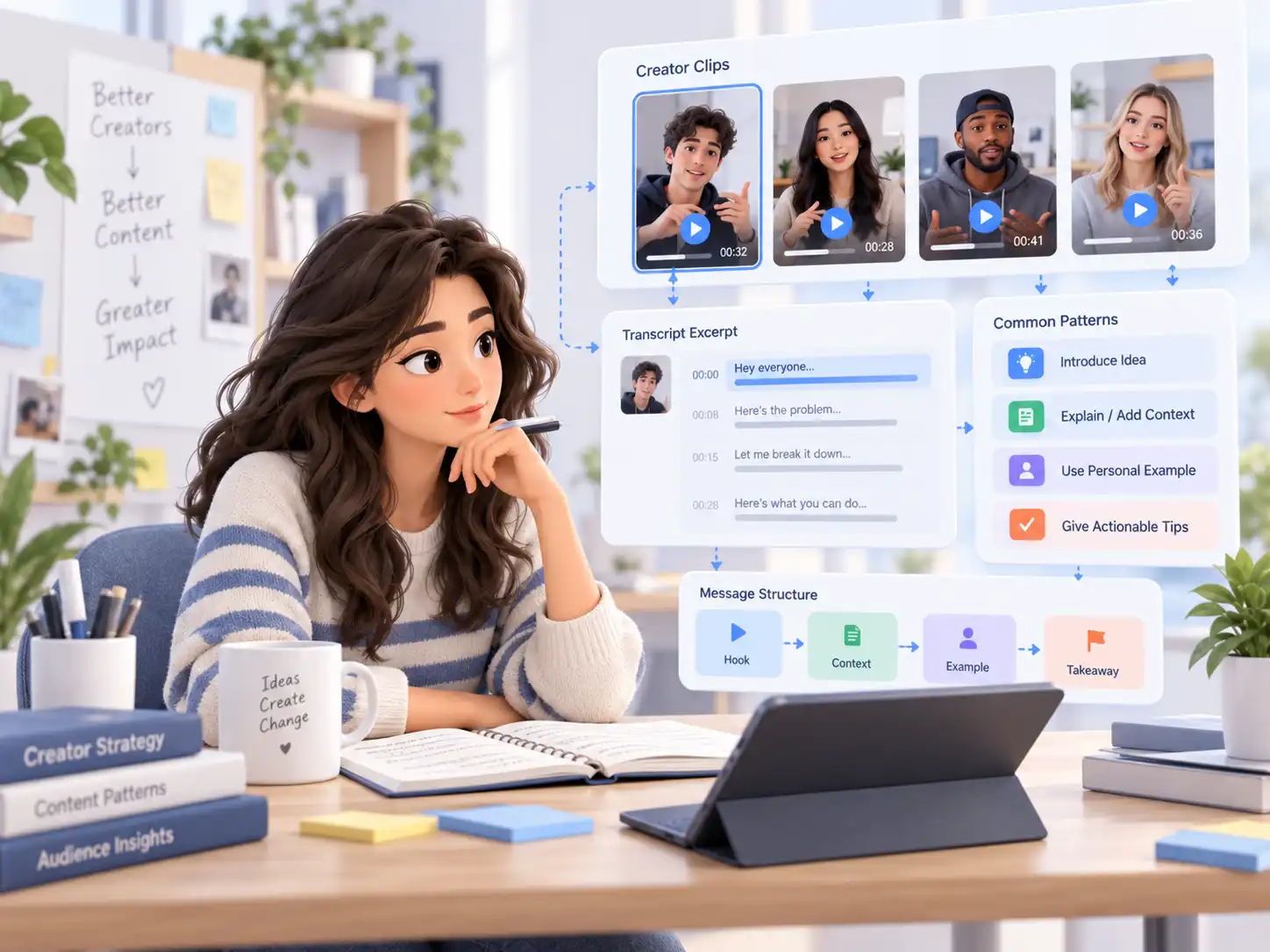
Creators can review how videos introduce ideas, explain topics, and communicate messages. A transcript makes the spoken structure easier to analyze when researching content styles or planning future videos.
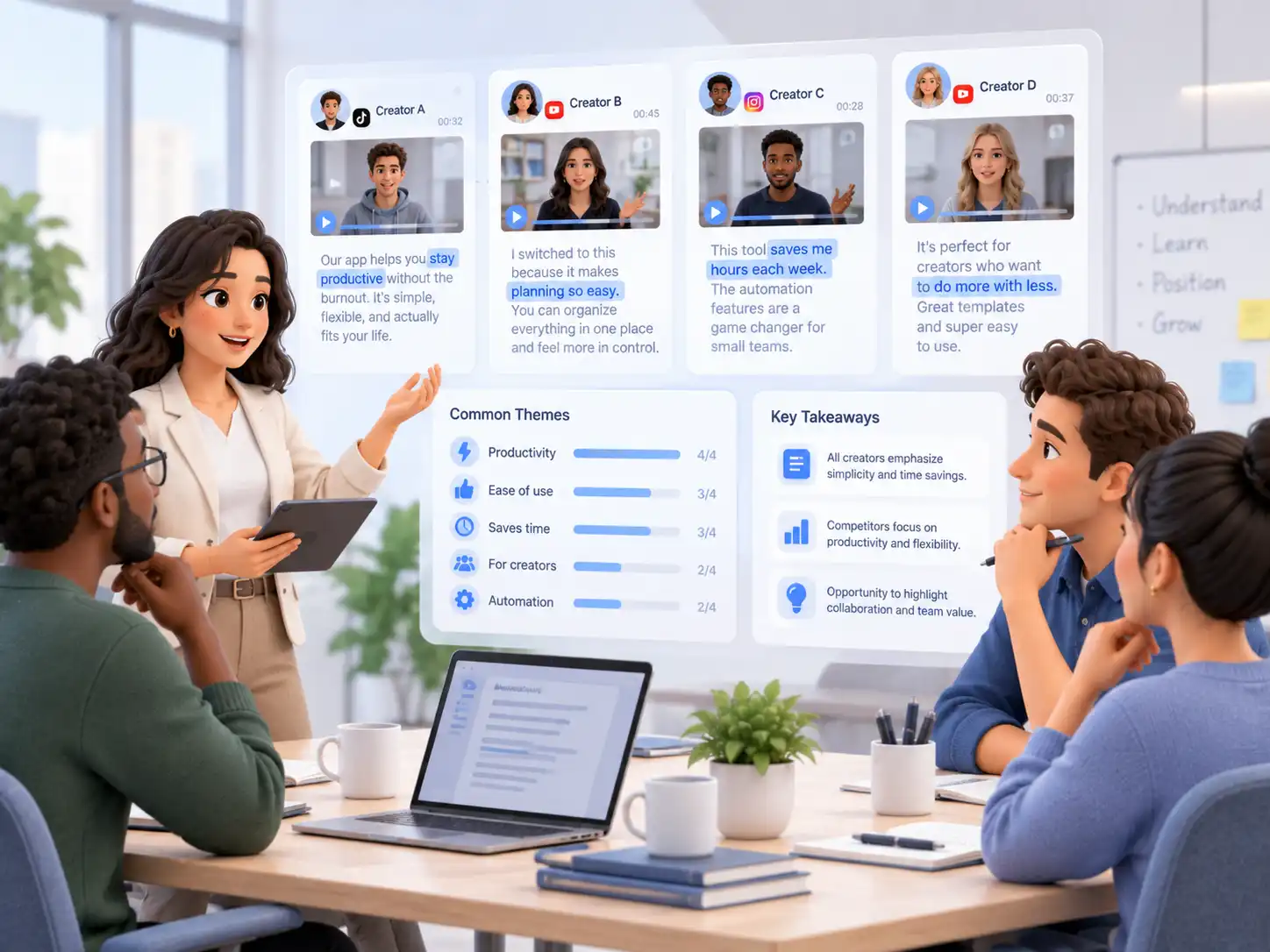
Marketing teams can use TikTok transcripts to review competitor messaging and understand how different creators present similar topics or products. Comparing written content makes patterns easier to identify across multiple videos.
UGC videos often show how products are explained in everyday language. Transcribing TikTok videos helps teams review customer-focused messaging and understand how creators describe benefits, experiences, and product value.
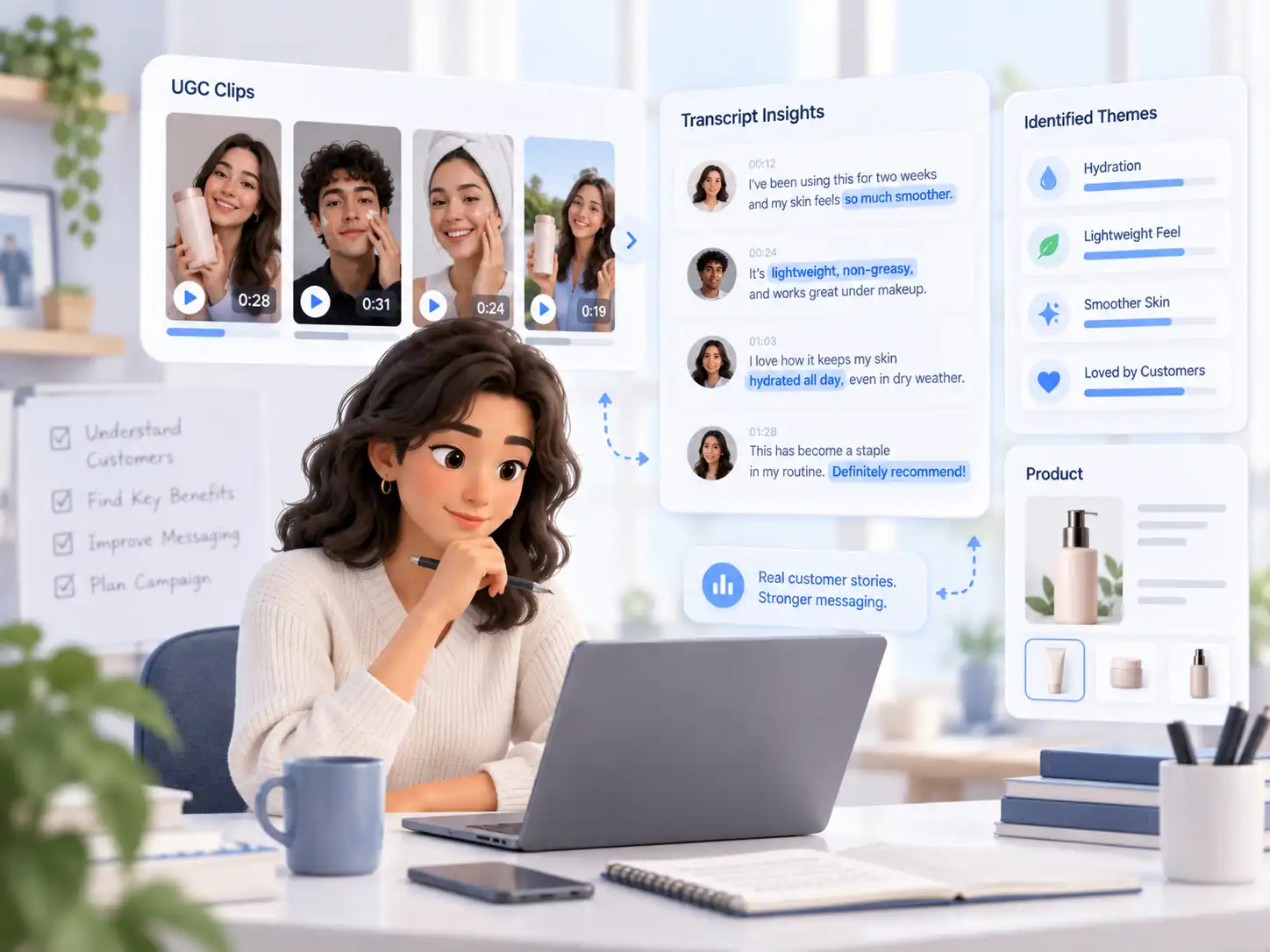
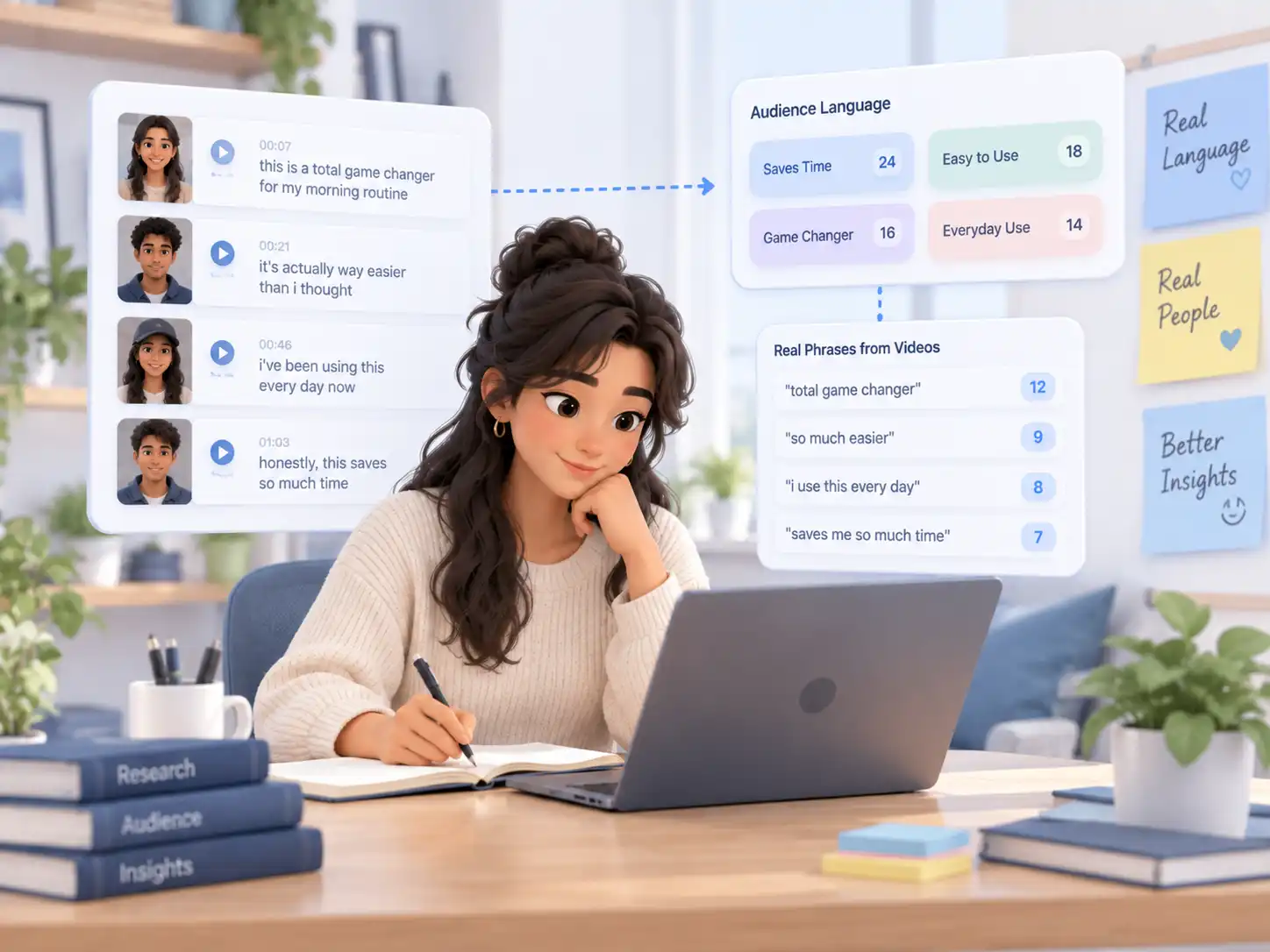
Real TikTok videos contain natural phrases that audiences use when discussing products and experiences. A transcript helps teams collect and review this language when researching customer perspectives or improving future campaigns.
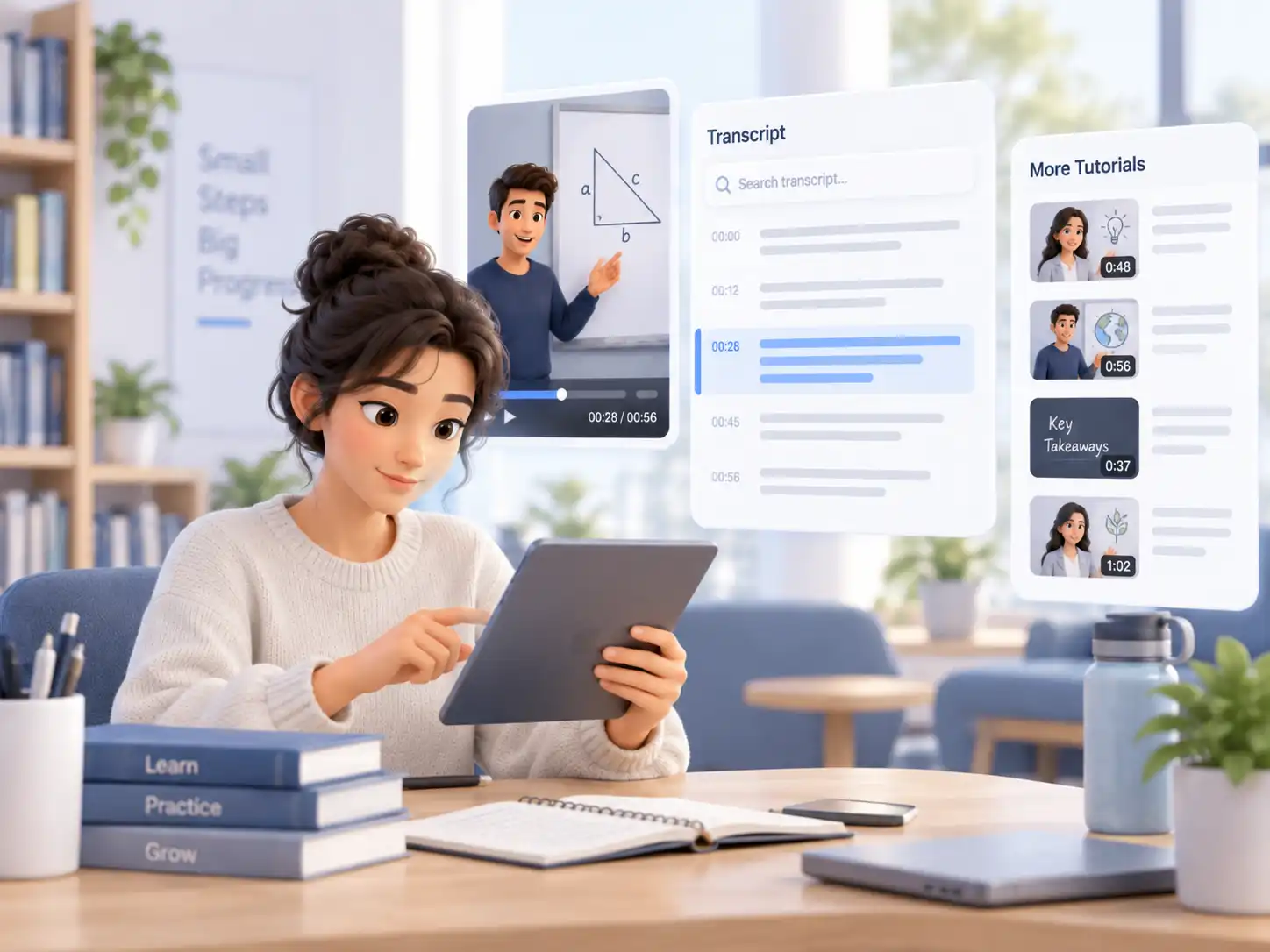
Tutorials, explanations, and learning-focused videos often contain useful information that is difficult to revisit later. A searchable transcript makes the spoken content easier to scan and reference.
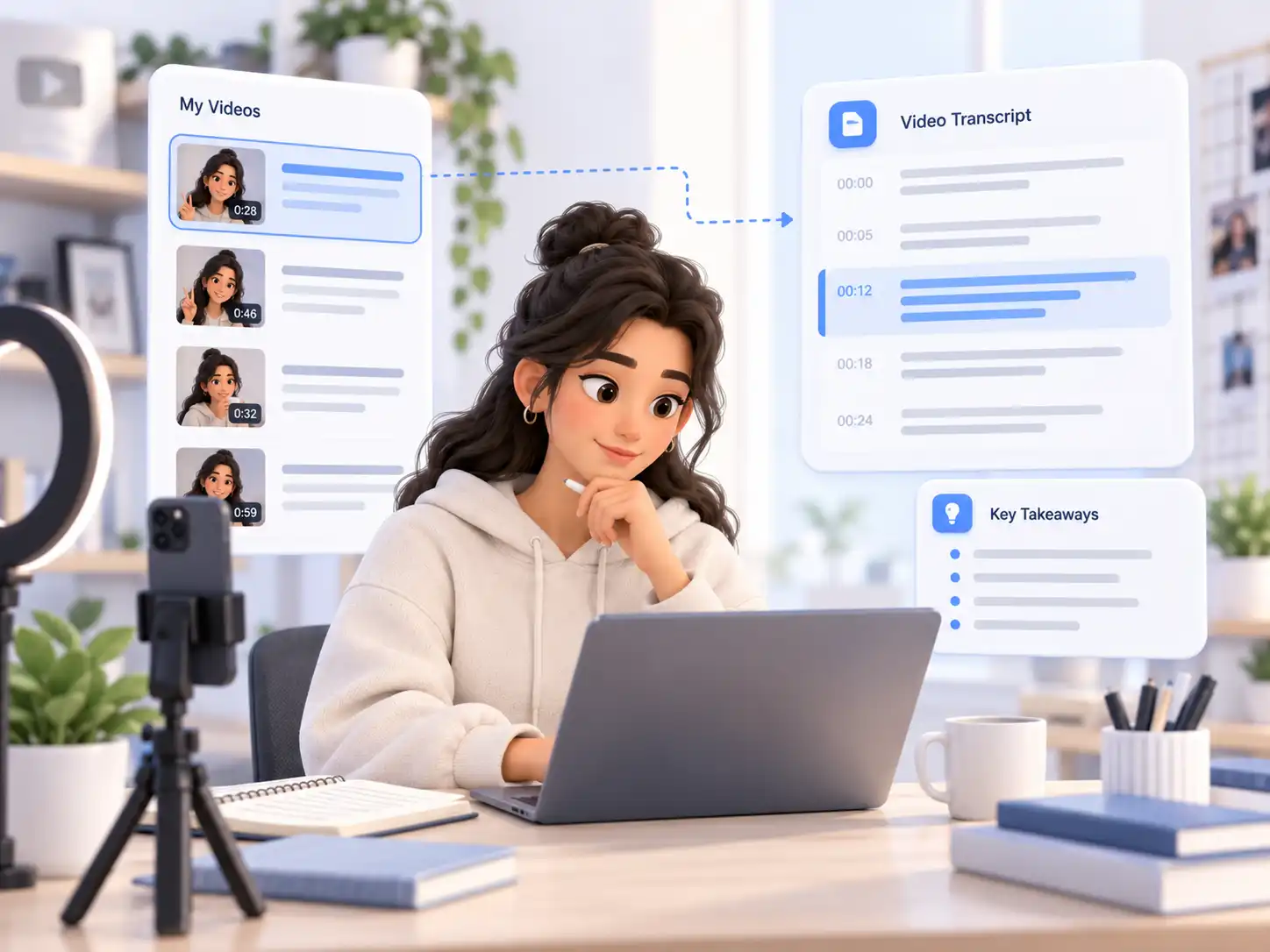
Creators can generate transcripts from published videos to review previous messaging, compare content approaches, and maintain a written record of their own work.
Create a TikTok transcript from a public link in a few simple steps.
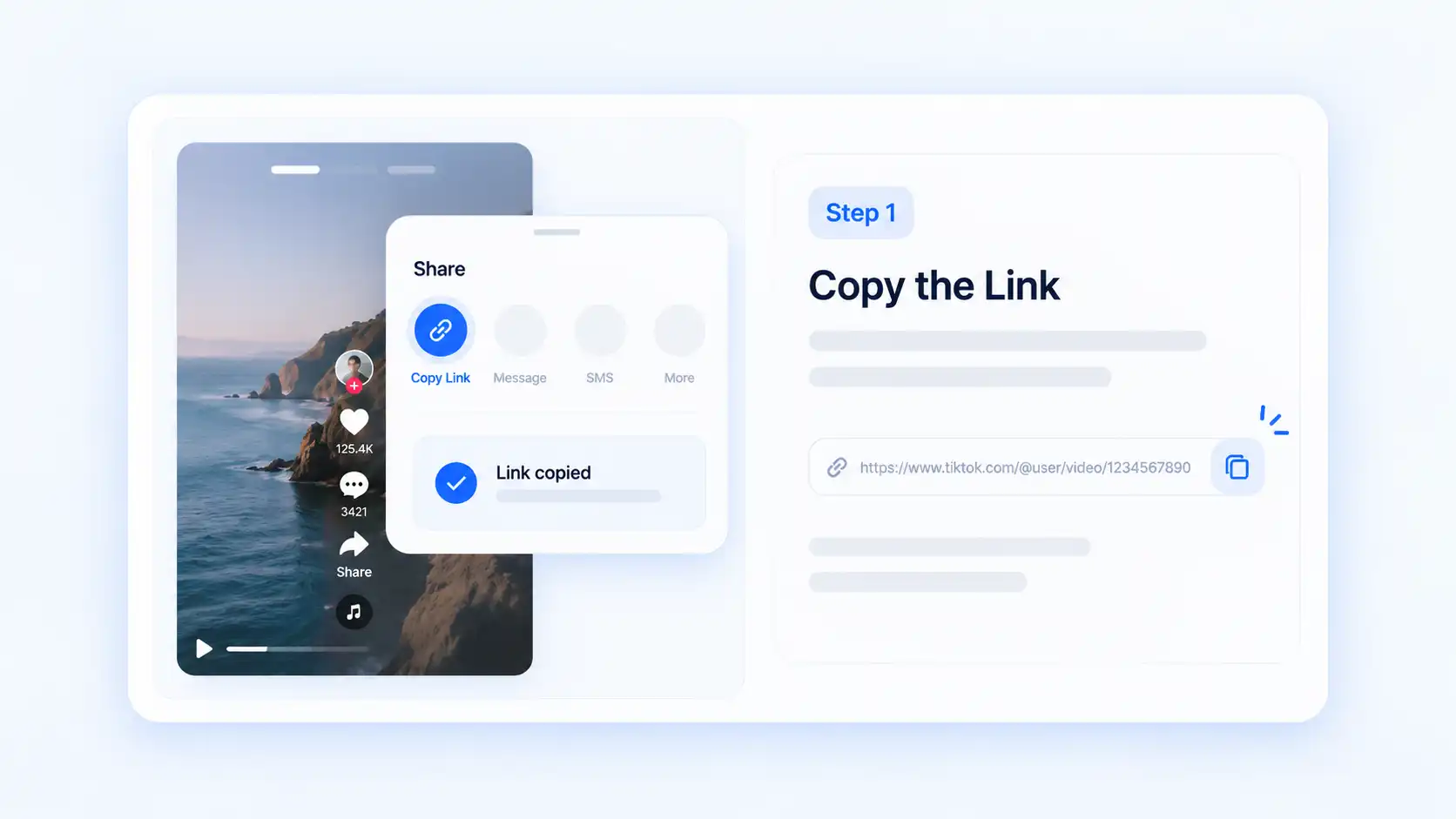
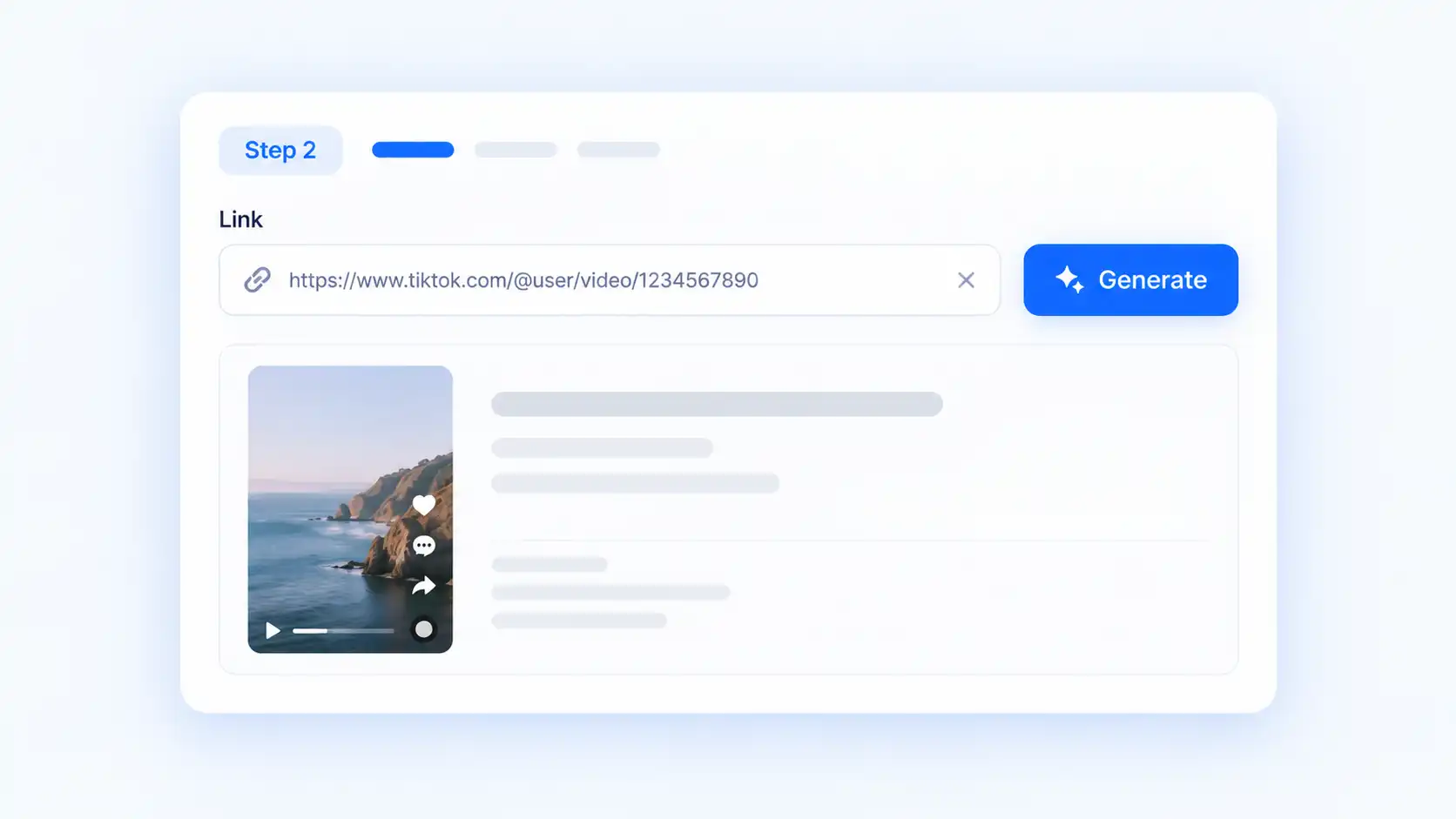
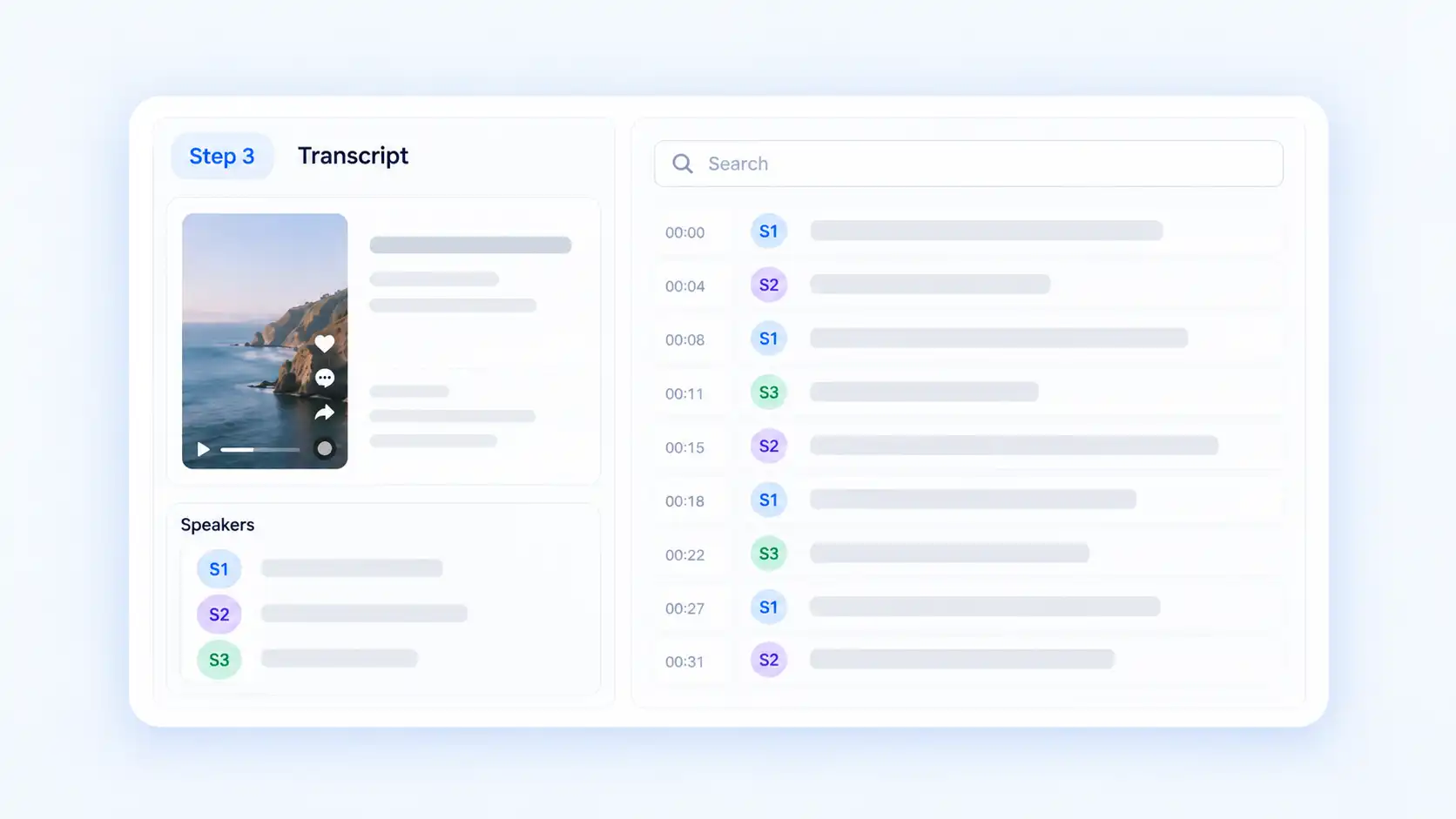
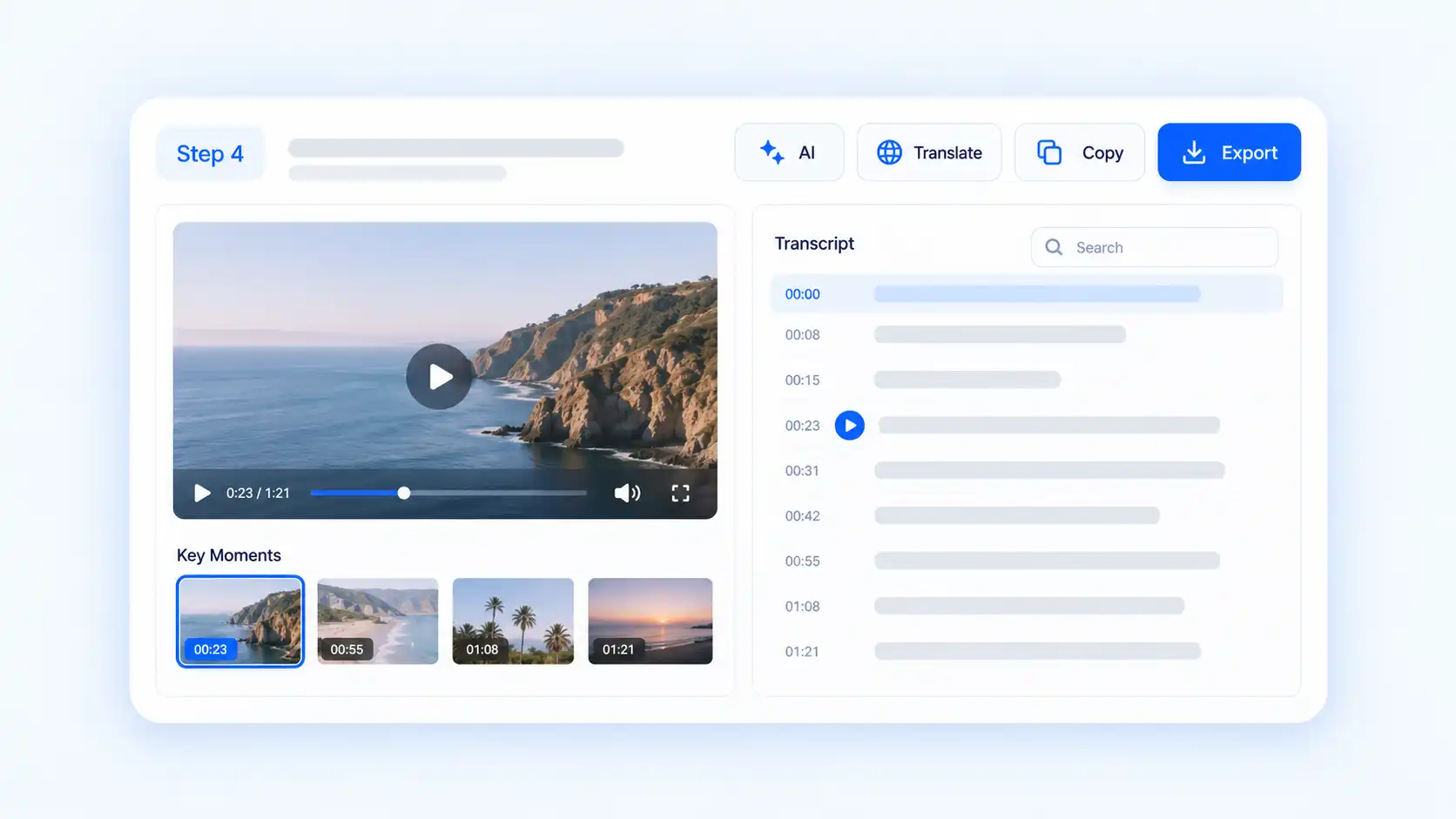
Decopy is built for reviewing TikTok content beyond the original video format. Transform spoken messages into searchable text that is easier to analyze and reference.
Timestamps allow you to move between the transcript and original TikTok whenever you need to confirm wording, context, or delivery.
A transcript can become the starting point for deeper analysis. Use built-in tools to understand content, discover information, and continue your research.
Whether you are studying creators, researching products, or organizing references, searchable transcripts provide a more flexible way to work with TikTok information.
Creators and marketers who research multiple platforms can also review Instagram Reel transcripts to compare creator messaging and short-form video content.
Sign in to Decopy and use the available free access to test the TikTok transcription tool with a supported public TikTok video.
A TikTok transcript generator converts spoken content from a TikTok video into written text. It helps users review creator messages, search information, and organize TikTok content in a more efficient way.
Copy a public TikTok link, paste it into Decopy, and start transcription. The spoken content is converted into a searchable transcript with timestamps.
Yes. Decopy provides free access for TikTok transcription after signing in. Available usage depends on the free quota provided for your account.
Yes, supported public TikTok links can be used to generate transcripts. Private, restricted, deleted, or unavailable videos may not be processed.
A transcript focuses on spoken content from the video audio. Captions are displayed text designed for viewers and may include additional formatting or visual elements.
Yes. Creators and marketers can use transcripts to review messaging, study creator communication, and organize useful references from TikTok content.
Yes. A transcript makes competitor videos easier to review by providing searchable text for comparing messaging, explanations, and content approaches.
Yes. After transcription, you can translate the text into another supported language while keeping the original transcript available.
Audio quality can affect transcription results. Clear spoken content generally provides better output, while overlapping sounds or unclear voices may affect some sections.
Yes. You can copy transcript text or export it as TXT for research notes, content planning, or other workflows.