Free Video to Text Converter Online
Transcribe video to text from files up to 500 MB. Get editable transcripts with timestamps and speaker labels, then summarize, translate, or export TXT.
History
Favorite
10 free daily transcriptions (≤30 min video).
Click to upload or drag and drop
Click to upload
MP4, AVI, M4V, MKV, MOV, MPEG, VOB, WMV, OGV, WEBM up to 500M
Identify Speakers
Detect multiple speakers and separate the transcript accordingly.
Make Video Content Searchable
Useful ideas increasingly live inside videos, from short creator clips to long tutorials and series. The problem is finding one quote, fact, or explanation later. Decopy’s AI video to text tool turns what is said in a video into searchable text that can be saved, reviewed, and reused.
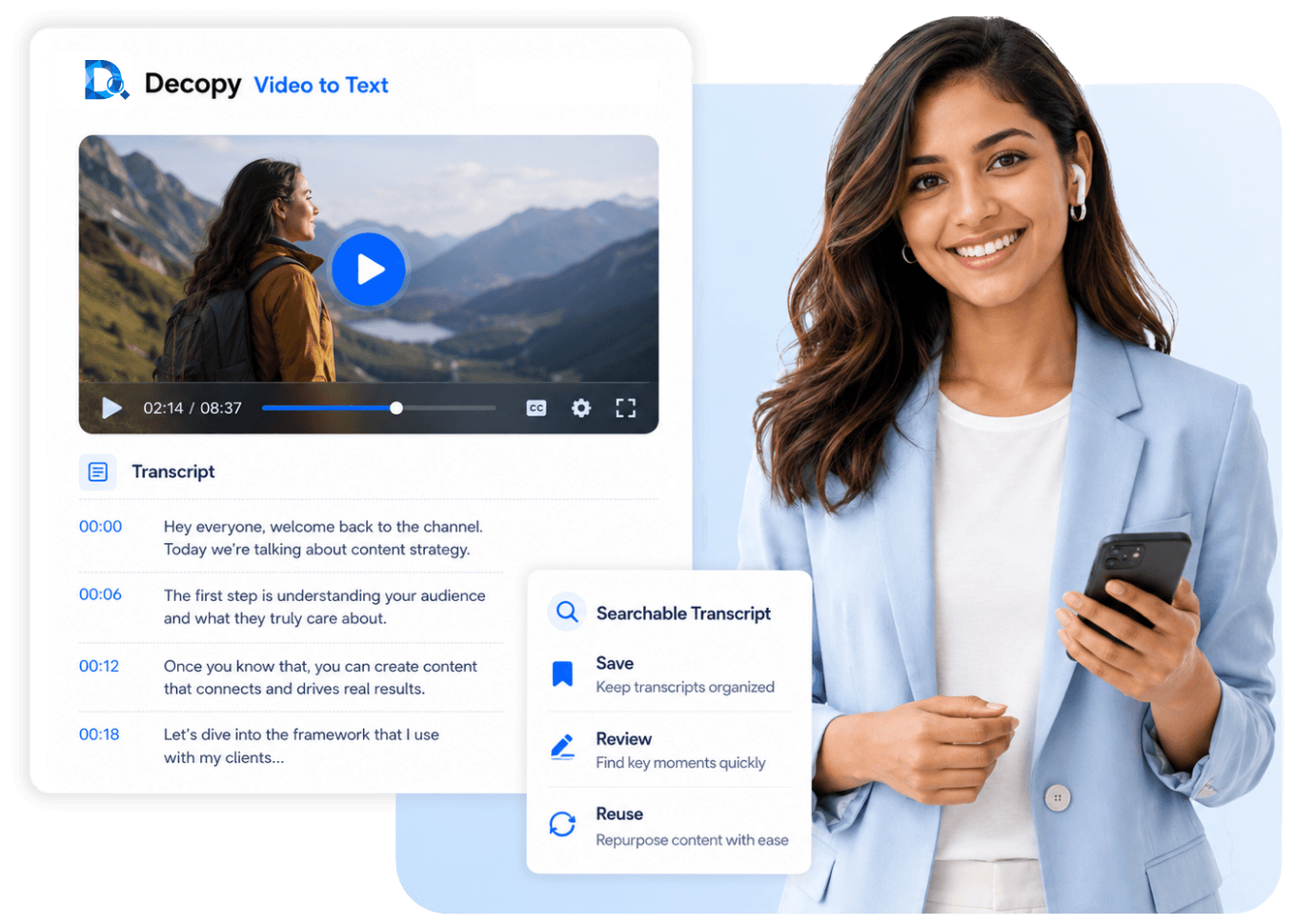
Use Video Transcription Instead of Manual Notes
Taking notes by hand means pausing, replaying, and typing line by line. Recording the audio separately can cause missed words, weak punctuation, and background noise. Uploading the original file keeps the transcript tied to the source, making unclear parts easier to verify.
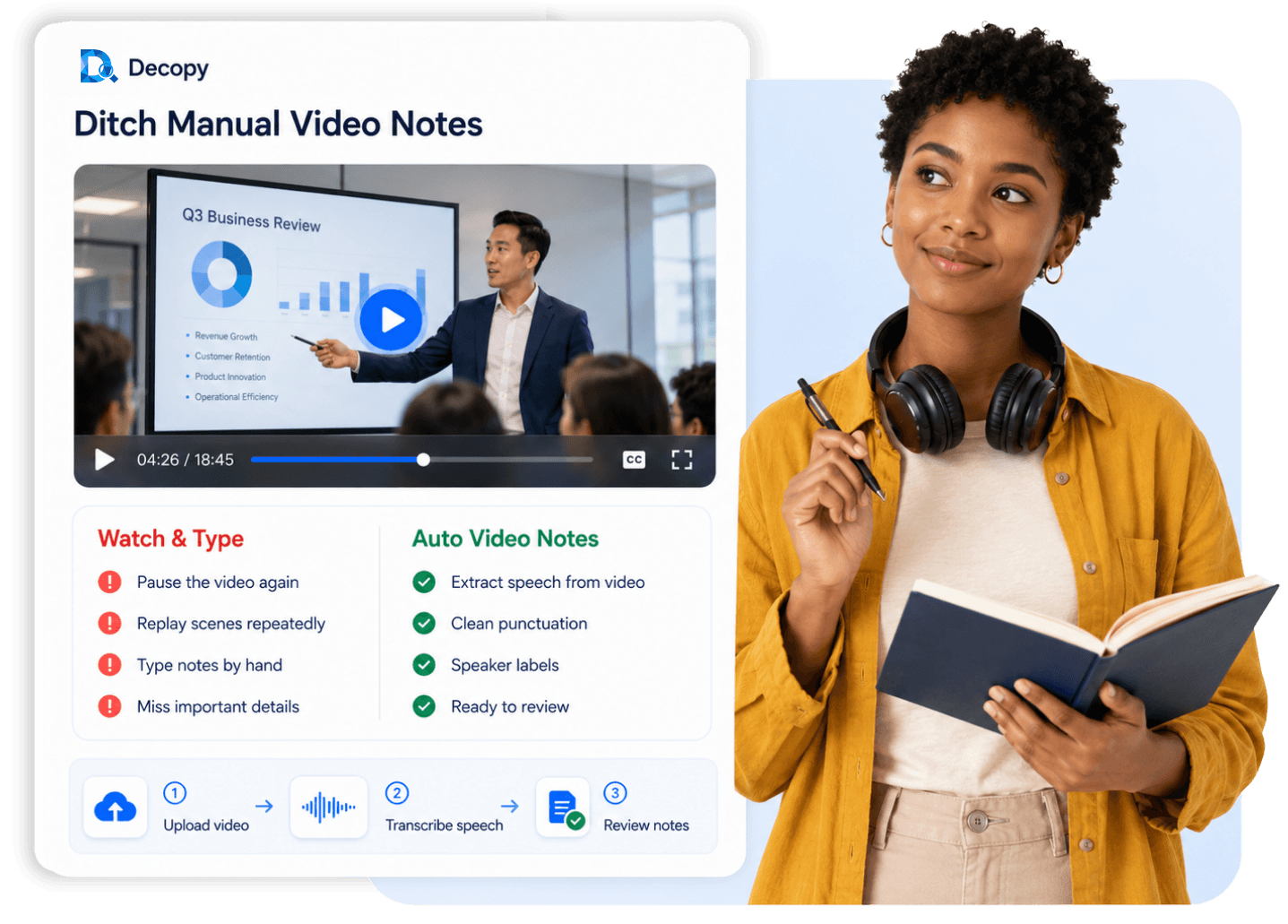
Search a Video Transcript for Key Moments
Once the video is transcribed, quotes, topics, names, and numbers are much faster to locate. Timestamps point back to the right section without scanning the full timeline. For longer videos, AI video transcription can help group related ideas and surface the parts that matter most.

Turn Transcripts into Useful Content
A video transcript can become more than a record of what was said. Pull out key lines, organize ideas, and reuse the text for study notes, captions, subtitles, blog drafts, social posts, reports, or video scripts. Export it as TXT when you need a copy for editing or reference elsewhere.
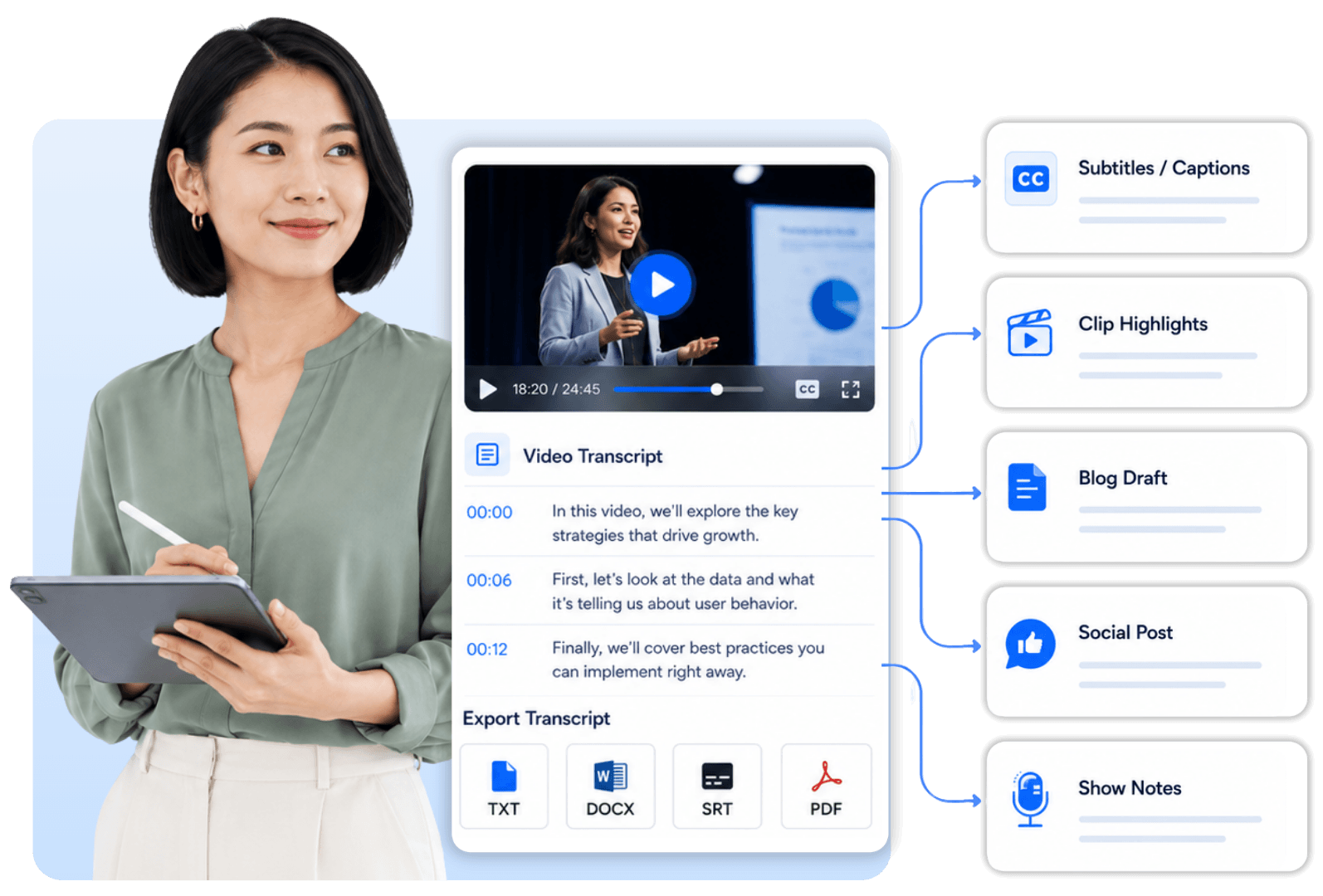
Video Transcript Generator Features
Explore tools that help you transcribe video to text, review key details, and continue working with the transcript.
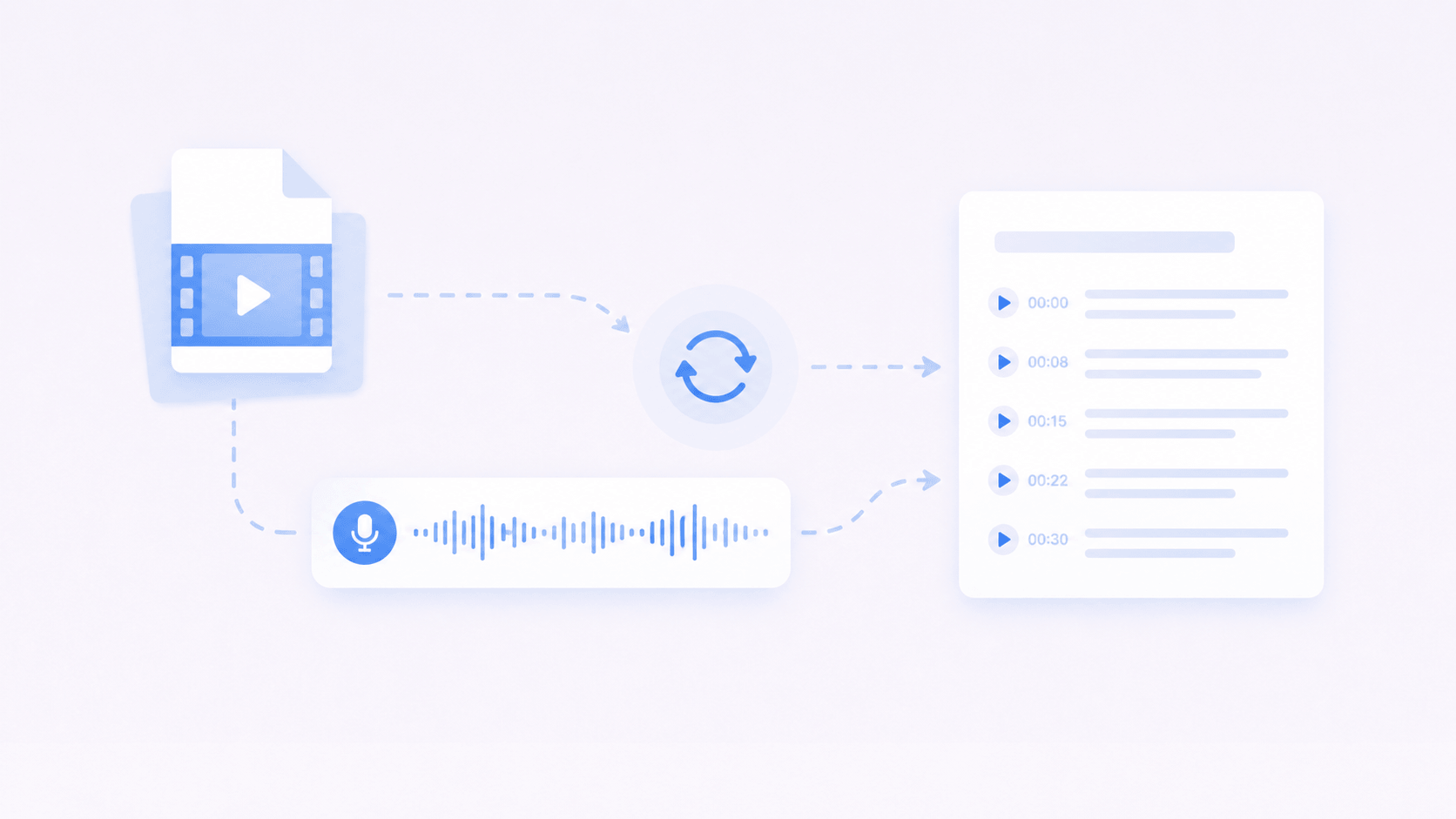
Video File Upload
Upload a local file and let the video transcriber handle it directly. There is no need to record the sound separately.

Timestamped Video Transcript
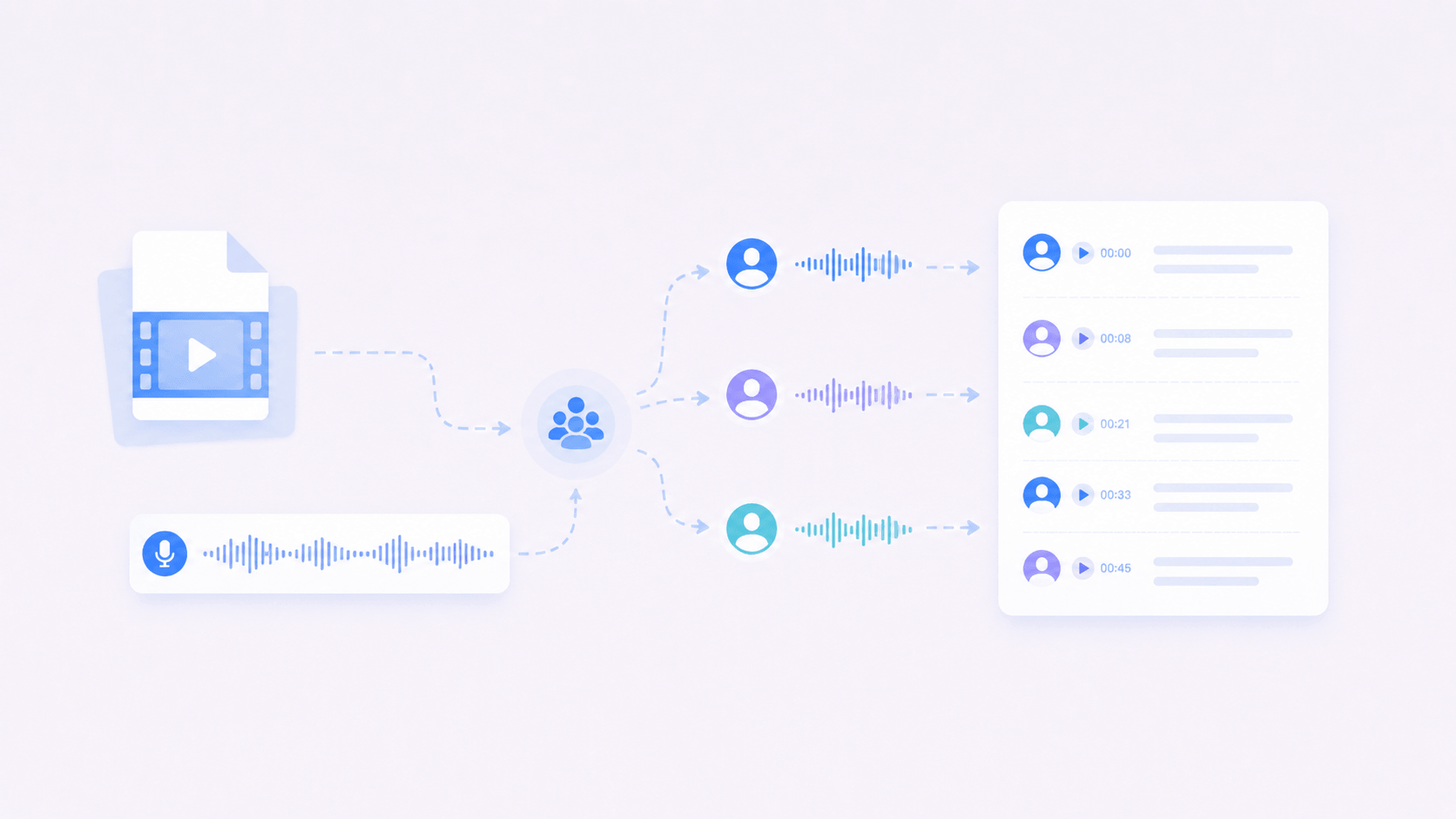
Each timestamp points to the exact point where a line was spoken. Use it to jump directly to an important quote, topic, or detail instead of scrubbing through the timeline.
Speaker Labels for Multi-Speaker Videos
Different voices are labeled automatically, making interviews, speeches, courses, YouTube videos, and TikTok clips easier to follow.

AI Summary and Mind Map
Long videos can take time to absorb. Decopy creates summaries, key points, outlines, and mind maps to surface the main ideas for study, research, or content creation.

Ask AI About the Video Transcript
Once you transcribe videos, ask AI to explain a point, clarify a detail, compare ideas, or summarize the main argument. This lets you explore a long transcript question by question.

Translate into Other Languages
Translate the video transcript into another language for learning, reference, or sharing. This helps with foreign-language videos and makes the same material usable for different audiences.
Video to Text Use Cases
Different videos create different transcript needs. Some users want to save short ideas, while others need course notes, meeting records, quotes, or webinar takeaways.

Short Videos and Social Clips
TikTok clips, Reels, and short creator videos often contain useful hooks, lines, and quick ideas. Convert video to text to save the parts worth keeping before they disappear in your feed.
Long YouTube Videos
Long YouTube videos may include useful examples, arguments, or explanations buried in the middle. The transcript lets you locate and compare those moments quickly.

Online Courses and Tutorials
Course videos and tutorials usually explain steps in detail. Transcribe video to text to turn lessons into notes, check instructions, and revisit important parts faster.

Interviews and Speeches
Interviews and speeches often include quotes, opinions, stories, and multiple speakers. Speaker labels keep each voice distinct, making exact wording and useful ideas faster to find.

Live Streams and Webinars
Live replays and webinars are often long and hard to scan. A video to transcript workflow puts Q&A, speaker points, and useful sections into a searchable record after the event.

Meetings and Training Videos
Meeting replays and training videos can include decisions, tasks, steps, and internal knowledge. Convert video to text or export the transcript as TXT to keep the material searchable and give the team a clear record for later reference.
How to Transcribe Video to Text Online
Add your file, generate a transcript, check key details, and export the final text when needed.
Step 1
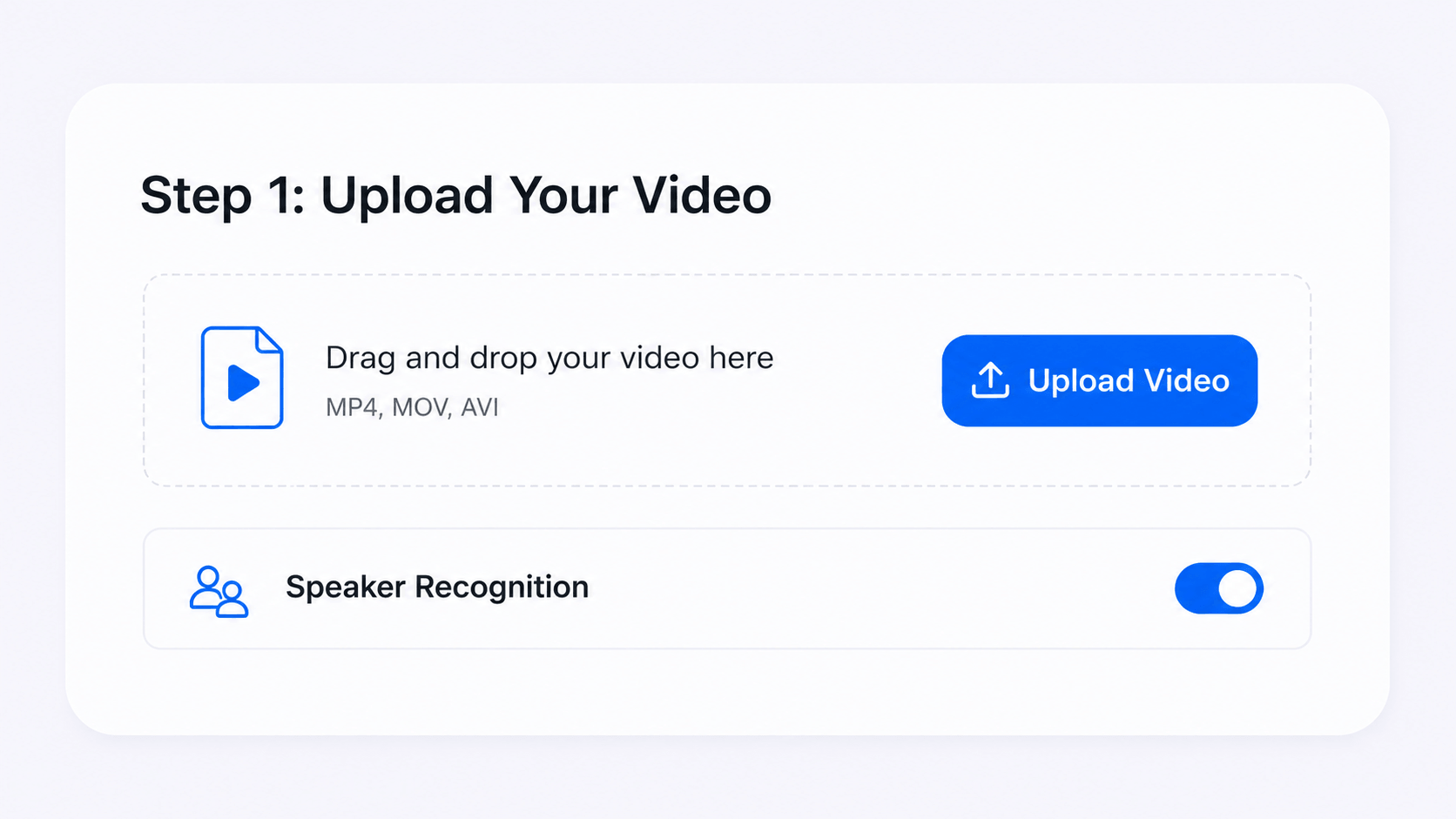
Choose Your Video
Choose your source file. If it has more than one speaker, enable
speaker recognition before starting.
Step 2
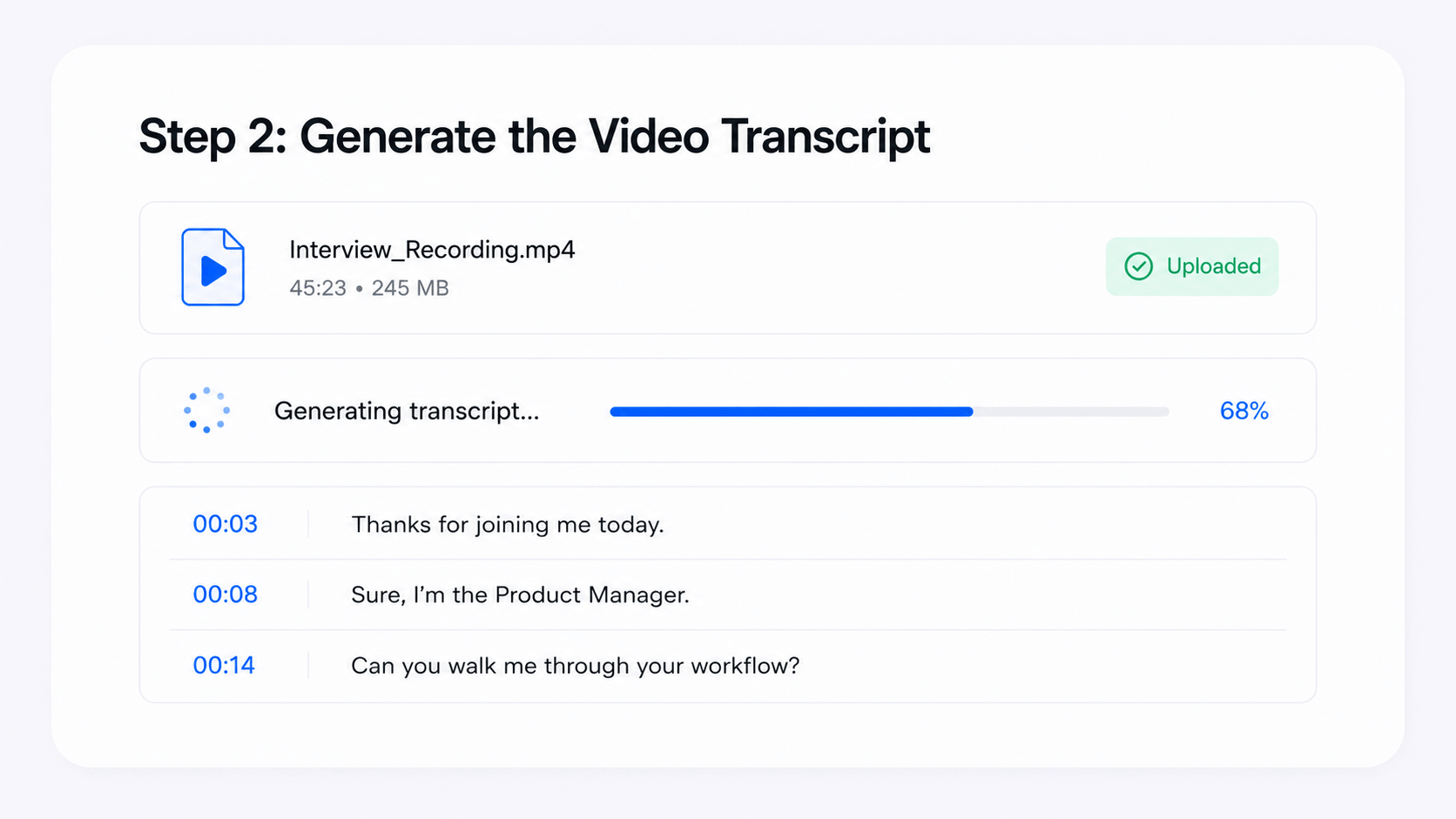
Start Transcription
Decopy extracts spoken words from the video and turns them into
text. Timestamps connect each passage to the right moment in the
video.
Step 3
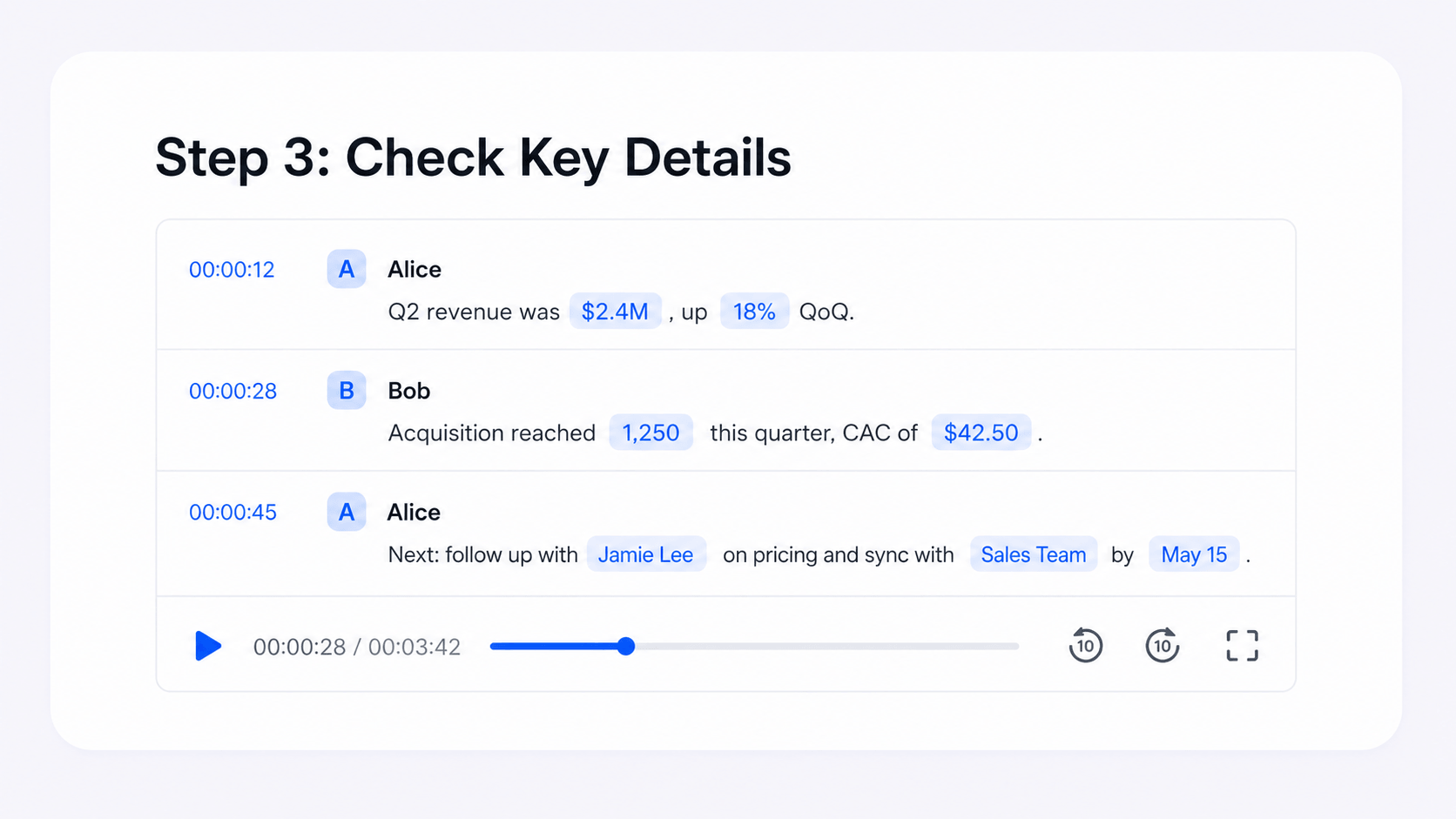
Review Key Details
Verify important details such as names, numbers, speaker labels,
and special terms. Use the timestamps to return to the relevant
moment and verify unclear sections.
Step 4
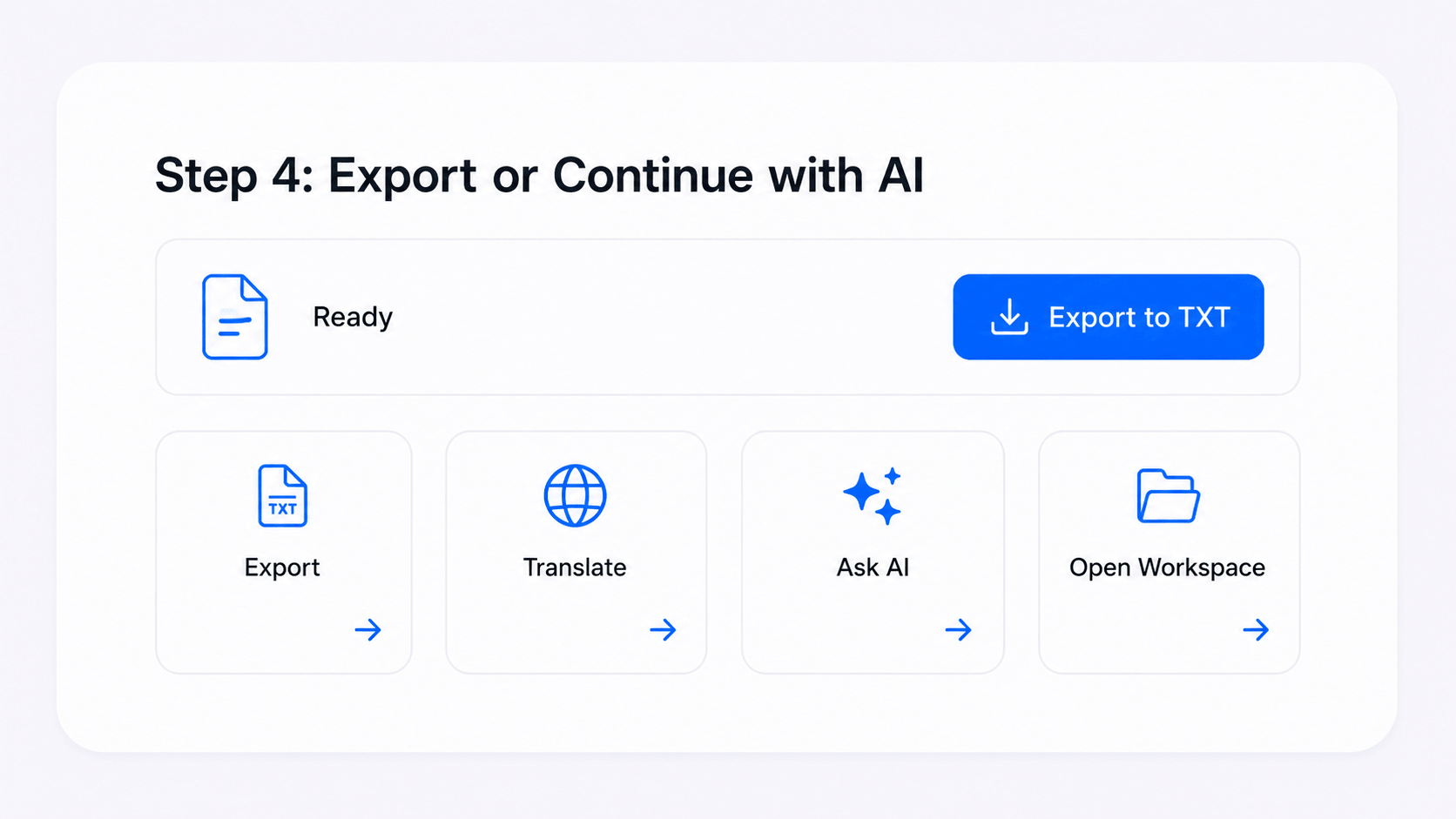
Export the Transcript or Use AI
Export the video transcript as TXT, translate it, ask AI questions,
or continue processing the text in your workspace.
Why Choose Decopy’s Video Transcript Generator
No Software to Install
Start online video transcription in your browser without installing software or setting up a separate capture device.
Works with Longer Videos
Add the file and start processing right away. The tool is designed for quick transcription and can support longer videos.
Easy-to-Use Video Transcriber
The workspace is clear and easy to use, even for first-time users. Read through the transcript and continue working without a steep learning curve.
Try It Before You Commit
Try the video to text converter with your own file before using it more broadly. This gives you a practical way to evaluate the workflow and transcript quality.
Private Workspace
Uploaded videos and generated transcripts stay inside your private workspace and are not published or shared with other users.
Available in Eight Languages
The website supports eight languages, including English, French, German, Russian, Japanese, Chinese, Spanish, and Portuguese.
Choose the Right Transcription Tool
Different source types call for different transcription tools. This video to text converter is the right place for a saved video file. For audio, compatible links, or live input, another tool may fit better.

Speech to Text
Use this option for general spoken material. It can handle file uploads, compatible links, live capture, voice notes, meeting audio, and lectures.
Start Transcription →
Audio to Text
Choose this option for audio-only files such as MP3, WAV, M4A, FLAC, and other common formats.
Convert Audio Files to Text →
Text to Speech
Turn written text into a natural-sounding voice, then choose the language, tone, and gender that fit your material.
Generate Voice →What Users Say About Our video to text converter
Mia Johnson
Content Creator
Ethan Brooks
University Student
Daniel Perez
Marketing Specialist
Frequently Asked Questions (FAQs)
What is Video to Text?
Our video transcript generator converts the spoken audio in a video file into a readable transcript. Add MP4 videos, meeting replays, course videos, or saved creator clips, then use the text for search, review, summaries, translation, or export.
How do I transcribe a video to text online?
To transcribe video to text online, select a video file, choose the needed options, and generate the transcript. Then check timestamps and speaker labels, use AI tools, or export the text.
Does Video to Text Support MP4 Files?
Yes. Upload an MP4 file and Decopy will turn what is said in the file into a transcript. This is useful for saved lessons, meeting recordings, creator clips, and other video files.
Can I transcribe YouTube or TikTok videos?
Yes, if you have a saved copy and the right to use it. Add the YouTube video, TikTok clip, Reel, or another video file to generate a transcript. For direct video links, use the dedicated tool for links or live input.
Does this tool extract text from video frames?
If by extract text from video you mean spoken words, yes. This tool transcribes speech from the audio track. It does not mainly read visible text from slides, screenshots, or frames. That task is closer to OCR.
Is video to text the same as subtitles?
Not exactly. A transcript records what was said, while timestamps show where each passage appears in the video. If you plan to use it as subtitles, review line breaks, punctuation, and readability before publishing.
Can I use a video transcript for captions?
Yes. The transcript can be used as a base for captions. Before publishing, check line breaks, speaker changes, and readability.
How is video transcription different from audio transcription?
Video transcription keeps the video file as the source. Audio-only files and podcasts have no video track to reference.
How is this different from broader transcription tools?
The broader tool handles uploaded files, compatible links, live input, voice notes, meetings, and lectures. This page focuses on uploaded video files and video file to transcript workflows.
Can I export a video transcript as TXT?
Yes. After generation, export the video transcript as TXT and use it in your own workflow.
Is my uploaded video private?
Uploaded videos and transcripts remain private inside your workspace and are not publicly visible to other users.
↑