Free Instagram Transcript Generator
Generate transcripts from Instagram Reels and videos. Turn spoken content into searchable text and review important information without replaying videos repeatedly.
History
Favorite
Social Media URL
↑
↑
Generate transcripts from Instagram Reels and videos. Turn spoken content into searchable text and review important information without replaying videos repeatedly.
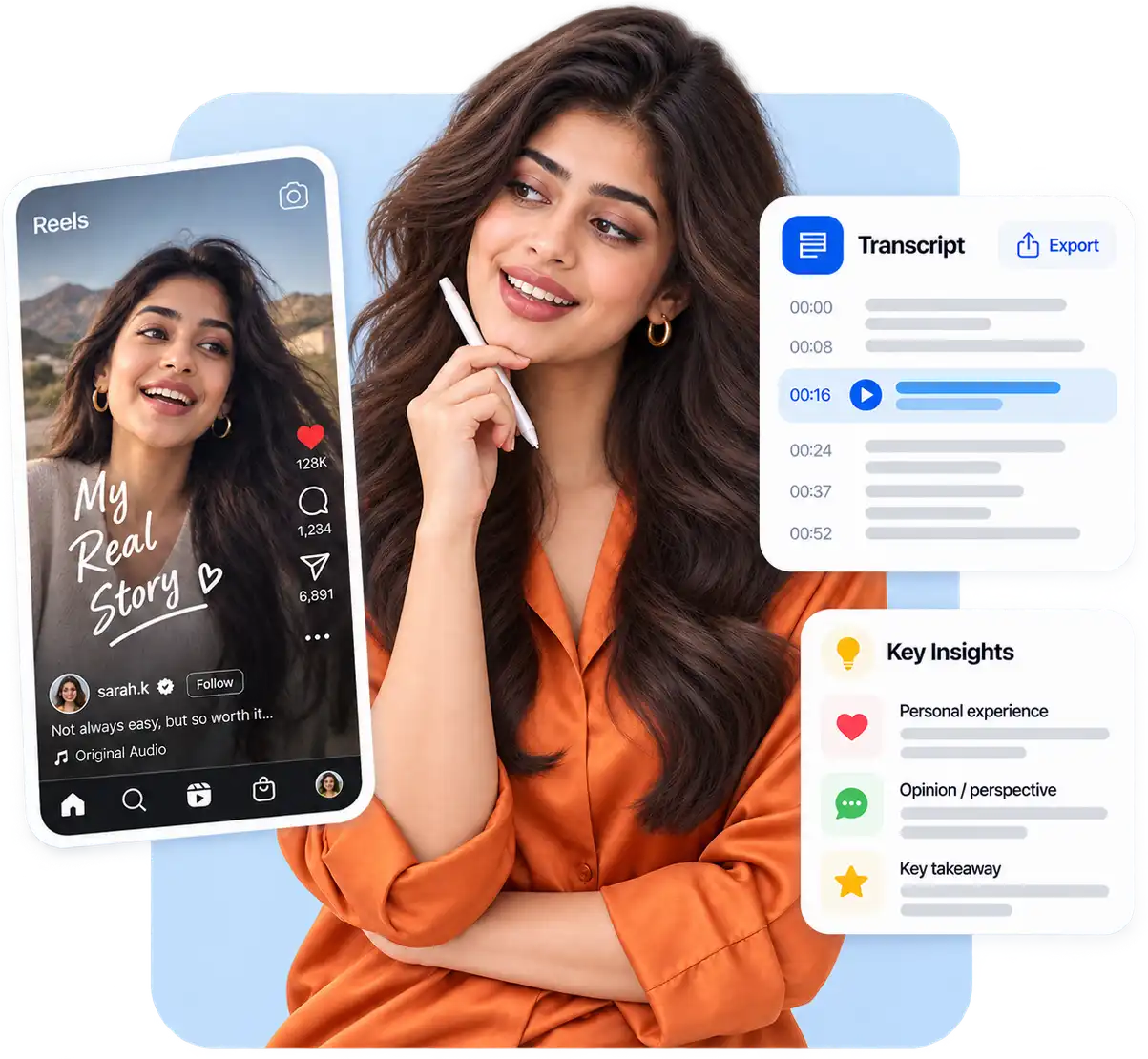
Instagram Reels often contain personal stories, opinions, and experiences that are easy to miss while watching. When a video includes useful ideas or important details, an Instagram transcript helps you capture the full message and understand the context more clearly.
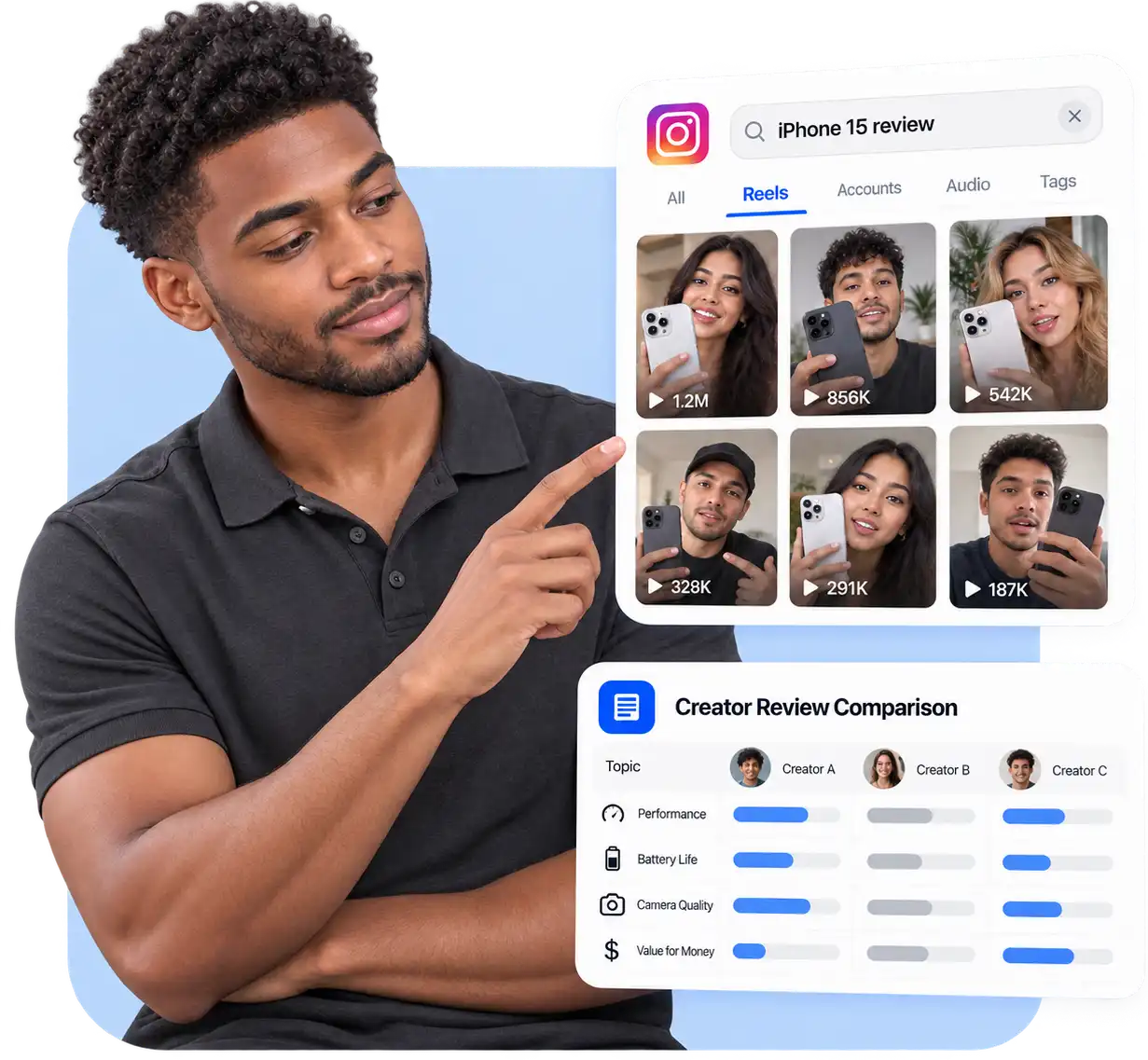
Many Instagram videos influence purchase decisions through creator reviews and personal experiences. An Instagram video transcript makes it easier to compare recommendations, understand product details, and evaluate different opinions before making a decision.
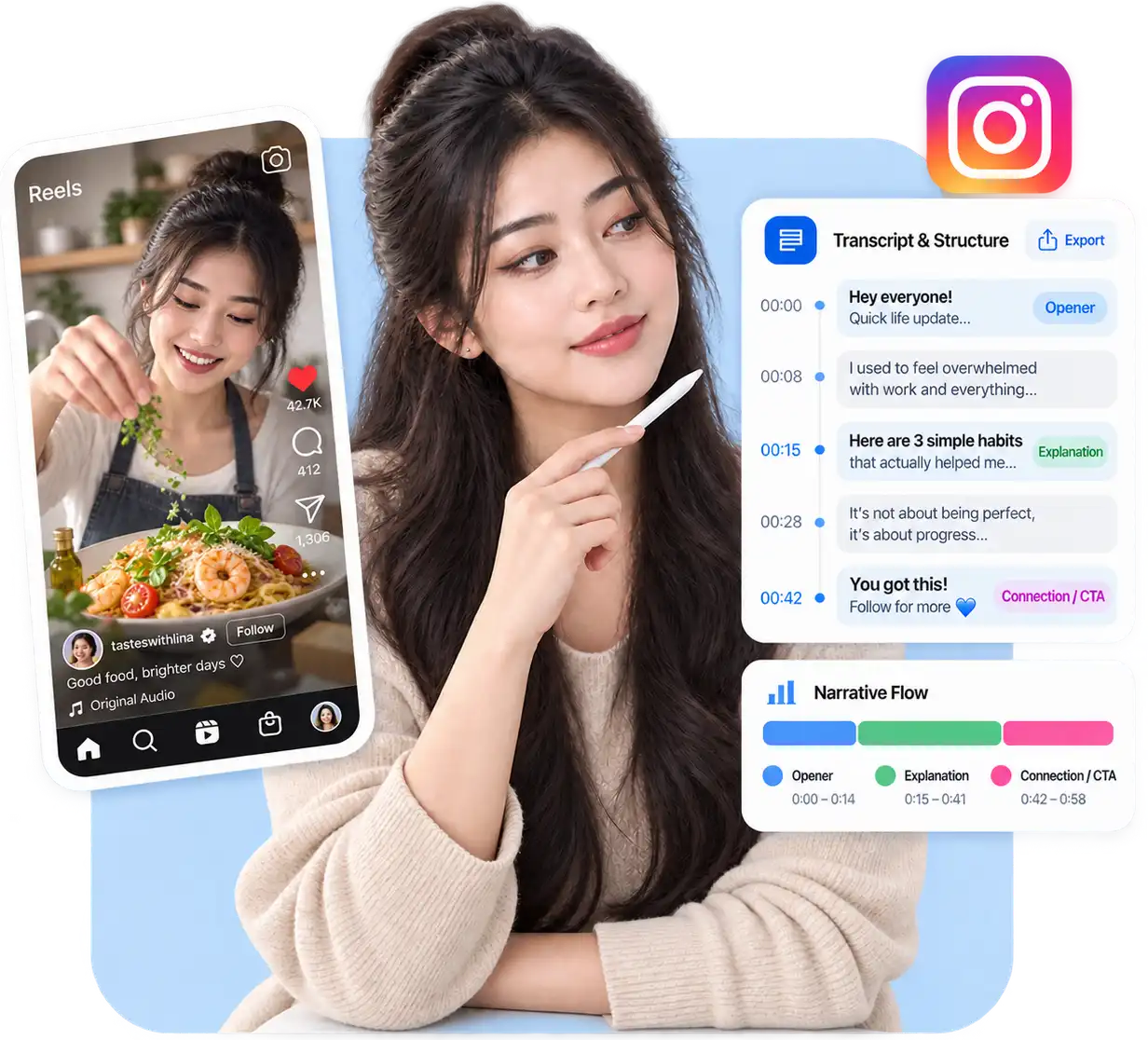
Successful Instagram Reels often rely on how creators introduce topics, explain ideas, and connect with viewers. Instagram transcripts help you study content structures, discover effective messaging patterns, and improve your own content strategy.
You may save Instagram Reels because they contain information you want to remember, but finding specific details later can be difficult. Turning saved videos into searchable text makes it easier to return to key points without scrolling through your saved posts again.

Create searchable transcripts with an Instagram Transcript Generator for easier review, analysis, and content workflows.
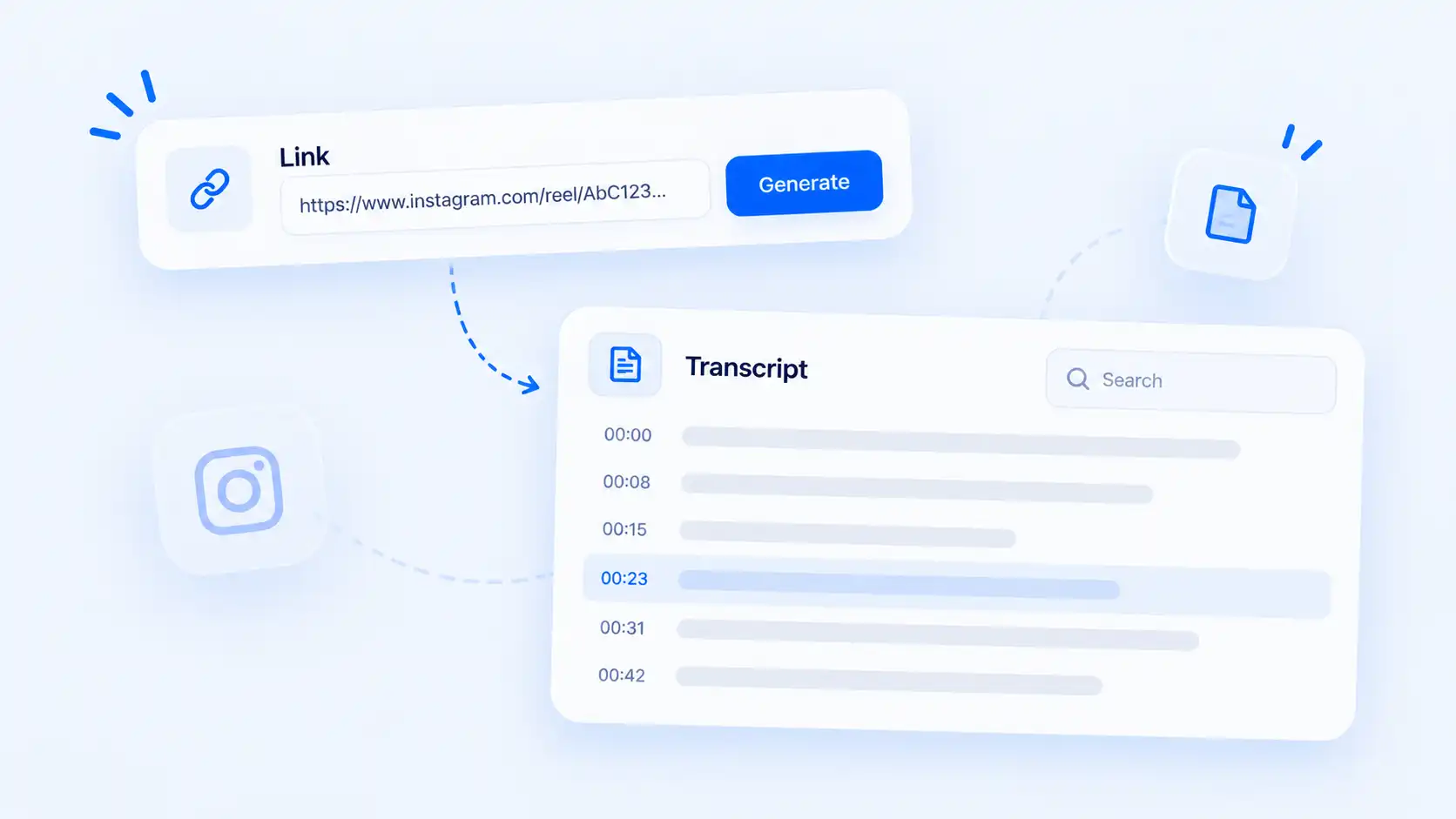
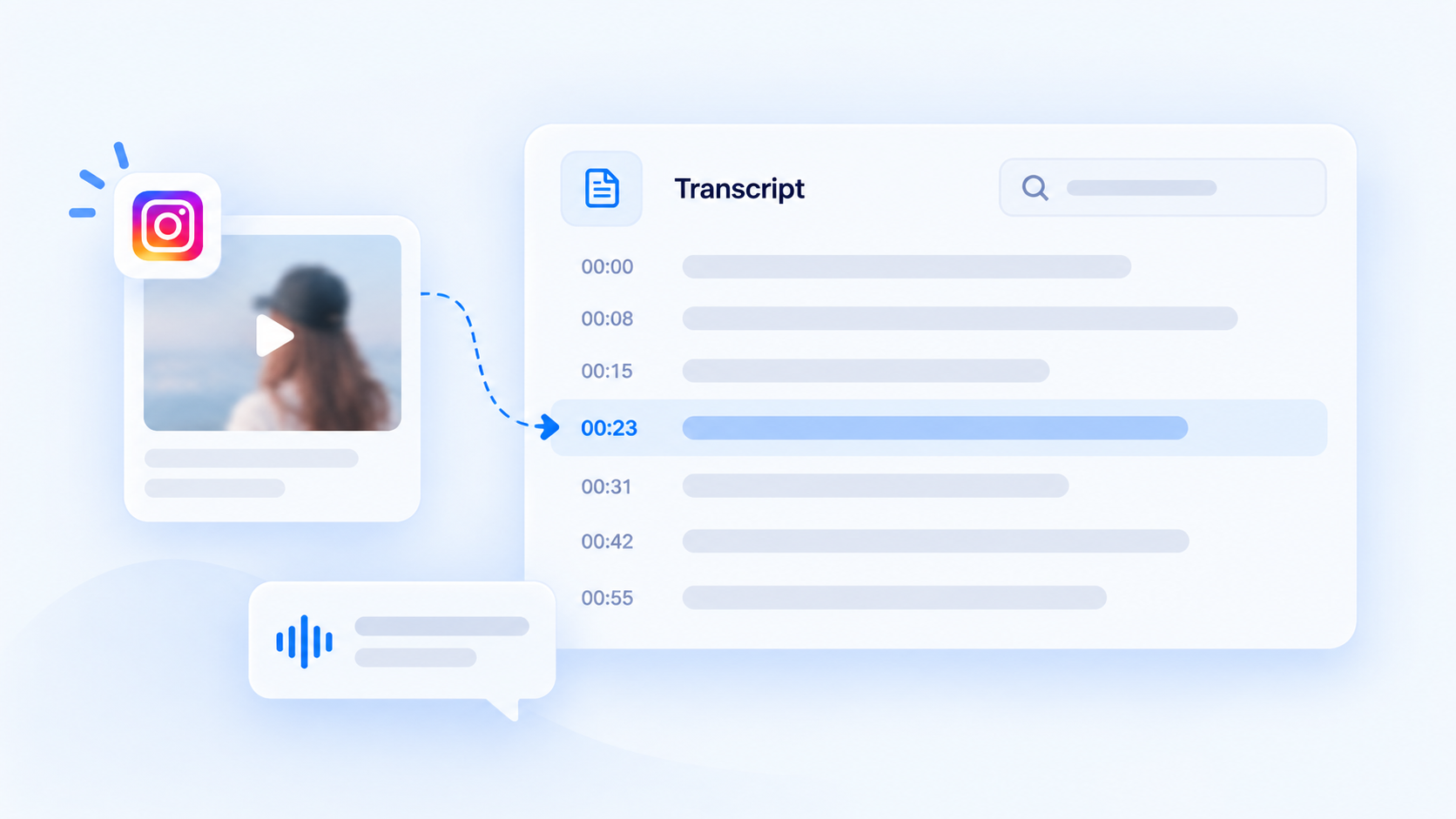
Copy a public Instagram Reel or video link and generate a transcript from the spoken content. The transcript makes the information inside a video easier to read, search, and review.
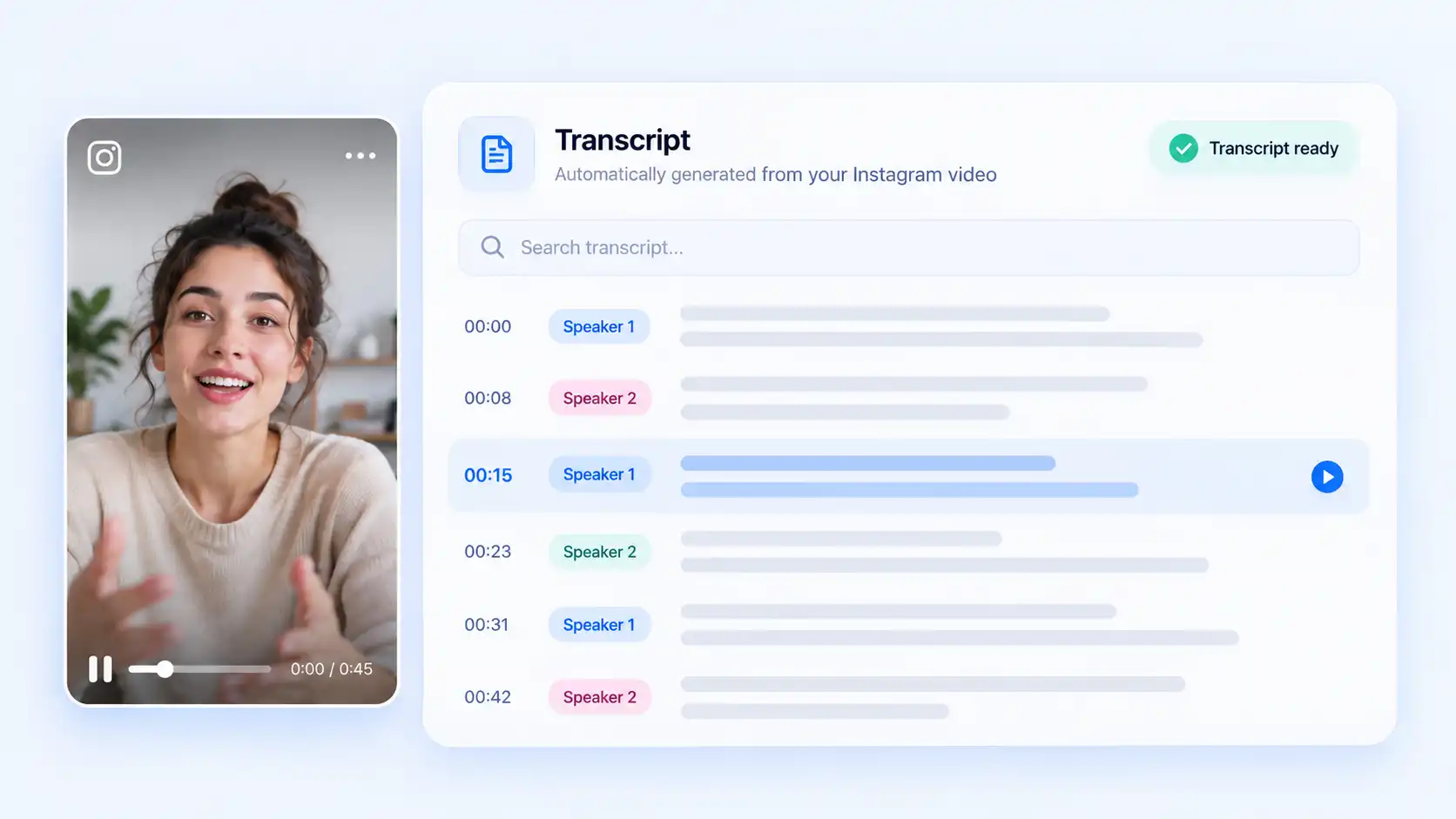
A written transcript lets you read the spoken information behind a video instead of replaying the same content repeatedly. Find important details and review messages more efficiently.
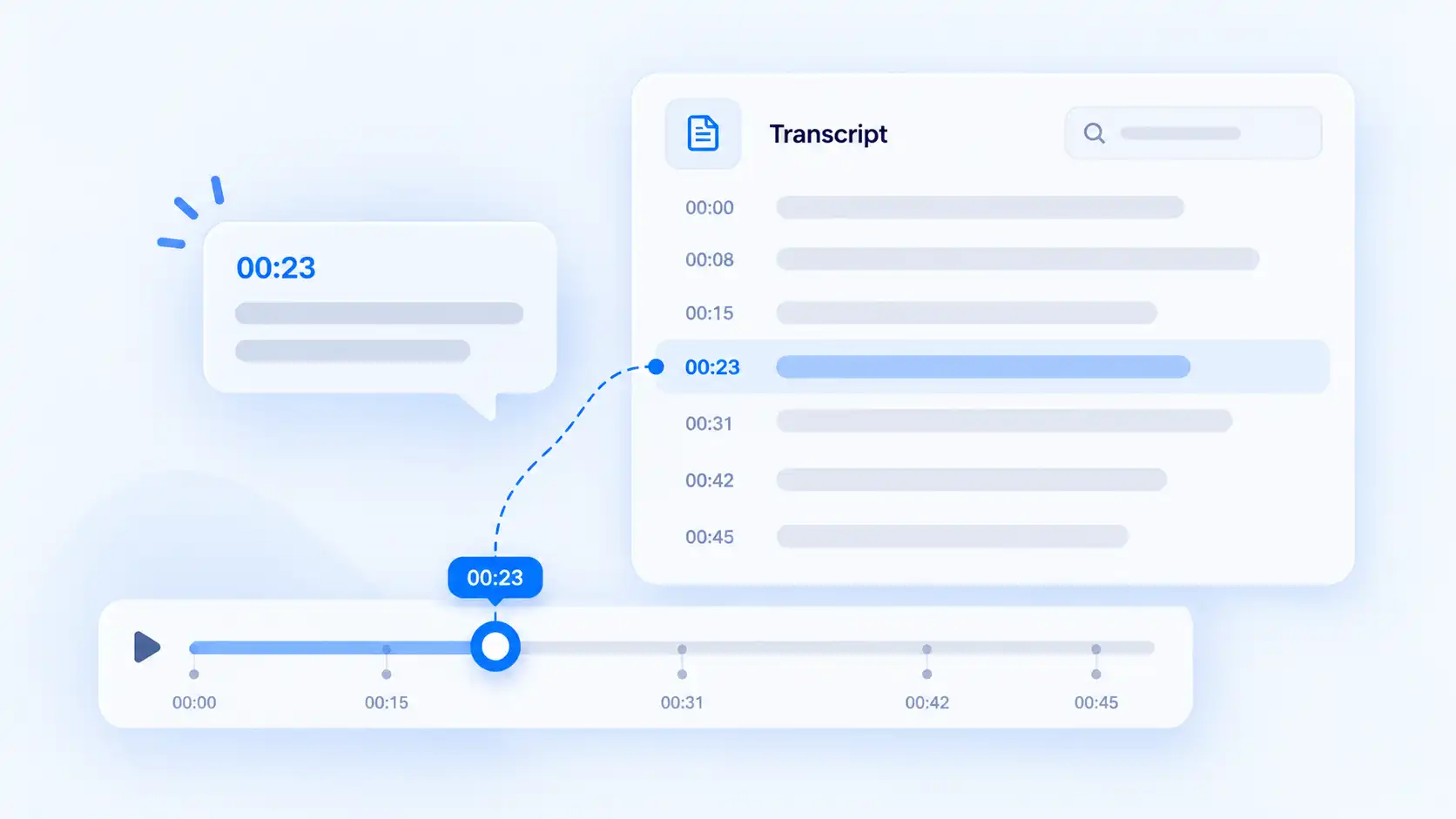
Timestamps connect transcript sections with the original Instagram video. Return to specific moments when you need to verify wording, context, or details.
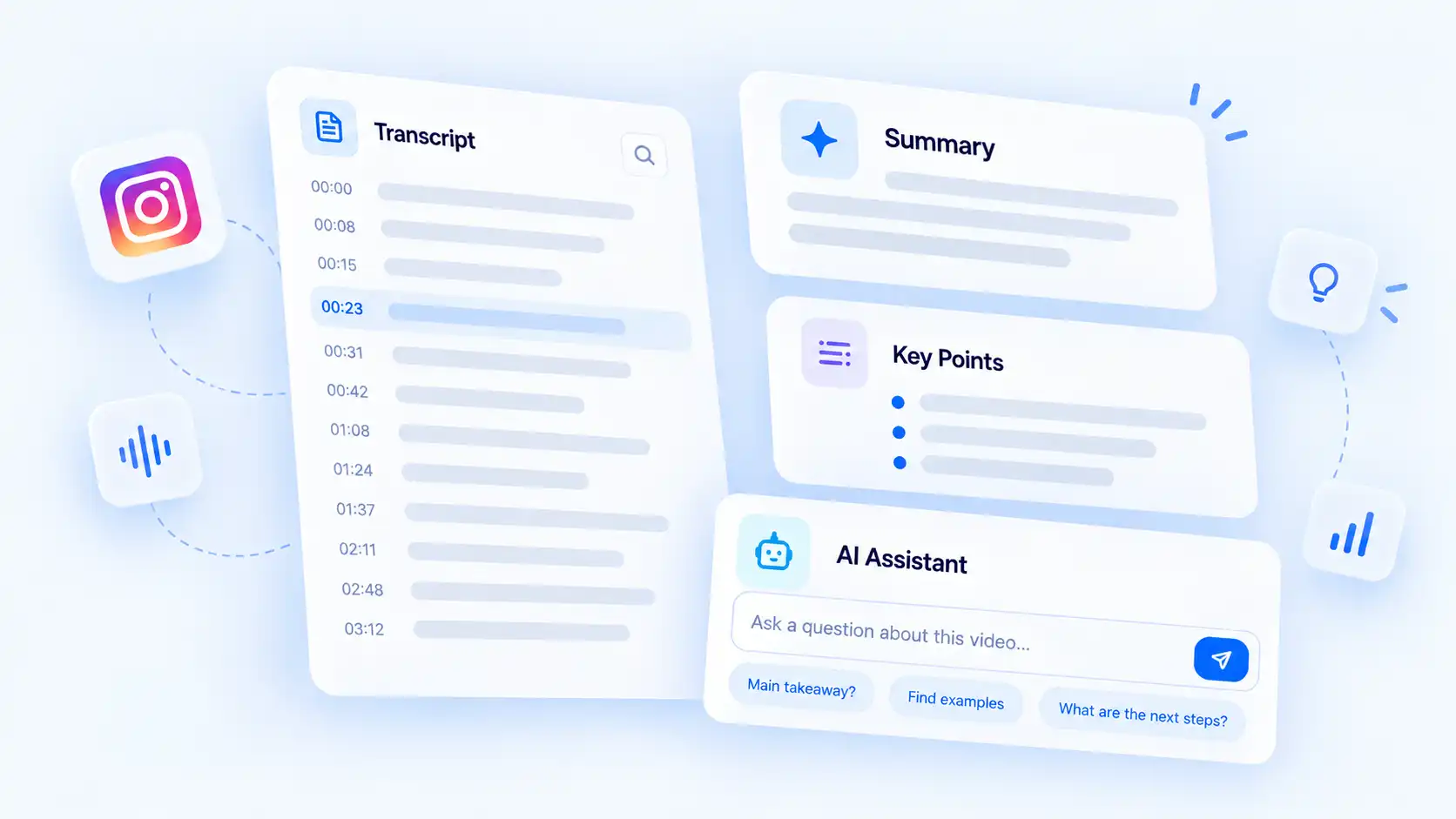
Use AI tools to summarize transcripts, ask questions, and find important information from longer Instagram videos.
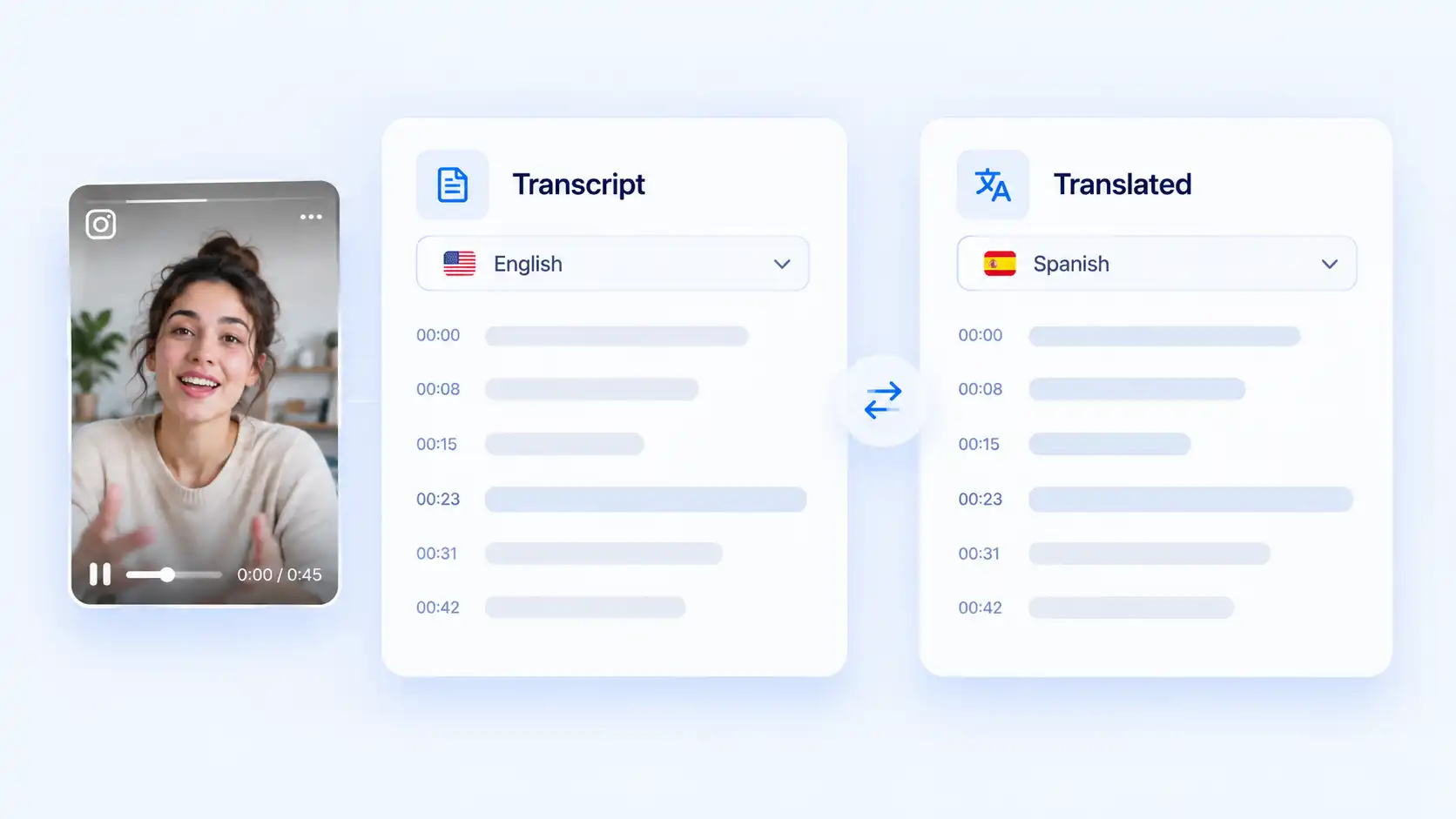
Translate completed transcripts to understand Instagram videos in different languages and explore content from creators around the world.
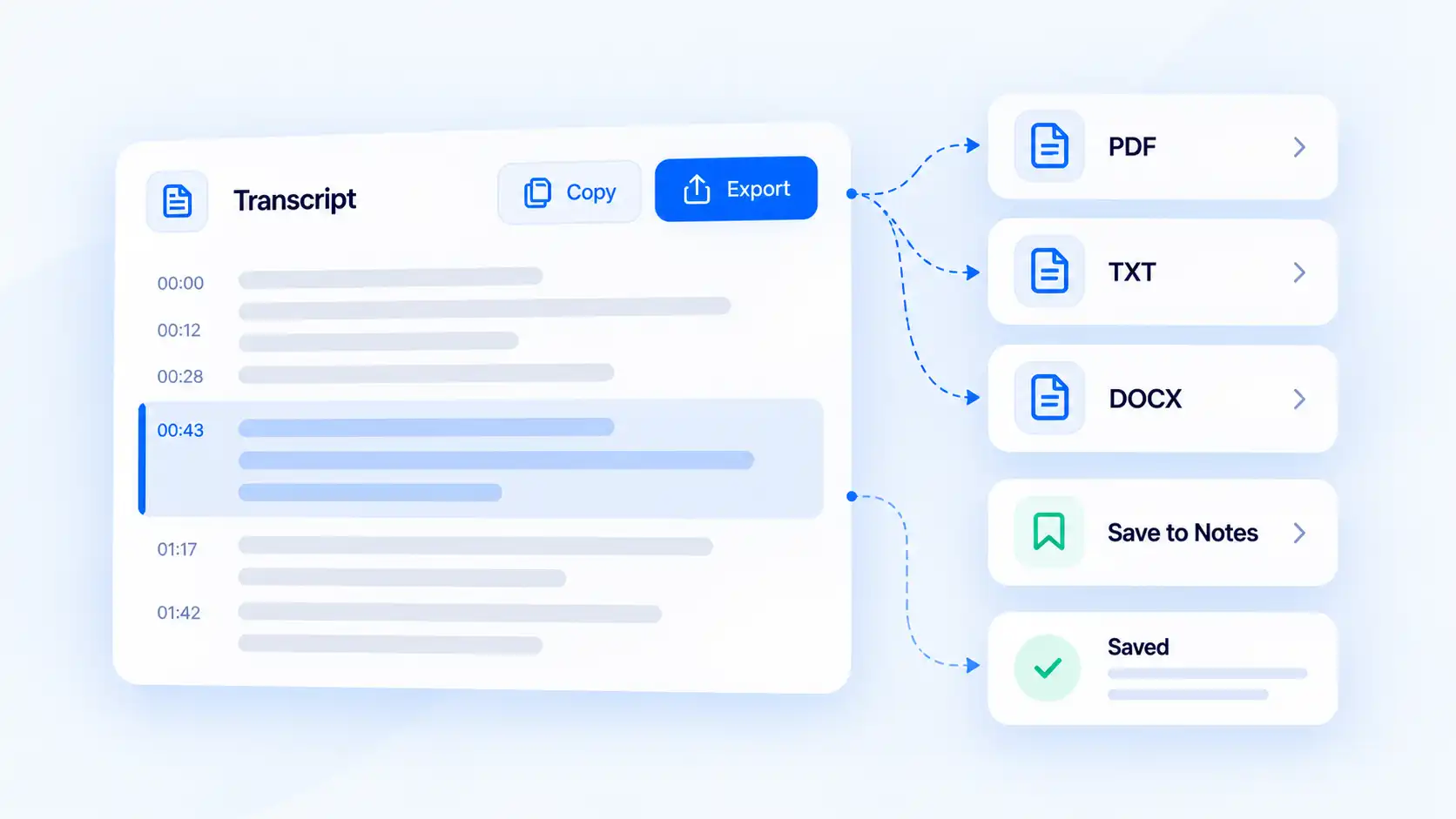
Copy or export transcript content for future reference, notes, or content review outside Instagram.
Discover how different users can use Instagram transcripts to understand content, research ideas, and work with Instagram videos more efficiently.
Review how successful Reels are structured, improve your scripts, and find better ways to communicate with your audience.


Analyze Instagram content trends, compare competitor messaging, and collect insights from different platforms, including TikTok video transcripts, for future social campaigns.
Understand product reviews, customer opinions, and influencer content to improve marketing decisions.

Organize useful Instagram videos, revisit important information, and turn saved content into searchable references.
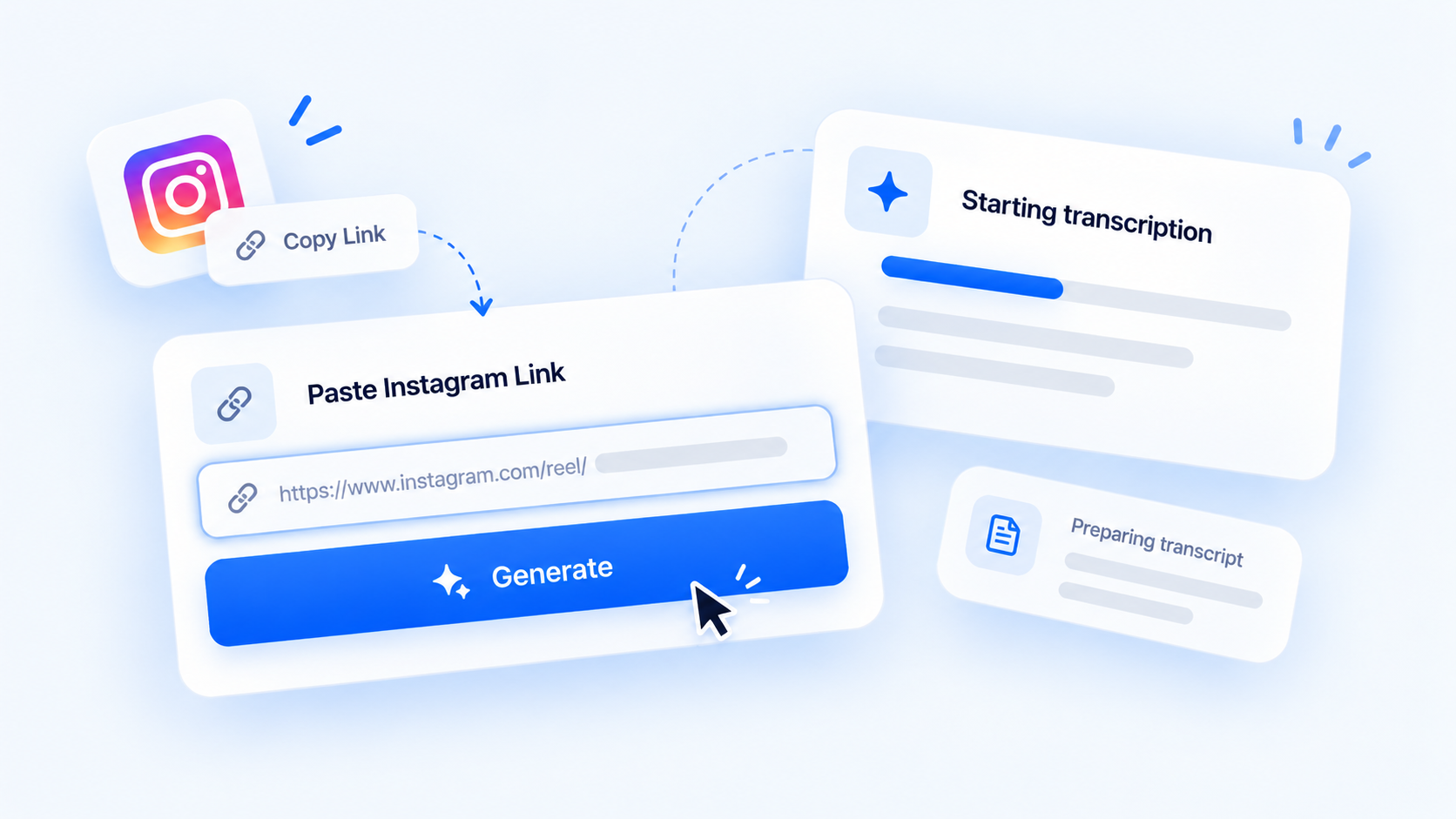
Create an Instagram transcript from a public Reel or video link in a few simple steps.
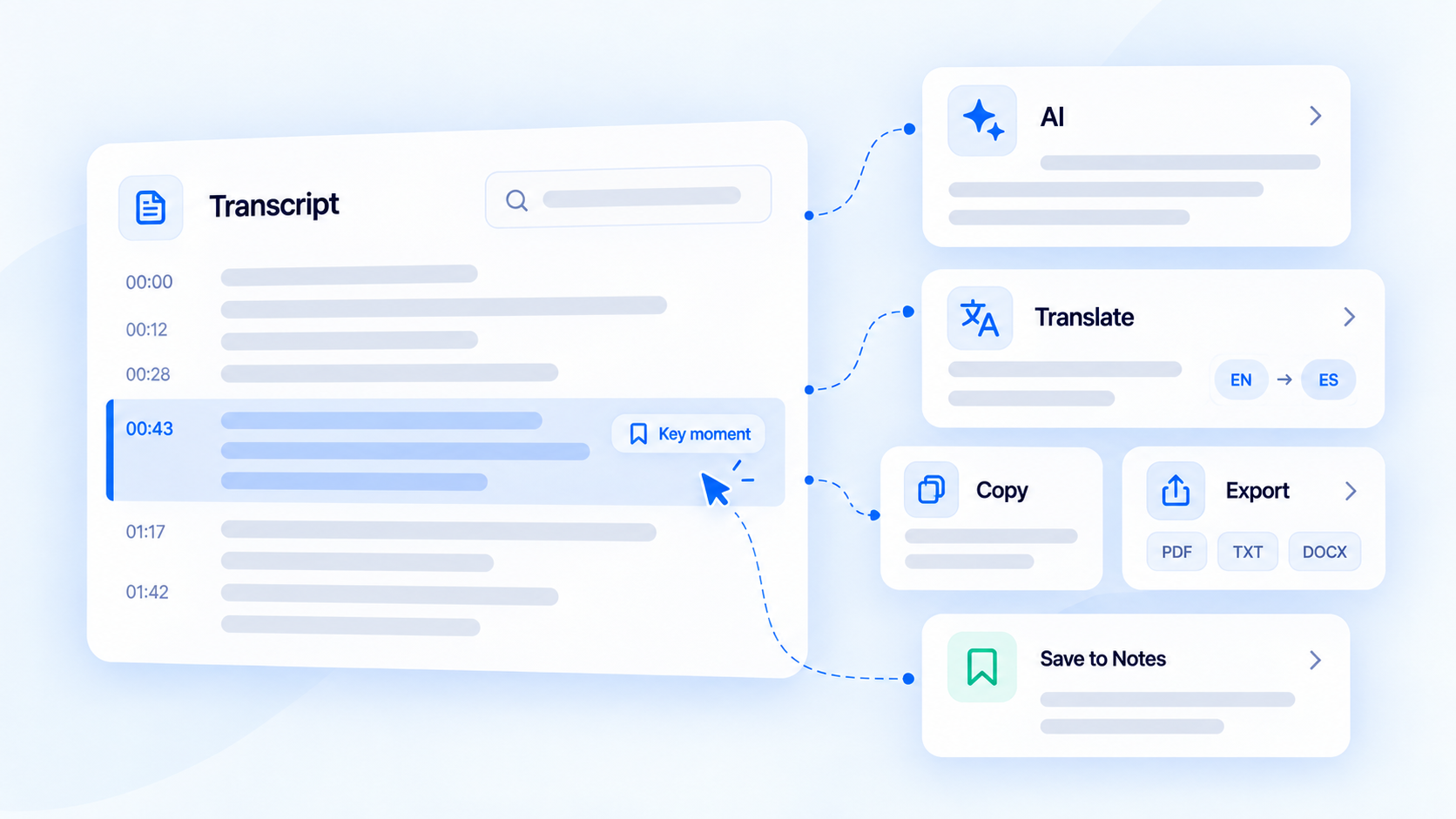
A transcript is only the beginning. Use AI tools to summarize videos, ask questions, translate content, and discover important information faster.
Timestamps help you move between transcript sections and the original Reel whenever you need to confirm information.
Review, translate, and organize information from Instagram videos without depending only on repeated playback.
An Instagram transcript generator converts spoken content from Instagram Reels and videos into written text. It helps users review video information, search important details, and understand content more efficiently.
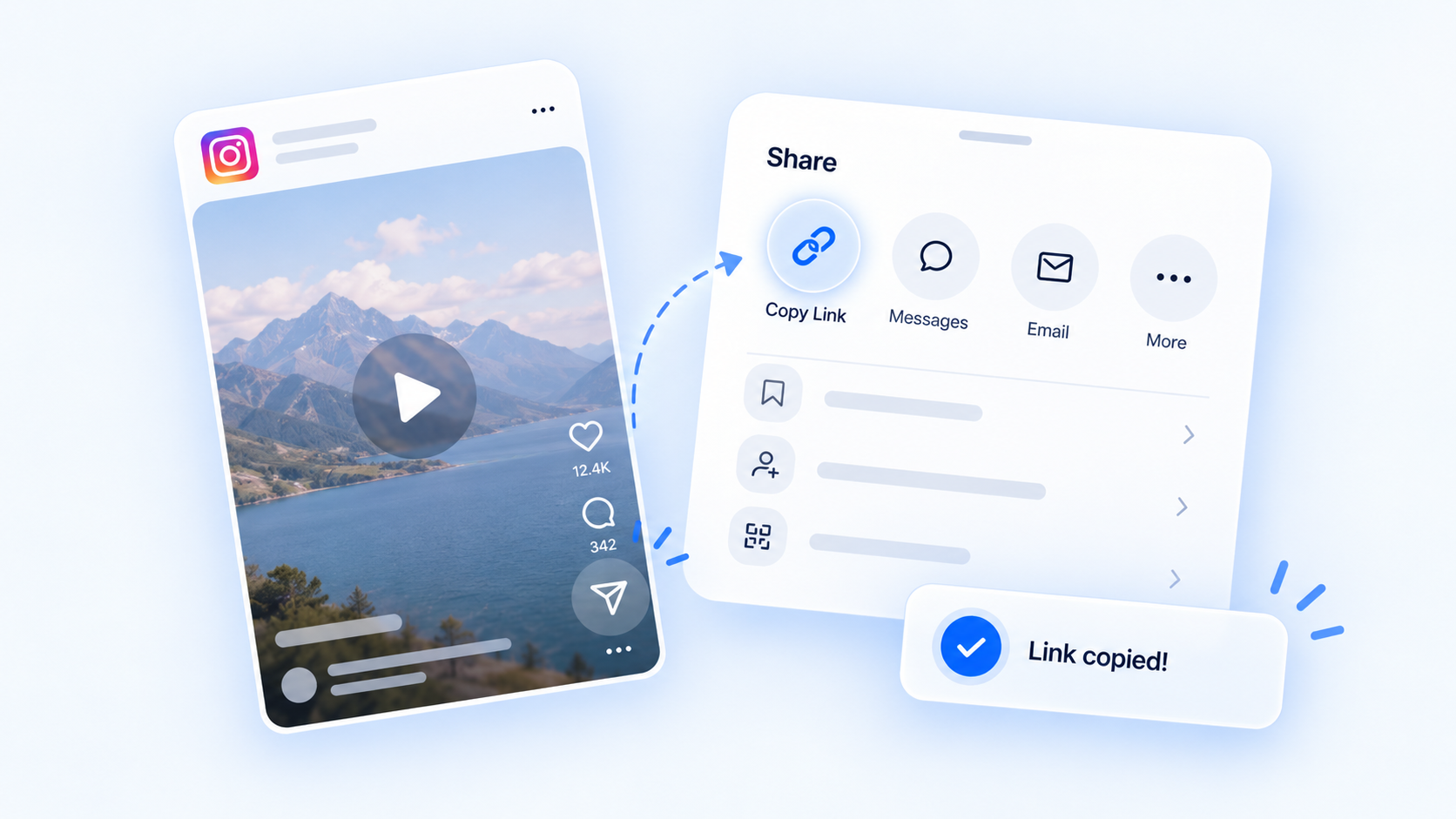
Open the Reel, tap Share, and select Copy link. Paste the link into Decopy to generate a transcript from the video content.
Yes. Decopy can convert supported Instagram Reels and videos into searchable text transcripts. The same workflow can also help convert video files to text when you need to process uploaded videos.
Yes. Public Instagram Reel and video links can be used to generate transcripts. Private accounts, deleted posts, or unavailable videos may not be processed.
Instagram does not provide searchable transcripts for every Reel. A transcript generator helps convert spoken content into readable text for easier review.
Instagram Reels are mainly video-based, so spoken content is not available as searchable text. A transcript generator converts the audio into readable text that is easier to review and use.
Copy a public Instagram video link and paste it into Decopy to generate a transcript.
Yes. After generating a transcript, you can use AI tools to summarize content, ask questions, and find important information.
Yes. Generated transcripts can be translated into supported languages to help you understand content from different regions.
Yes. Supported public Instagram Reels can be converted into searchable transcripts for review and analysis.
No. Instagram videos need to be publicly accessible for transcription. Private accounts, deleted posts, or unavailable videos cannot be processed.
Yes. Generated transcripts include timestamps that help you match text with specific moments in the original Instagram Reel or video.
Yes. After generating a transcript, you can copy or export the text for notes, research, or future reference.