Convert MP4 to Text Online
Upload an MP4 video up to 500 MB and turn its speech into a searchable transcript with timestamps. Identify speakers, summarize the content, translate the result, and download it as a TXT file.
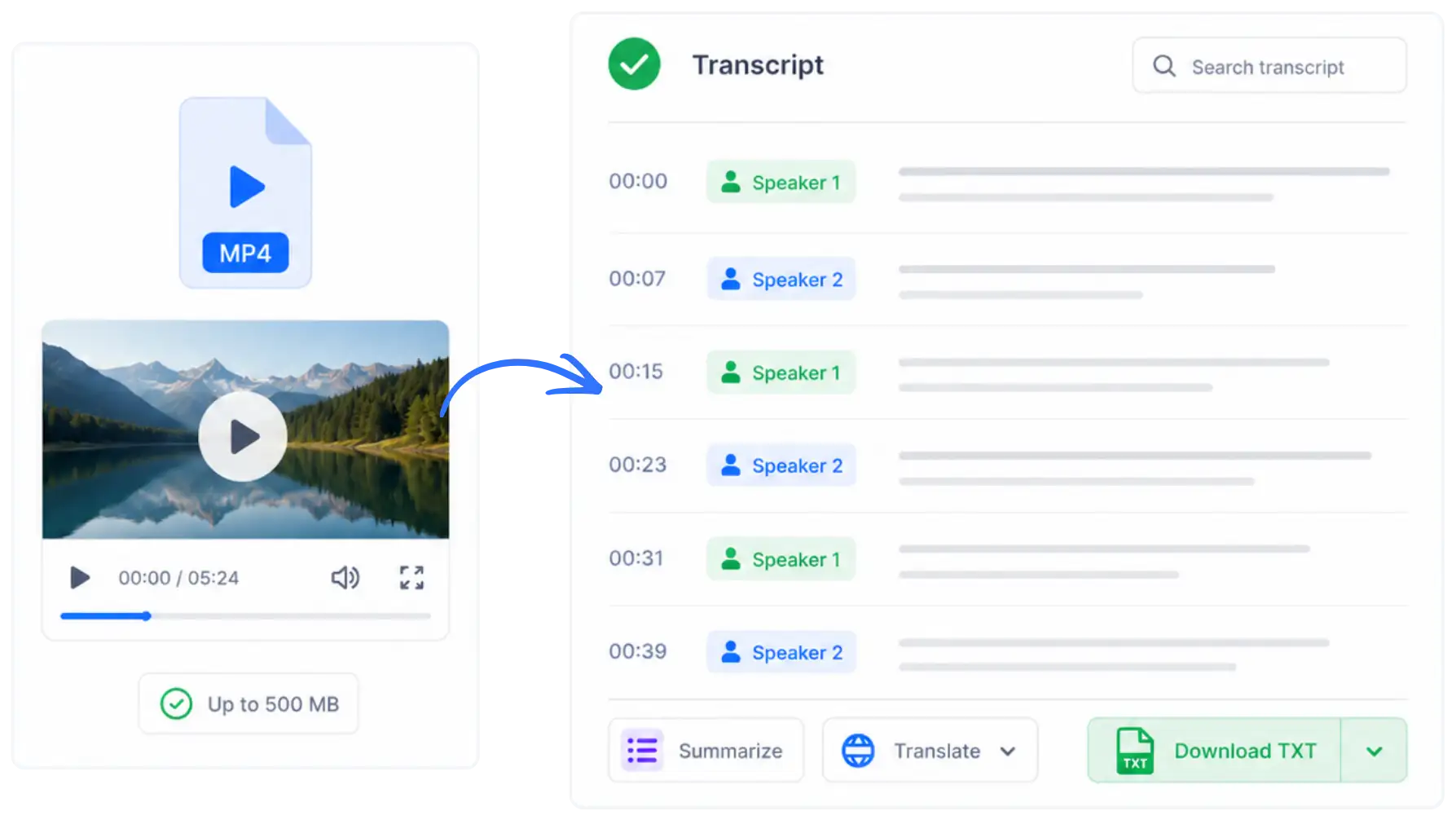
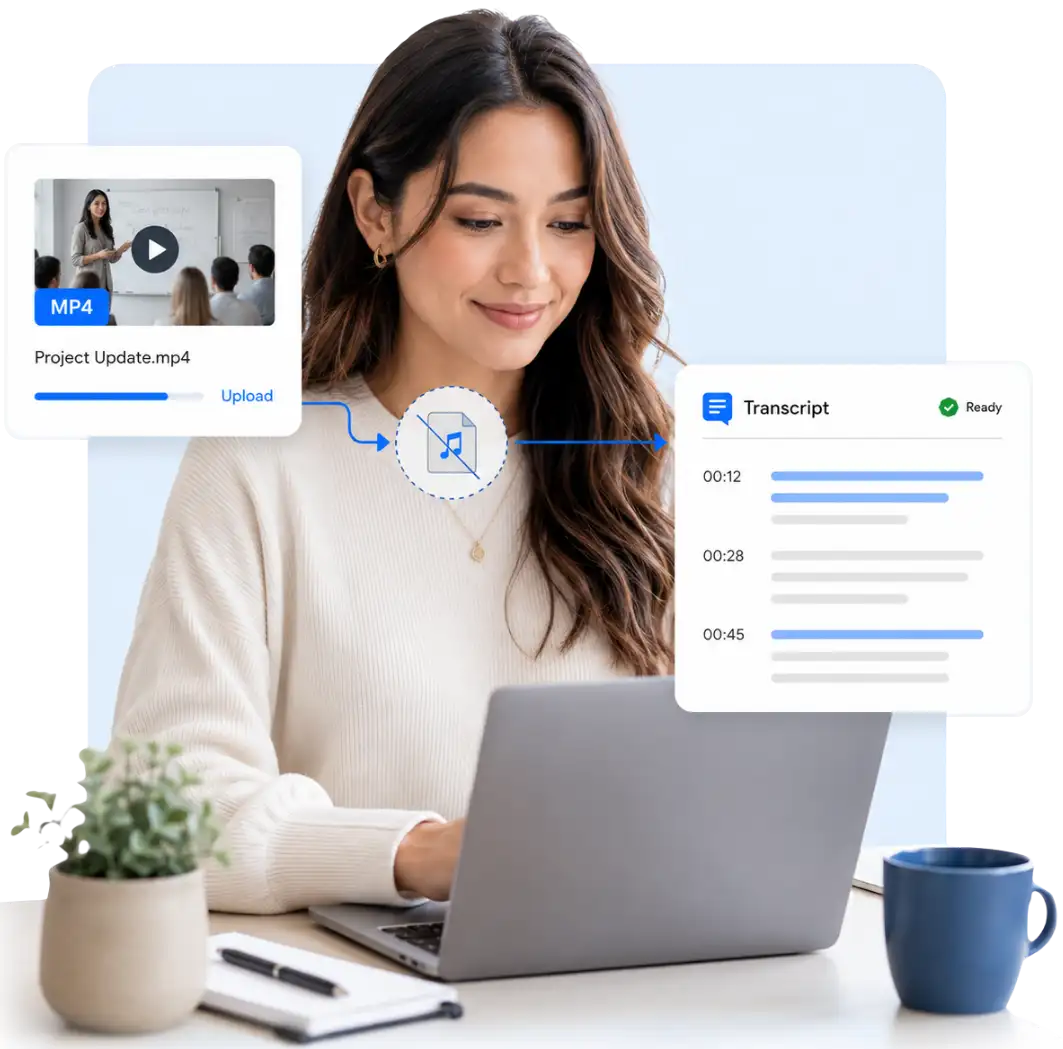
Transcribe MP4 to Text Without Converting It First
Upload the MP4 file directly to convert video to text online without extracting the audio or preparing another file first, making the transcription process simpler from the start.
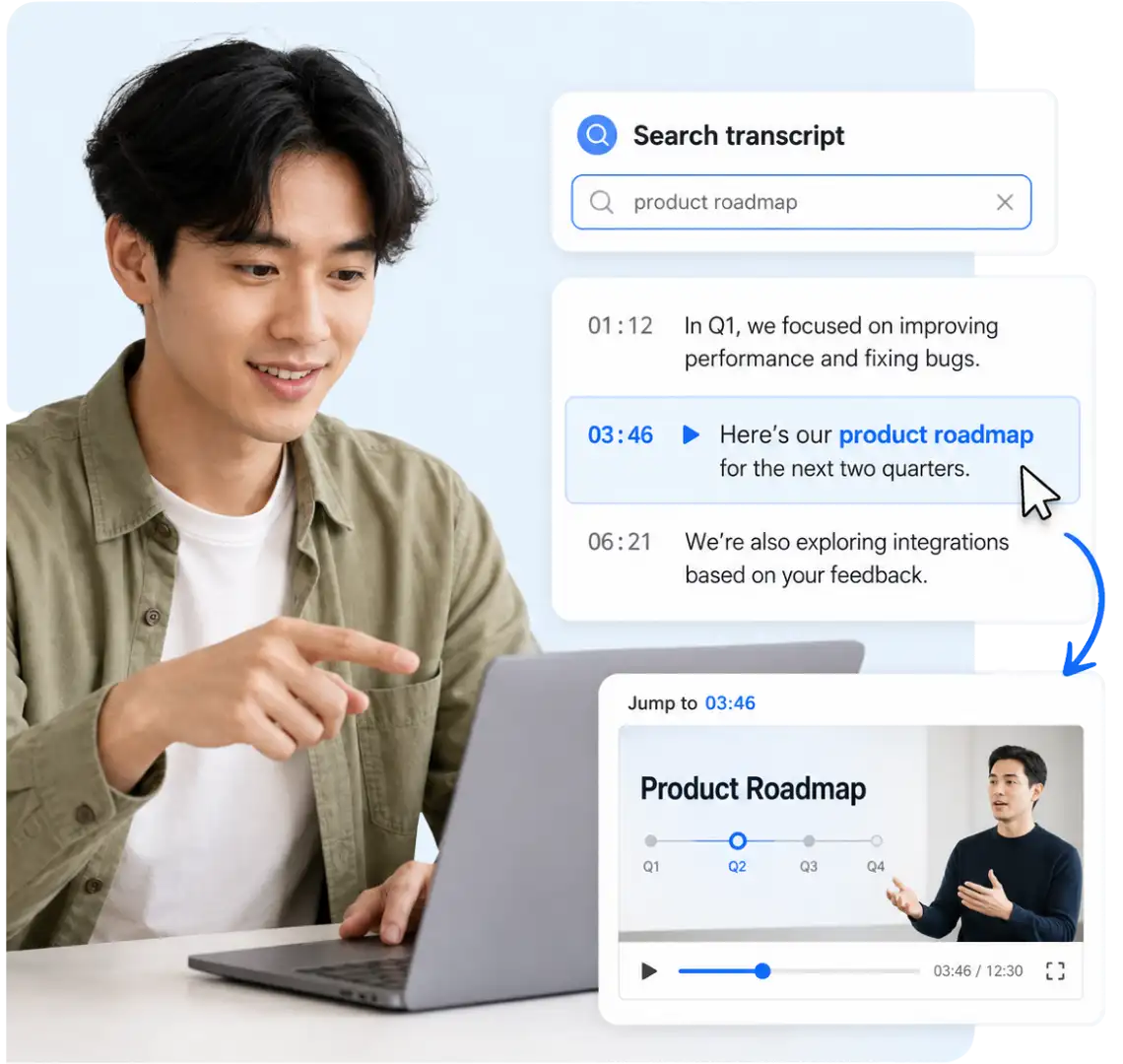
Find Spoken Information Without Rewatching the Video
Search a long MP4 transcript to find the information you need, then use the timestamps to return to the corresponding parts of the recording. This keeps your review focused when only a small section matters.
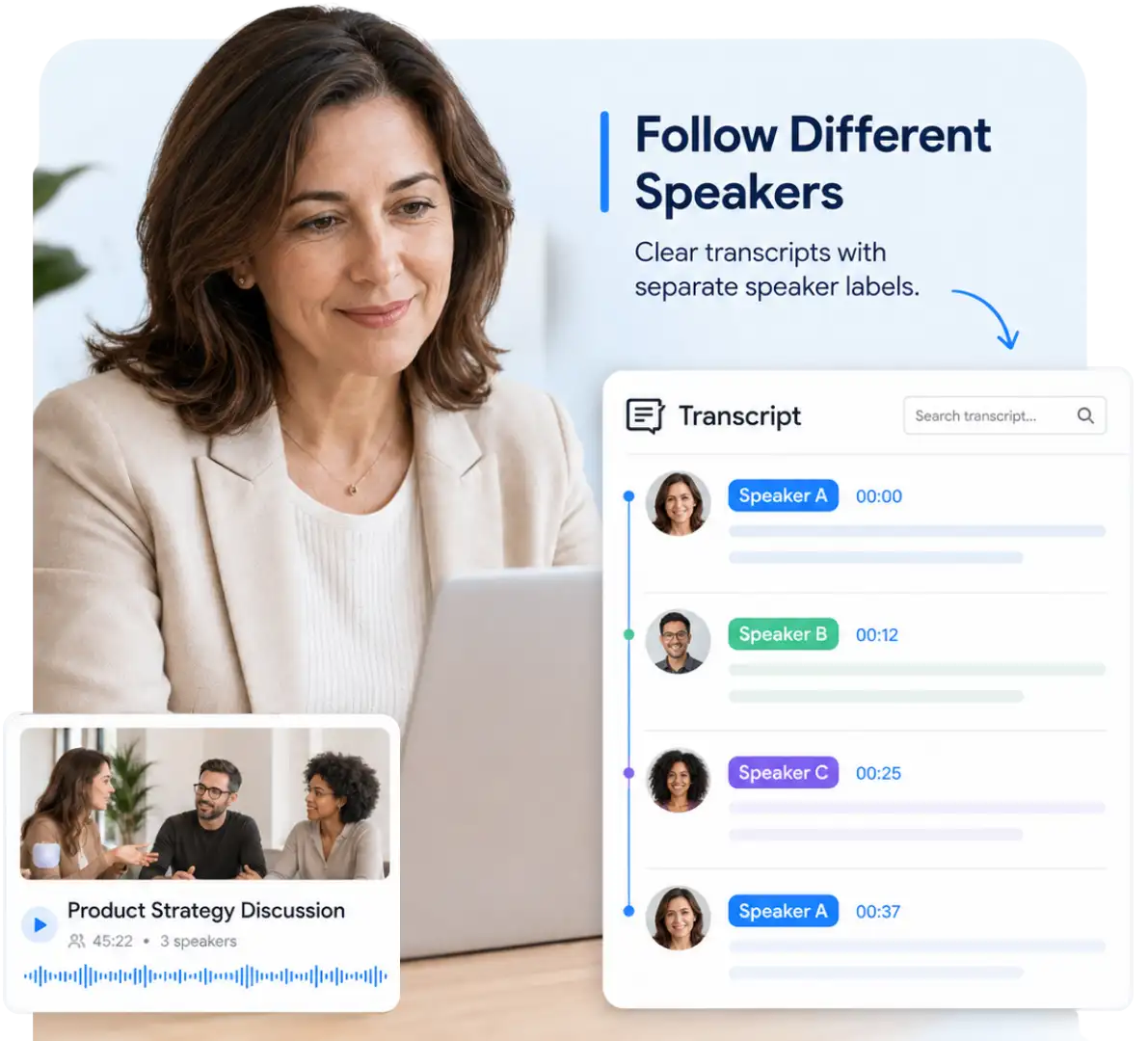
Follow Different Speakers in the Transcript
Keep different voices separated with speaker labels so the structure of a recorded conversation remains clear. Longer exchanges are also easier to follow when you return to the transcript later.
Understand the Recording Beyond the Full Transcript
Use AI video summarizer for long recordings to generate a focused summary, view a mind map, or ask questions about the completed transcript to understand the content faster. These tools help reveal the main ideas without requiring you to read every section in order.
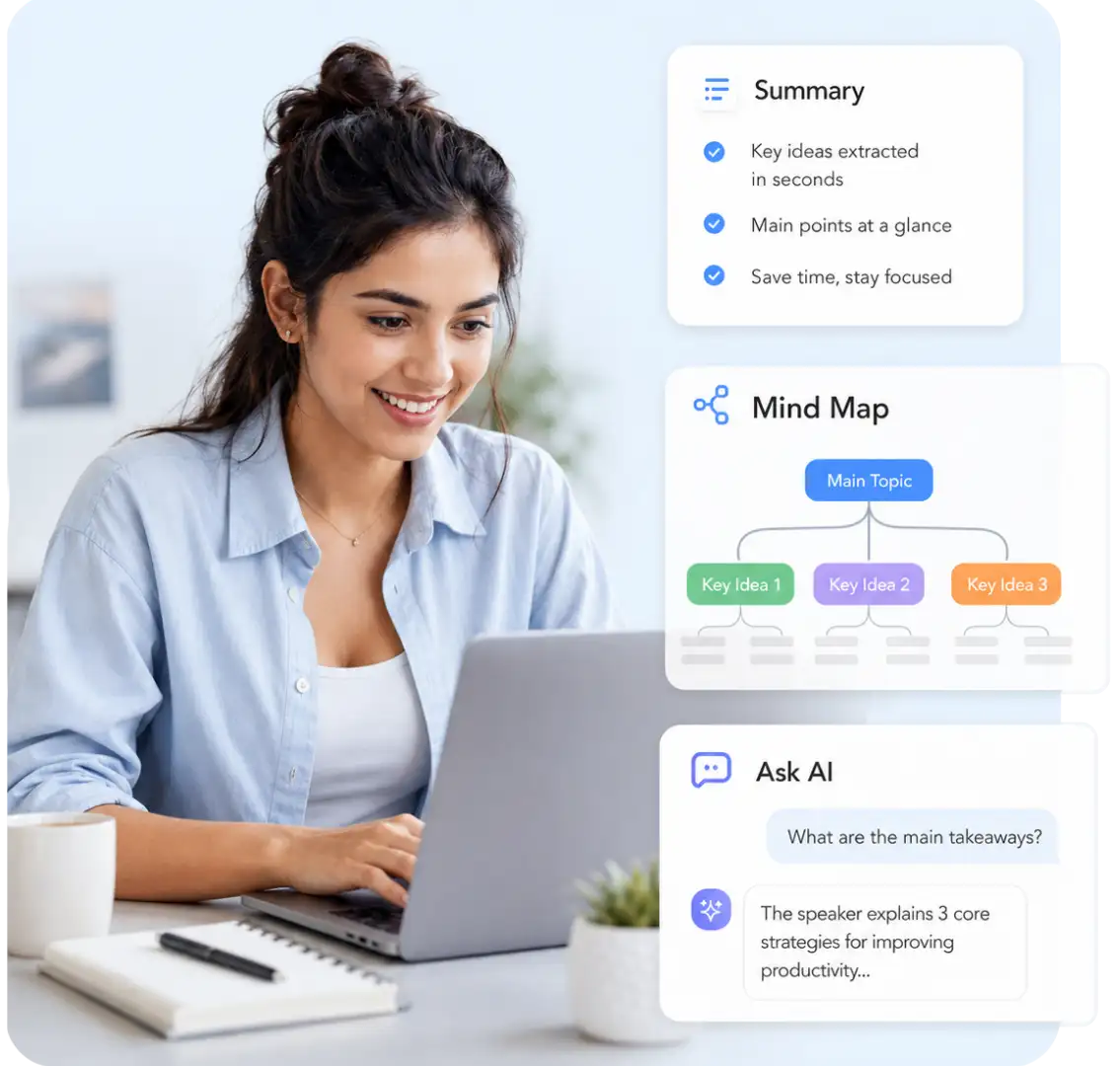
MP4 to Text Converter Features
The MP4 to text converter combines direct transcription with tools for reviewing, understanding, translating, and downloading the generated text.
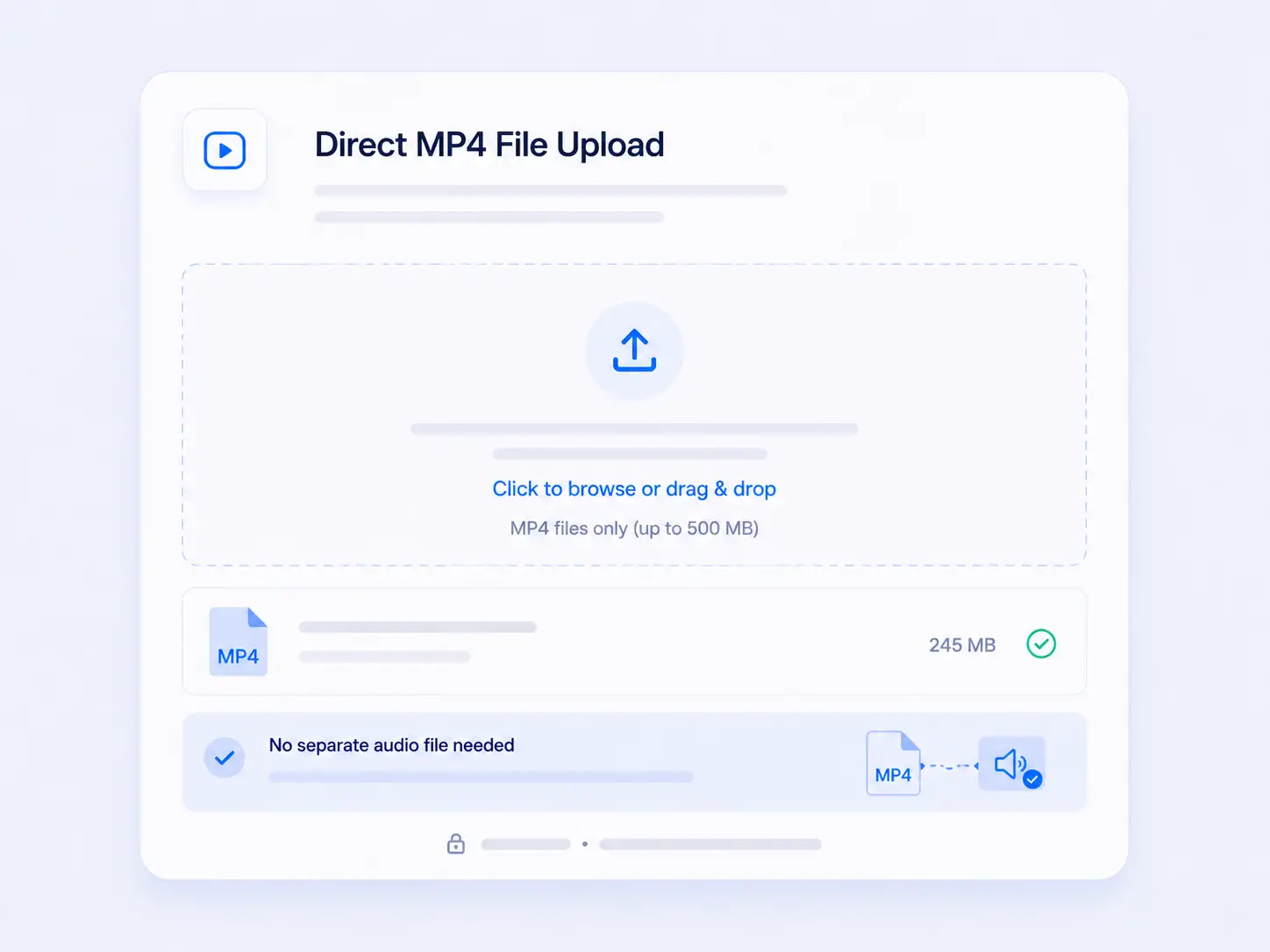
Direct MP4 File Upload
Convert MP4 to text by uploading a video up to 500 MB. The speech is transcribed directly from the file, so a separate audio track is not required.
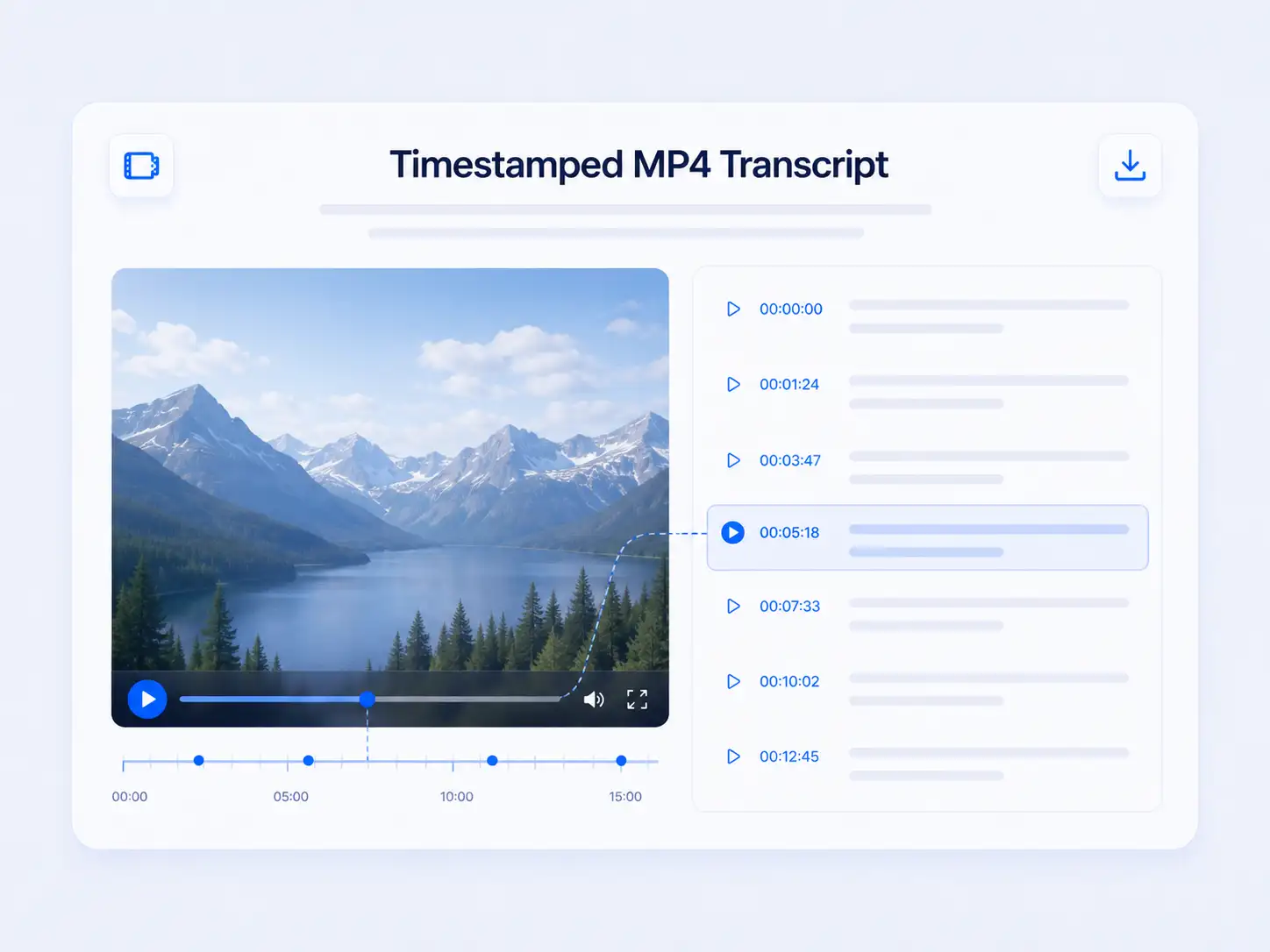
Timestamped MP4 Transcript
The generated MP4 transcript includes timestamps connected to the original recording. Use them to return to the corresponding part of the video whenever verification is needed.
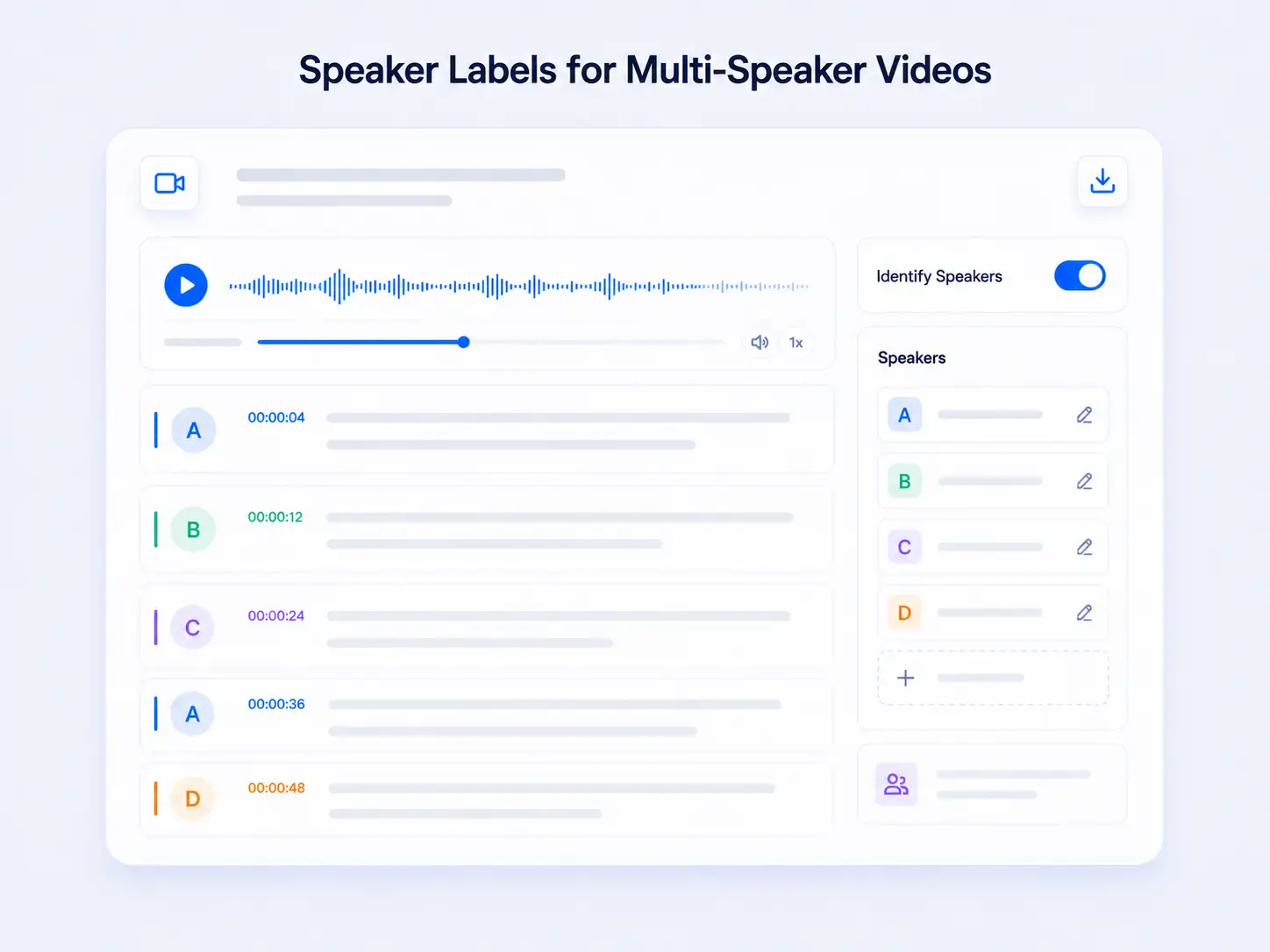
Speaker Labels for Multi-Speaker Videos
Turn on Identify Speakers before starting the MP4 transcription. Recognized voices are separated with speaker labels, making the conversation easier to follow.
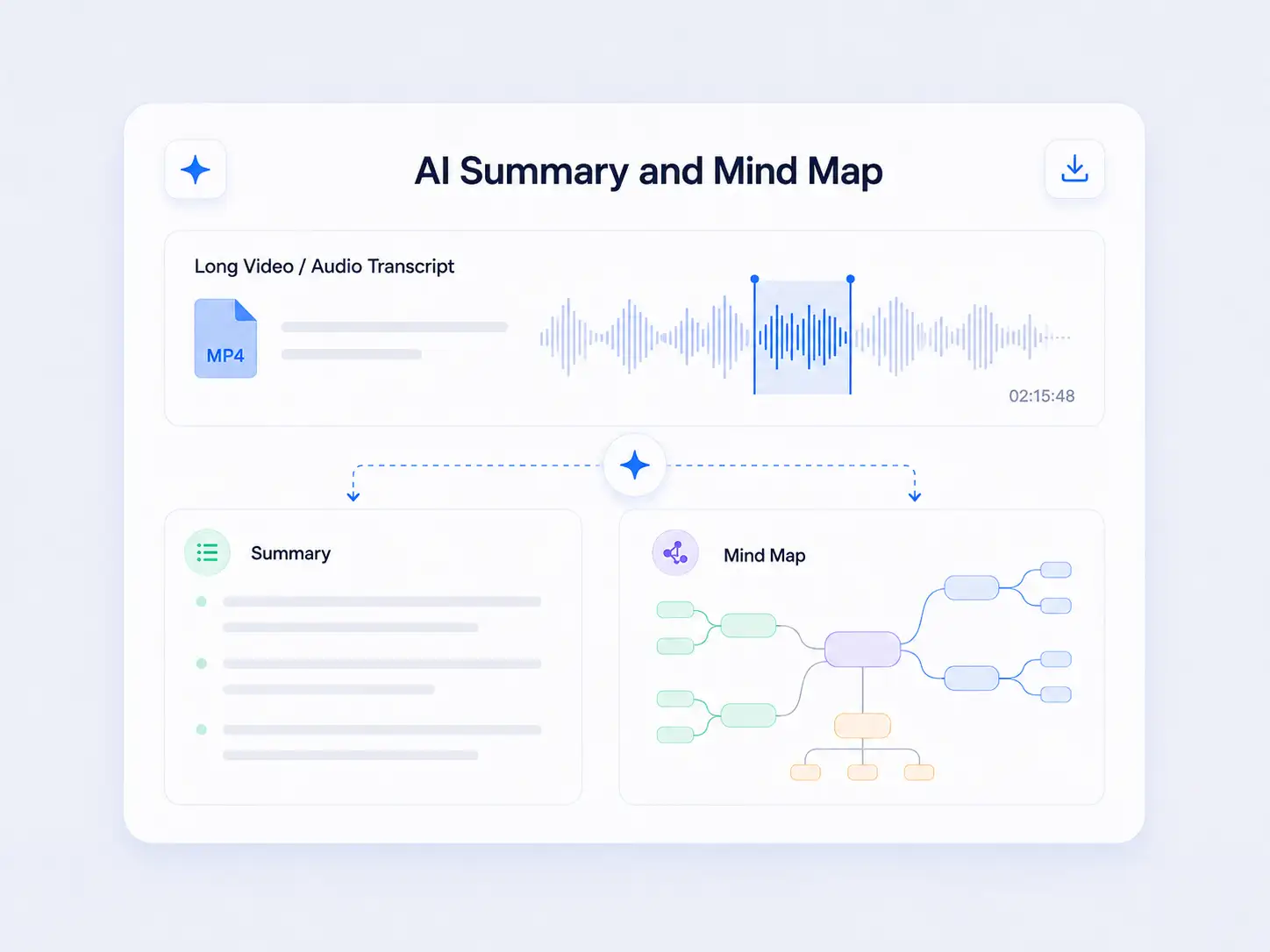
AI Summary and Mind Map
Condense a long transcript into a focused summary. The mind map presents the content structure and shows how the main ideas are connected.
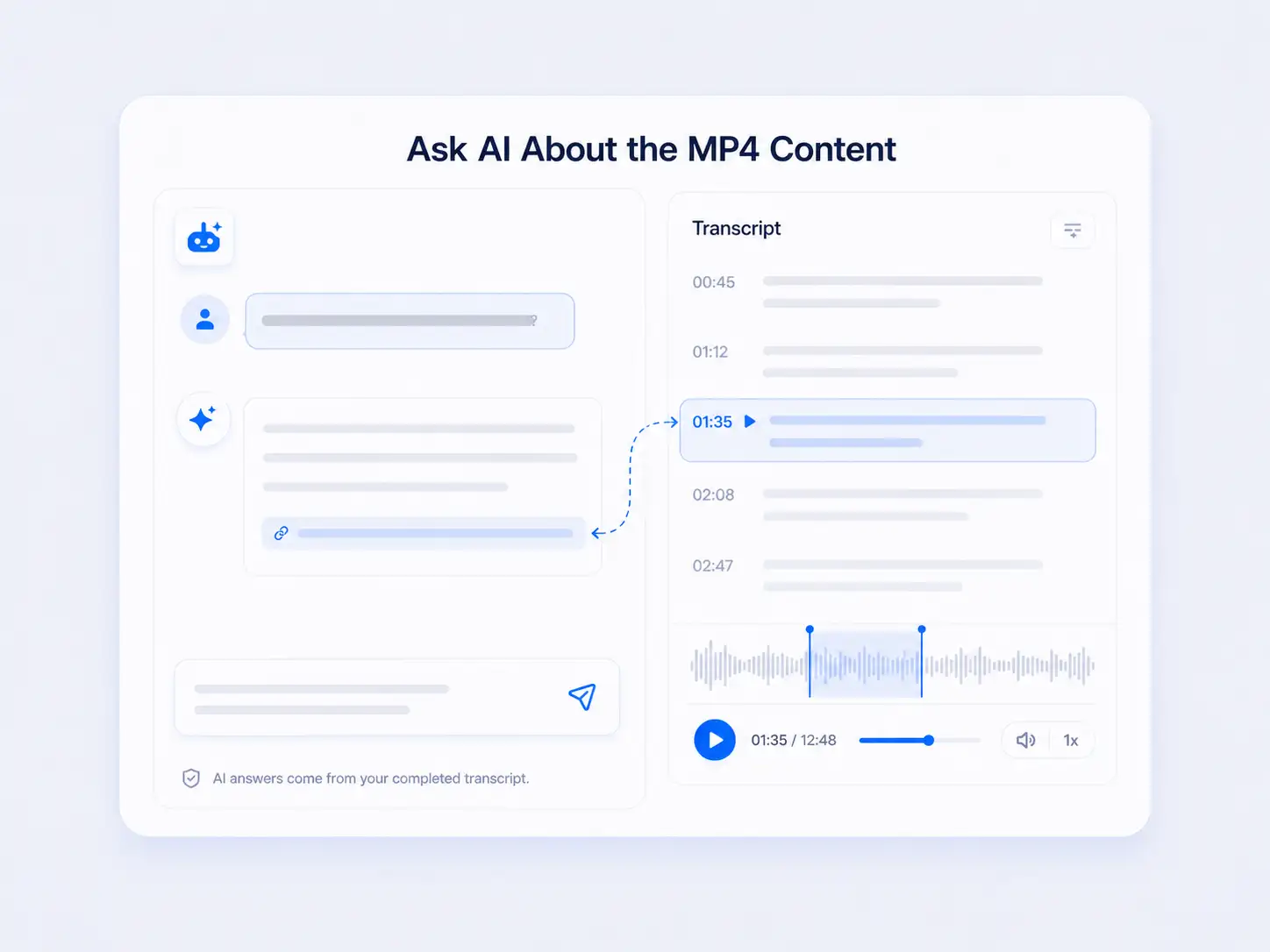
Ask AI About the MP4 Content
Ask questions based on the completed transcript and receive answers drawn from the recording without reading the full text from beginning to end.
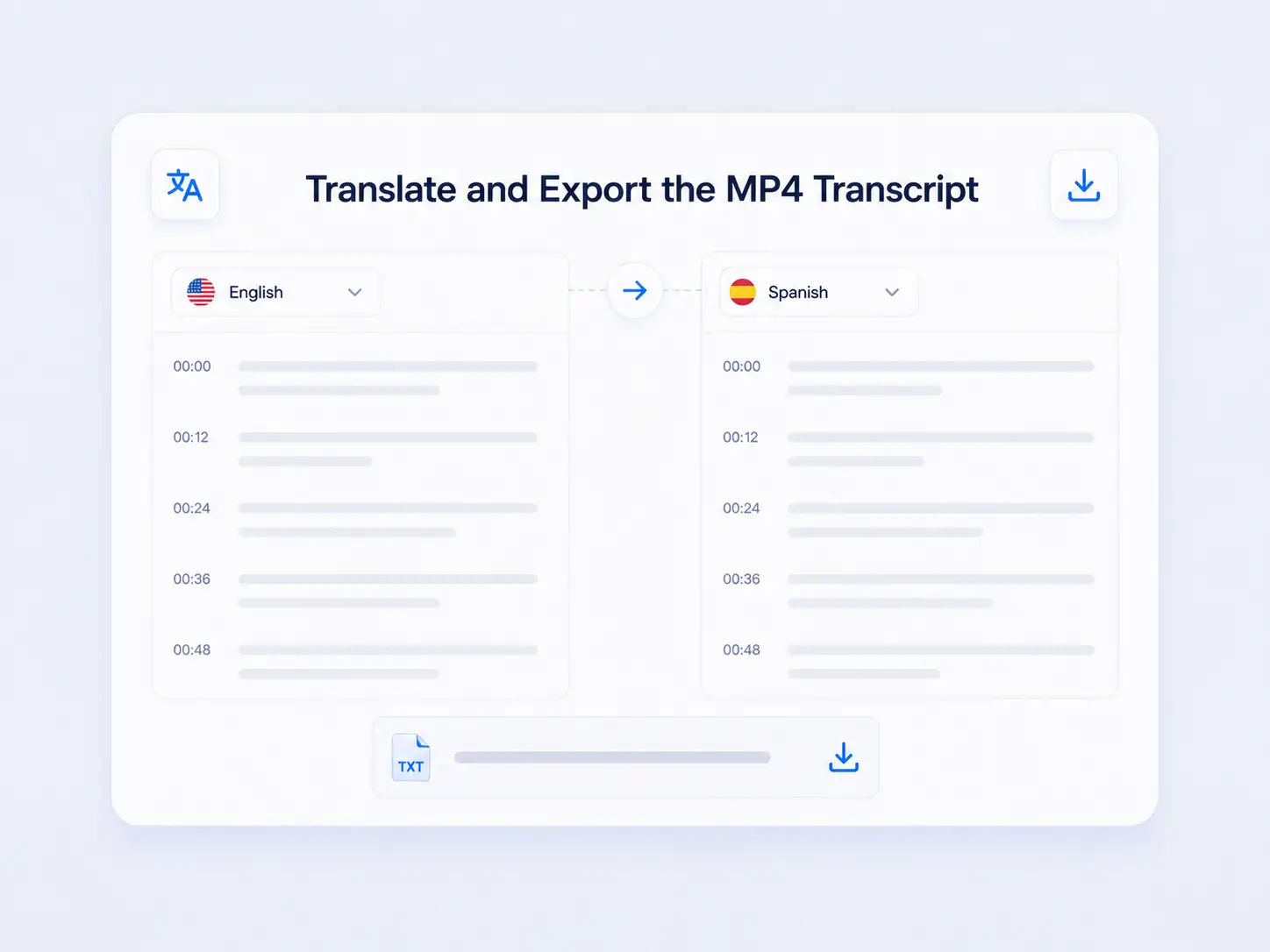
Translate and Export the MP4 Transcript
After the transcript is generated, translate it into an available target language and download the completed result as a TXT file.
Practical MP4 to Text Use Cases
MP4 transcription turns recorded speech into searchable text that can support a specific task without repeated playback.
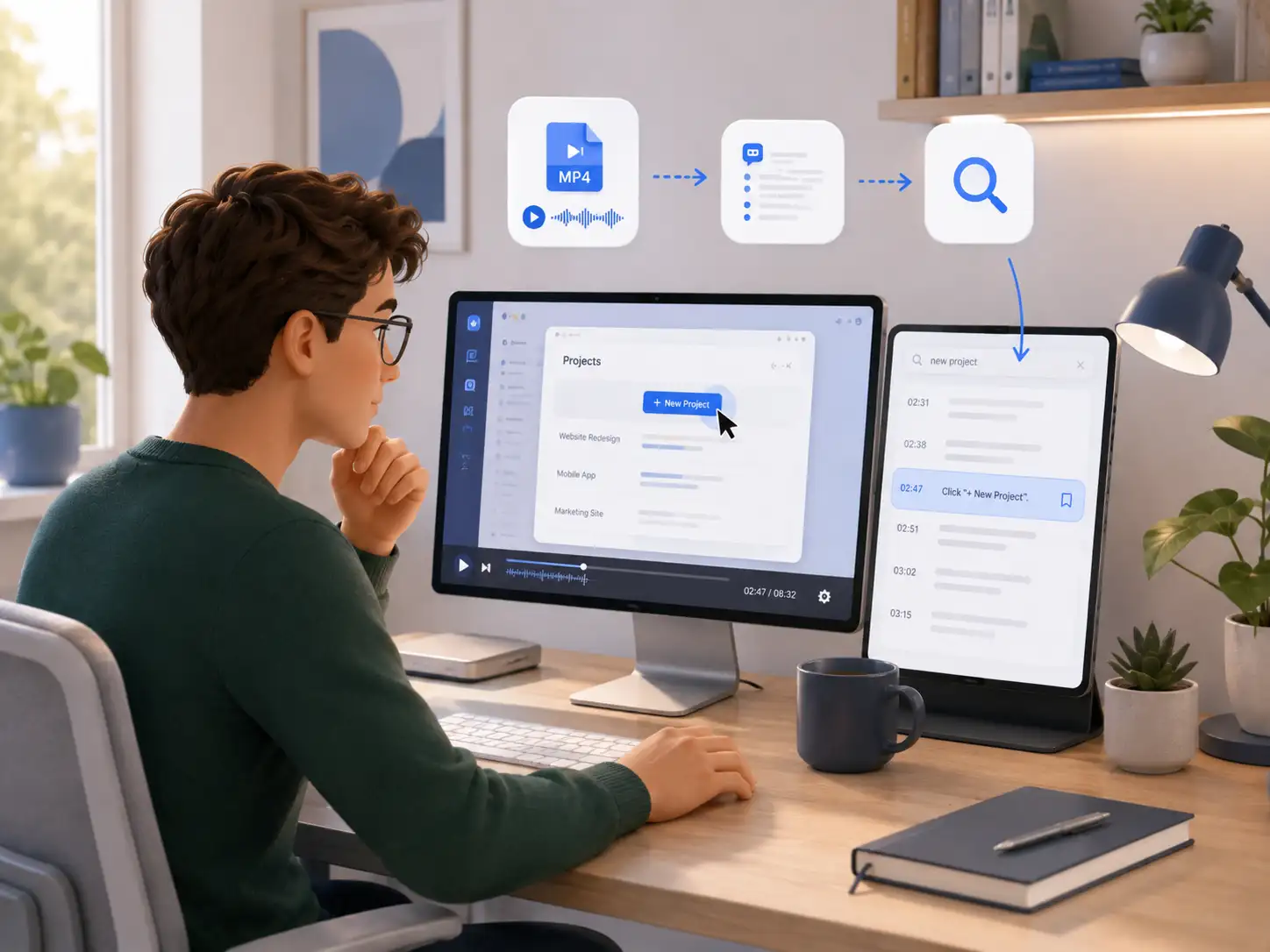
Find an Instruction in a Screen Recording
Convert MP4 video to text and search the transcript to recover a specific step from a recorded walkthrough.
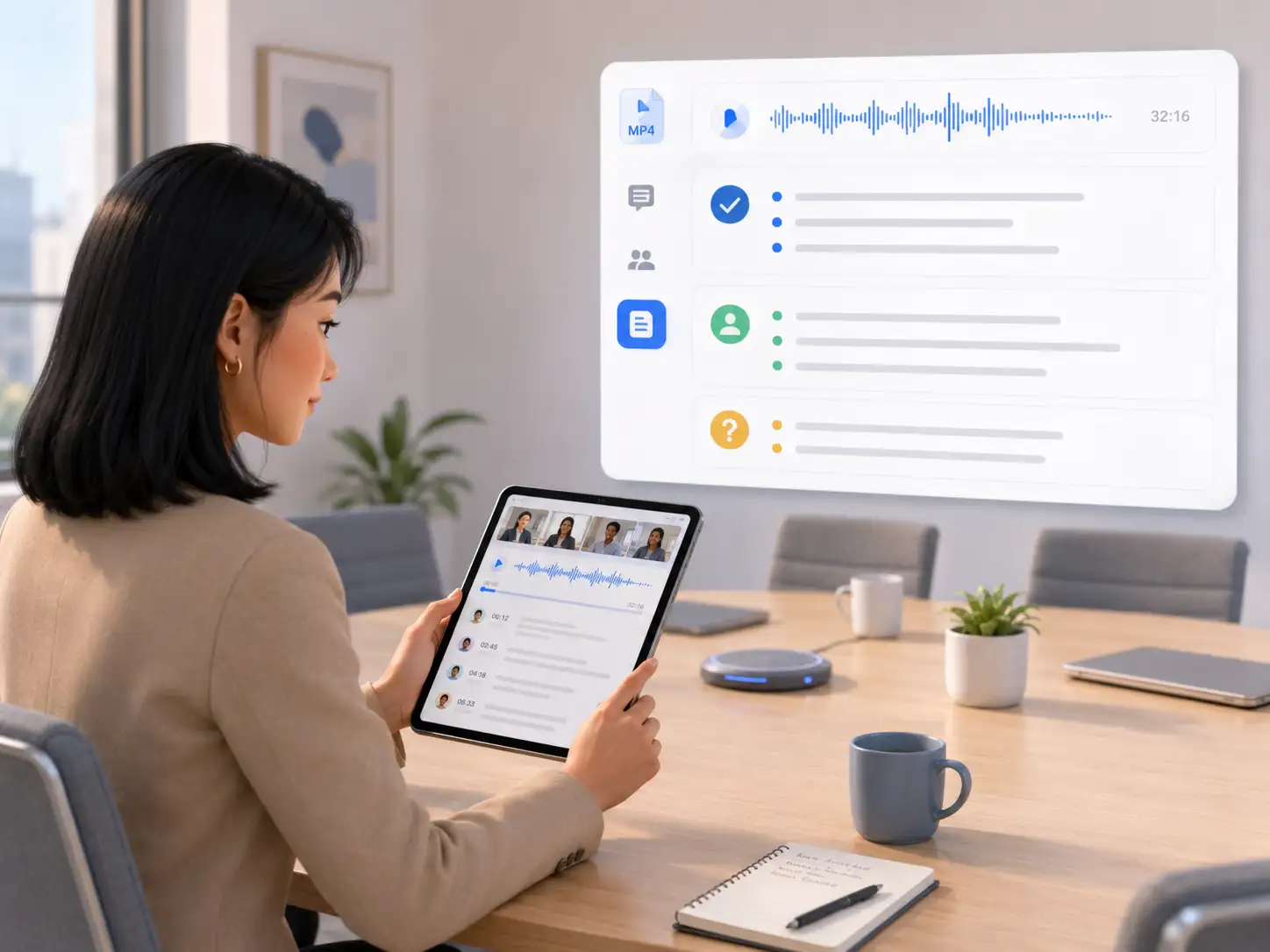
Review a Recorded Meeting
MP4 transcription provides a written record that makes it easier to revisit what was agreed after the meeting.
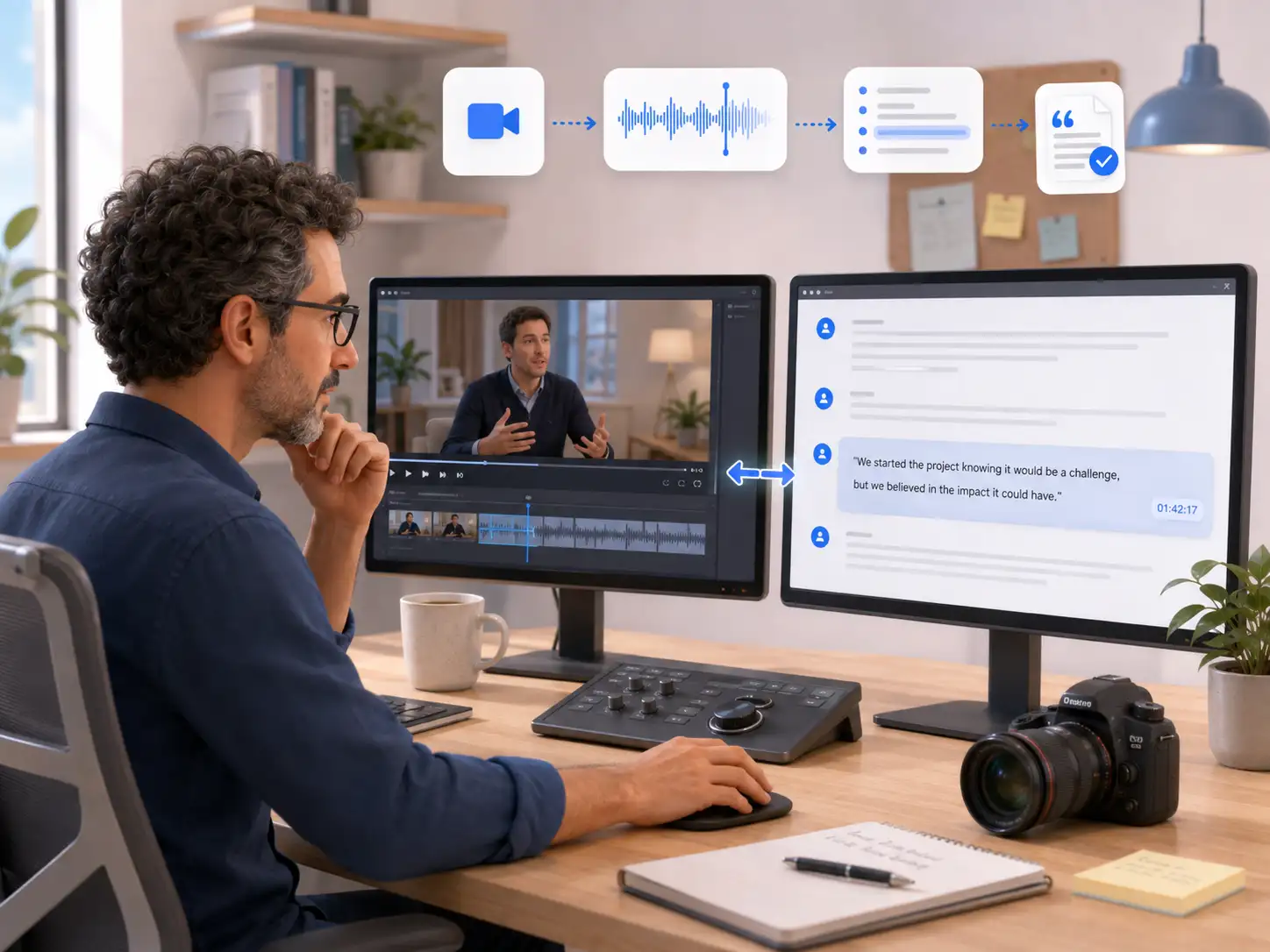
Verify a Quote from an Interview
Use the timestamp beside a passage to compare its wording with the original interview footage before quoting it.
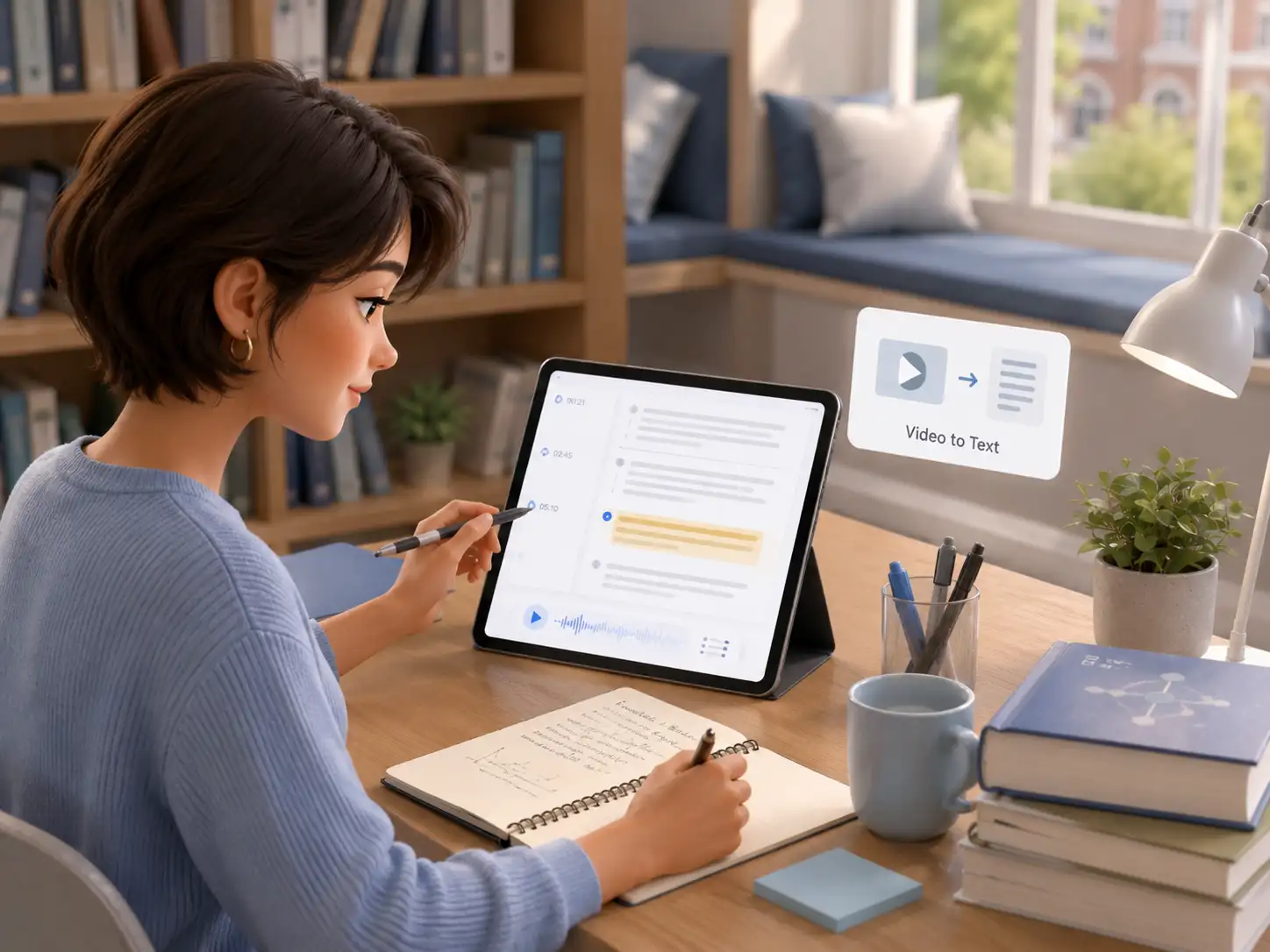
Review a Recorded Lesson
Transcribe a video to text to study a recorded lesson in written form without replaying the entire recording.
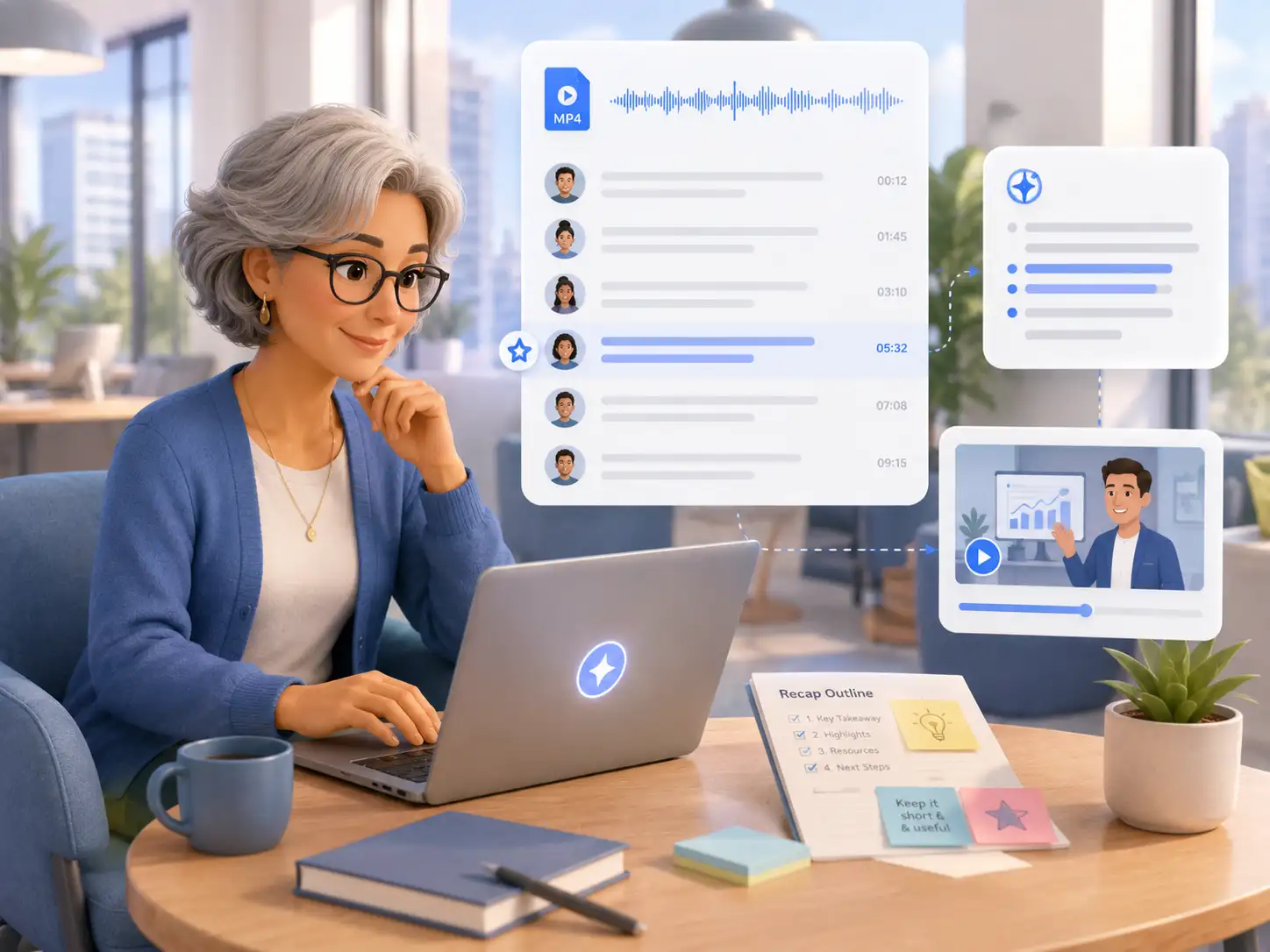
Prepare a Webinar Recap
Review the completed MP4 transcript to identify the central message before writing a concise recap.
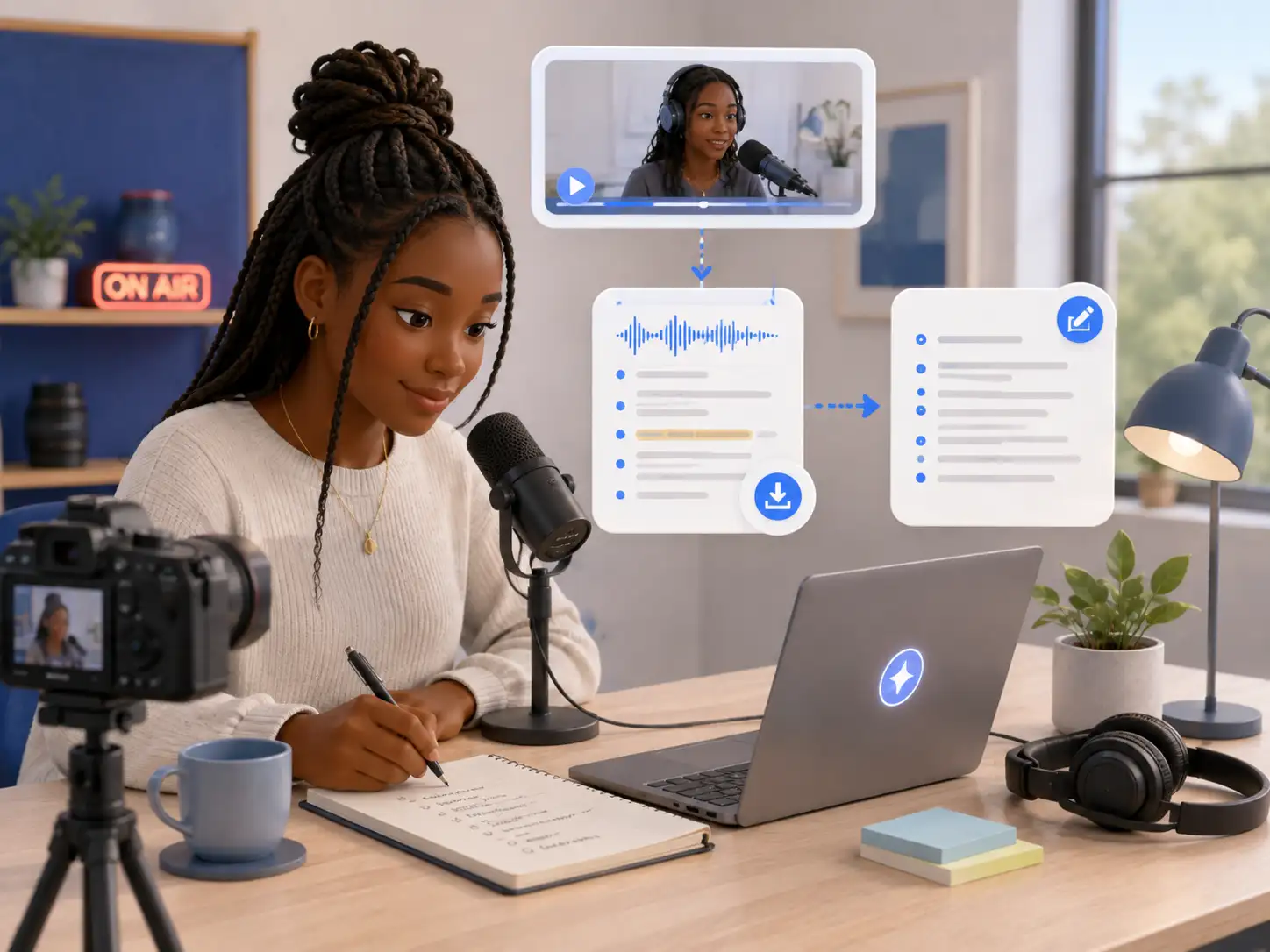
Create Show Notes from a Video
Download the transcript as a reference when preparing show notes from the recorded video.
How to Convert MP4 to Text Online
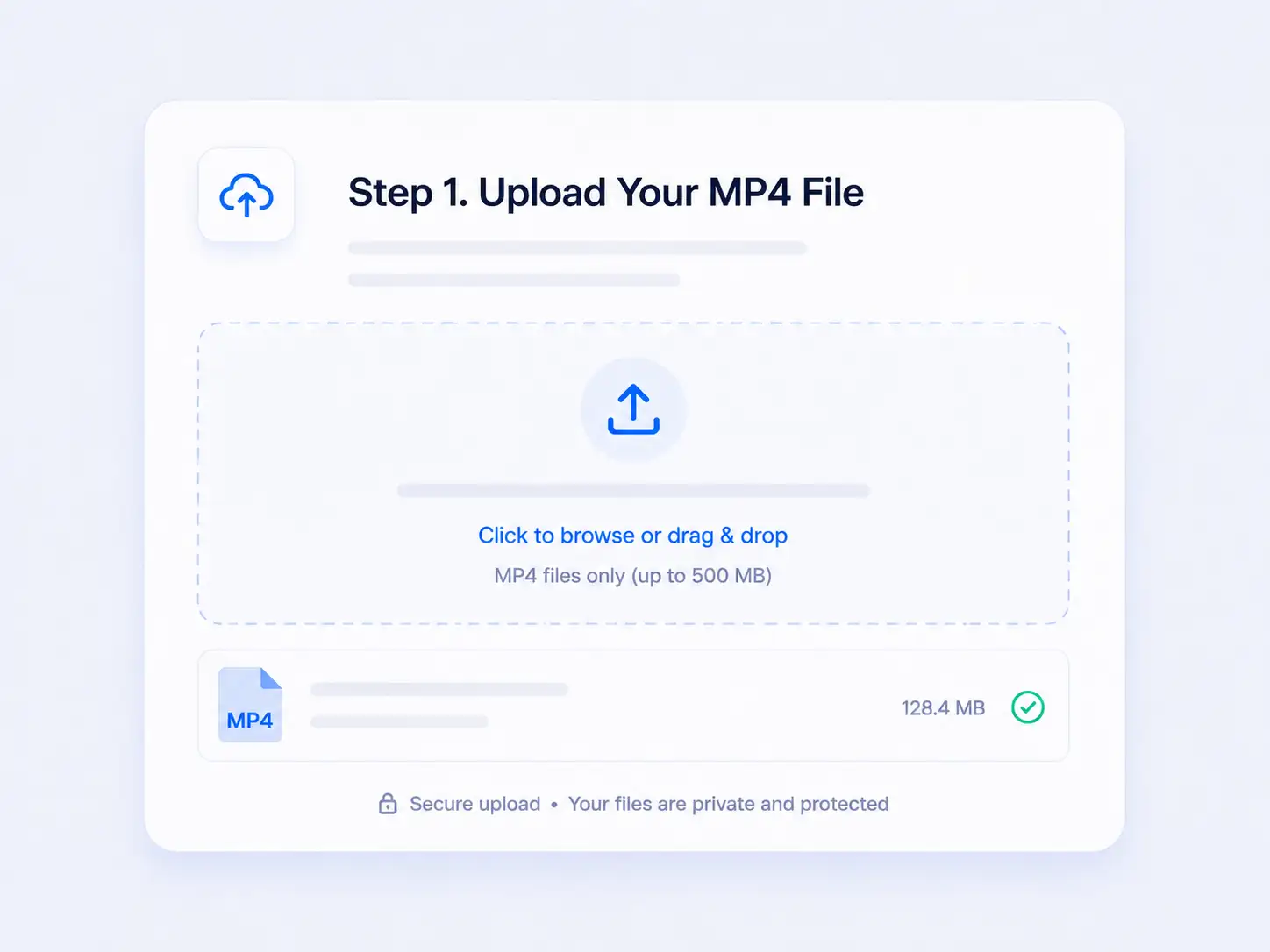
Step 1. Upload Your MP4 File
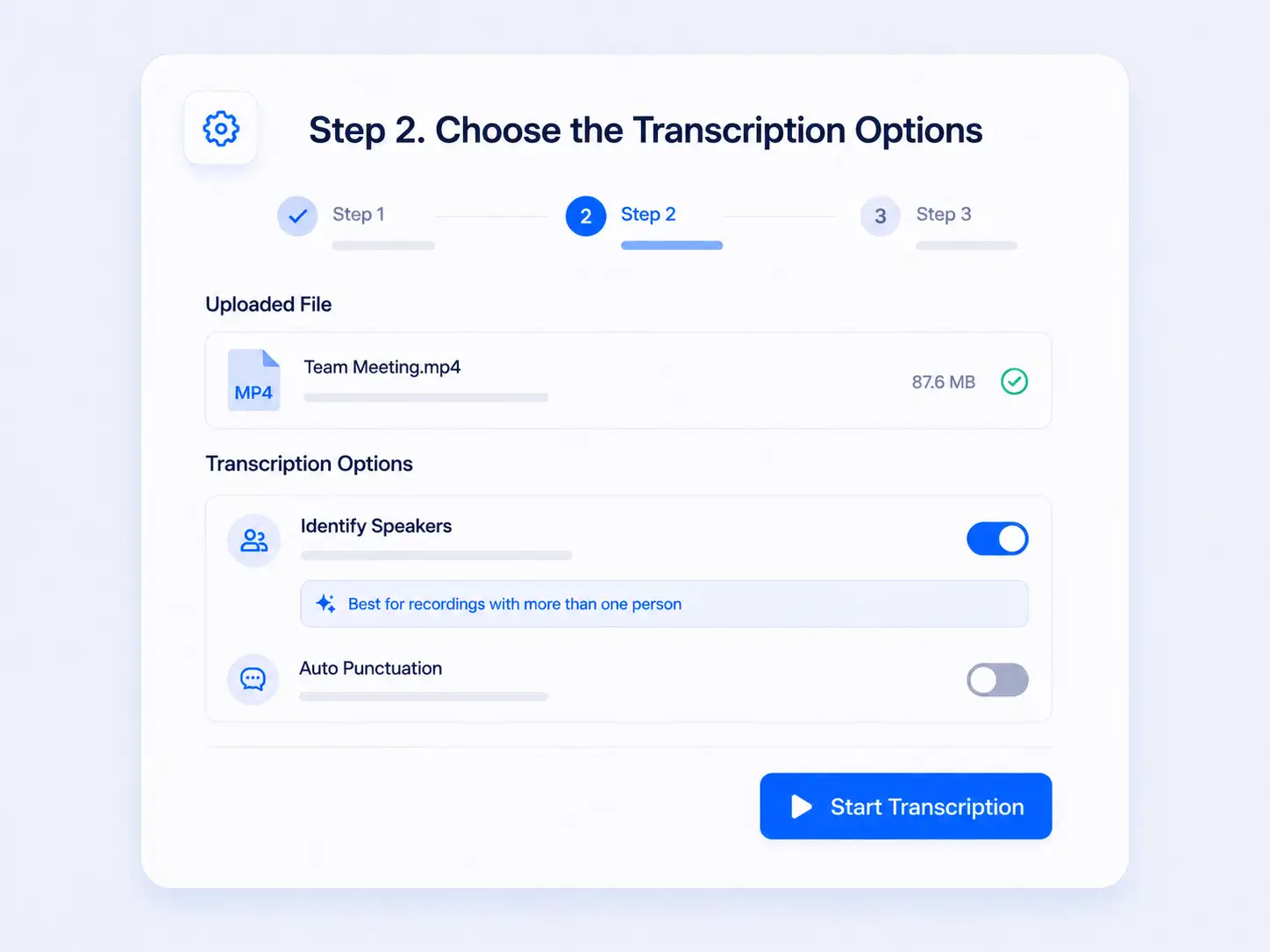
Step 2. Choose the Transcription Options
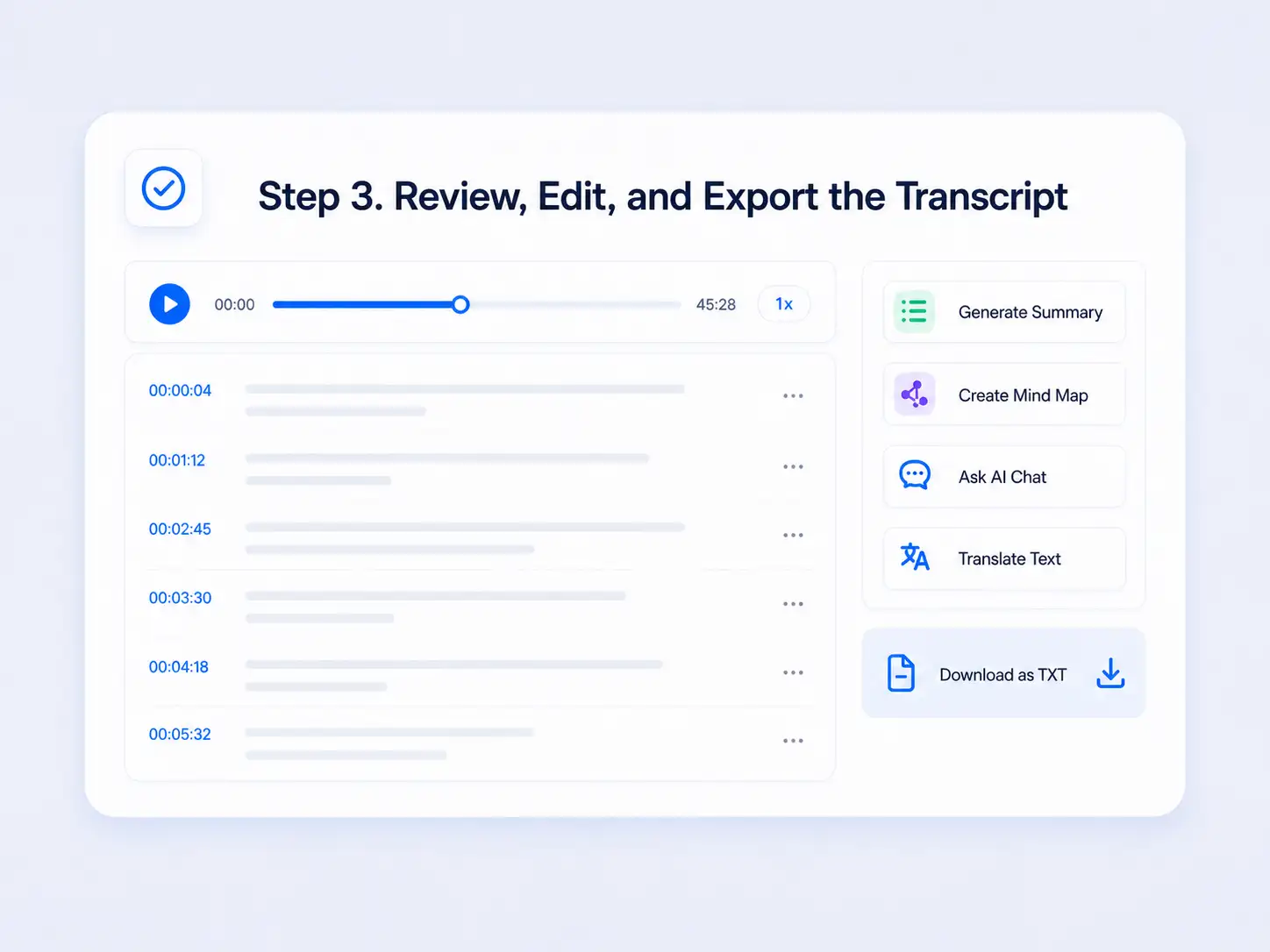
Step 3. Review, Edit, and Export the Transcript
Who Uses an MP4 Transcription Tool?
An MP4 transcription tool helps professionals work with spoken information when a video alone cannot provide the text access their work requires.
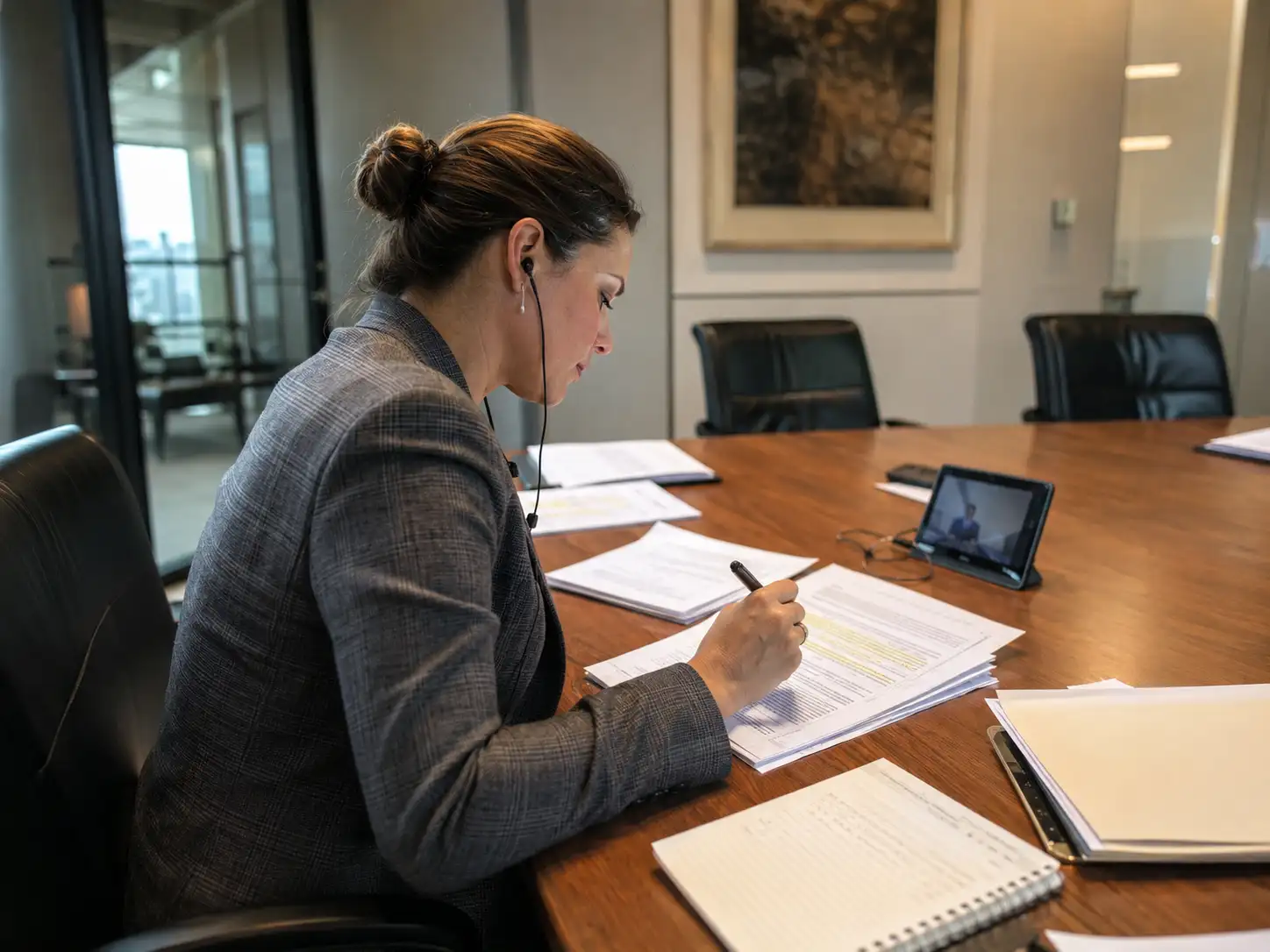
Compliance Officers

UX Researchers
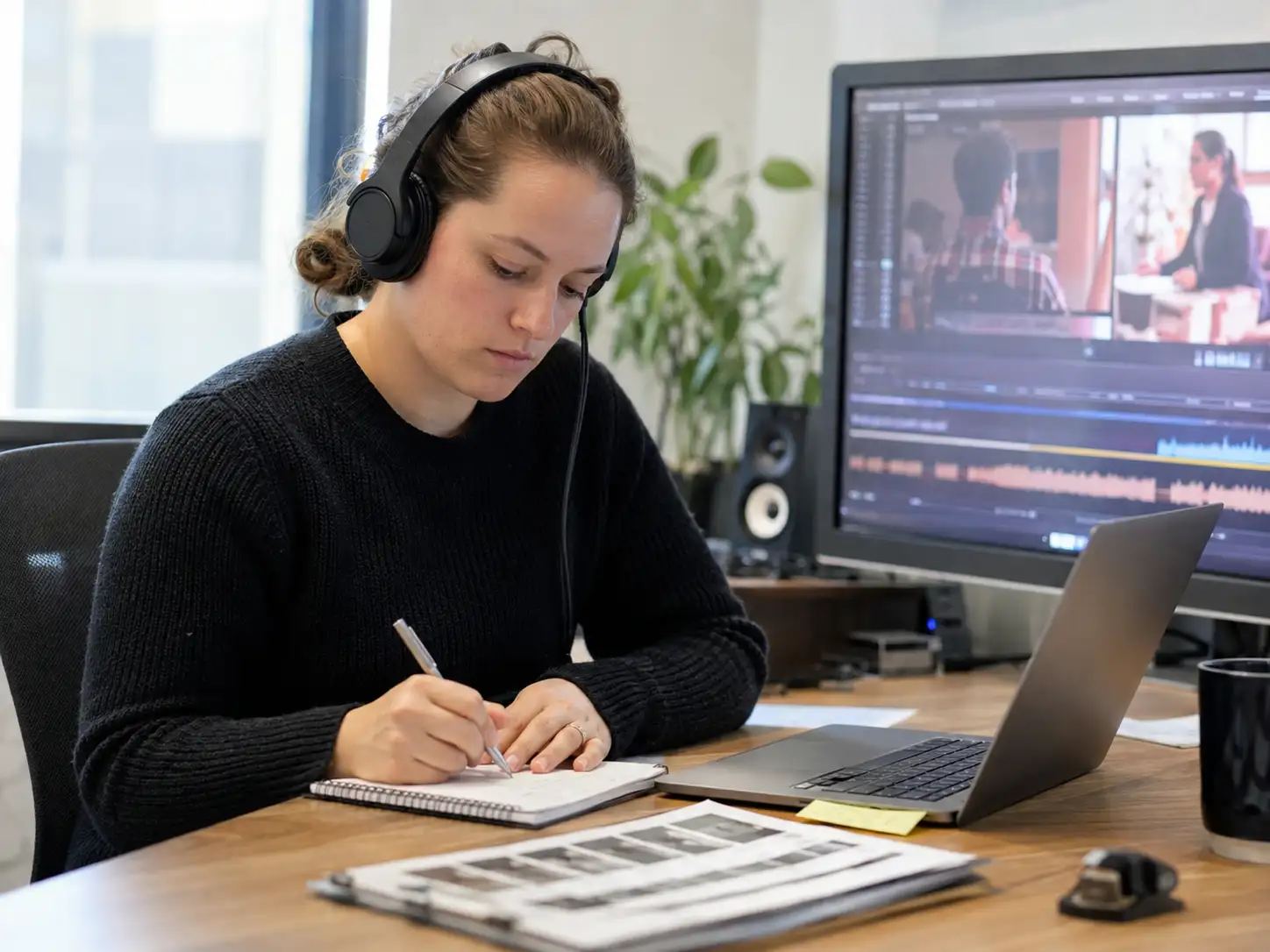
Accessibility Specialists

Localization Specialists

Knowledge Managers
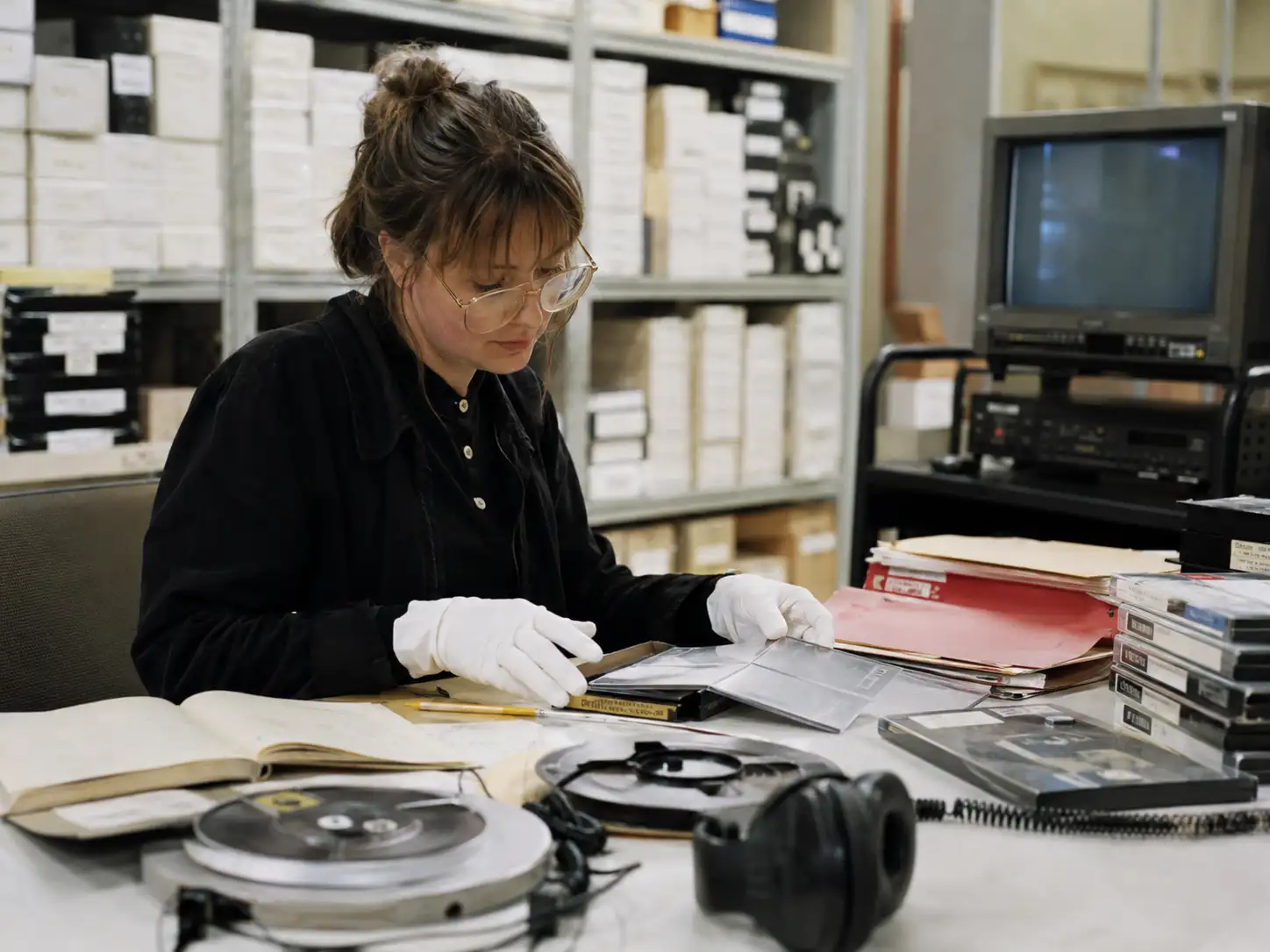
Media Archivists
Why Use Decopy for MP4 Transcription?
Free
Transcribe MP4 to text for free with up to 10 daily transcriptions for videos no longer than 30 minutes. The upload area displays the current allowance and limits.
Insights
Use AI summaries, mind maps, and transcript-based questions to work through long recordings without relying on a shortened transcript alone.
Capacity
Upload MP4 videos up to 500 MB directly from your device without preparing a separate audio file.
Privacy
Uploaded videos and generated transcripts remain in your account workspace instead of being published as public pages or automatically shared with other users.
What Users Say About the MP4 to Text Converter
Frequently Asked Questions
Yes. Upload the MP4 video directly and generate a transcript from its spoken audio. You do not need to install transcription software or prepare another file first.
Yes. Up to 10 free daily transcriptions are currently available for videos no longer than 30 minutes. The upload area displays the current free allowance and limits.
No. The MP4 to text converter processes the audio contained in the video, so a separate MP3 file is not required.
Accuracy depends mainly on the quality and clarity of the source audio. Background noise and overlapping speech may reduce the accuracy of the MP4 transcript.
Processing time depends on the video length, file size, and upload speed. Larger or longer MP4 files generally require more time to transcribe.
You can upload an MP4 file up to 500 MB. Files exceeding this limit must be reduced before uploading.
Yes. The generated MP4 transcript includes timestamps that connect the spoken text with the corresponding parts of the video.
Yes. Turn on Identify Speakers before starting the transcription. Different voices will be separated with speaker labels when they can be recognized.
Yes. The MP4 transcription tool supports videos in different languages. After the transcript is generated, you can translate it into an available target language.
The completed MP4 transcript can currently be downloaded as a TXT file. SRT and VTT subtitle exports are not currently available.
Uploaded videos and generated transcripts remain in your private account workspace. They are not automatically published or shared with other users.