Understand Your Entire PPT in One Click
No more flipping through slides one by one. With Decopy’s AI PowerPoint summarizer, you can capture the core ideas of your entire presentation in seconds and obtain accurate text summaries. Upload your PPT file, choose your preferred summary template, and let AI instantly generate a structured summary for you.

Deeply Understand Your PPT Content
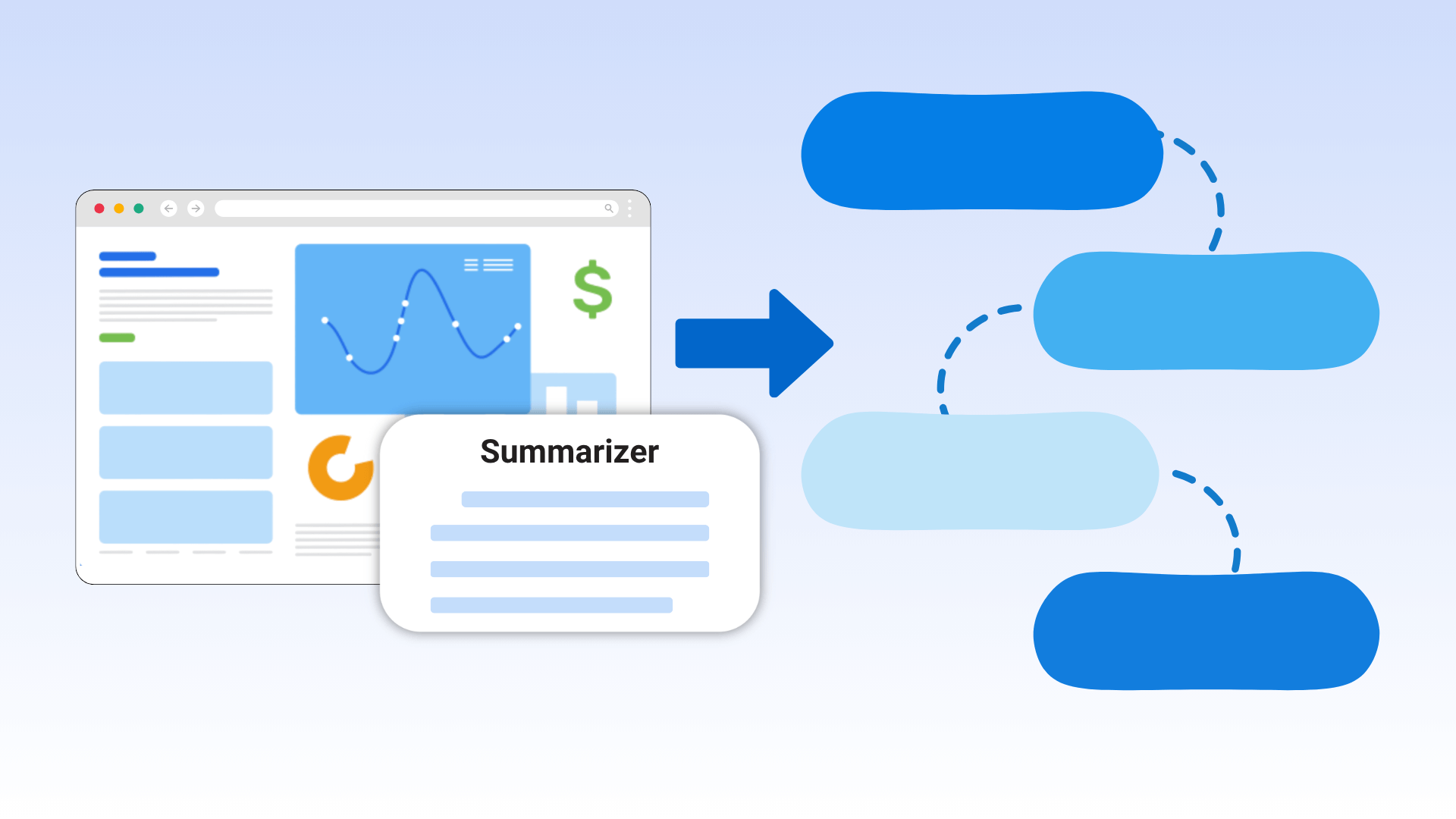
Our PowerPoint summarizer can analyze both text and graphics in your slides. By identifying charts, images, and diagrams, it extracts the most important information, helping you quickly grasp key points and catch details that are easy to miss.

Automatically Generate PPT Mind Map Structures
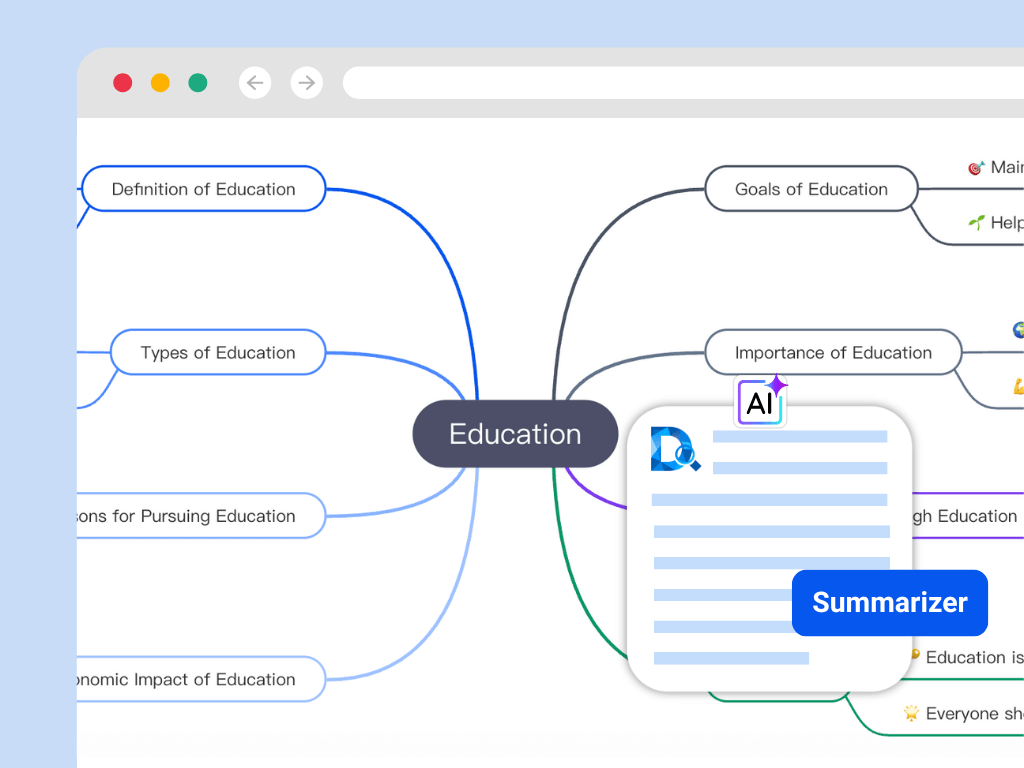
AI PPT summarizer intelligently parses your slides, extracting key titles and points from each one. It automatically builds a clear, hierarchical mind map, visualizing chapter structures, topic relationships, and core content—so you can quickly understand the flow of your presentation.

One Tool, All-in-One PPT Understanding
Upload and Preview Instantly
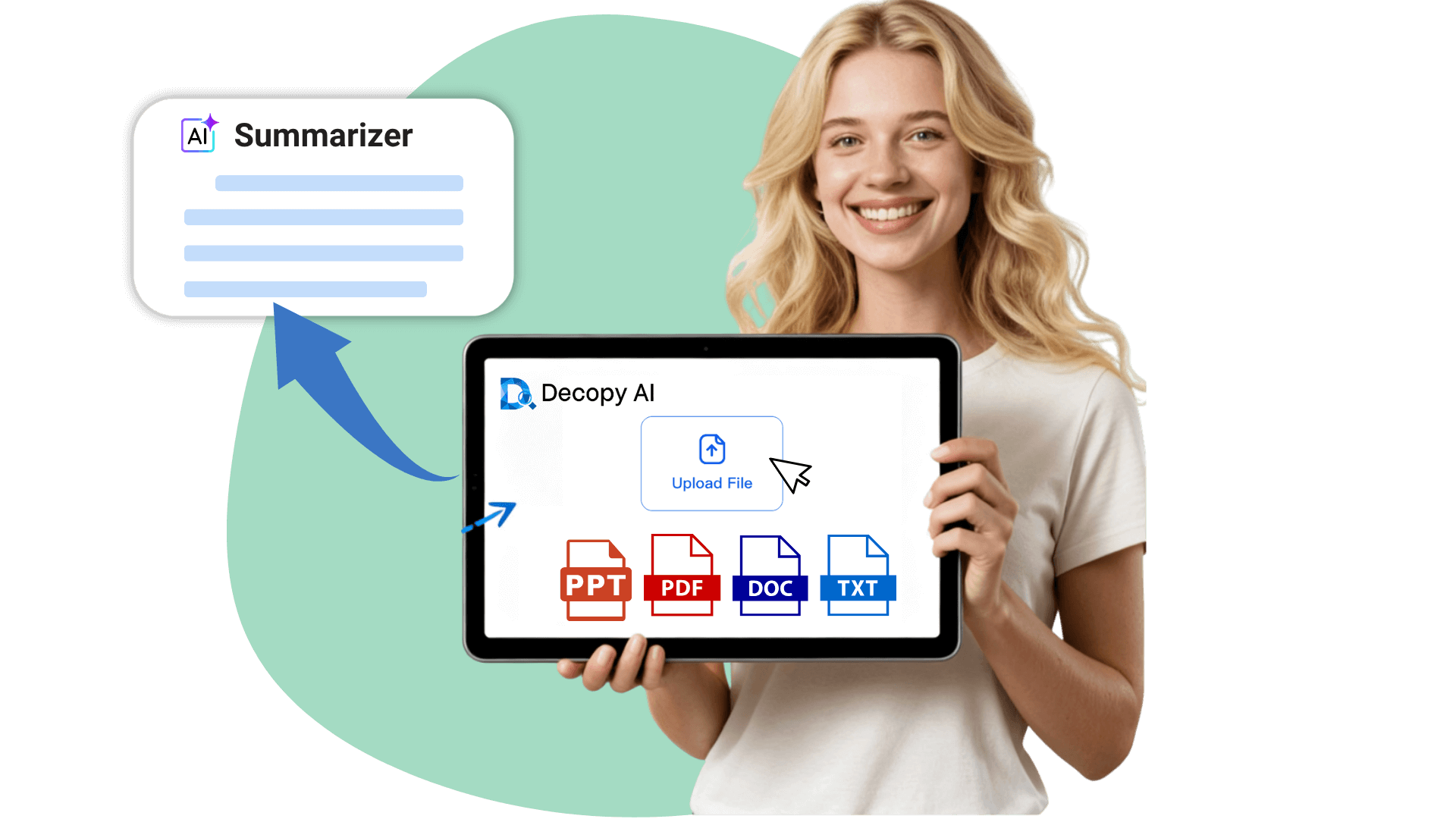
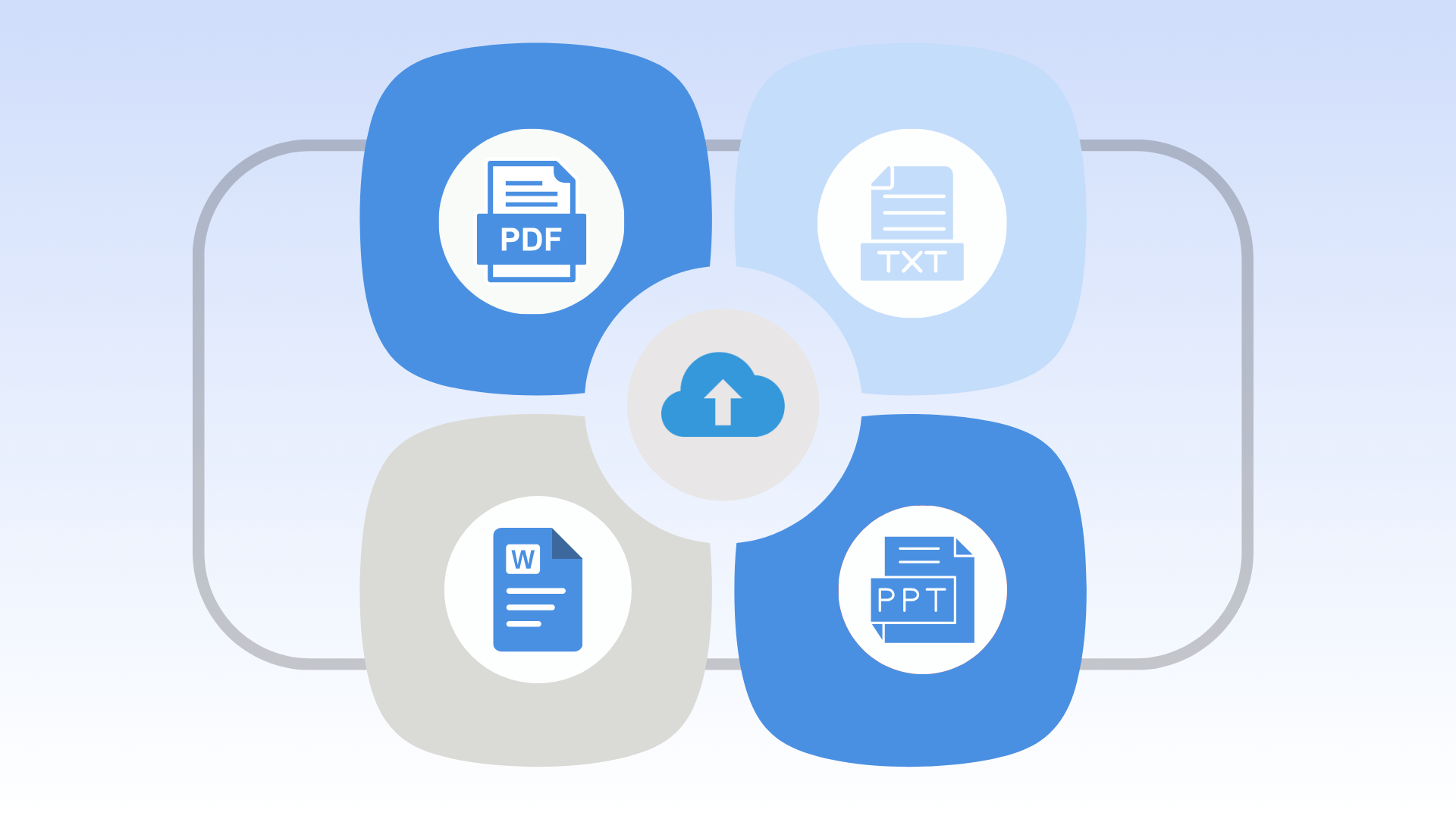
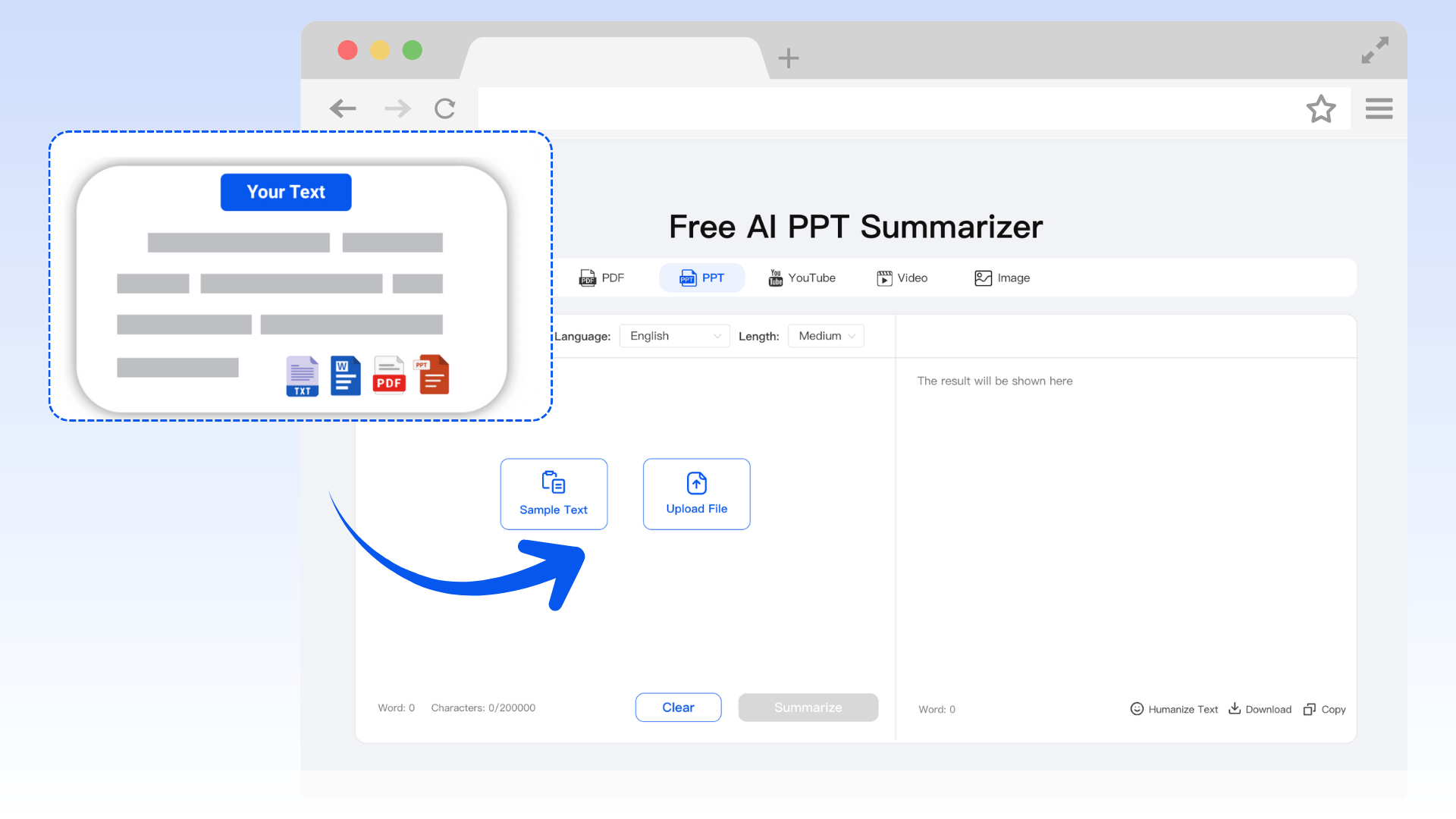
Drag and drop your PPT, PDF, Word, or TXT files. Decopy automatically detects the file type and provides a live preview of the original content, allowing you to review before generating your PPT summary slide.

Smart Summary Templates
Choose from four professional summarization modes to generate comprehensive summaries of your content.
● General Summary – for quick overviews.
● Study Notes – ideal for students
and learners.
● Report Summary – perfect for workplace and project reviews.
● Meeting Summary –
condenses discussions into action points.
Multi-Language Support & Custom Output
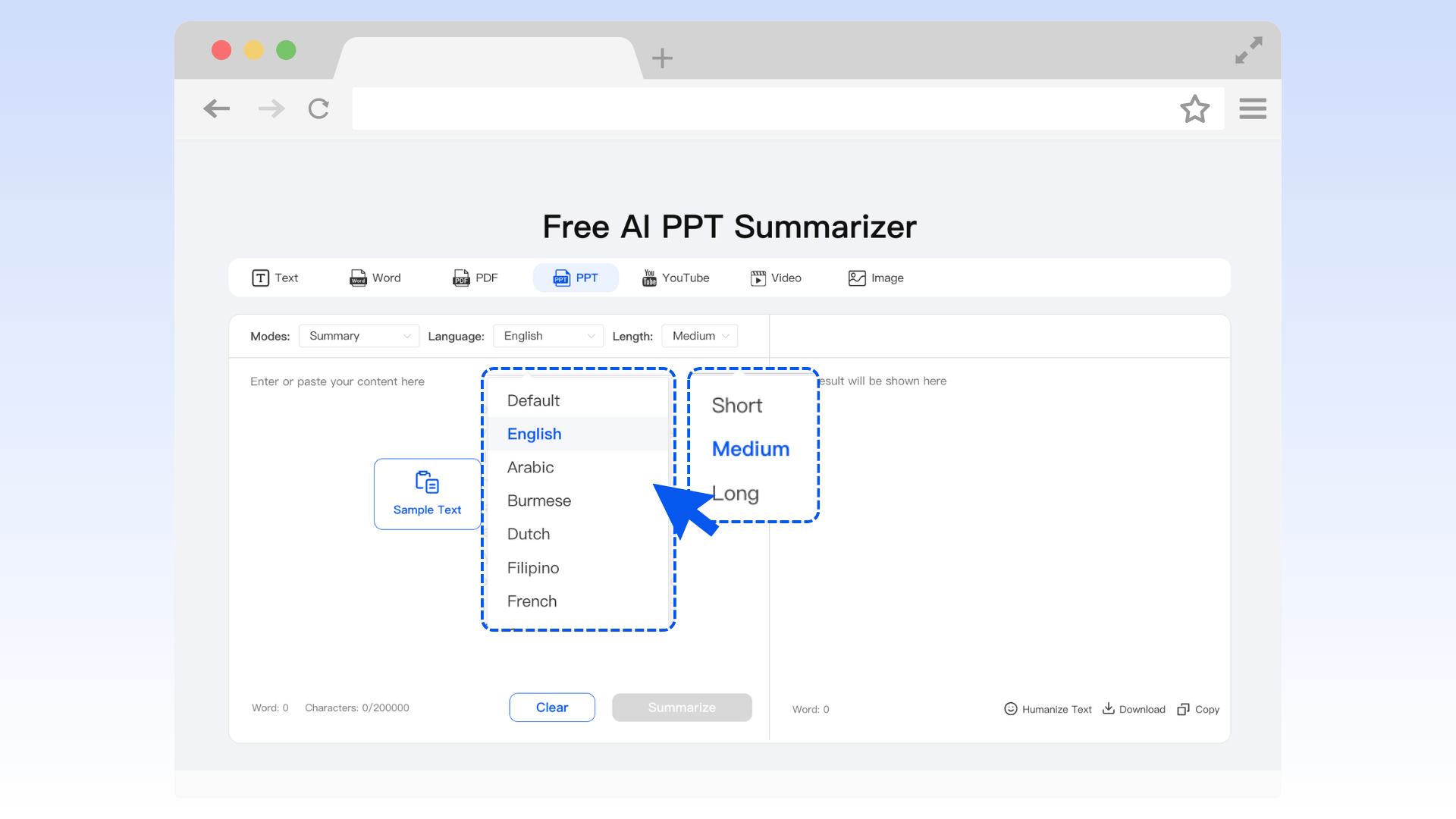
AI PPT summarizer supports multi-language output, including English, Spanish, Chinese, and Japanese. You can also control the summary length, from concise to detailed versions.

Extra Features to Power Up Your PPT Summaries
Instant Mind Map Generation
Convert summarized slides into visual mind maps for quick comprehension of structure and logic. Export as PNG or XMind.
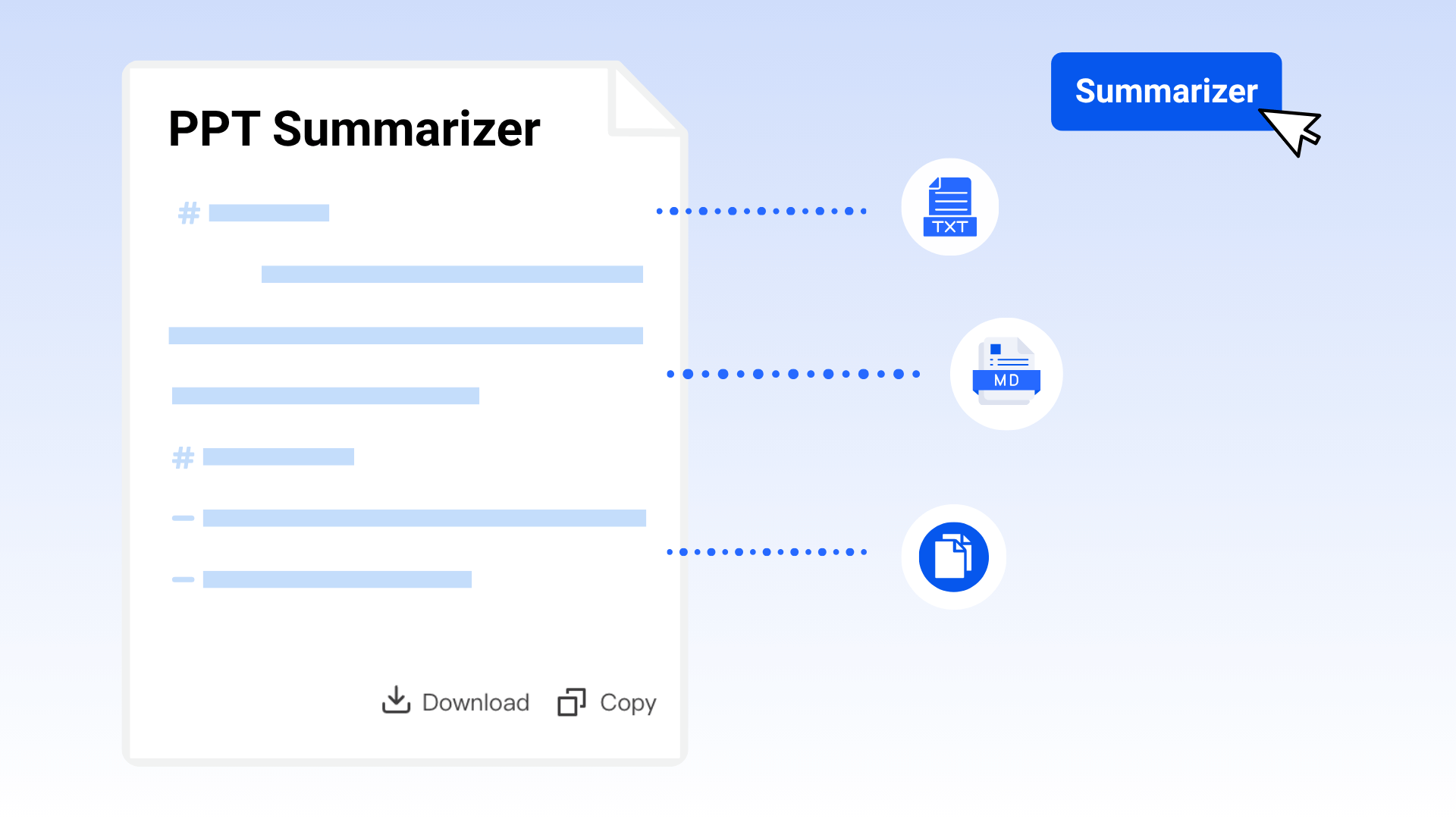
Download as Markdown or TXT
Easily export structured text for editing, note-taking, or sharing.
Preserve Slide Logic
AI keeps the hierarchy and logic of slides intact, ensuring your PowerPoint summarizer reflects the original flow.
Fast & Secure Processing
Files are processed instantly, uploaded via encrypted transmission, and automatically deleted after summarization to protect privacy.
Support for More File Types
Beyond PPT, Decopy also supports PDF summarization, as well as Word and TXT files—one tool to summarize all your documents.
Responsive Across Devices
AI PowerPoint summary tool summarizes your presentations efficiently on desktop, tablet, and mobile devices
How to Summarize a PPT?

Upload Your File

Select Template & Settings

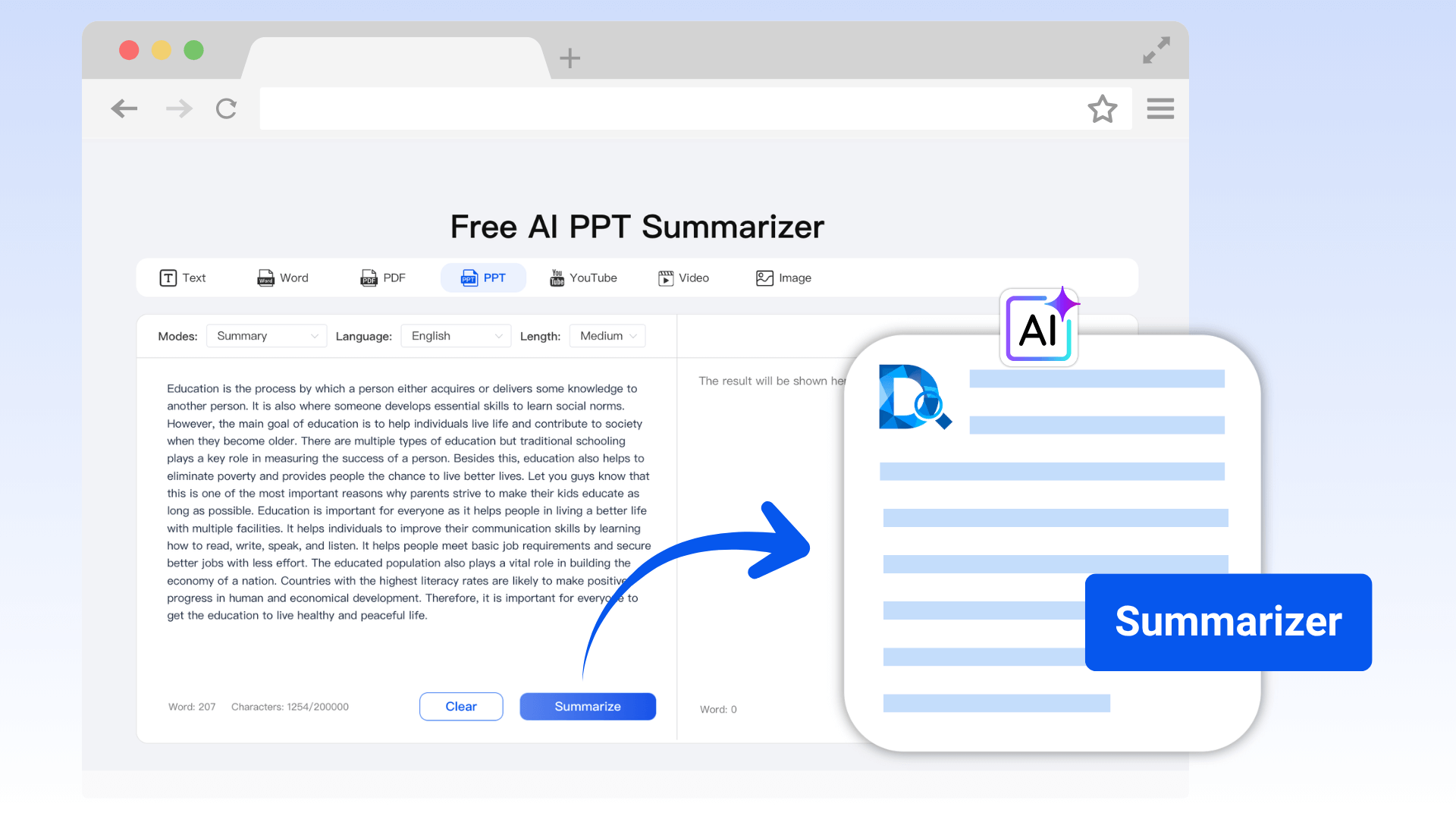
Generate Summary
Best Use Cases for AI PPT Summarizer
- Work Reports
- Study & Review
- Business Decisions
Work Reports — Prepare Quickly, Communicate Effectively
Our PowerPoint summarizer captures the core framework in seconds. Automatically generate talking points and speaker notes, allowing you to master the content quickly and deliver efficient presentations.

Study & Review — From Reading to Remembering
For heavy lecture PPTs, the AI PPT summarizer helps you quickly organize the key points of each lesson, making it easy to focus on essentials and complete homework efficiently.

Business Decisions — Extract Critical Insights
Summarize PowerPoint AI function directly identifies key data, business models, and strategic directions. Compare and summarize information to spot competitor differences and actionable strategies, quickly pinpointing success factors.

Why Choose Decopy’s PPT Summary Tool?
Save Time
Condense an entire PPT in minutes, significantly improving efficiency.
Structured Information
Output structured, reusable content ready for reports, presentations, or archives.
Deep AI Understanding
Analyze slide text and hierarchy to generate context-rich summaries.
Customizable Output
Support multiple languages, formats, and lengths to fit any scenario.
Original Layout Preview
Preview the original file online to check accuracy before generating summaries.
Privacy & Security
Strict data protection ensures all files are processed instantly and never stored, keeping your information safe.
User Reviews of PPT Summary Tool
Frequently Asked Questions (FAQs)
Yes! AI PPT summarizer supports multi-language summarization and output, making it easy to summarize presentations in English, Spanish, Chinese, Japanese, and more.
Absolutely. You can summarize PPT, PDF, Word, or Text files without registration or payment. Future versions will include premium features, such as faster processing and personalized customization.
Yes. Our PowerPoint summarizer also supports PDF, Word, and Text formats, allowing you to summarize all your important documents with one tool.
Unlike ordinary AI tools, Decopy’s AI PowerPoint summarizer understands the hierarchical structure and logical flow of your slides. It extracts not only textual content but also slide logic and key points, producing a more accurate and well-organized PowerPoint slide summary.
Completely secure. All uploaded files are automatically deleted after summarization. Decopy uses encrypted transmission, ensuring that your files are never stored, shared, or reused.
Our summarize PowerPoint AI tool leverages advanced natural language understanding. It extracts text, interprets slide structure, and generates precise summaries while preserving the key information of your presentation.
Yes! You can copy or share the summarized content directly. You can also download it as a Markdown-structured TXT file or export mind maps as PNG or XMind formats for easy use and collaboration.
Yes. PowerPoint summarizer works seamlessly on mobile devices and tablets. Users can upload, summarize, and download files directly from their browser without any app installation.