↑
Get the Main Ideas with a YouTube Video Summarizer
Use our AI YouTube video summarizer to extract the main ideas and organize them into clear notes. A structured YouTube summary gives you a starting point for your own writing, so you can focus on developing your ideas instead of sorting through the full transcript.
YouTube Summaries for the Way You Watch
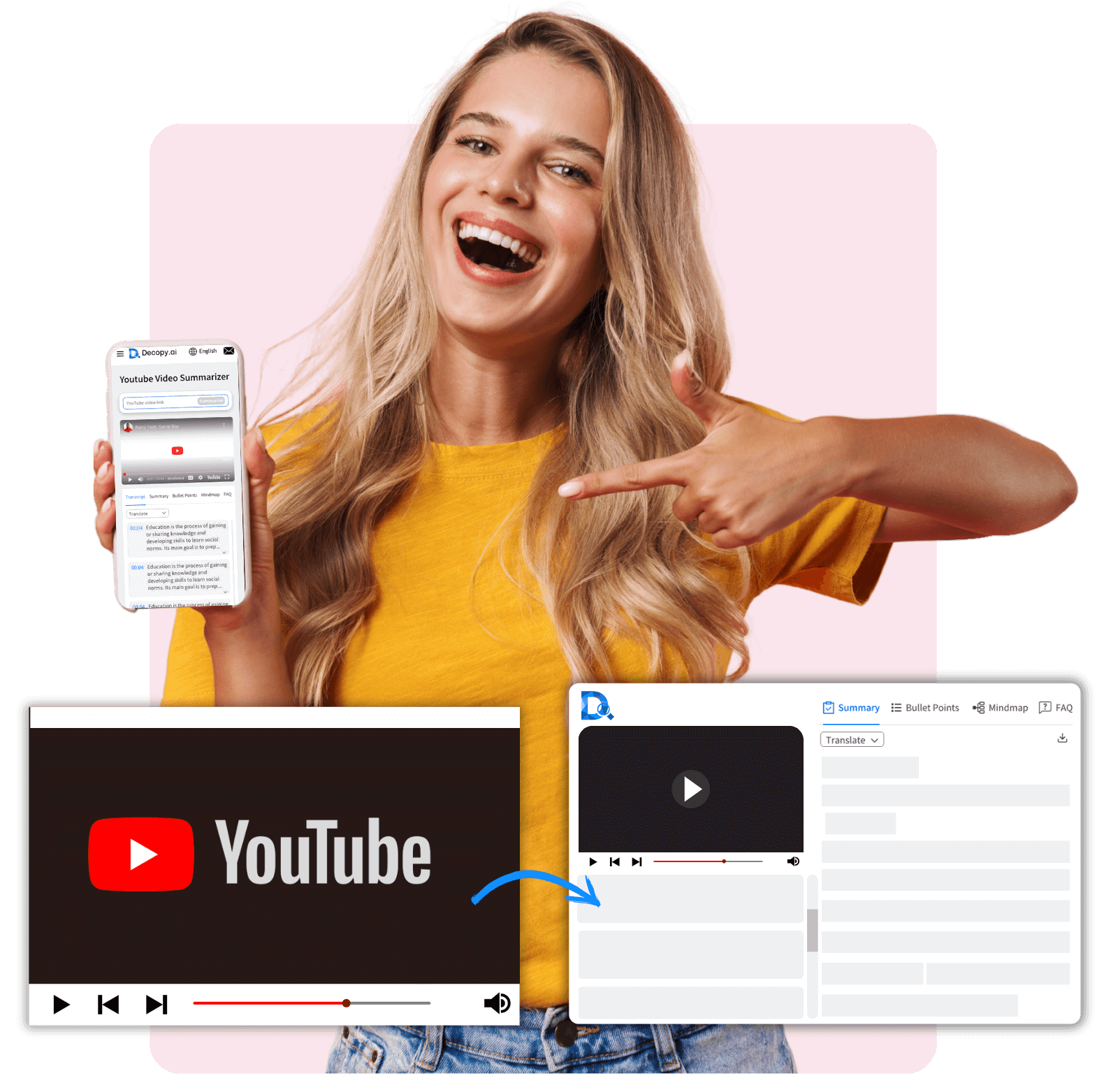
You might discover a Short, open a playlist, browse chapters, or follow a hashtag to another video. Our AI YouTube video summarizer organizes a selected video’s main ideas into a clear topic outline, giving you the wider context behind the parts that catch your attention.
Read a YouTube Summary Before You Watch
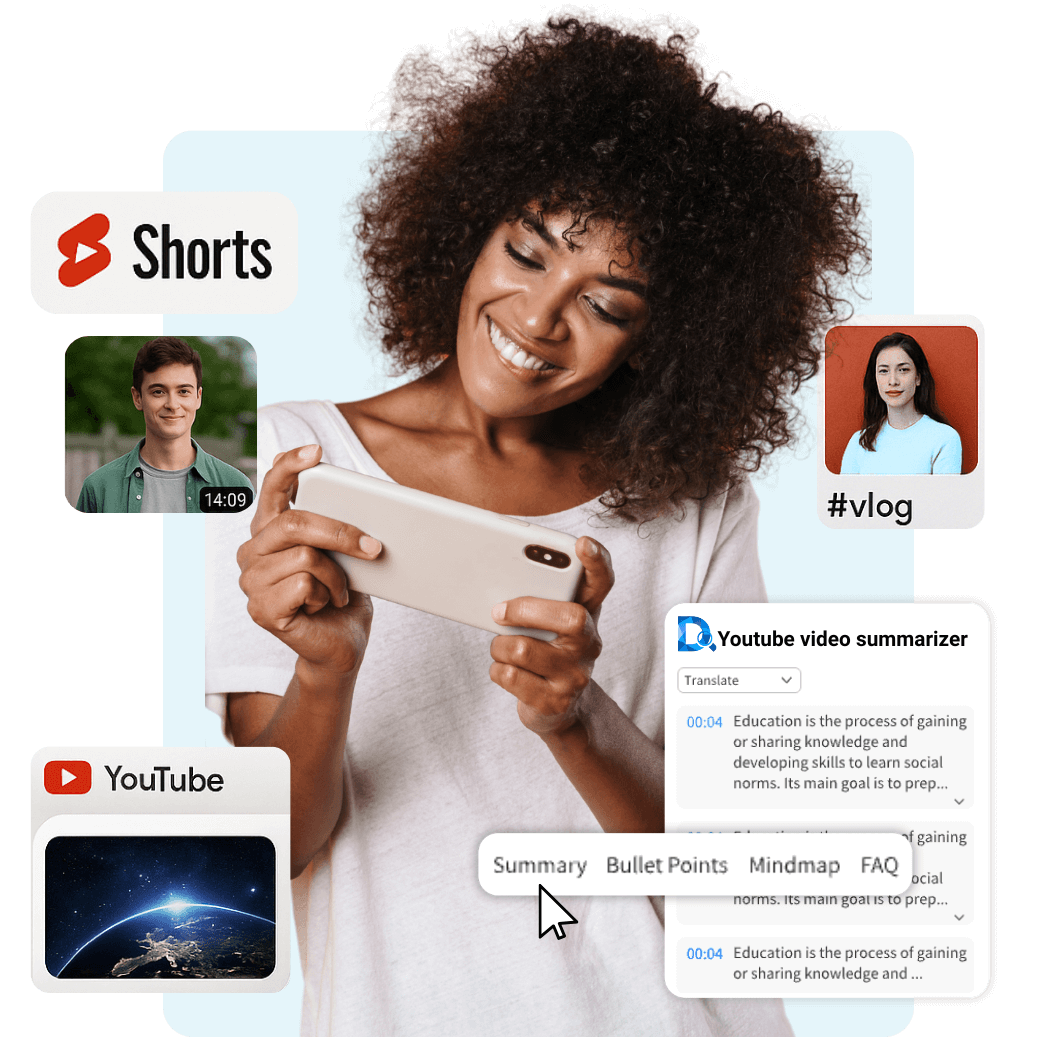
Searching YouTube or browsing recommended videos? Read a YouTube summary before hitting play to see whether the video covers what you need. If you decide to watch, keep the summary alongside the video as a guide to the main ideas. Follow the explanation and note any points you want to explore further.
Stay Focused with Timestamped YouTube Summaries
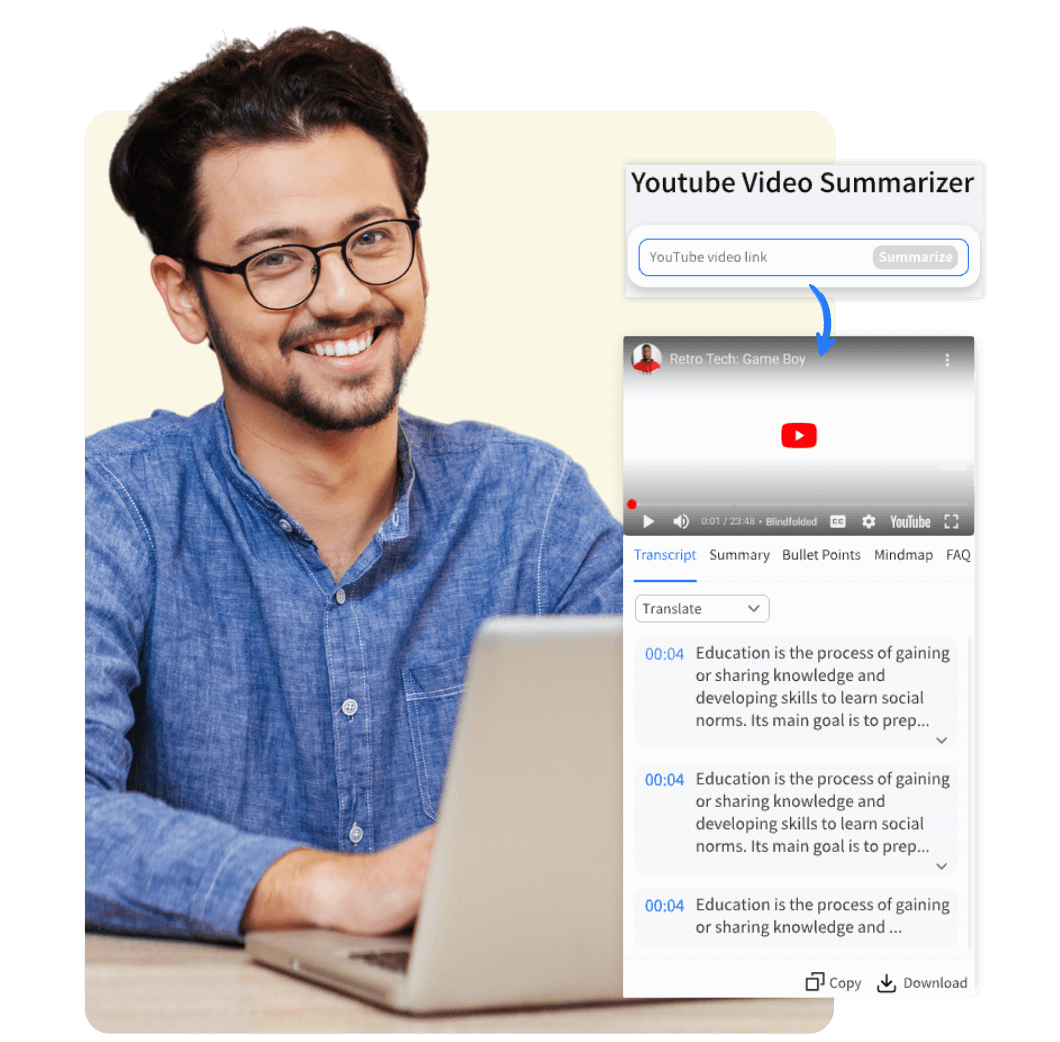
Long YouTube videos can make a specific explanation hard to find again. Our YouTube video summarizer organizes the main topics into timestamped sections, so you can jump to the part you need without searching through the full replay. Use the generated FAQs to review important questions and revisit the relevant explanations.

YouTube Video Summarizer: Learn More from YouTube in Less Time
Get key points, mind maps, infographics, and FAQs from YouTube videos, with multilingual support.
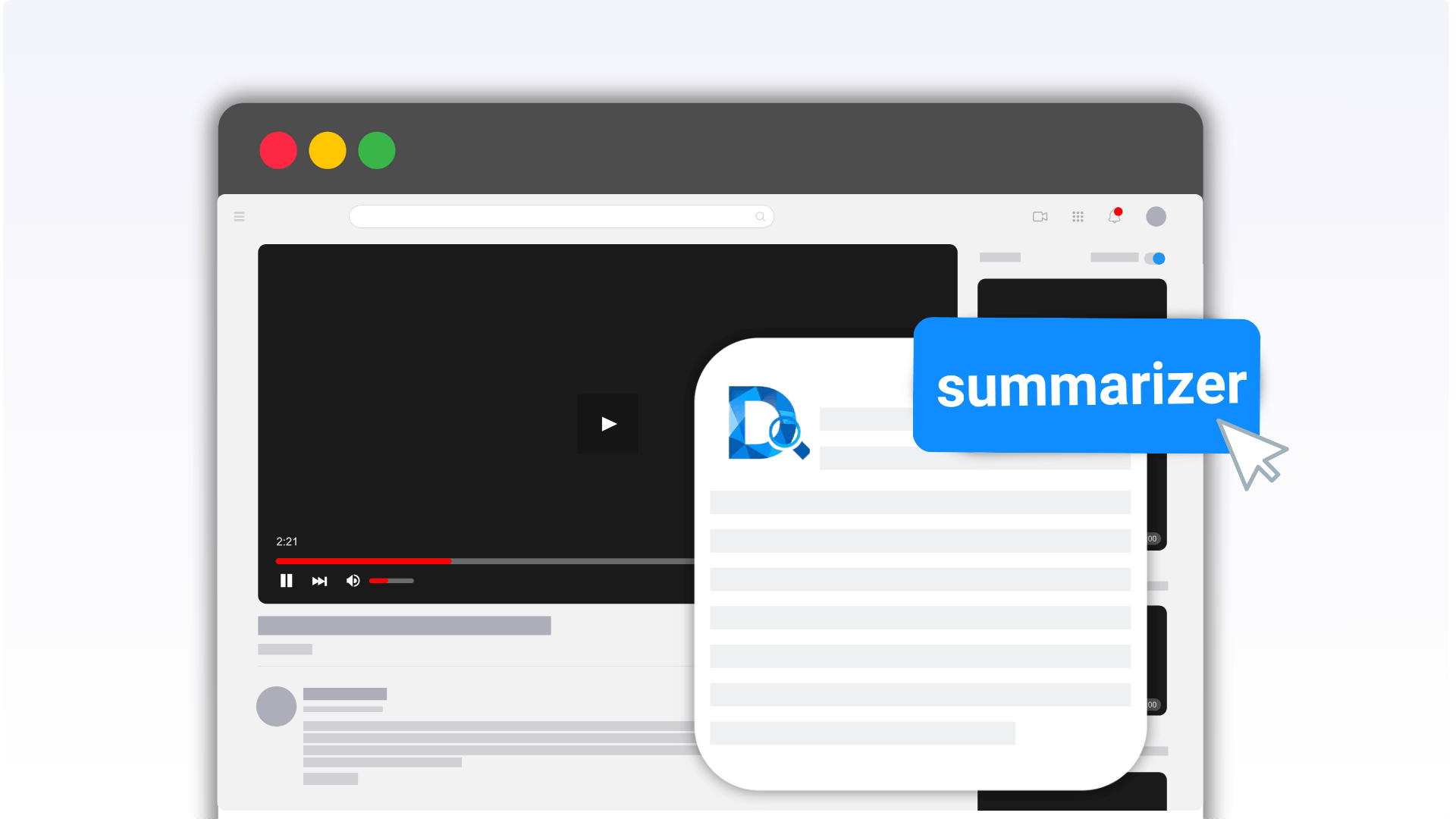
Key Ideas Extraction
Capture the core ideas from a YouTube video. Review the main argument, important explanations, and conclusions in a concise summary.
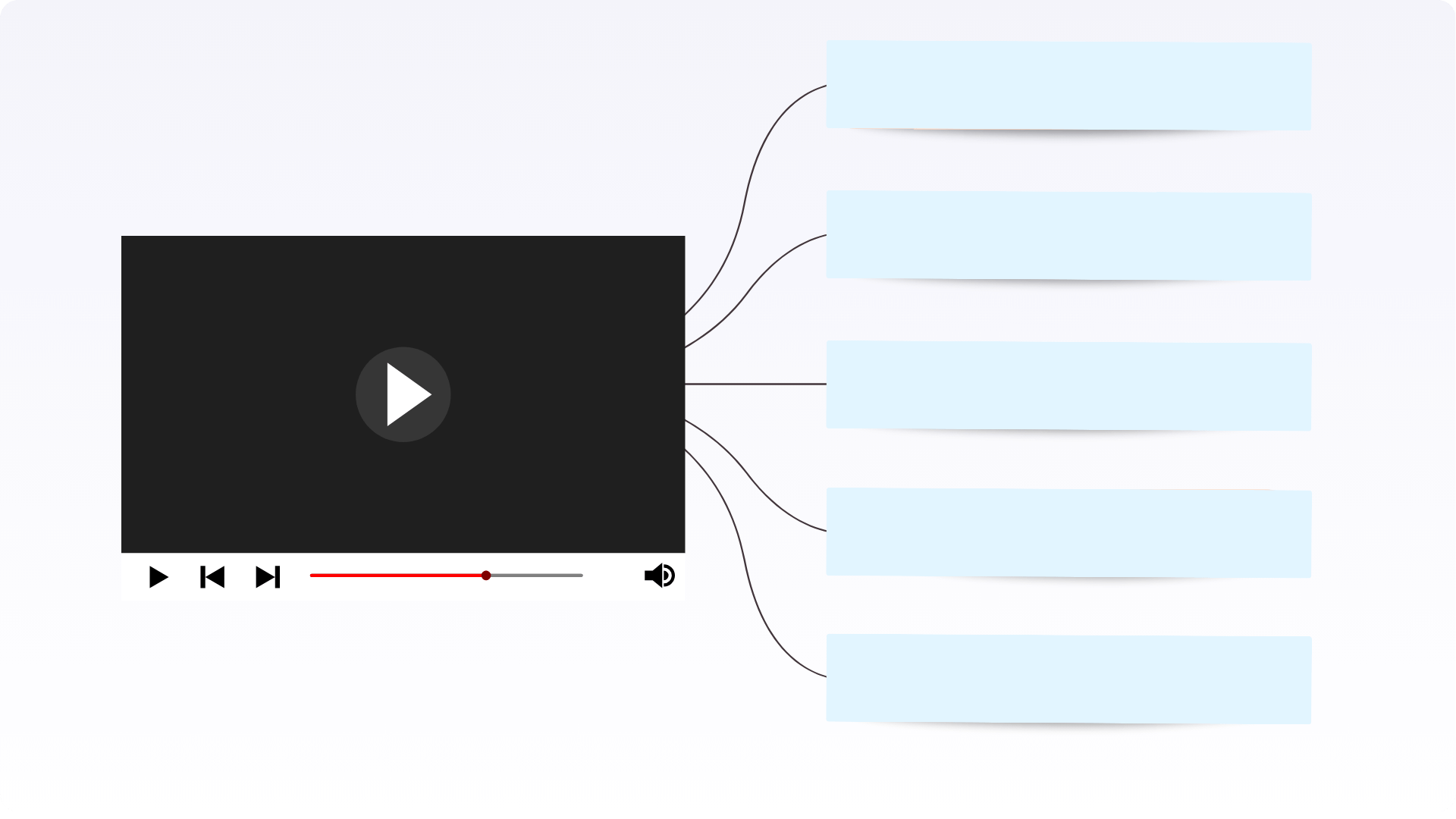
Mind Map Format
Visualize the main topics and their connections in a mind map. Use it to review how the ideas in a YouTube video fit together.
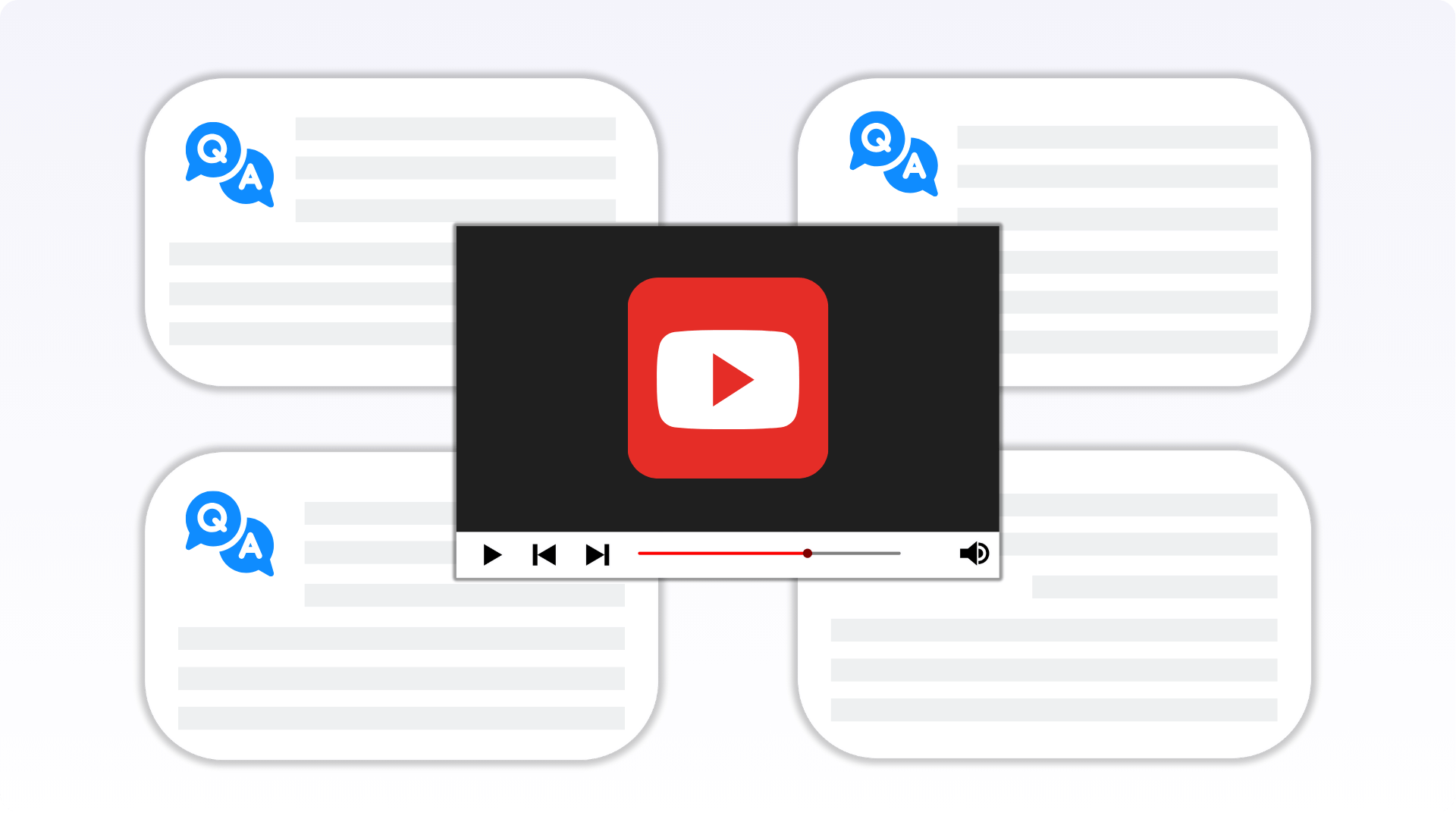
FAQ Mode
Turn the main topics of a YouTube video into questions and answers for review and self-testing.
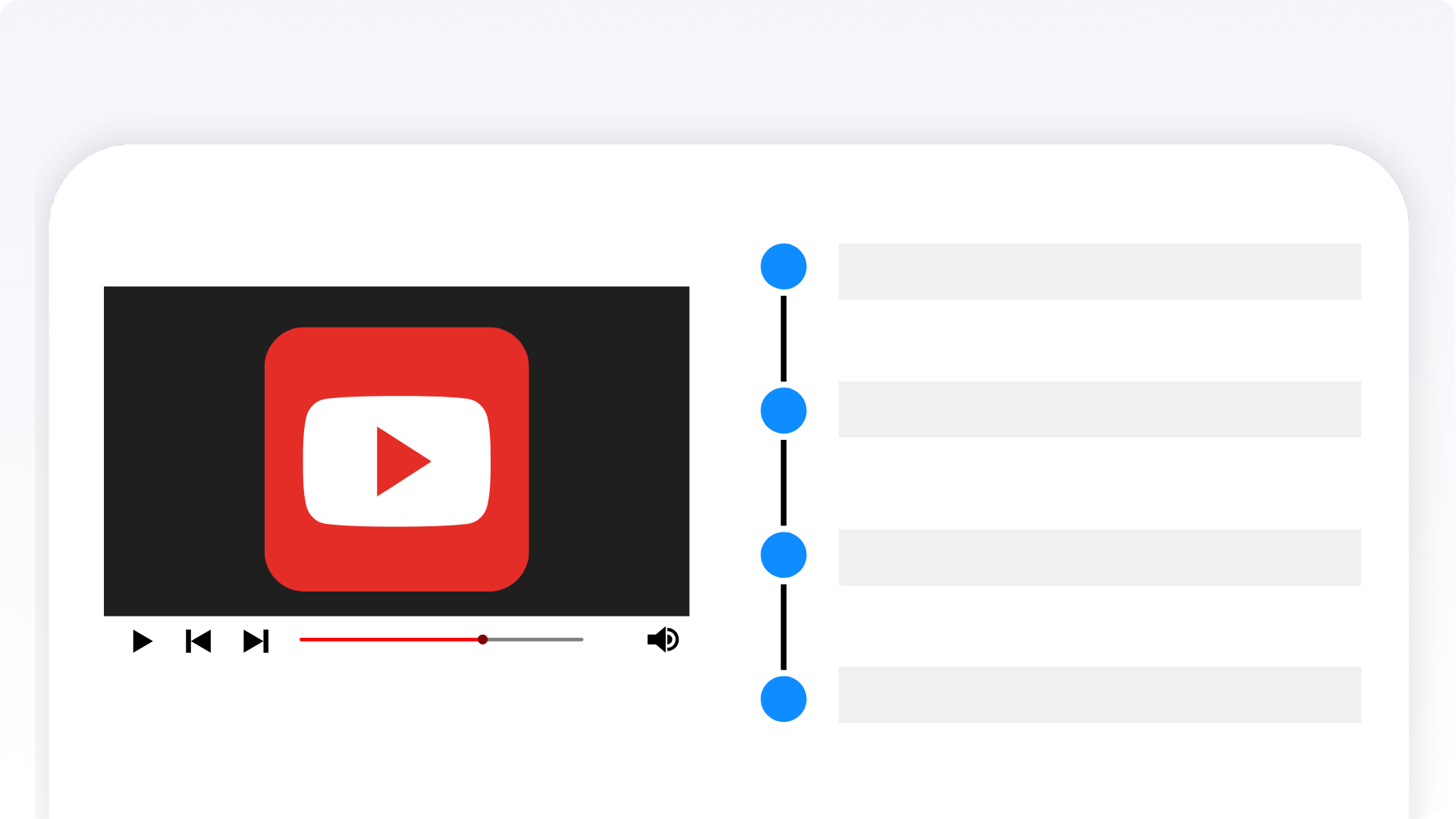
Bullet Points Summary
Get a clear breakdown of the main takeaways from educational videos and tutorials. Save the bullet points as a quick reference for later review.
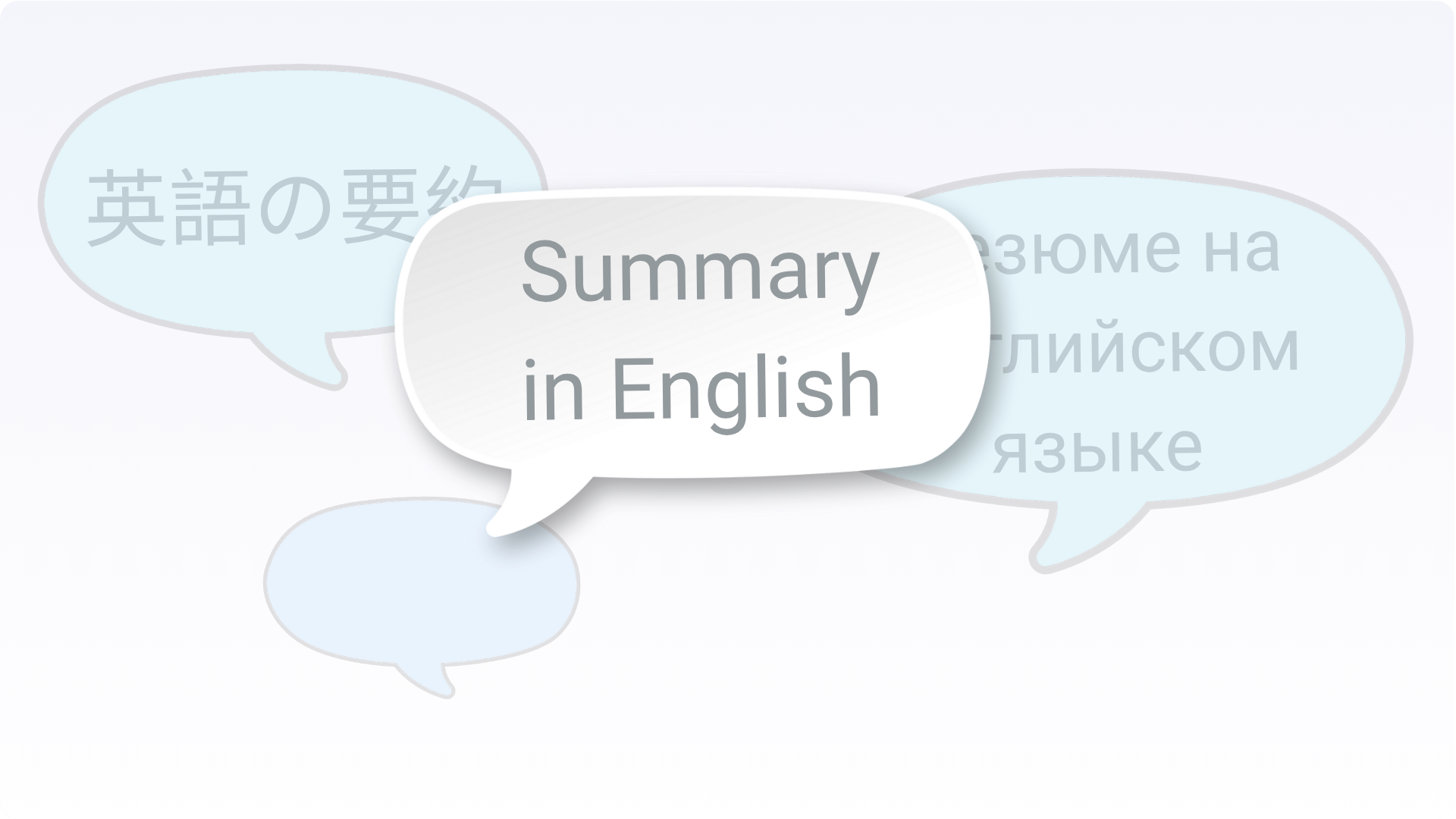
Multilingual Timestamped Summaries
Generate timestamped YouTube summaries in a supported output language. Review the key points and use timestamps to return to the relevant sections.

Web-Enhanced Search
With YouTube summary with ChatGPT + Web Search, enhance your summaries with the latest info from Google and Bing.
Use Cases for Our AI YouTube Video Summarizer
Use our AI YouTube video summarizer to prepare study notes, review talks, and organize ideas for your next project.
Learning and Online Education
Extract key points from educational YouTube videos, lectures, and tutorials. Use the summary to review concepts and prepare study notes, then revisit the original explanations when needed.
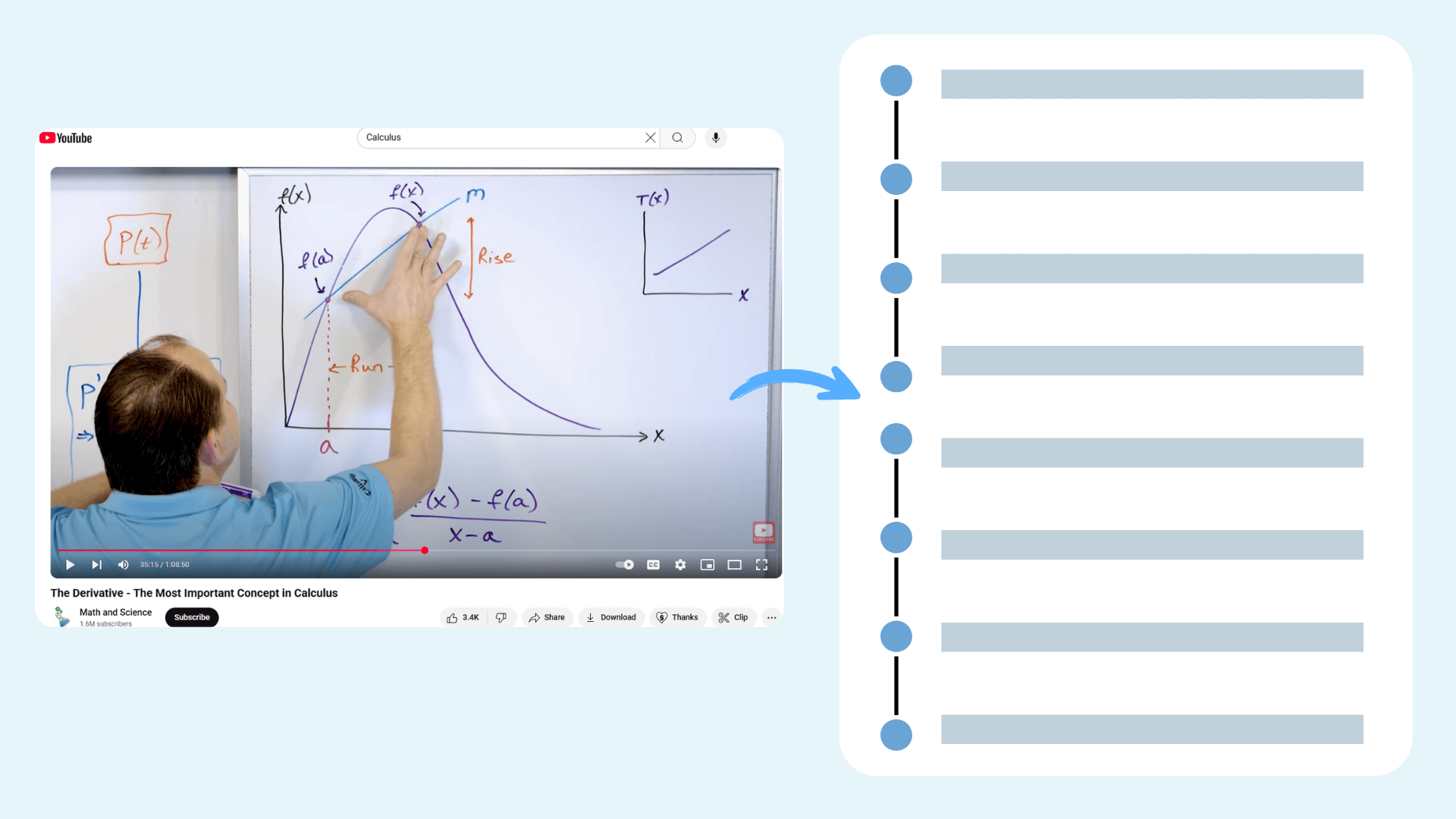
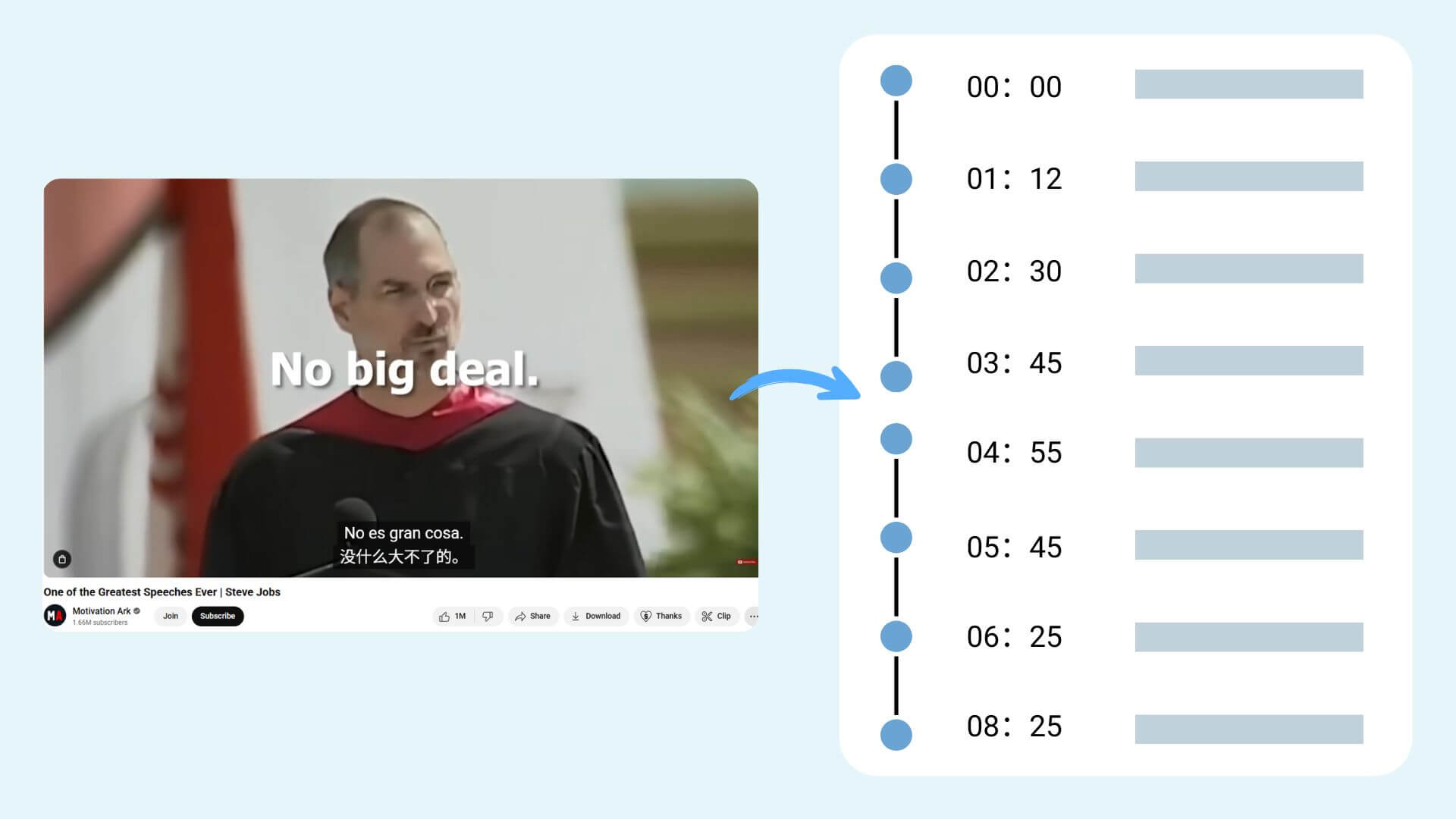
Talks, Webinars, and Conferences
Generate YouTube summaries of expert talks, webinars, and livestream replays. Use timestamped notes and bullet points to review the main ideas and return to important explanations.
News and Current Events
Condense breaking news, daily updates, and Shorts-based commentary into concise summaries for quick understanding of current trends.
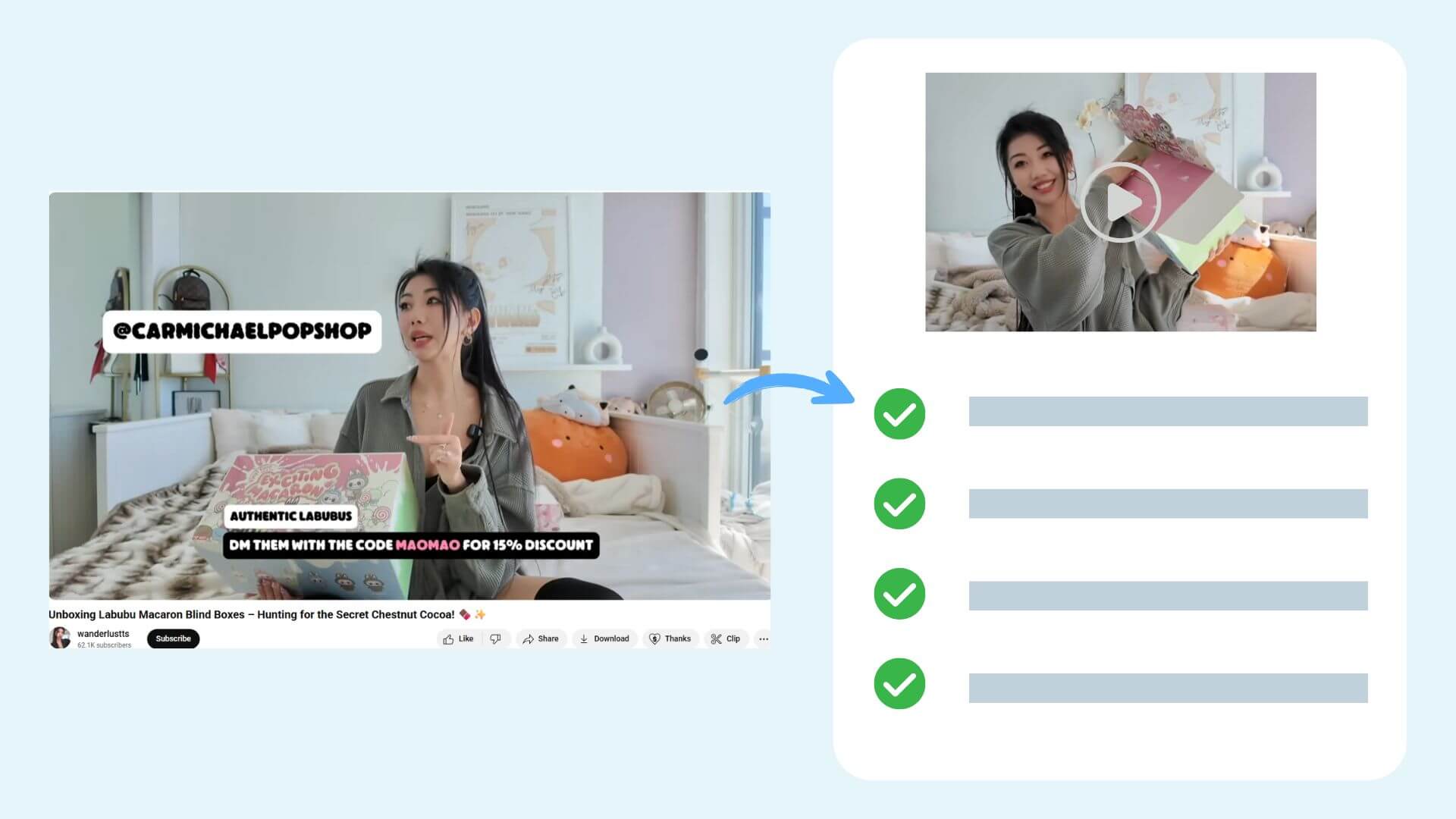
Product Reviews and Unboxings
Quickly identify product features and comparisons from YouTube reviews and unboxing videos. Use the summary to find relevant tests, then watch the original demonstrations before making a decision.
Content Repurposing and Ideation
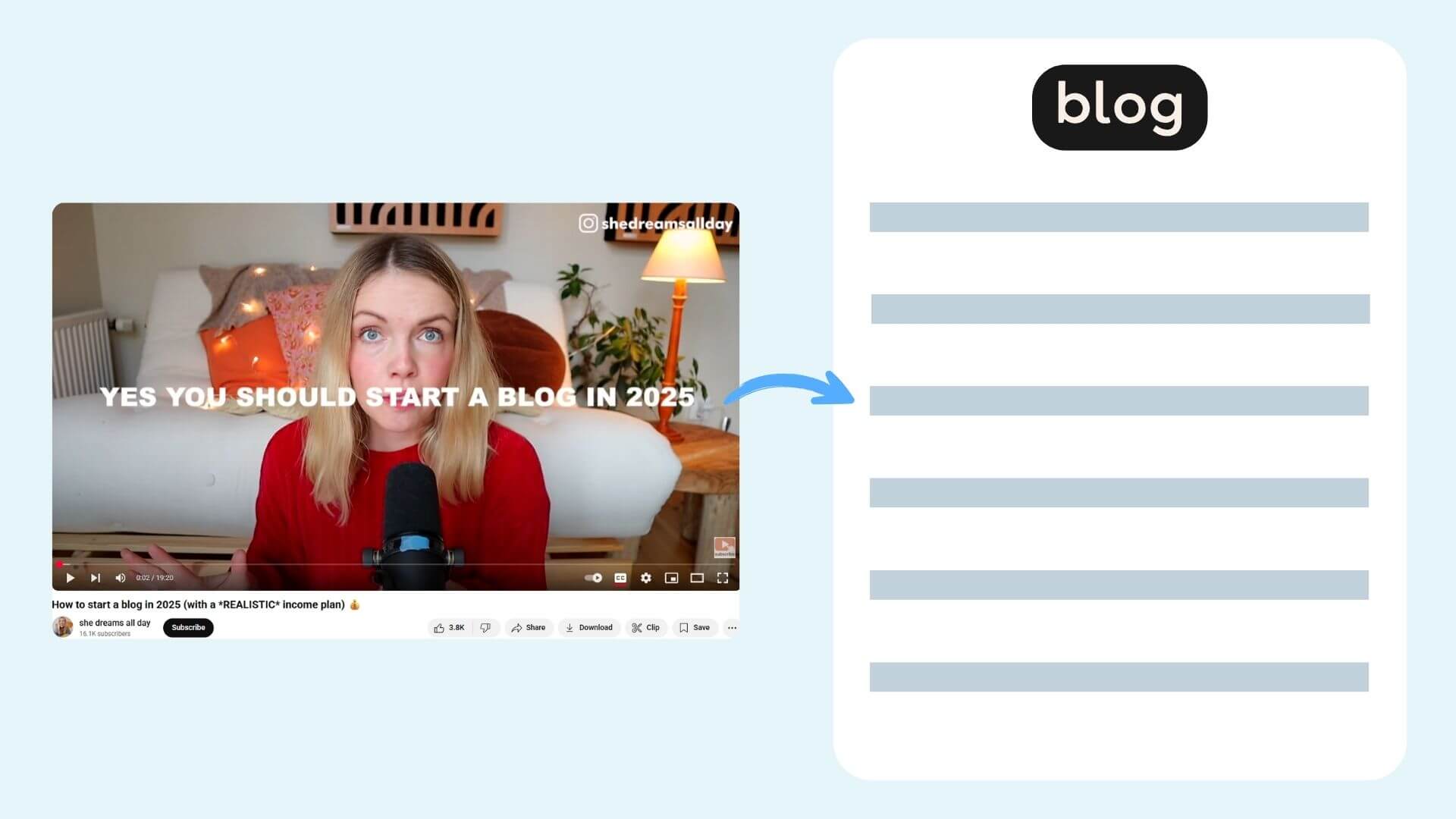
Use the YouTube summarizer to turn a video into structured outlines, FAQs, and notes. Build blog posts, scripts, or social content from these notes and summaries of other source material, adding your own analysis and checking details before publishing.
Research and Fact-Checking
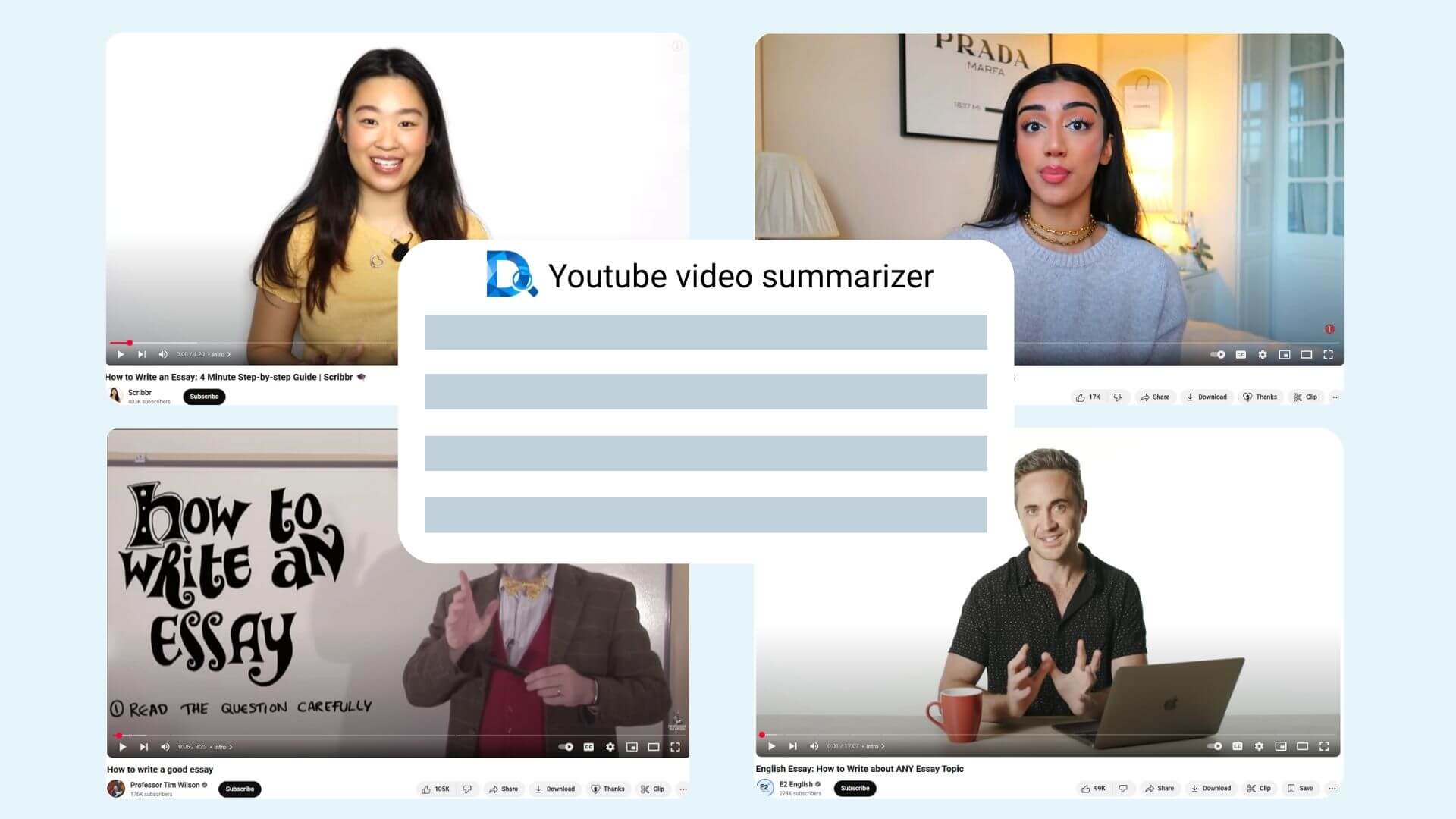
Organize the main claims, figures, and arguments from YouTube interviews, conference talks, and discussions. Use the summary to identify details worth investigating, then check the original video and supporting sources before citing them.
How to Summarize a YouTube Video in 3 Steps
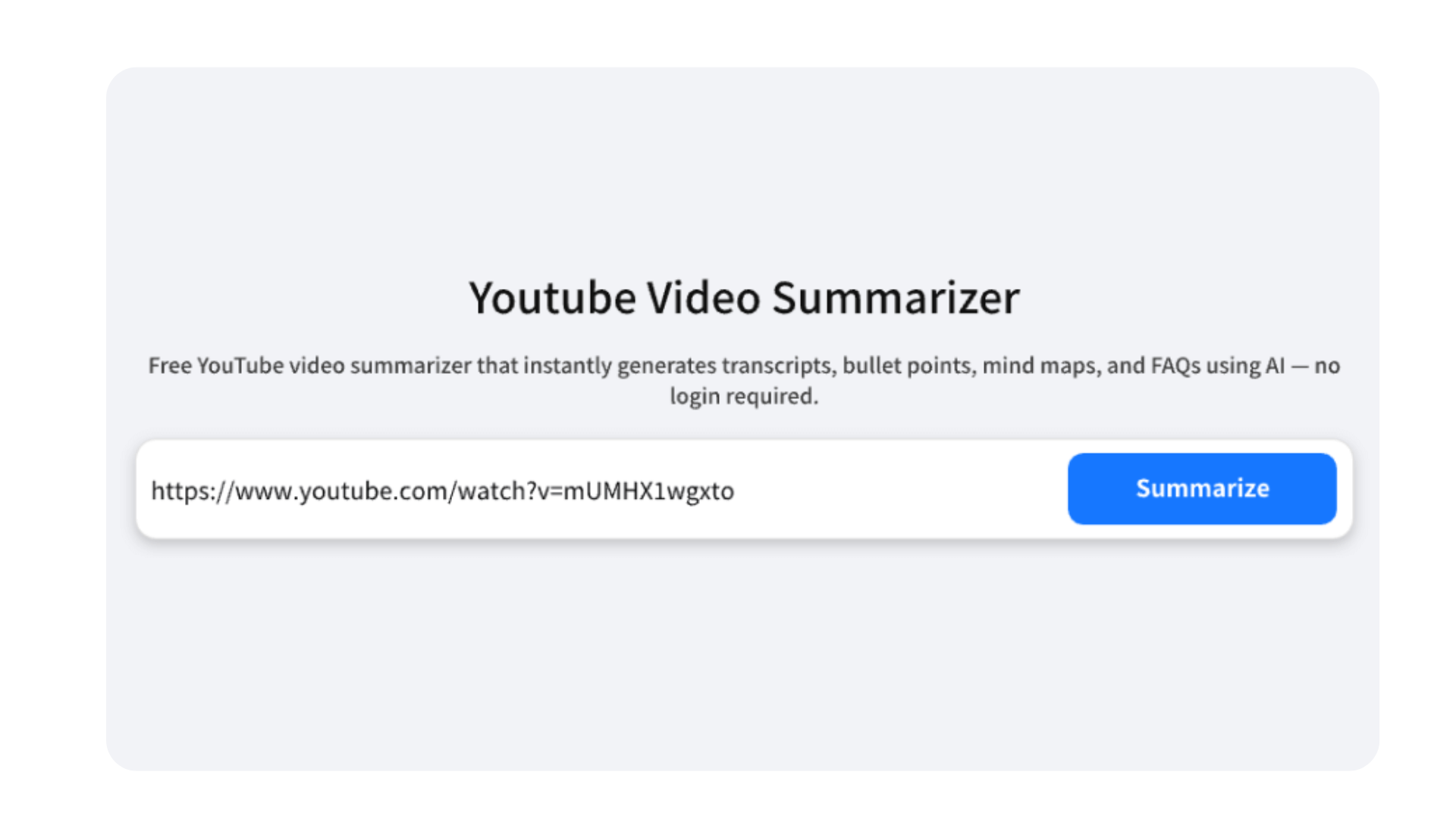
Step 1
Paste a YouTube Link
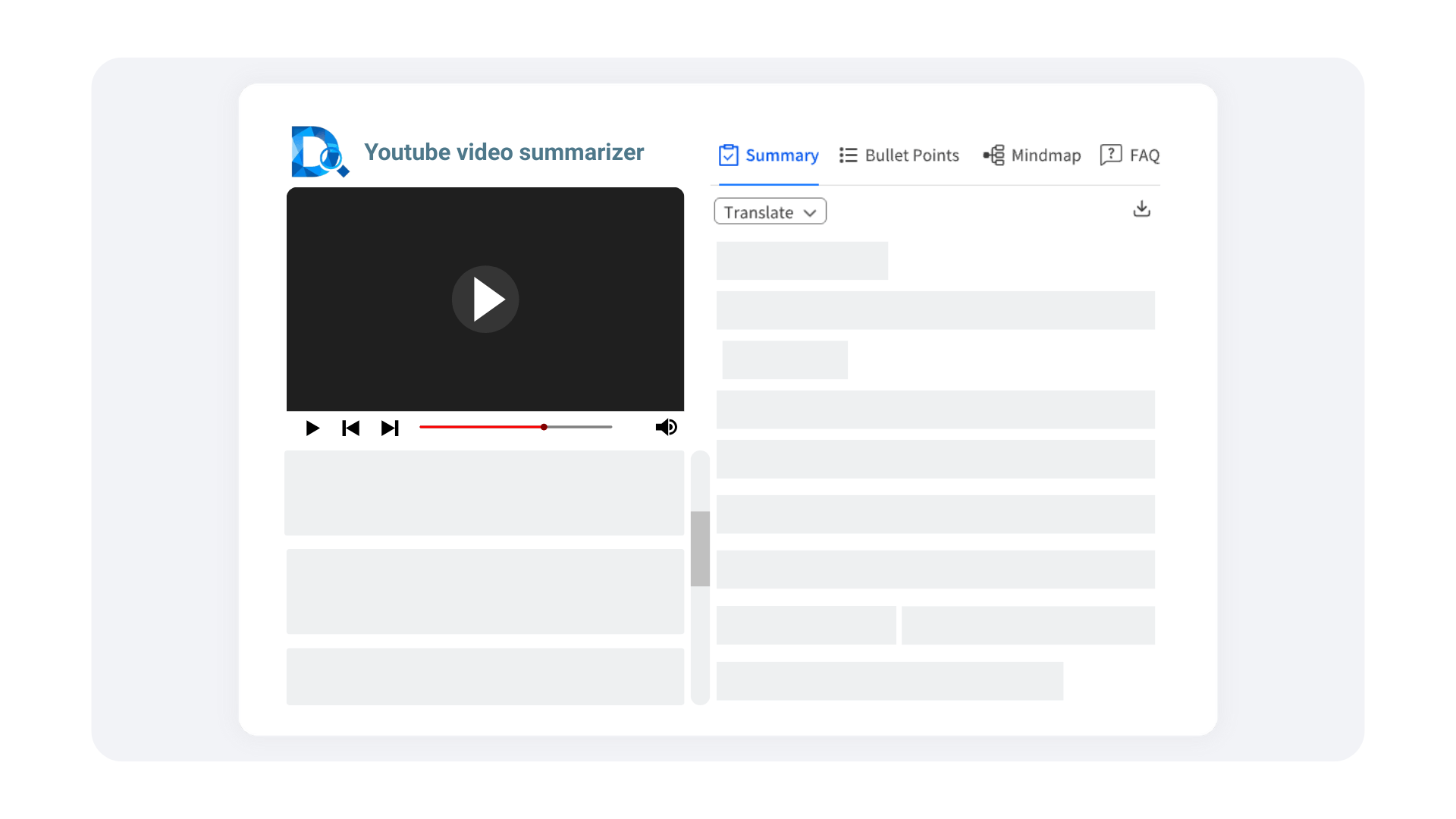
Simply paste the YouTube video link into the input box.
Step 2
Summarize YouTube Video
Click "Summarize" to generate a structured summary with key points, mindmap, and FAQ.
Step 3
Download or Copy
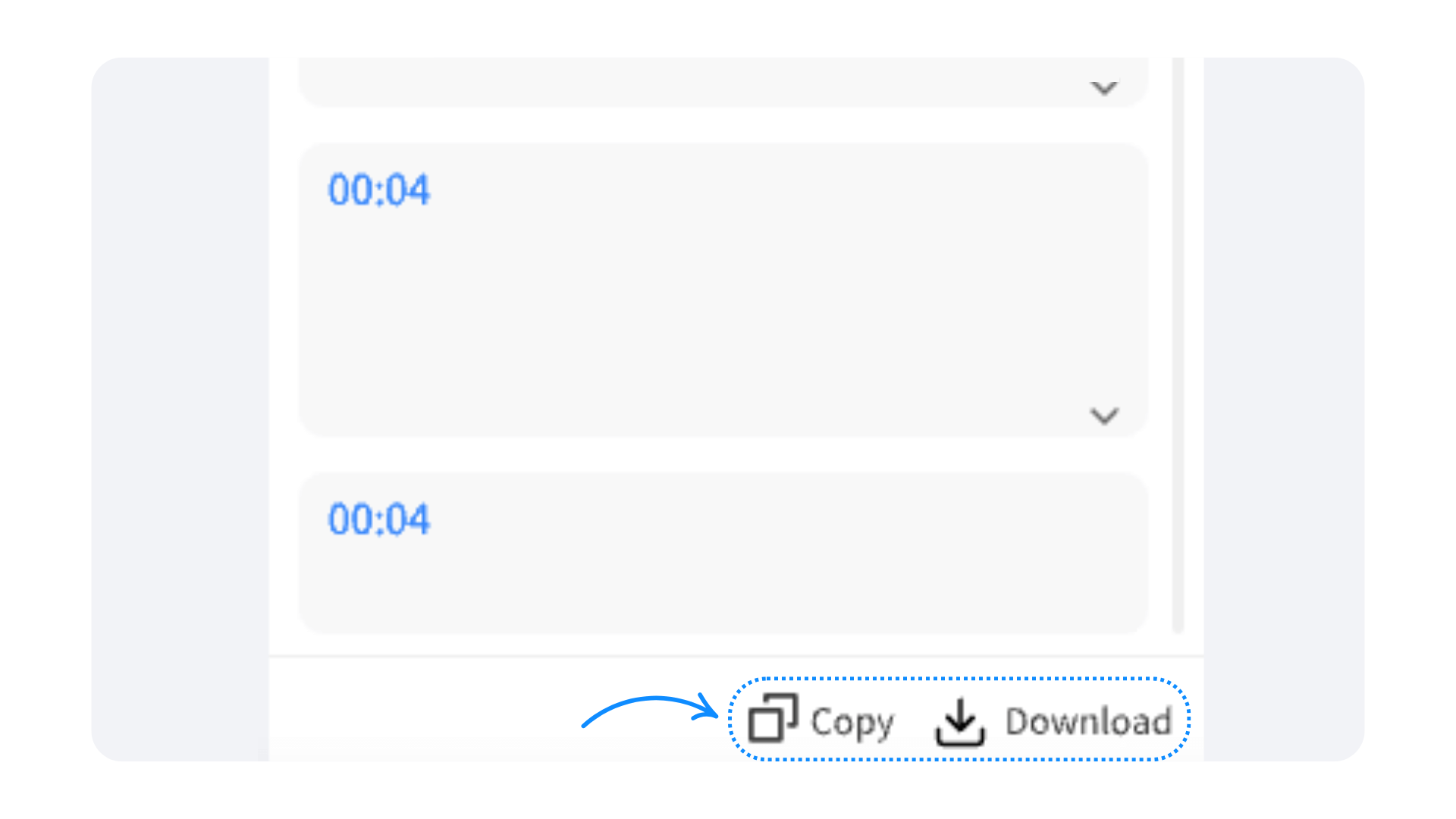
Download the full summary with timestamps as TXT or PDF, or copy any section instantly.
Who Benefits Most from a YouTube Video Summarizer?
- Students
- Professionals
- Creators
- Educators
- Researchers & Journalists
- Multilingual Viewers
Students
Quickly extract key points from YouTube videos like online courses, test prep guides, or academic tutorials.

Professionals
Summarize videos like industry talks, business webinars, or tech trend breakdowns from YouTube.

Creators
Use the YouTube video summarizer to review topics and study how videos organize their ideas. Save useful points as references for your own content planning.

Educators
Convert educational YouTube videos into structured outlines, mind maps, and Q&As to save time preparing lessons.

Researchers & Journalists
Identify claims, potential quotations, and core arguments in documentaries, interviews, and expert panels on YouTube. Verify wording, context, and attribution in the original video before citing them.

Multilingual Viewers
Use YouTube summaries, FAQs, and transcripts in a supported output language to explore videos beyond your usual viewing language. Check the original when a detail needs clarification.

Why Choose Our YouTube Video Summarizer?
Save Time on Video Review
Get the main takeaways before deciding which sections to watch in full.
Start with a YouTube Link
Paste a supported YouTube link to begin. Use the tool in your browser without downloading the source video.
Accurate AI Summaries
Extract the main points from video captions or transcribed audio. Review important names, numbers, and quotations against the original video.
Visual Mind Maps
Understand complex videos faster with structured mind maps that make ideas easier to absorb and remember.
Multilingual Support
Choose a supported output language for your YouTube summary, mind map, or FAQ.
Free to Try
Start with the available free allowance. Usage depends on your plan.
User Reviews of YouTube Video Summarizer
Mark Thompson
Digital Marketing Specialist
Sarah Lee
College Student
James Kim
Research Analyst
Frequently Asked Questions (FAQs)
Decopy’s YouTube video summarizer creates structured notes from YouTube videos, including key points, mind maps, FAQs, and timestamps to help you review the content.
You can summarize YouTube videos with existing captions using Decopy’s shared monthly free allowance. Videos without captions require credits for audio transcription.
YouTube videos with existing captions have no duration limit. Videos without captions can be up to 4 hours (240 minutes) long. The number of summaries depends on your available quota, with transcription credits also needed for videos without captions.
Summary accuracy depends on the source audio, available subtitles, and clarity of the discussion. The YouTube video summarizer extracts the main ideas, but names, numbers, quotations, and technical details should be checked against the original video.
Yes. Your input is processed in real-time and not stored. We do not retain video links, transcripts, or summaries.
The summarizer performs well on educational content, tutorials, explainers, product reviews, podcasts, and webinars. Videos with clear speech and logical structure produce the most accurate YouTube AI summaries.
Yes, if the podcast episode is available on YouTube, paste its video link to summarize the main topics and takeaways. If you have an audio file instead, you can summarize the audio recording directly.
Yes. Choose a supported output language for your YouTube summary. Results depend on the source language, audio quality, and available subtitles.
This page accepts YouTube video links. For a video saved on your computer or phone, you can summarize the summarize the video file to get its key points.
Yes. If your video is available through a supported YouTube link, you can generate a summary of its main points. Use the result as a starting point for descriptions, chapter outlines, or supporting notes, then edit it for your audience.