Free AI PDF Summarizer
Upload a PDF or paste a link to turn large documents into clear summaries and mind maps.
History
Favorite
Choose from Assets
Selected: None
Choose upload source
↑
A PDF summarizer gives you a shorter version of a document's main ideas. Decopy helps you get the key points before a closer read. Adjust the summary length to suit your task and keep the original PDF available when a passage needs more attention.
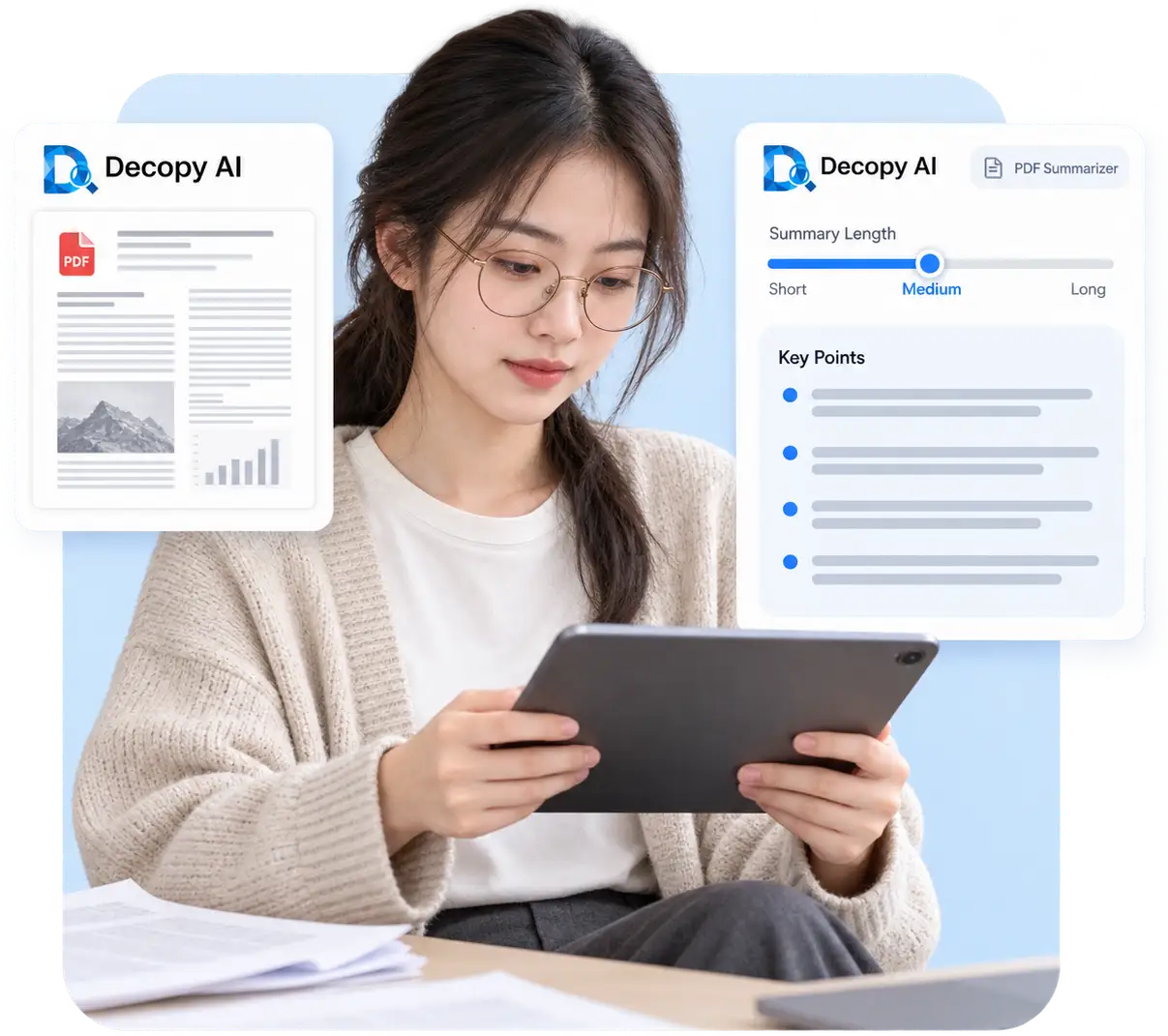
A long PDF can take more than one sitting to read. Decopy's large PDF summarizer helps you get the main argument first, so you can return to the sections that matter instead of starting at page one every time.
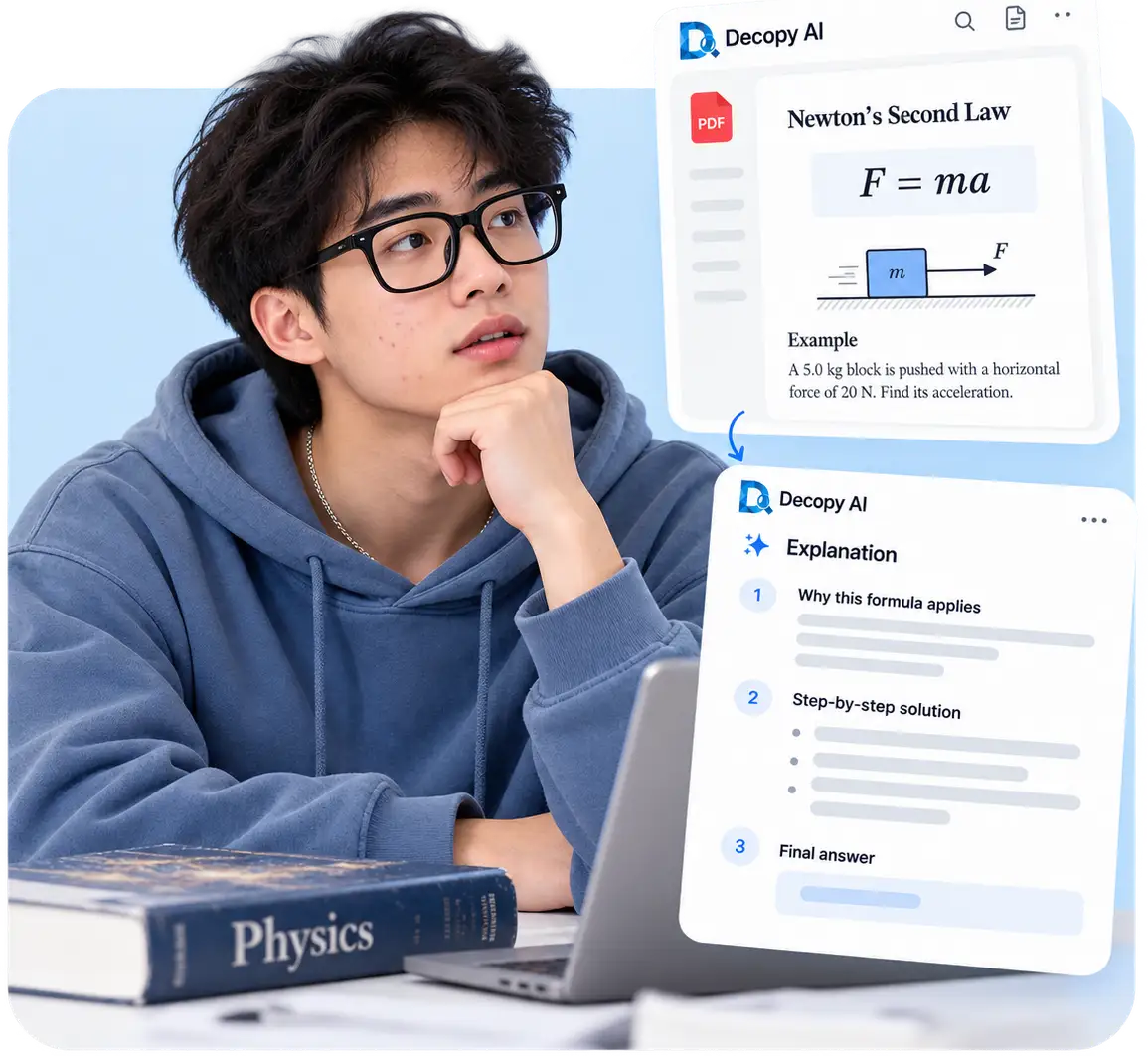
A physics chapter can become shorter without becoming easier to understand. Ask Decopy why a formula applies and how the worked example uses it. Follow up in Ask AI when a step is still unclear.
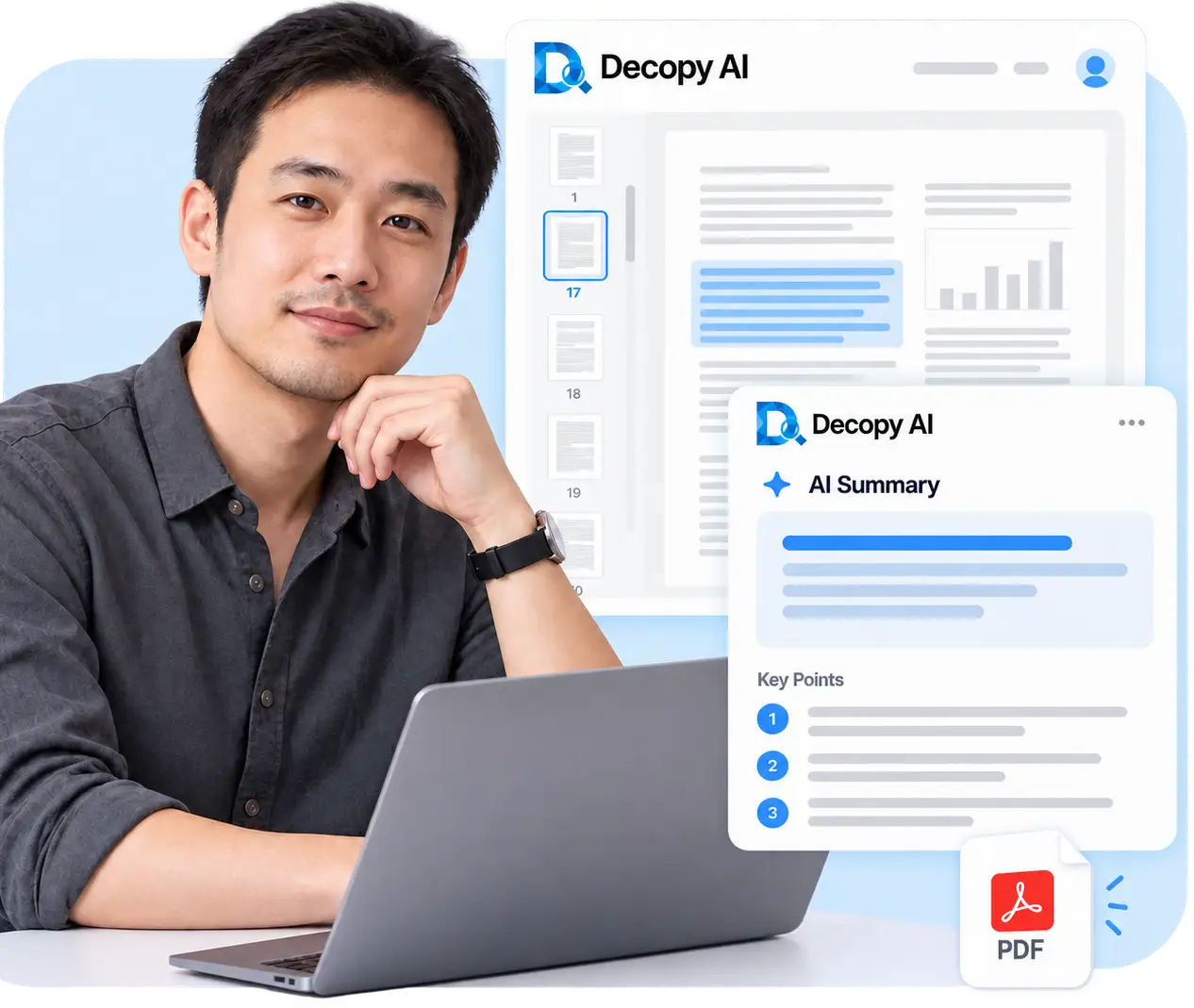
A chapter can make sense today and be hard to recall next week. Decopy helps turn your PDF summary into notes through a pdf to notes workflow that keeps the explanation behind each point attached, so you can revisit it without rereading the whole document.

Use these controls to shape your PDF output. For other input formats, explore our free AI summarizer.
The PDF summary generator identifies the main argument. Review its key points before deciding which passages need a closer read.
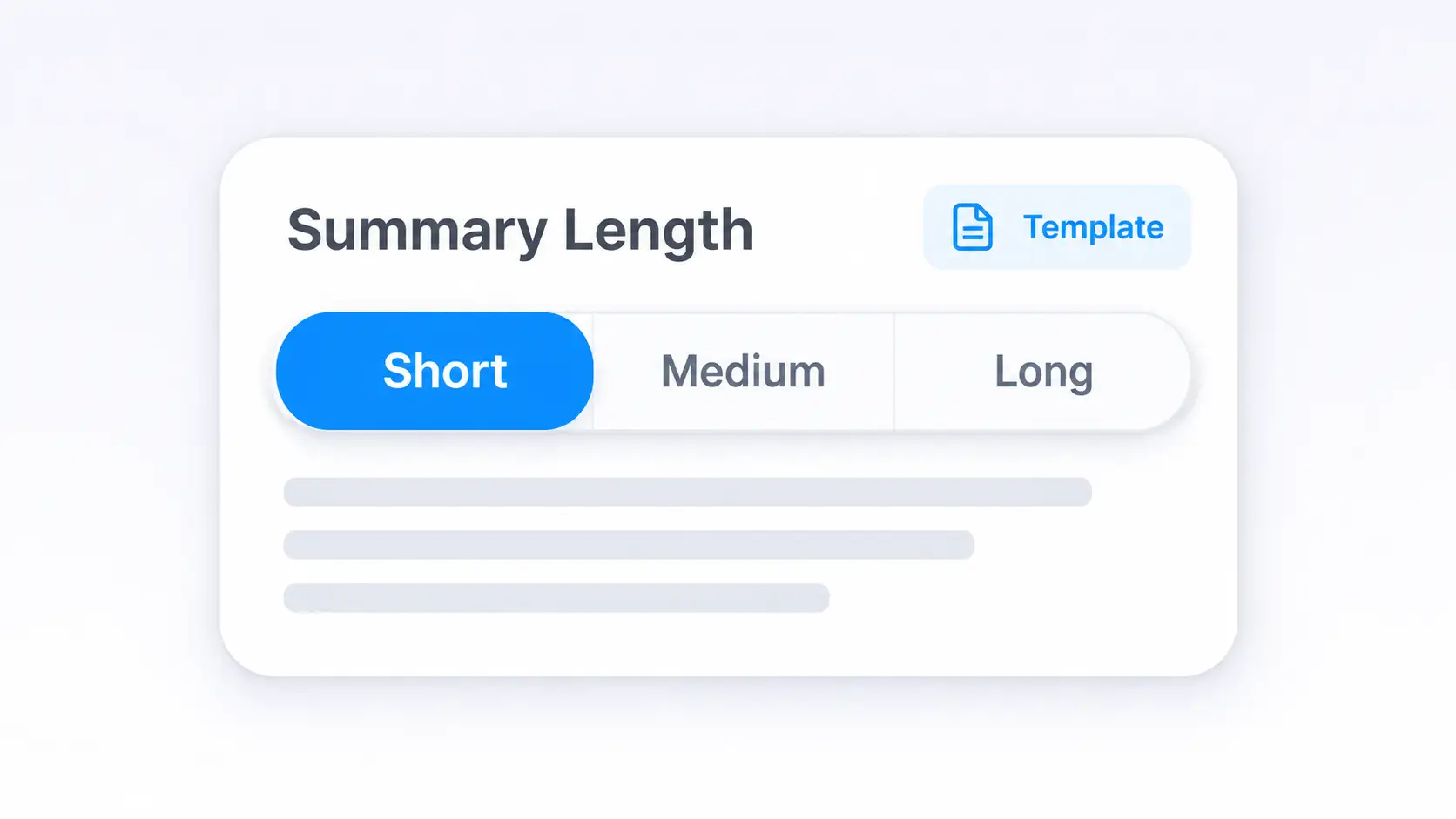
Choose a short overview for the main ideas or a longer explanation for closer study. Start with a template and specify the section you want to focus on.
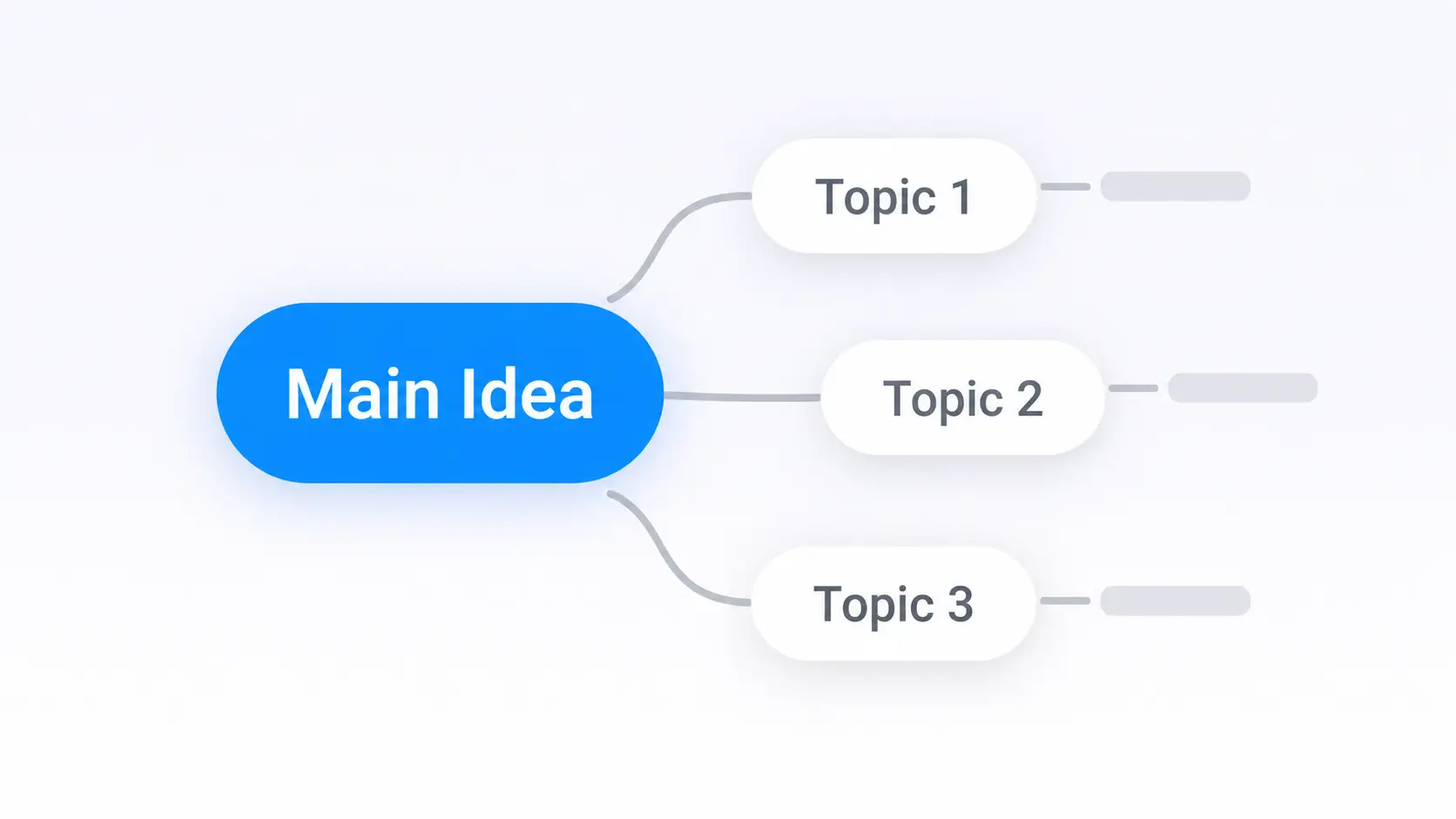
Follow the outline in topic order or use a mind map to see which smaller ideas belong under a broader concept.
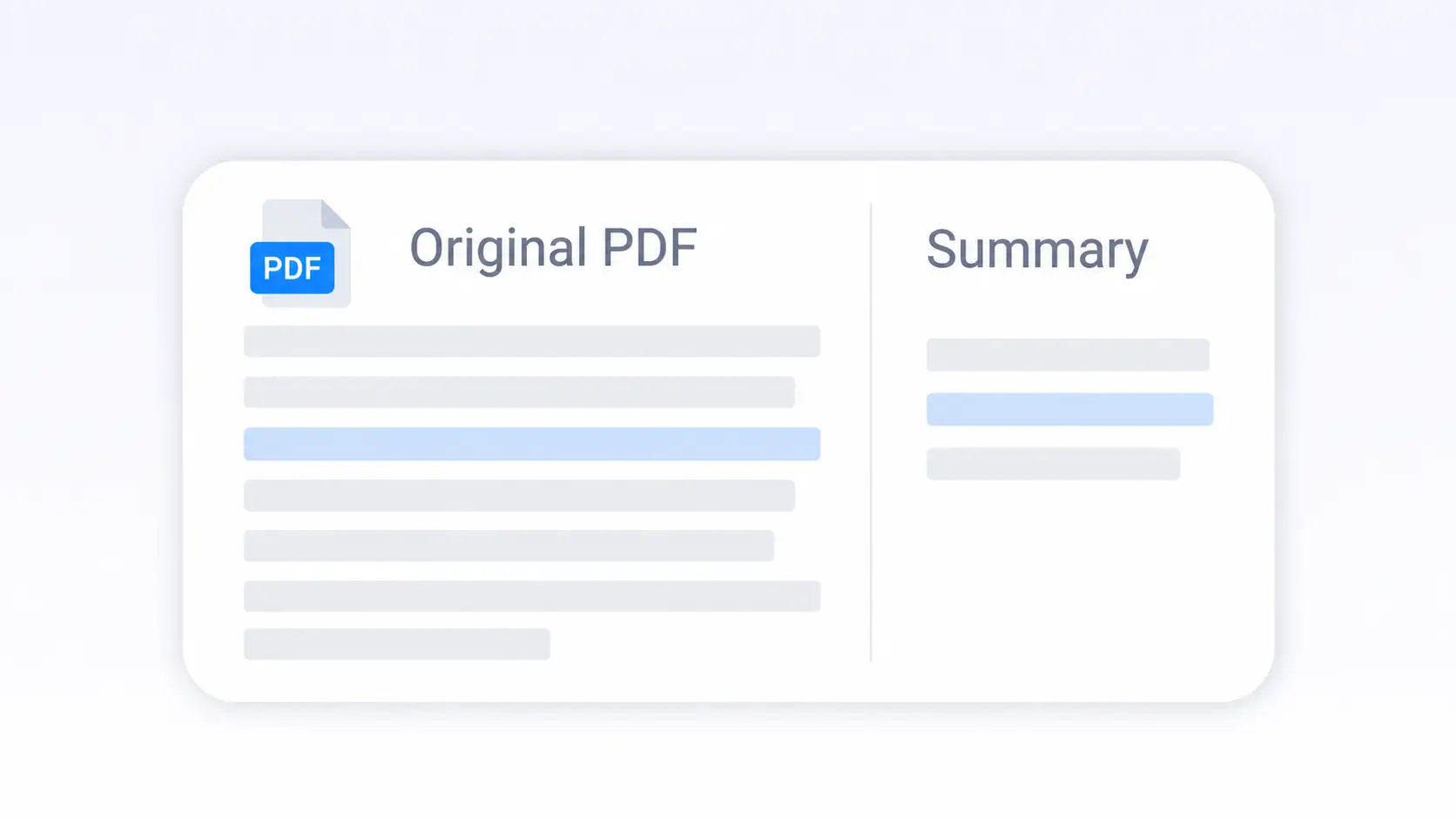
Keep the original open beside the summary. Return to a passage when you need its exact wording or the context around a statement.
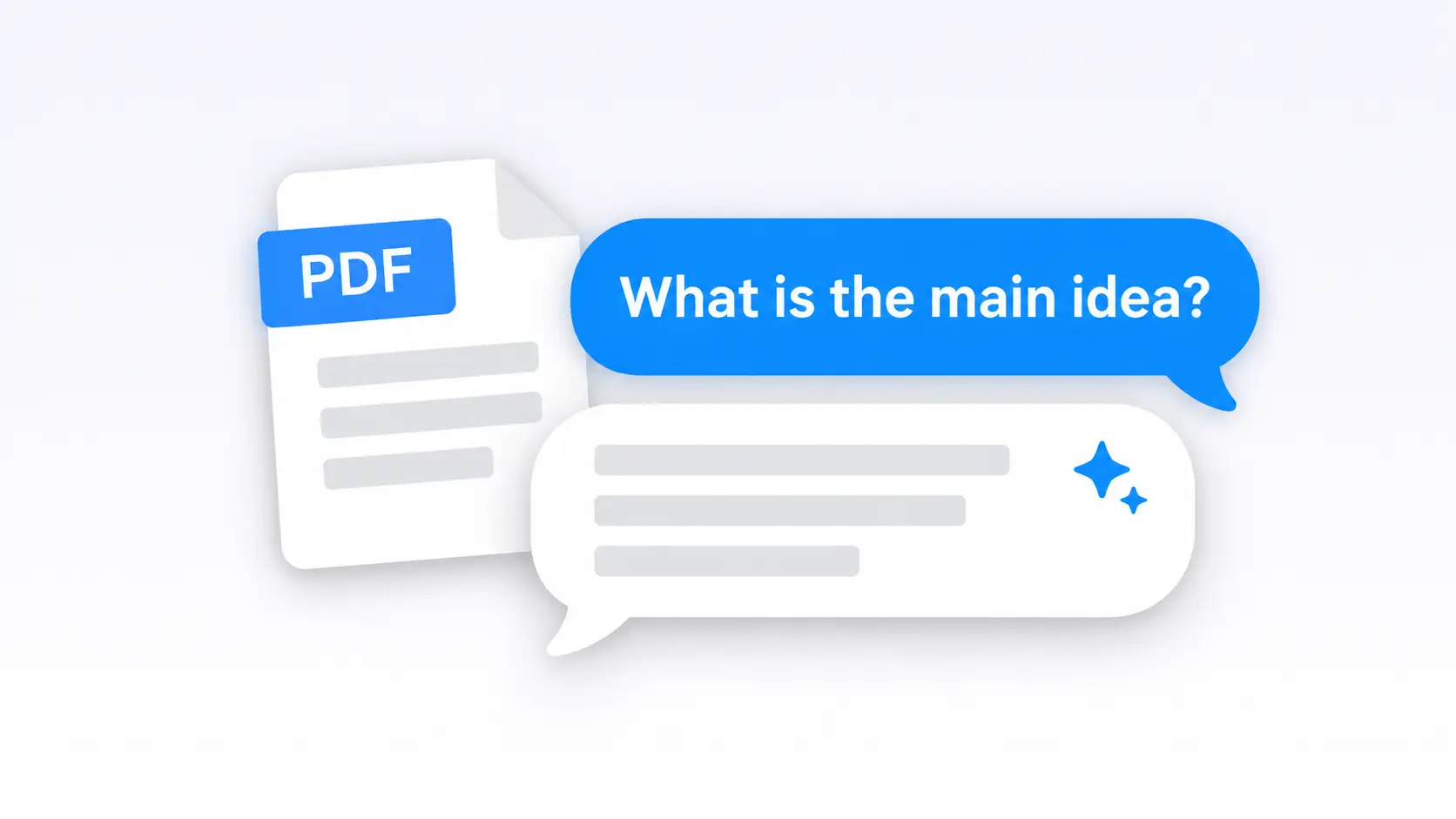
Ask a specific question, such as “Why does this formula apply in the worked example?” Use Ask AI to clarify the explanation without summarizing the whole file again.
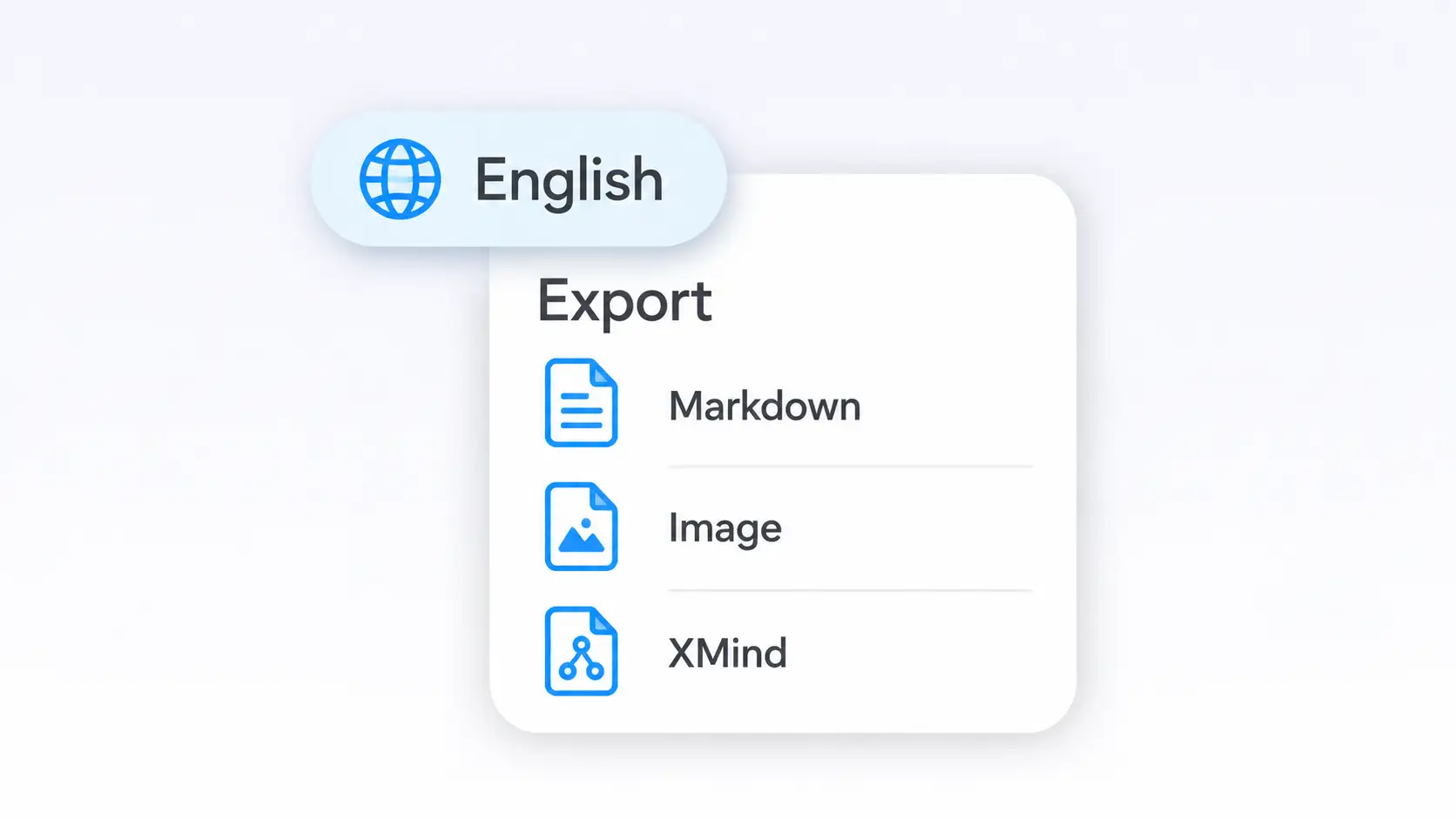
Choose your output language, then copy or download Markdown-formatted text. Save mind maps as images or export them to XMind for further editing.
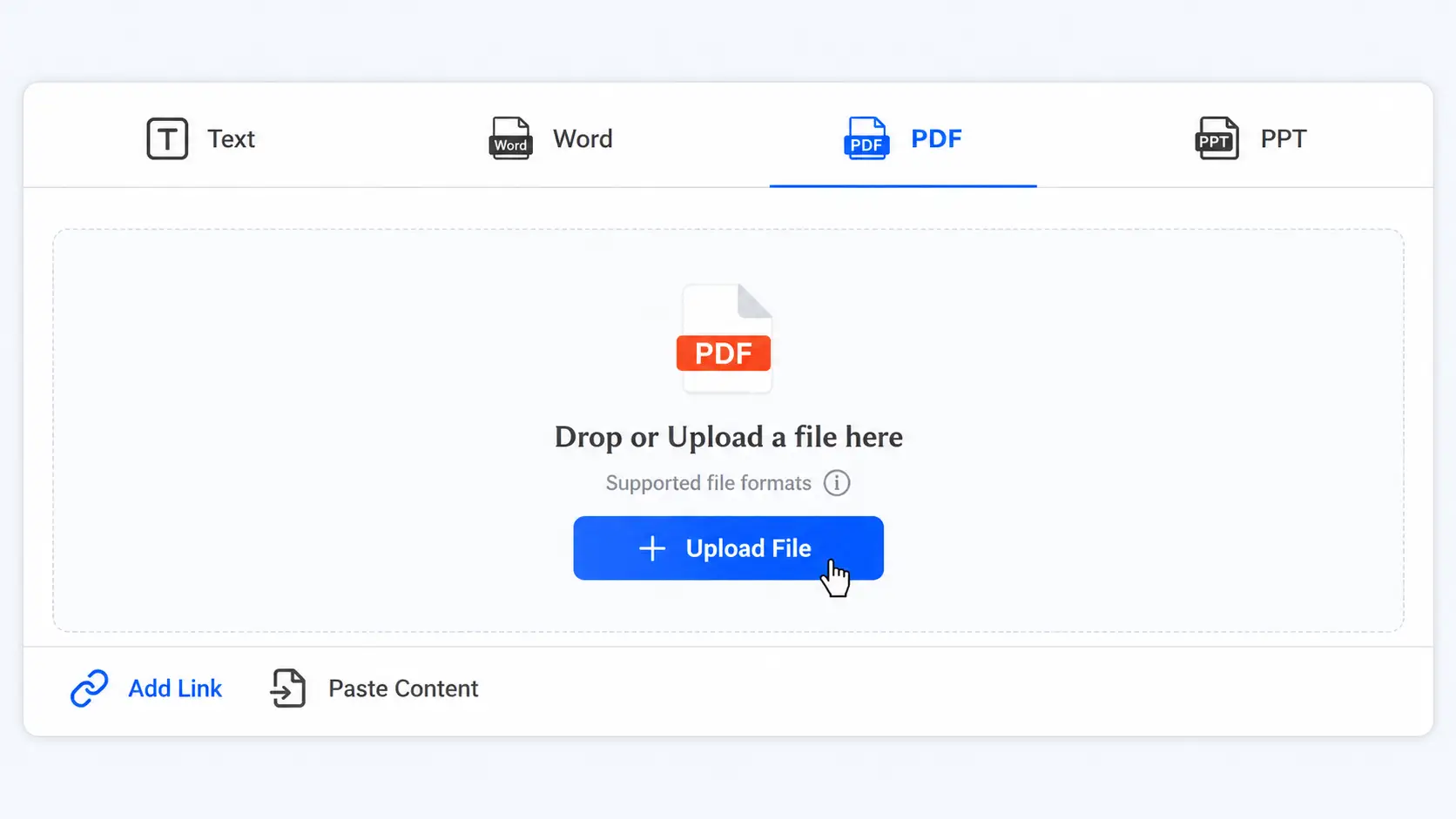
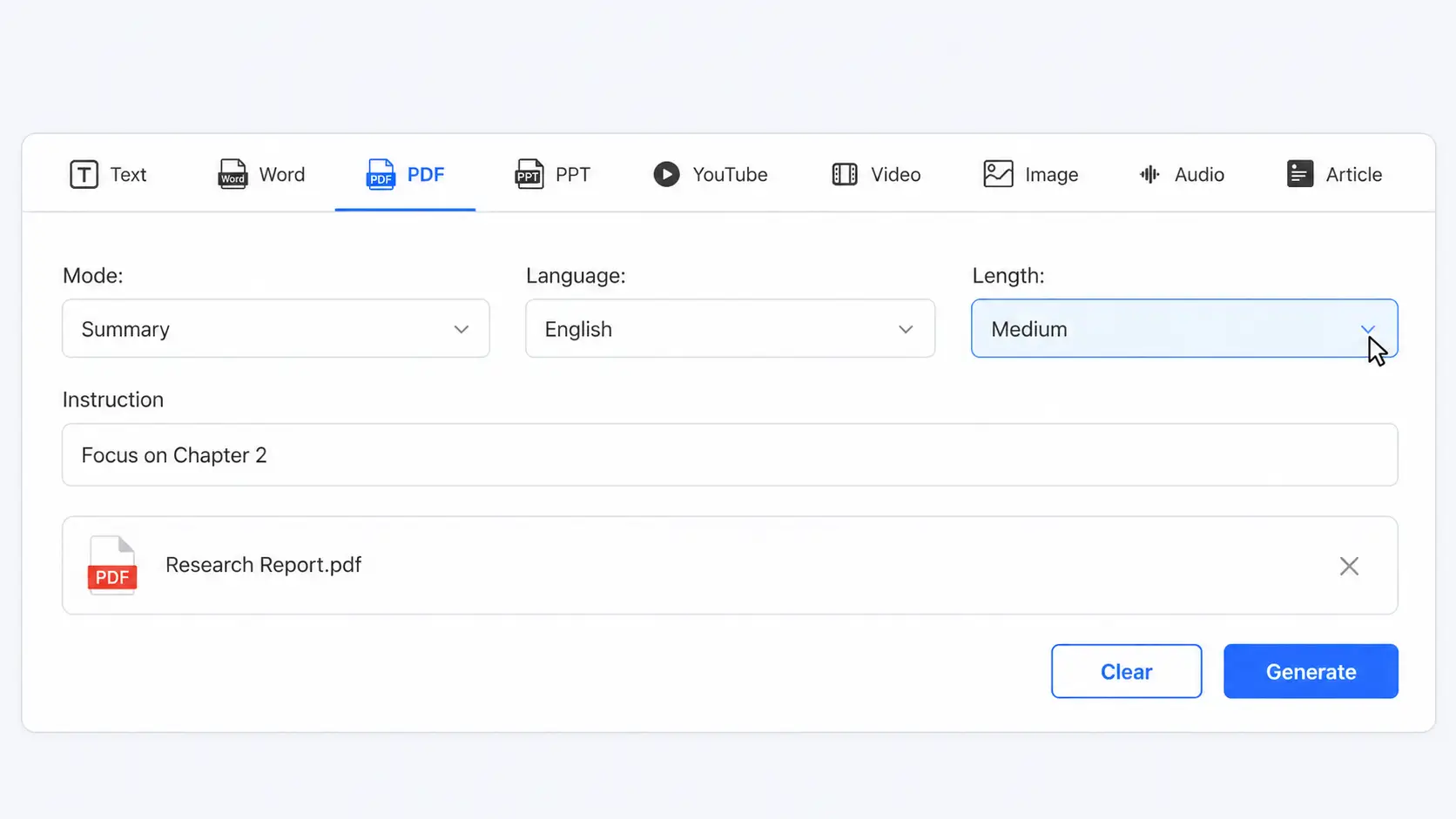
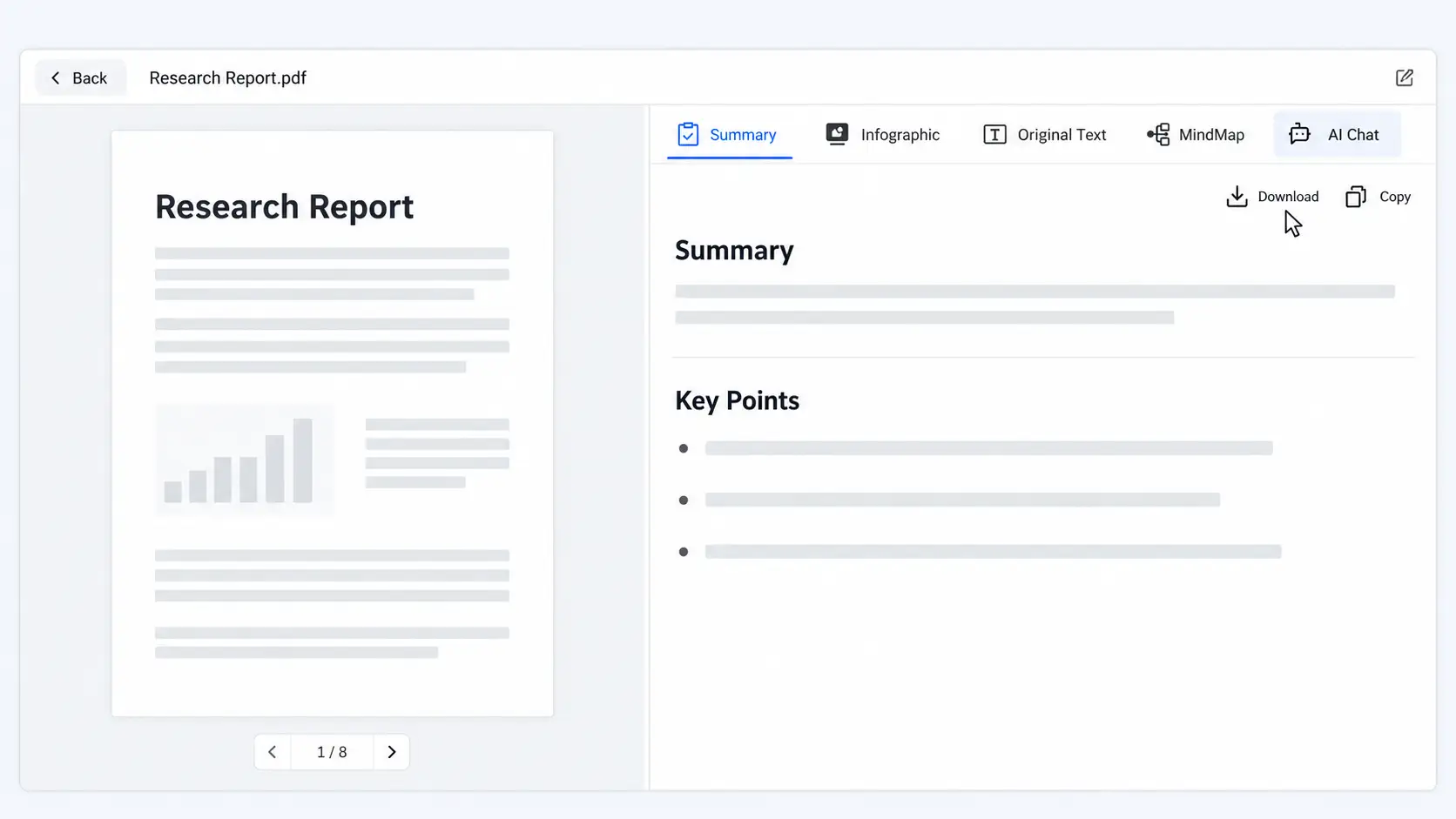
Preparing for an exam after work leaves little time for rereading. Start with a chapter overview and ask about the step you do not understand. For lecture slides, use our PPT Summarizer.


A paper already has an abstract. Use an AI PDF summary to explore how a result was obtained or which limitation affects its interpretation. Keep separate notes for each paper and verify cited sources before using them.
Use a first-pass summary to find passages needing closer review. Keep any qualification with the clause it affects. For confidential files, confirm that upload is permitted and the data handling meets your requirements.


Use a PDF summary to prepare for a briefing. Ask which passage supports the conclusion and keep that evidence separate from your own interpretation.
It condenses a document’s main ideas into a shorter overview. Use it to understand the file before deciding which parts need closer reading.
Start with an overview to see what the book covers. Focus on individual chapters for revision and compare their headings with the output to check coverage.
Choose a longer result and explain what felt incomplete. Ask for the reasoning behind a worked example rather than simply requesting more words.
Use Ask AI to follow up after reading the overview. Name the passage or concept you need help with to keep the conversation focused.
Scanned PDFs need readable text extraction. Check equations against the original, since a missing subscript can change their meaning. Use a clearer copy if recognition is incomplete.
Verify quotations and page numbers in the original PDF. The viewer’s page count may differ from the number printed on the document.
Copy the result or download Markdown-formatted text. Save mind maps as images, or export an XMind file for further editing.
Yes, Decopy offers limited free uses of its PDF summarizer. Check your available allowance before uploading a document.
This page works with PDF files and PDF links. For web articles, get an article summary from the page URL. If you already have plain text, use our text summarizer without preparing a PDF.
Test a chapter you know well against Adobe Acrobat's assistant and a chat-only app. The difference shows up as cited answers and clean exports you can send on, not just a chat window. Then check whether access limits fit your workload.