Accurate text extraction
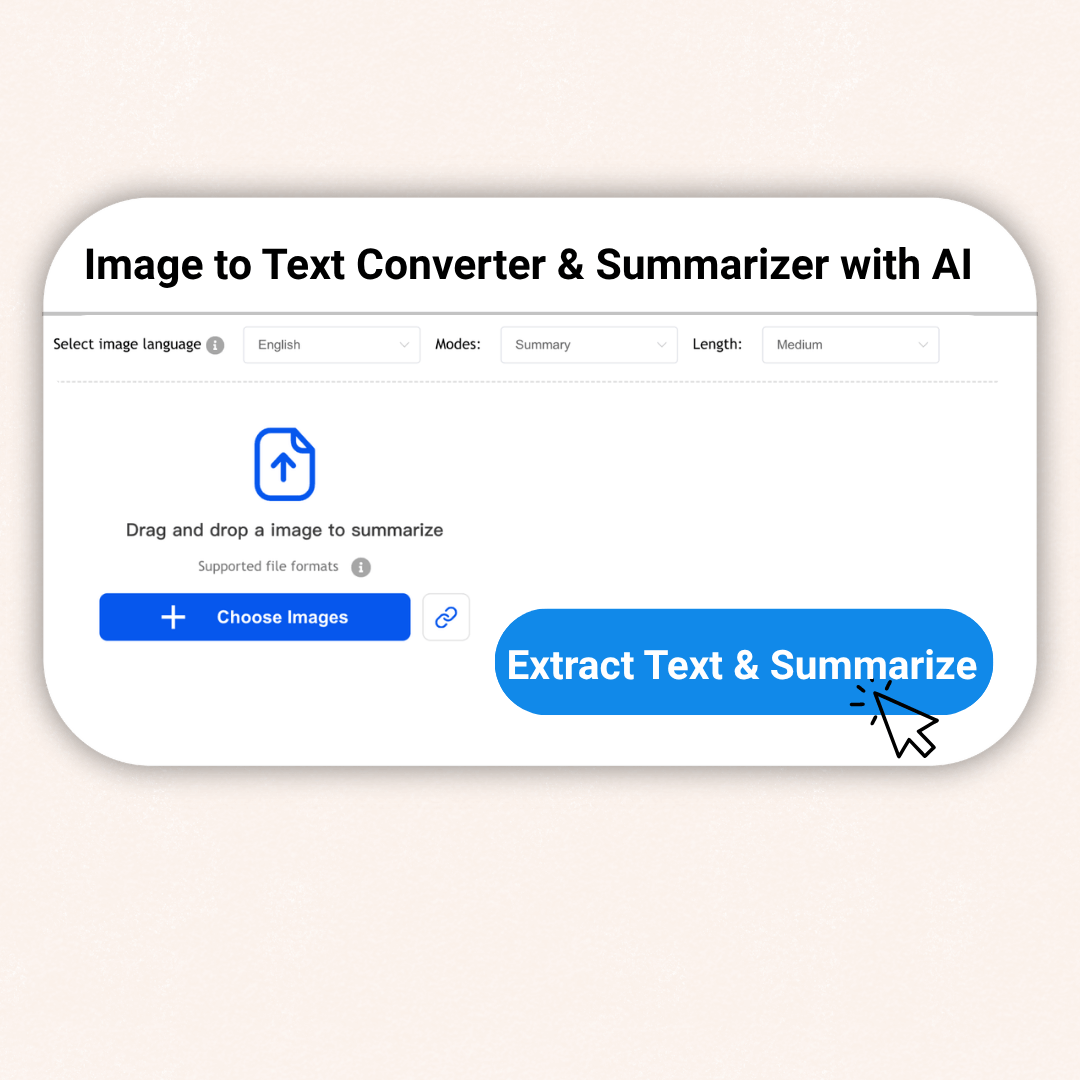
In digital office and learning, problems such as difficulty organizing handwritten notes and citing chart data are often encountered. Use our image to text summarizer tool, which uses optical character recognition (OCR) technology to accurately locate and extract text information in images. Regardless of the image quality, it can quickly convert text content into editable text format to ensure the accuracy and completeness of information extraction.

Output of precise key points list
In the information age, there are many image materials, and text summaries are difficult to extract. Use the intelligent content summarization function of our image to text summarizer tool, use AI algorithms to analyze multi-dimensional information of images. Provide a clear summary of key points for long image content, presented in a concise list format. It is particularly suitable for summarizing long images, infographics or complex scene photos, allowing users to quickly obtain important information without missing any key details.

Multi-scenario adaptation and mind map generation
The multi-scenario adaptation function of the image to text summarizer tool can flexibly cope with various usage environments and meet the needs of different user groups. It supports multiple image formats and can export summarized text in common document formats to ensure users can easily process image information across different fields. At the same time, it can structure image content into intuitive mind maps, clearly displaying the content hierarchy and logical connections through graphical presentation, which greatly helps users deepen understanding, enhance memory, and improve the readability and practicality of information.

Interactive FAQ mode
The innovative interactive Q&A function converts image content into FAQs. It simulates the learning and exploration process, and guides users to think deeply and understand the details behind the pictures. It is particularly suitable for the education field to strengthen the memory of knowledge points. It can also be used as an intelligent explanation of business materials to improve user participation and information acquisition efficiency.

Image to Text Summarizer: Quickly unlock key information in images
Use Image to Text Summarizer to get picture information in multiple formats in one click and save your time.
Text extraction
Quickly organize the context of text extracted from images and accurately identify the core points. Using AI algorithms and OCR technology, image content can be converted into concise and informative text summaries within seconds.
Multiple Formats
Our AI Image Summarizer can seamlessly handle multiple formats including JPEG, PNG, etc. You can easily upload any type of image without worrying about compatibility issues.
Multi-language support
It supports a multi-language environment, with powerful language recognition capabilities, providing smooth and high quality translation services to help users around the world easily understand image content without language barriers.
User-friendly interface
Our simple and intuitive interface is suitable for users of all skill levels, making it easy for both beginners and technically skilled users.
Accessible at any time
Whether at home, in the office, or on the go, you can easily access the Image Summarizer whenever you need to quickly gain insights from your images.
Mind Map Visualization
It has data visualization optimization function, which converts the data in the image into intuitive charts and graphs. For pictures containing a lot of data, AI will extract key data and generate easy to understand visualization content.
Easily Use Image Summarizer in Just Three Steps

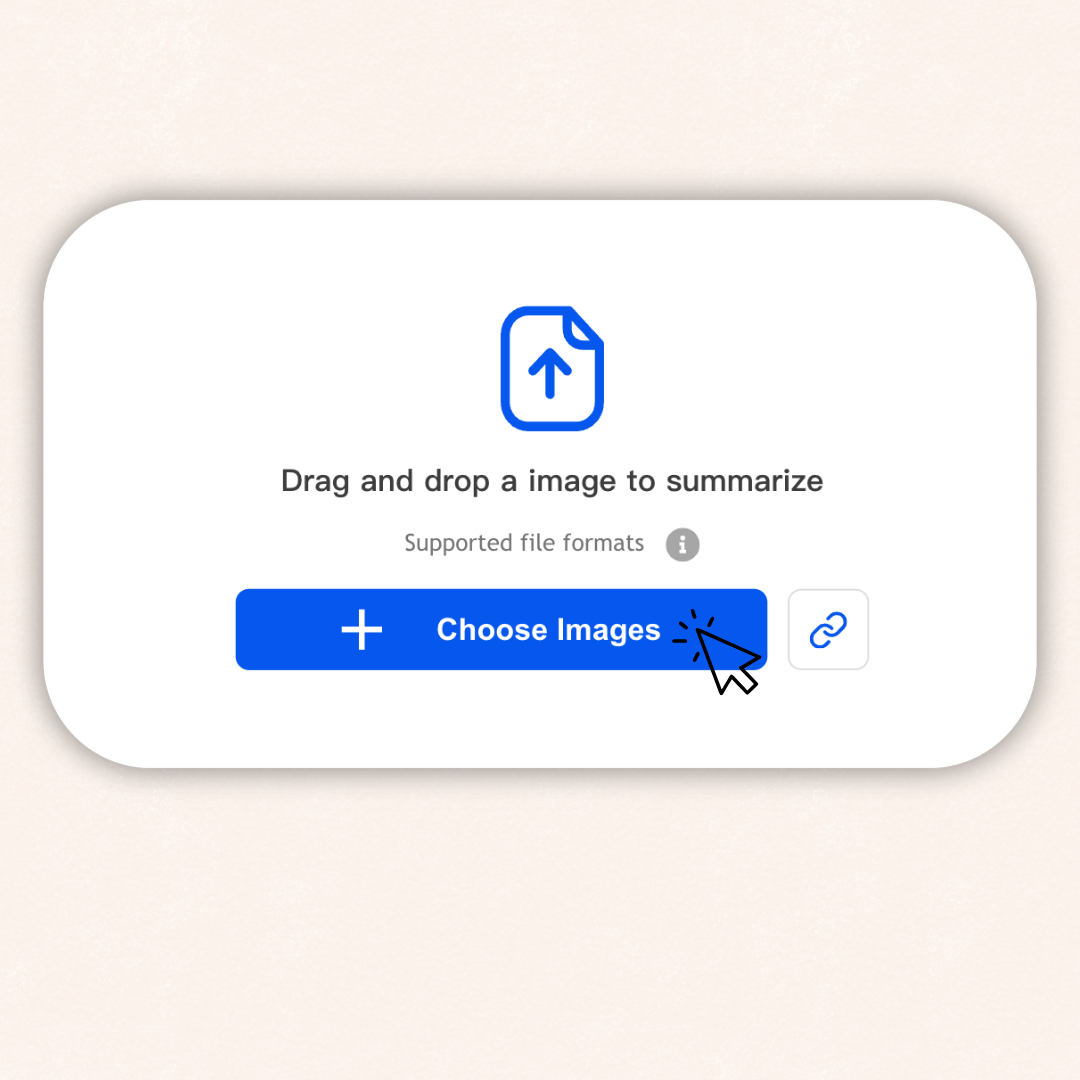
Upload your image

Click Summarize

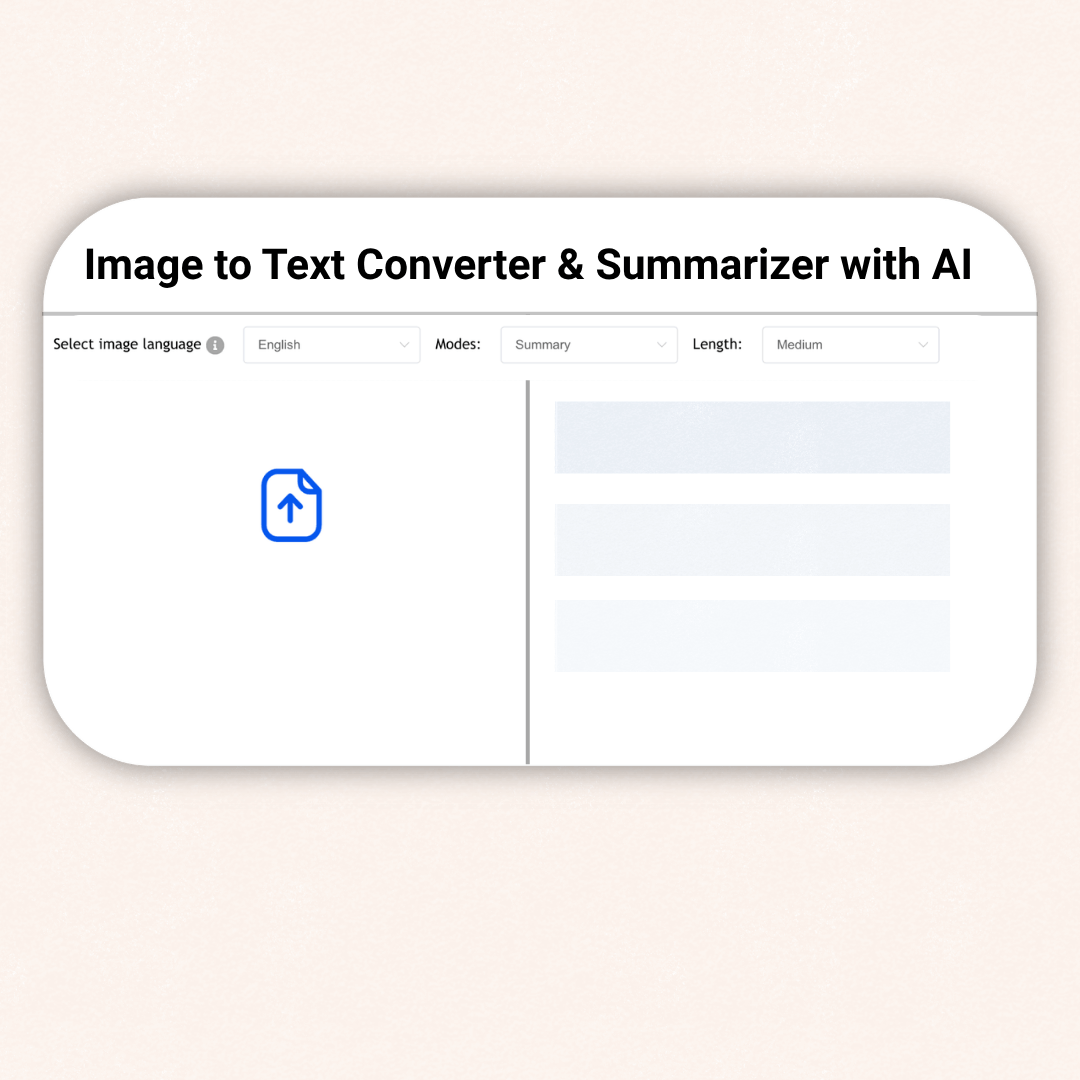
Summary Analysis
Who is the Best User of Image Summarizer?
- Students
- Educators
- Legal professionals
- creators
- Business people
- Marketing personnel
Students
Quickly extract text information from images, organize class notes, review materials, and efficiently obtain key content.

Educators
Use image to text summarizer to convert image content in teaching materials into editable text to improve teaching preparation efficiency.

Legal professionals
To process large amounts of legal documents, image summarizer can quickly extract text and generate summaries to facilitate key information retrieval.

Content creators
Extract information from images, inspire creative inspiration, quickly organize materials, and provide convenience for designing graphic content

Business people
Analyze business reports, charts and other images to quickly extract key data, and can also be used to create business-related documents.

Marketing personnel
Interpret information from market research reports and advertising images to quickly grasp market trends.

Why choose our Image to Text Summarizer?
Advanced Technology
Our image to text summarizer uses advanced technology to ensure accurate text extraction. This is especially beneficial for complex images and handwritten text.
Versatility
We support a wide range of image formats, whether you are working with JPEG, PNG, or other formats, our tool can handle it.
Speed & Efficiency
You can use our image summarizer to quickly extract key insights from images, saving time to focus on more important tasks.
Security
Your data is encrypted using industry-standard encryption technology and follows a strict privacy policy. We take your privacy very seriously and ensure that your information is safe.
100% Free
Completely free, no hidden fees, no registration required.
Powerful multi-language support
Our image to text summarizer tool has excellent multi-language recognition capabilities and can process image content in multiple languages.
User Reviews of Decopy Image Summarizer
Frequently Asked Questions (FAQs)
Image Summarizer is an artificial intelligence tool that helps users extract key information from images. It converts them into editable text and generates concise text summaries, improving the efficiency of information processing and saving time and energy.
It can extract key points from complex image content and help users quickly understand the main information of the image.
Uploading images is very easy! You can directly drag and drop images from your local folders into the designated upload area, or you can click the Upload button and select the image files to be processed from your device.
Image Summarizer supports many common image formats, including JPEG, PNG, GIF, etc.
Our Image Summarizer supports multiple languages including English, Chinese, Japanese, etc. We will continue to expand and improve the supported languages based on user needs.
It is completely free and you can use it directly on our platform without registration. Whether you want to quickly extract text from images or generate detailed summaries and analyses, you can use our services.
Getting started is easy! Just visit our website, upload your image and click on the "Generate Image Summary" button. In a few seconds you will receive the generated summary.