Efficient Document Processing & Learning Assistant
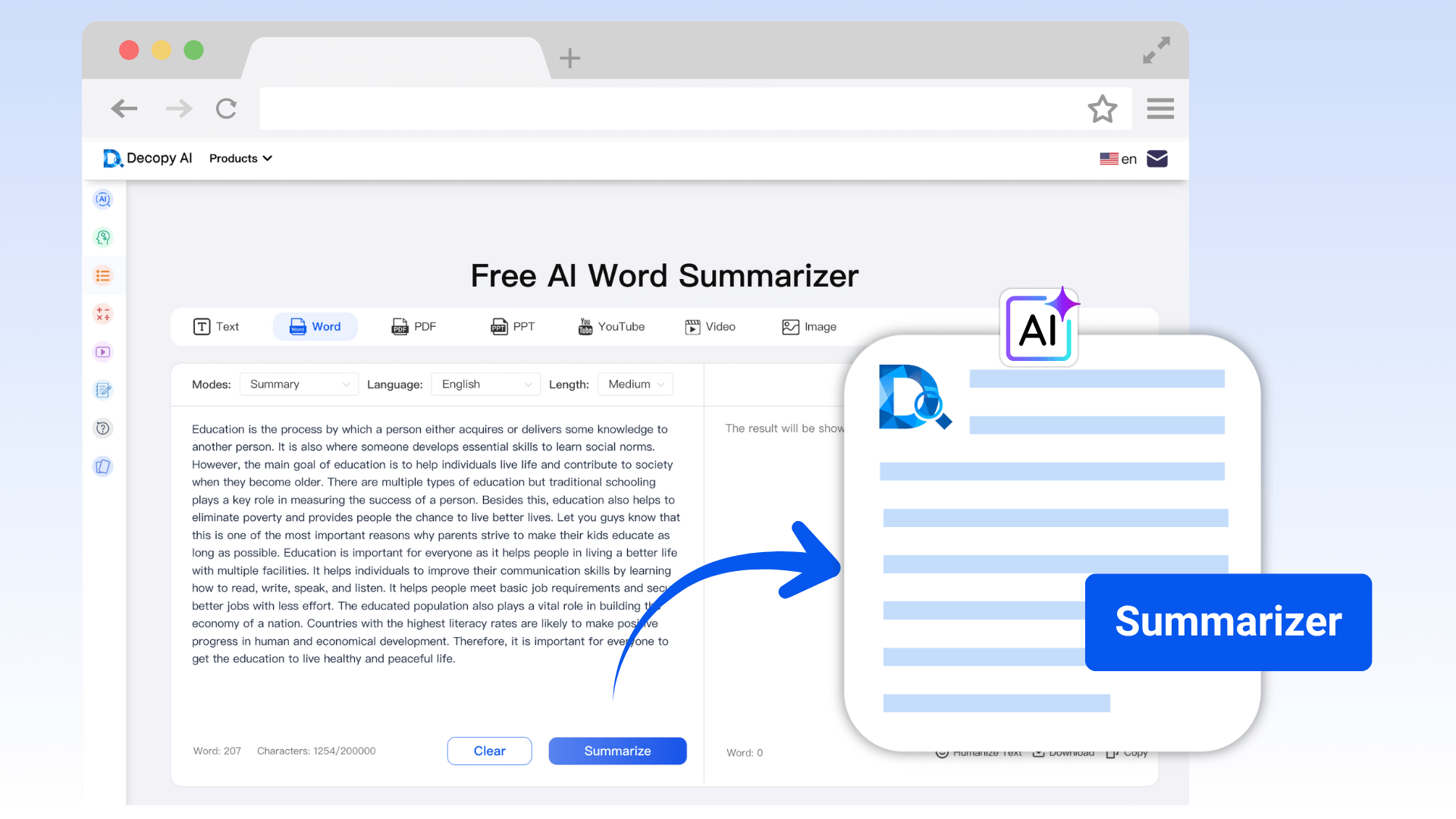
The Word summarizer tool uses intelligent summarization and mind mapping to save significant time on reading and organizing, making it an ideal learning assistant for students and professionals. It supports quick extraction of key information from Word documents, generating structured notes or reports, and outputting as Markdown-structured TXT files.

Intelligent Handling of Complex Word Documents
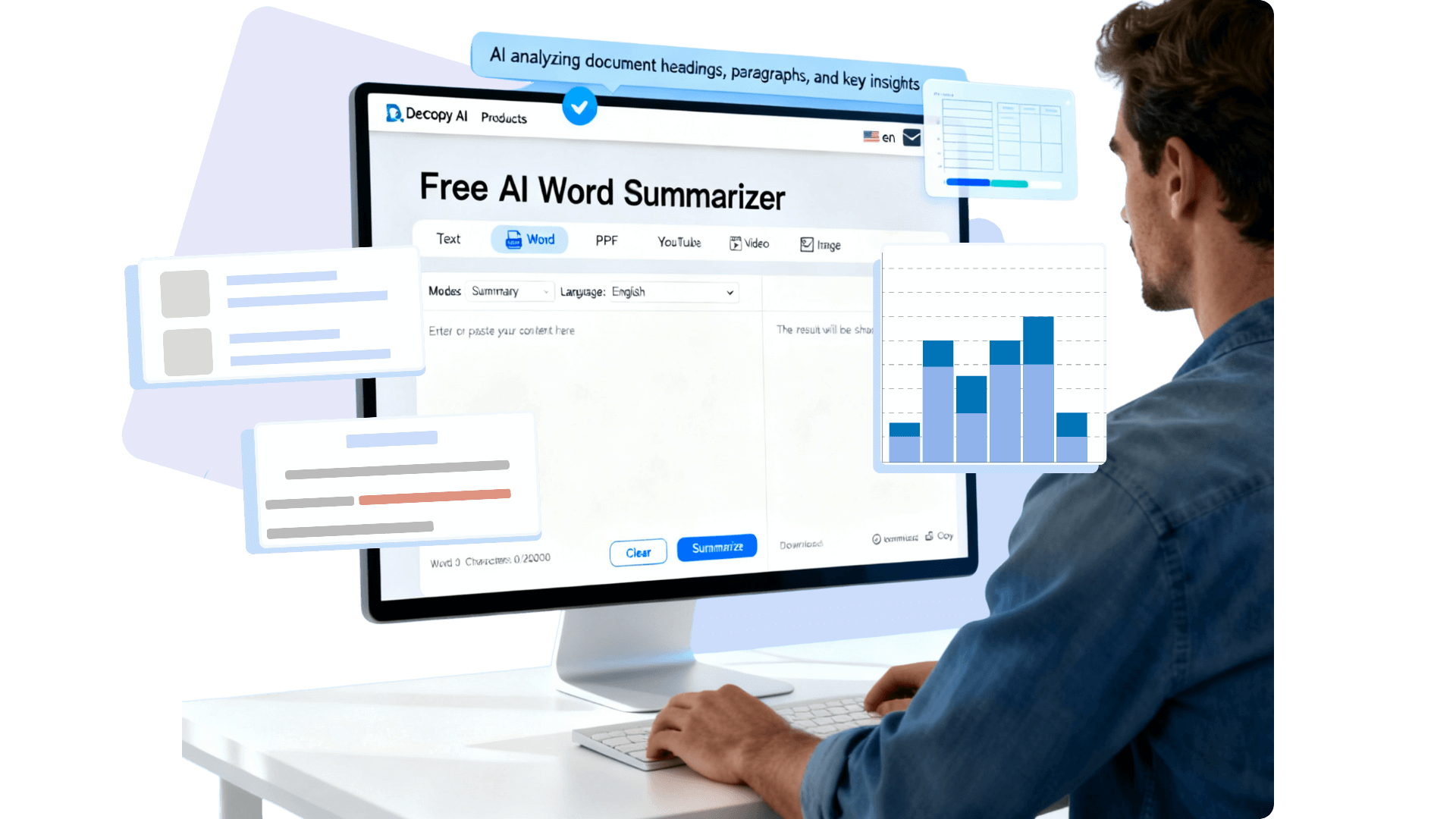
The intelligent Word document summarizer uses advanced AI algorithms to deeply analyze Word document structures, efficiently identify headings, paragraphs, and key content, and extract text from images, coherently integrating all content to instantly generate structured AI Word summaries.

Powerful Mind Mapping Generation
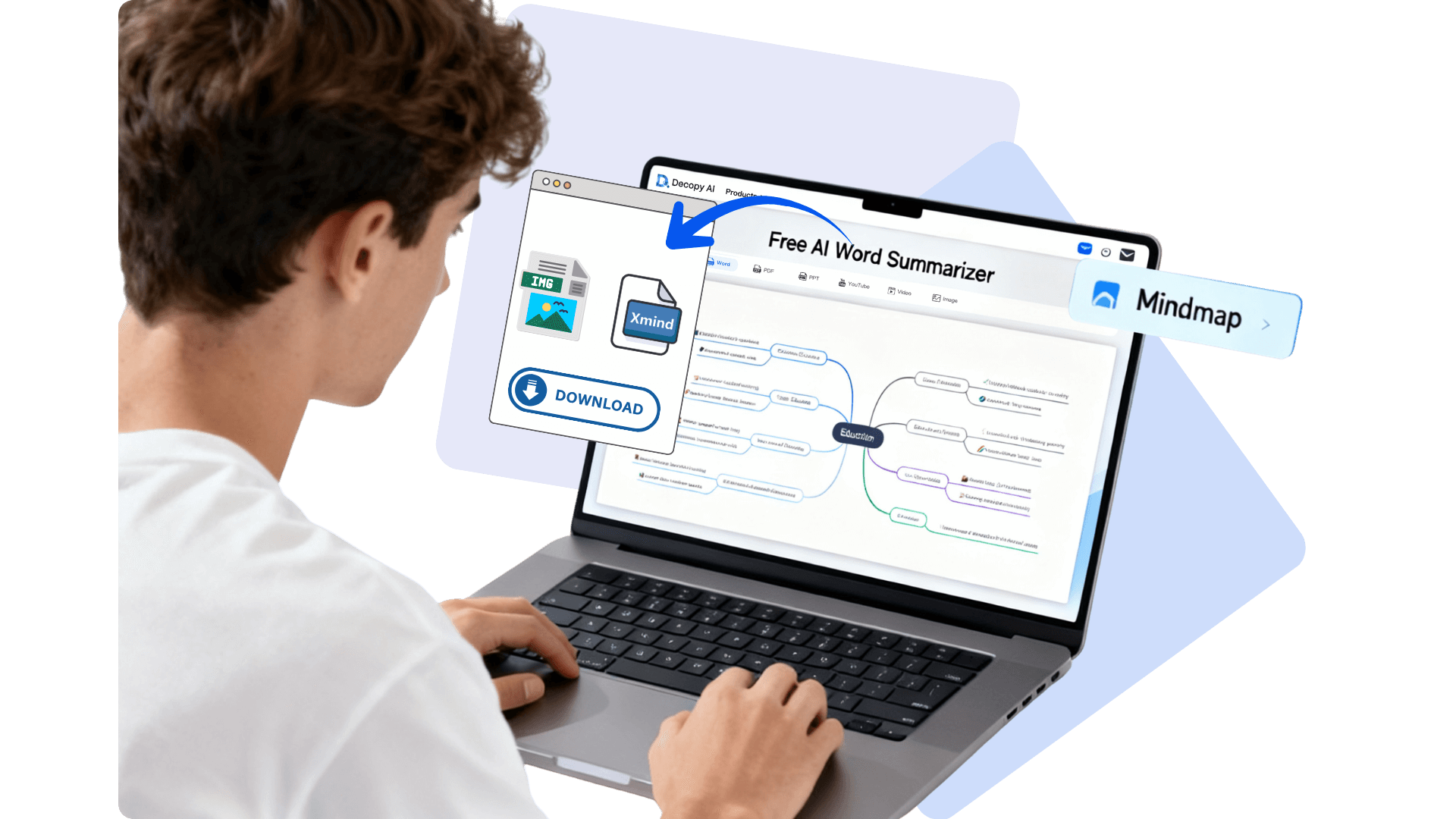
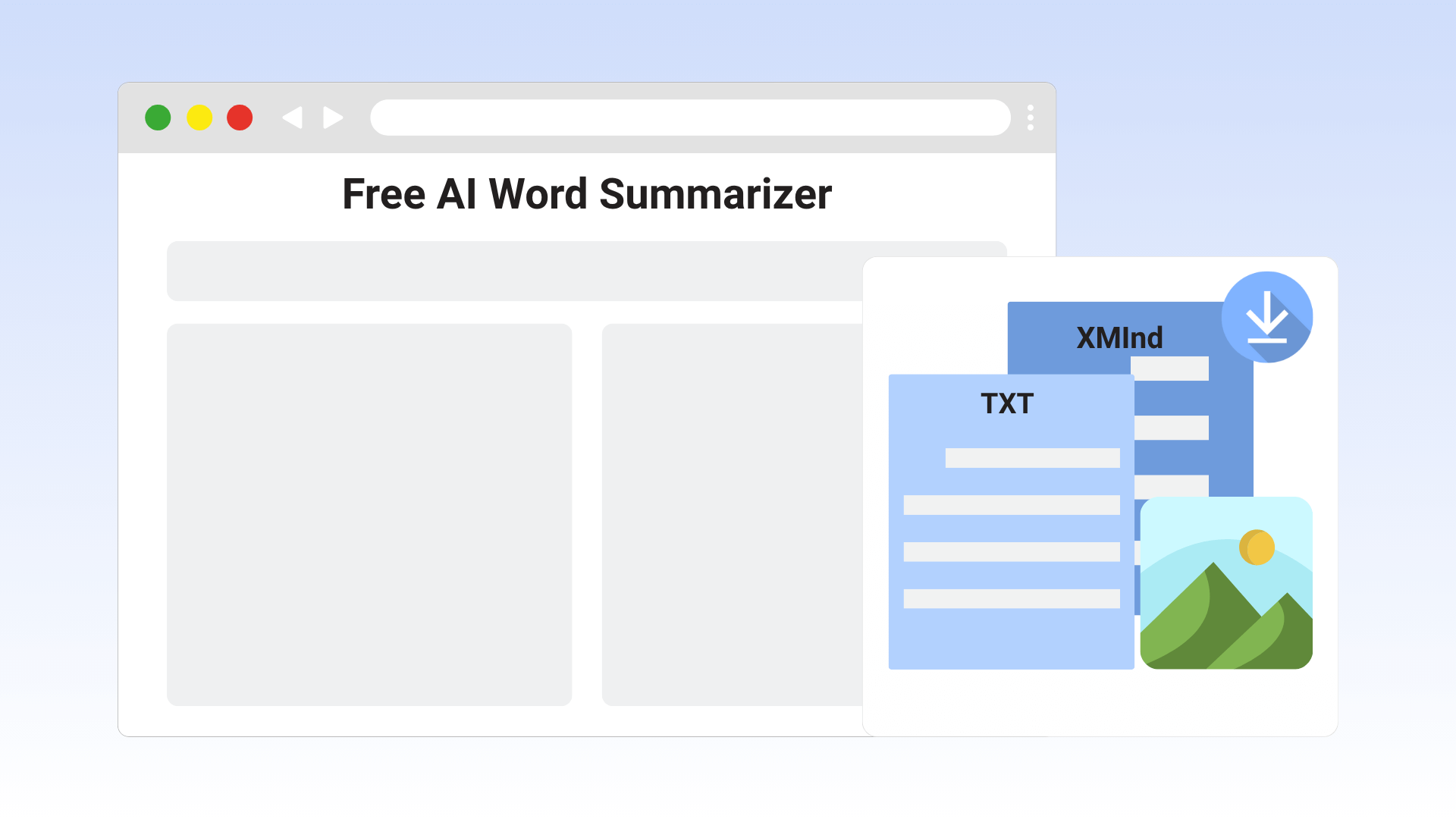
With one click, transform your document summary into a logically clear mind map, aiding in visual information organization. Support for exporting as PNG or XMind formats. After exporting in XMind format, you can further edit in professional software, facilitating efficient collaboration and serving as an innovative feature for Word summarizer.

Core Features Loved by Users
As a user-centered platform, our AI Word document summarizer is designed based on what users care about most: simplicity, accuracy, and security.
Free Multilingual Support
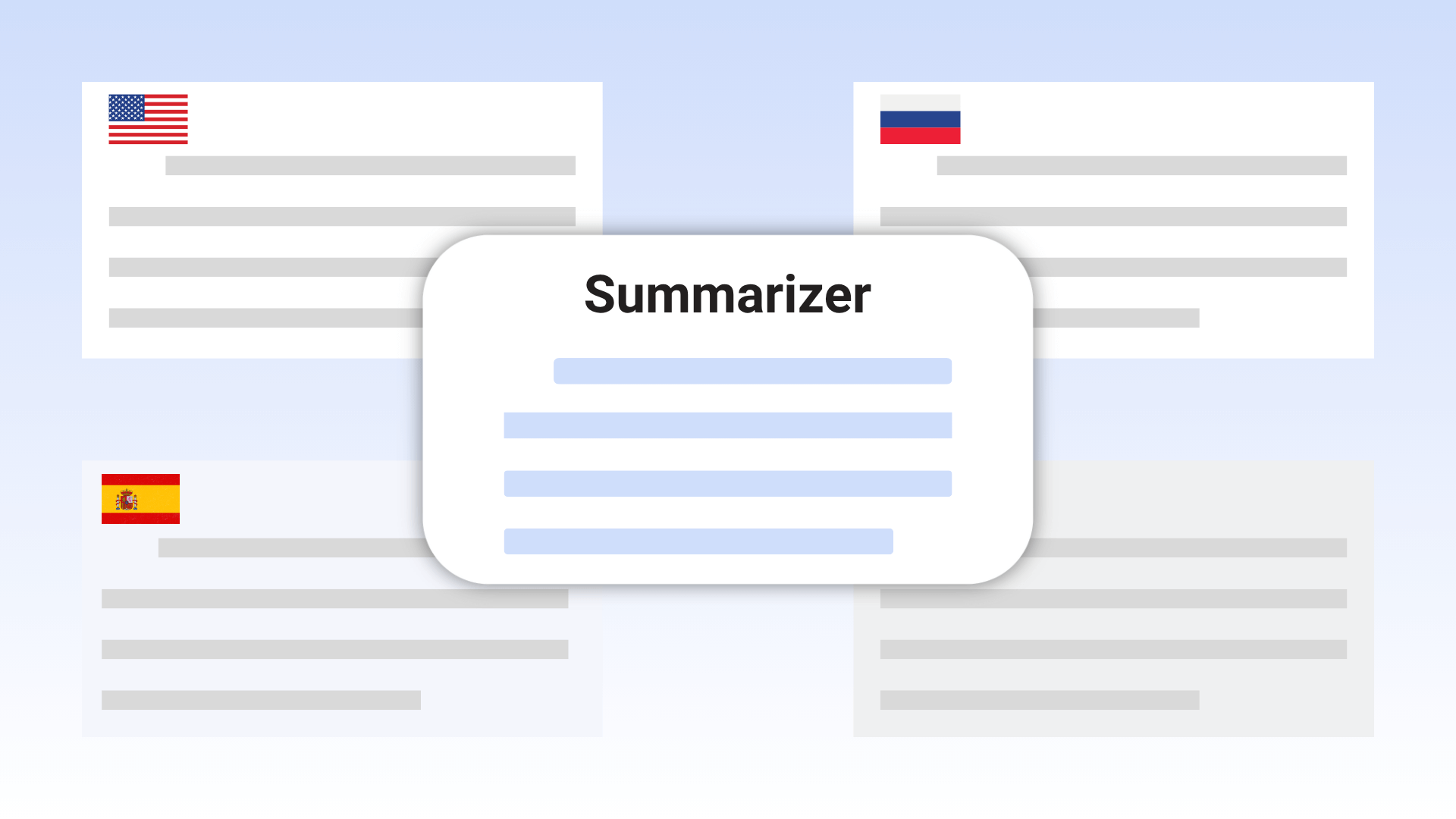
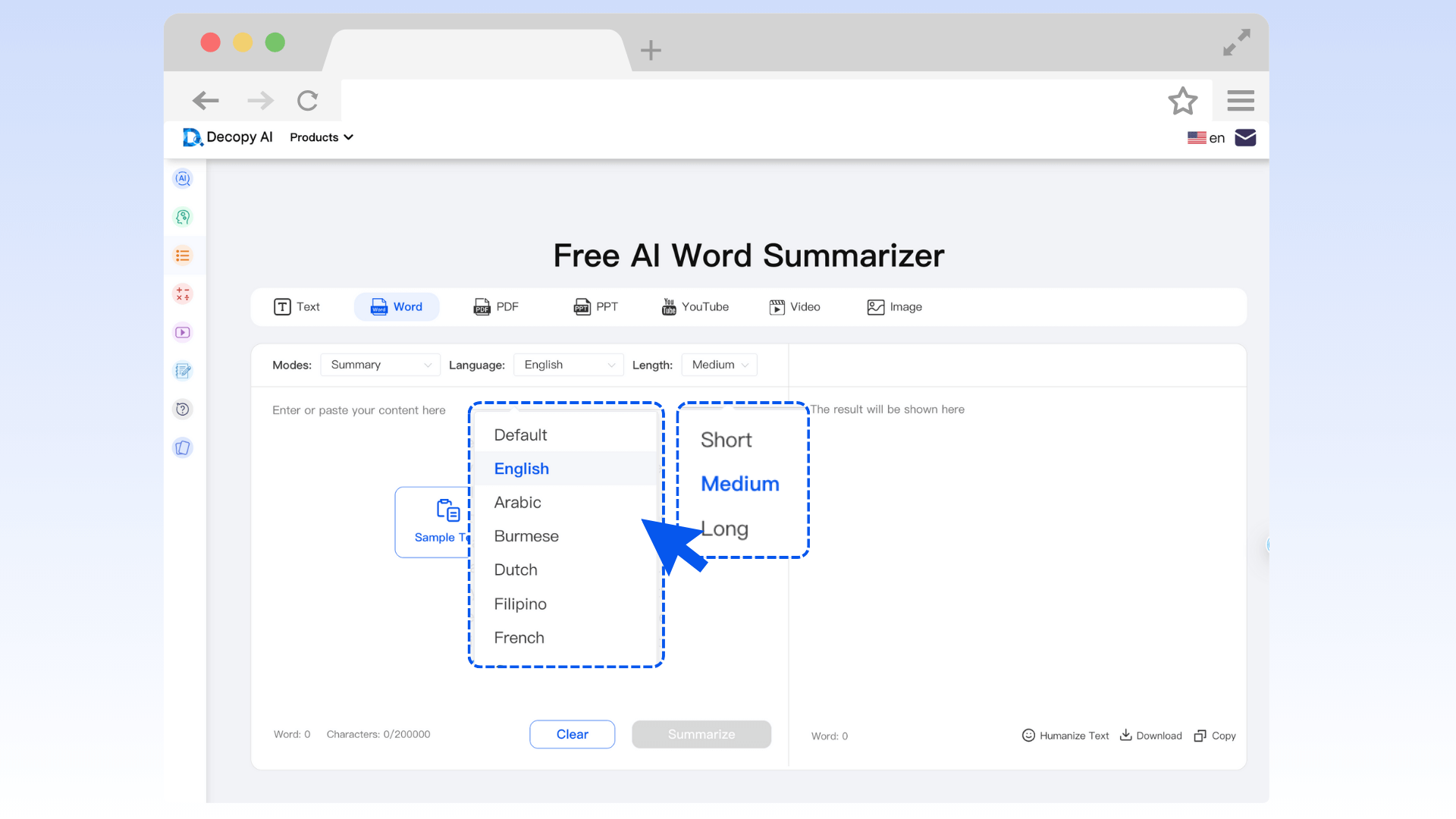
Completely free, covering English, Chinese, French, Spanish, and more languages, aiding international document summarizer needs.
Diverse File Uploads
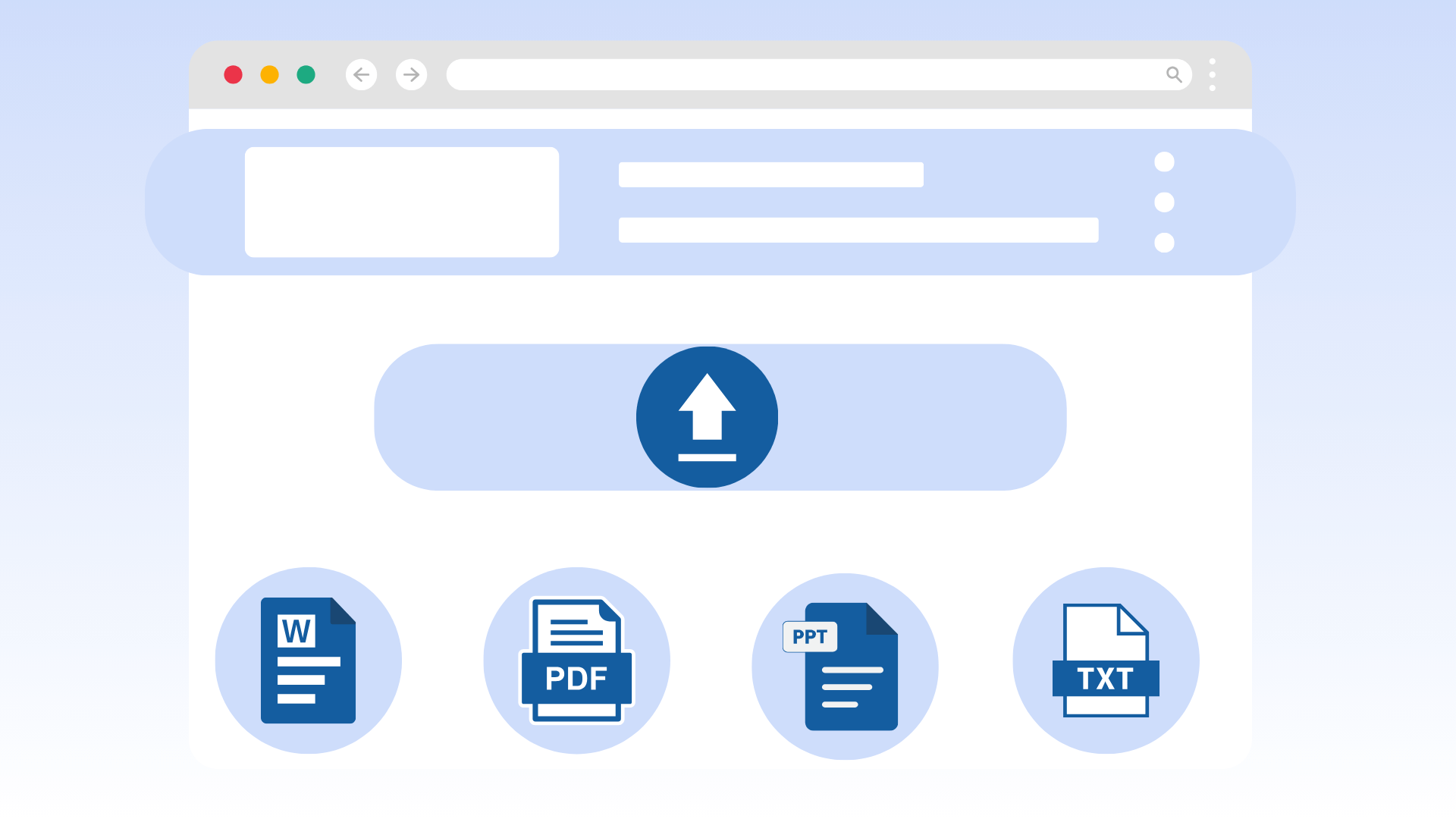
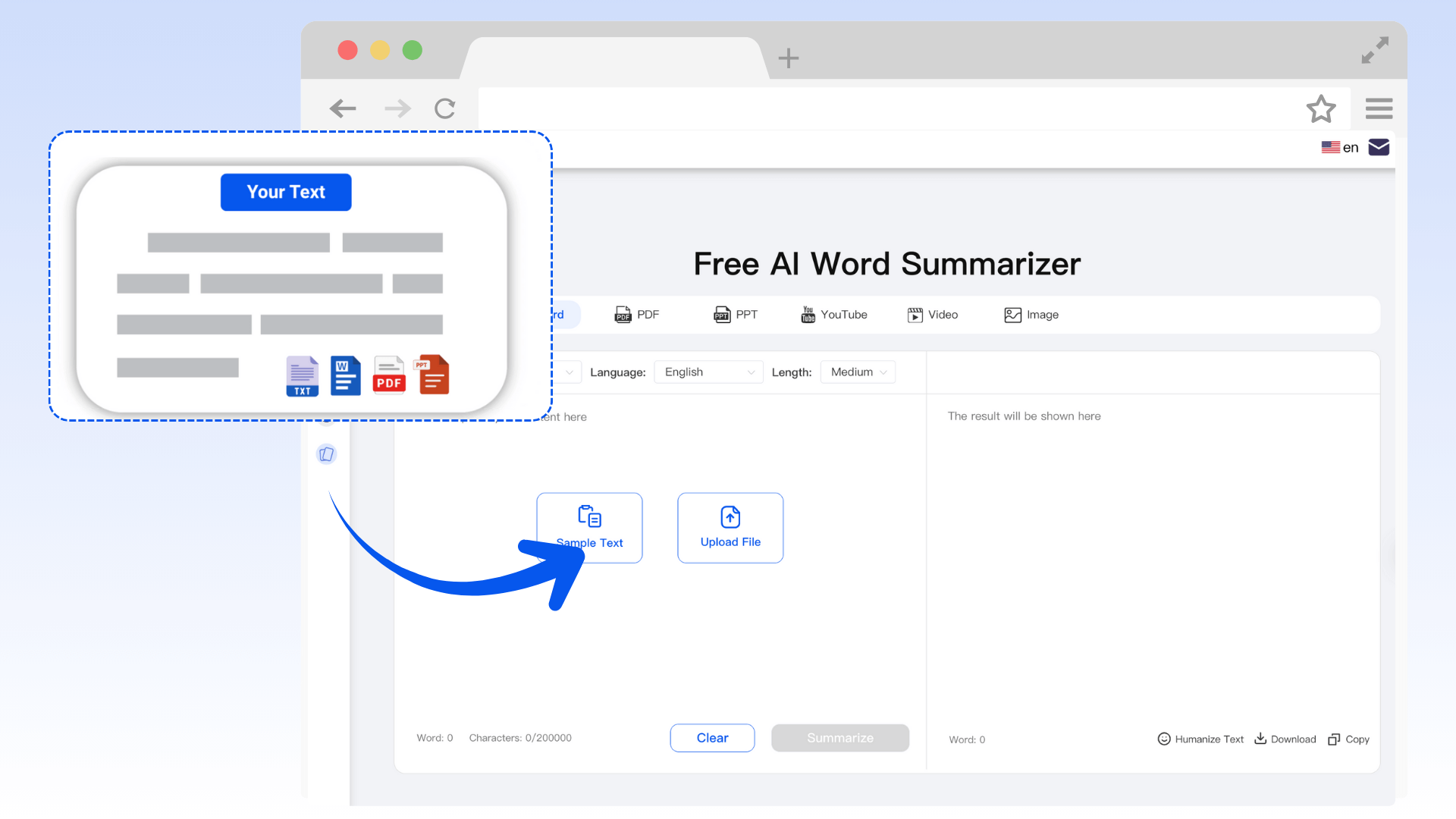
Supports Word, PDF, PPT, and TXT, covering multiple document formats to achieve comprehensive summarization.
Real-Time Original File Preview
Instant preview after upload, ensuring document summary accuracy.
Varied Templates
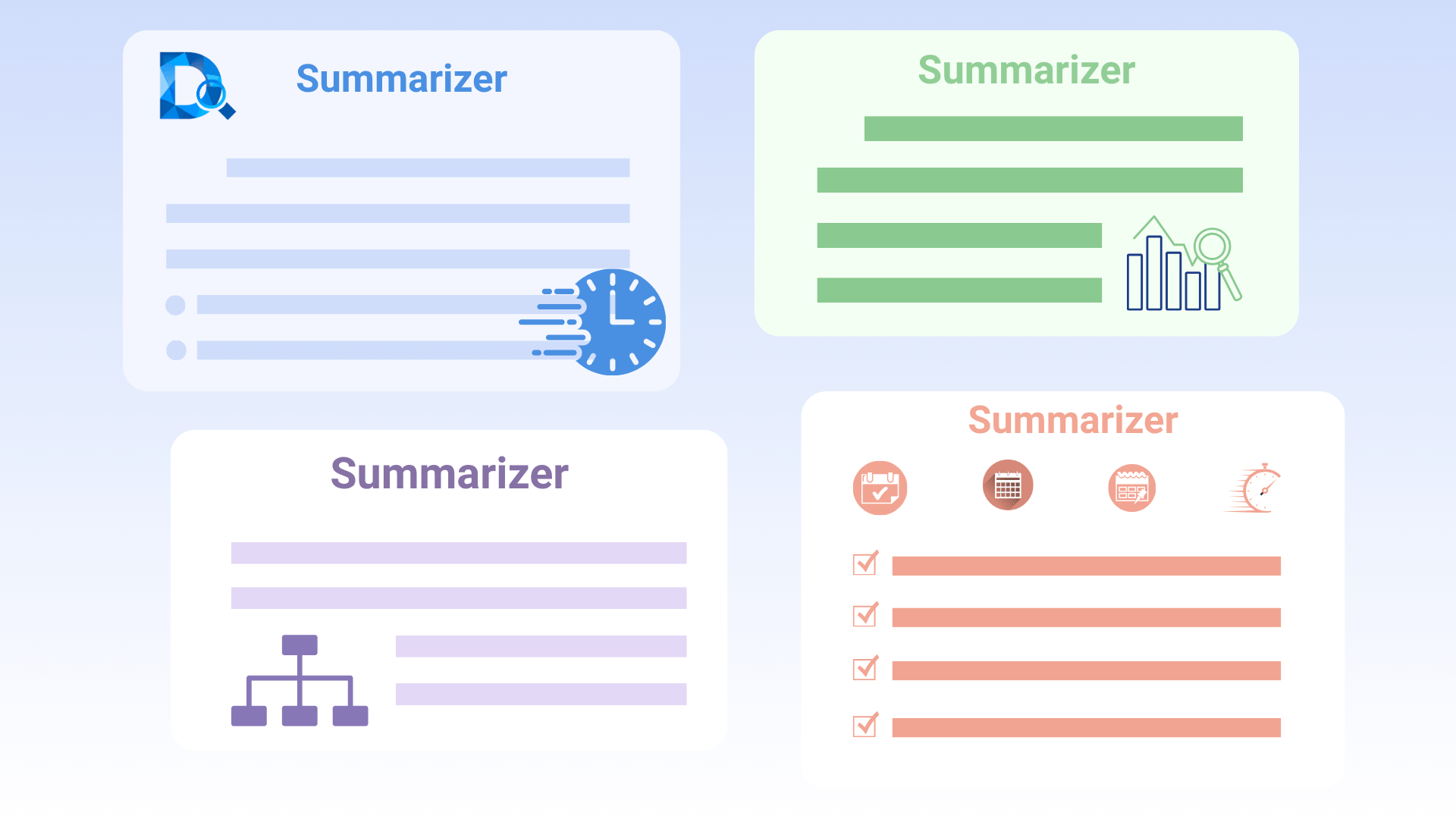
General, study notes, report summary, meeting summary, covering multiple summarize documents scenarios.
Custom Summary Length
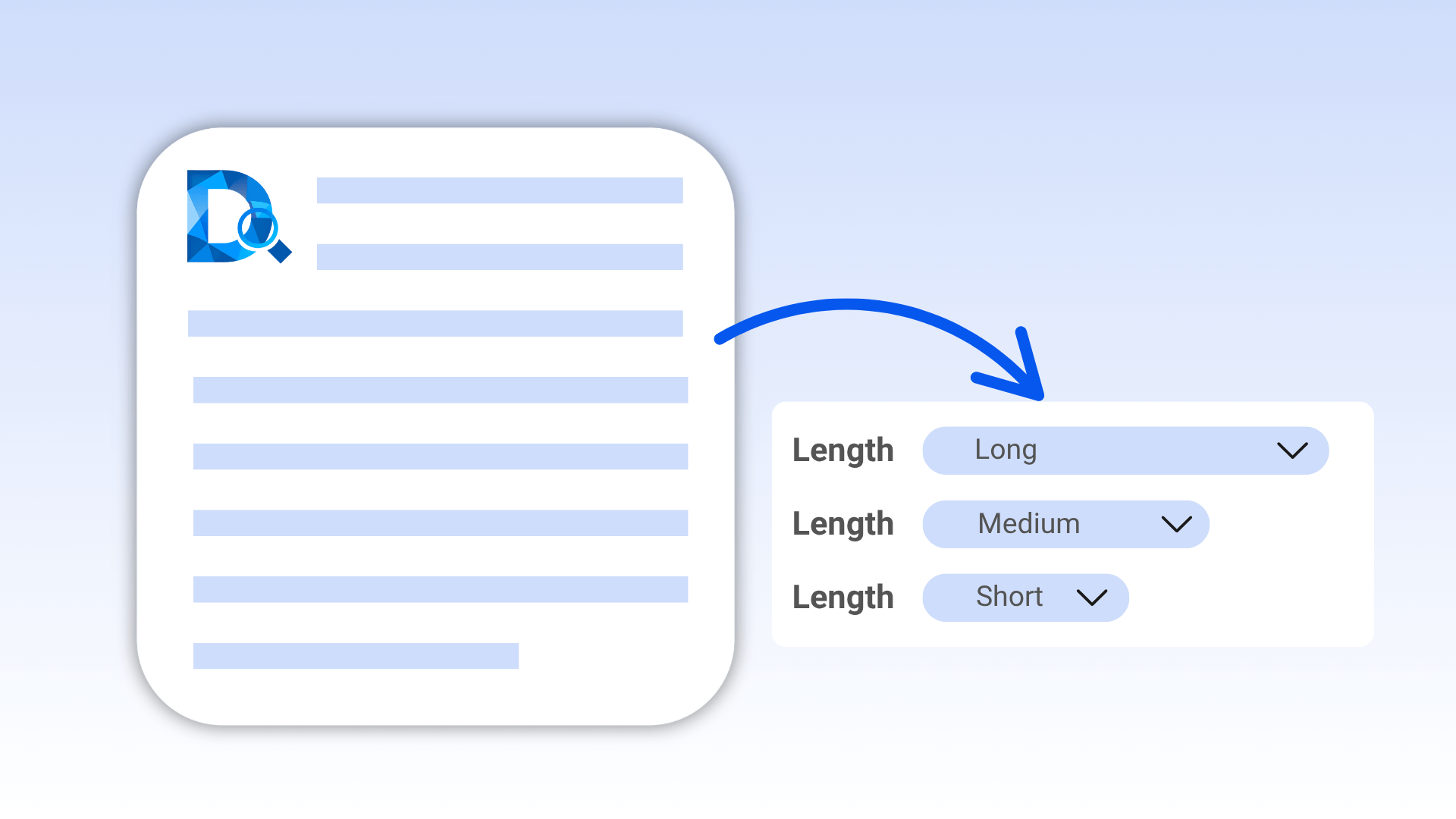
Short, medium, long options, flexibly adapting to Word summarizer demands.
Multi-Format Downloads
Word document summary supports Markdown TXT, mind maps support PNG/XMind exports.
Summaries for All Document Types
Decopy doc summarizer supports Word, PDF, PPT, TXT, and more formats, easily handling various document processing needs.
Word Documents: Quick Core Content Extraction
Word documents are often used for academic papers, reports, or lengthy drafts, with complex content and long lengths. Our tool uses AI technology to intelligently parse headings, paragraphs, and key information, generating structured Word document summarizer in seconds.

PDF Documents: Easy Parsing of Non-Editable Files
PDF documents pose challenges for summarization due to non-editability. Our tool directly parses PDF content, extracts core information, and generates clear PDF document summary, without manual format conversion. Supports complex formats (like PDFs with tables or charts), ensuring complete and accurate summaries.
PPT Documents: From Slides to Structured Summaries
PPT documents have loose structures and scattered information, making organization time-consuming. Our tool automatically analyzes slide content, extracts key text and data, generates PPT document summary, and can one-click convert to mind maps, clearly presenting project plans or meeting points.

TXT Documents: Efficient Summarization of Concise Text
TXT files are commonly used for notes or drafts, with concise content requiring quick key extraction. Our intelligent Word document summarizer rapidly scans TXT files to generate structured text summaries, supporting multilingual outputs and keyword highlighting, ideal for quick recording or sharing.
How to Quickly Summarize Document in Word?

Upload File

Custom Settings

View and Download
Learn, Work, and Think Faster
- Students
- Business Professionals
- Content Creators
- Project Managers
- International Teams
Students and Scholars
Academic Word documents are typically long and complex—our tool quickly extracts core ideas, generating study notes. Upload papers or research reports, select the "study notes" template, set short summaries to distill key arguments, or long summaries to retain details.

Business Professionals
Business reports and meeting Word documents are often information-dense—our tool helps quickly extract key info, boosting summarize document efficiency. Upload quarterly reports or meeting records, choose"report summary" or "meeting summary" templates, generate concise summaries for presentations or decisions.

Content Creators
Lengthy Word documents are common in content creation, like ebooks or blog drafts. Our tool distills document summary, generating short overviews for social media promotion or detailed summaries for content planning. After uploading, select "general template," customize summary length—the result can be directly copied to blog platforms.

Project Managers
Project managers often handle PPT documents converted to Word—our tool generates mind maps to optimize team brainstorming. Upload PPT-to-Word files, choose "general template" or "meeting summary" template, generate summaries then one-click to mind maps.

International Teams
In cross-cultural collaboration, Word summarizer needs multilingual outputs. Our tool allows uploading English Word documents and generating Spanish, French, or other language summaries, meeting needs for users in Europe and America.

Why Choose Decopy Word Document Summarizer?
Save Time
Rapidly generate Word summarizer and mind maps, significantly reducing reading and organizing time, enhancing work efficiency.
High-Precision AI
Using the latest NLP technology, document summary accuracy exceeds 95%.
Cross-Platform Support
Web-based access, compatible with desktop and mobile devices, generate summaries anytime.
Unique Mind Mapping
One-click visual mind maps, elevating summarize documents efficiency.
User-Friendly
Clean interface, suitable for beginners and pros using the doc summarizer.
Continuous Optimization
Regular algorithm updates, adding file types and templates, perfecting the Word document summarizer experience.
User Reviews of Word Summary Tool
Frequently Asked Questions (FAQs)
The tool supports Word, PDF, PPT, TXT uploads, compatible with various summarize document needs. Whether academic papers, business reports, or presentations, it handles quickly and generates Word summarizer.
Before generating, choose short (key points), medium (detailed overview), or long (comprehensive analysis) options, flexibly controlling output to meet your specific needs.
Yes, export as XMind for editing and optimization in XMind software, or PNG for display/sharing, making summarize documents more efficient.
Completely free, no registration or subscription, use anytime for unlimited Word document summarizer and mind maps, no hidden fees.
Supports English, French, Spanish, Chinese, and more languages, flexible input/output selection, aiding document summary for international needs, especially for users in Europe and America and cross-border teams.
All uploads are for temporary processing only, deleted after completion, not stored on servers. Complies with GDPR and CCPA privacy standards, ensuring secure summarize Word document generation.
If not accurate, try switching templates (e.g., from general to report summary) or re-uploading. Our AI optimizes based on feedback; contact support for further help.
Yes, supports direct PPT uploads, auto-parsing for precise summaries. Choose "meeting summary" template to quickly extract key info and generate mind maps for project planning or team discussions.